尝试学习frida
尝试直接用frida看看能不能调试
1
frida -U -f com.leleketang.SchoolFantasy
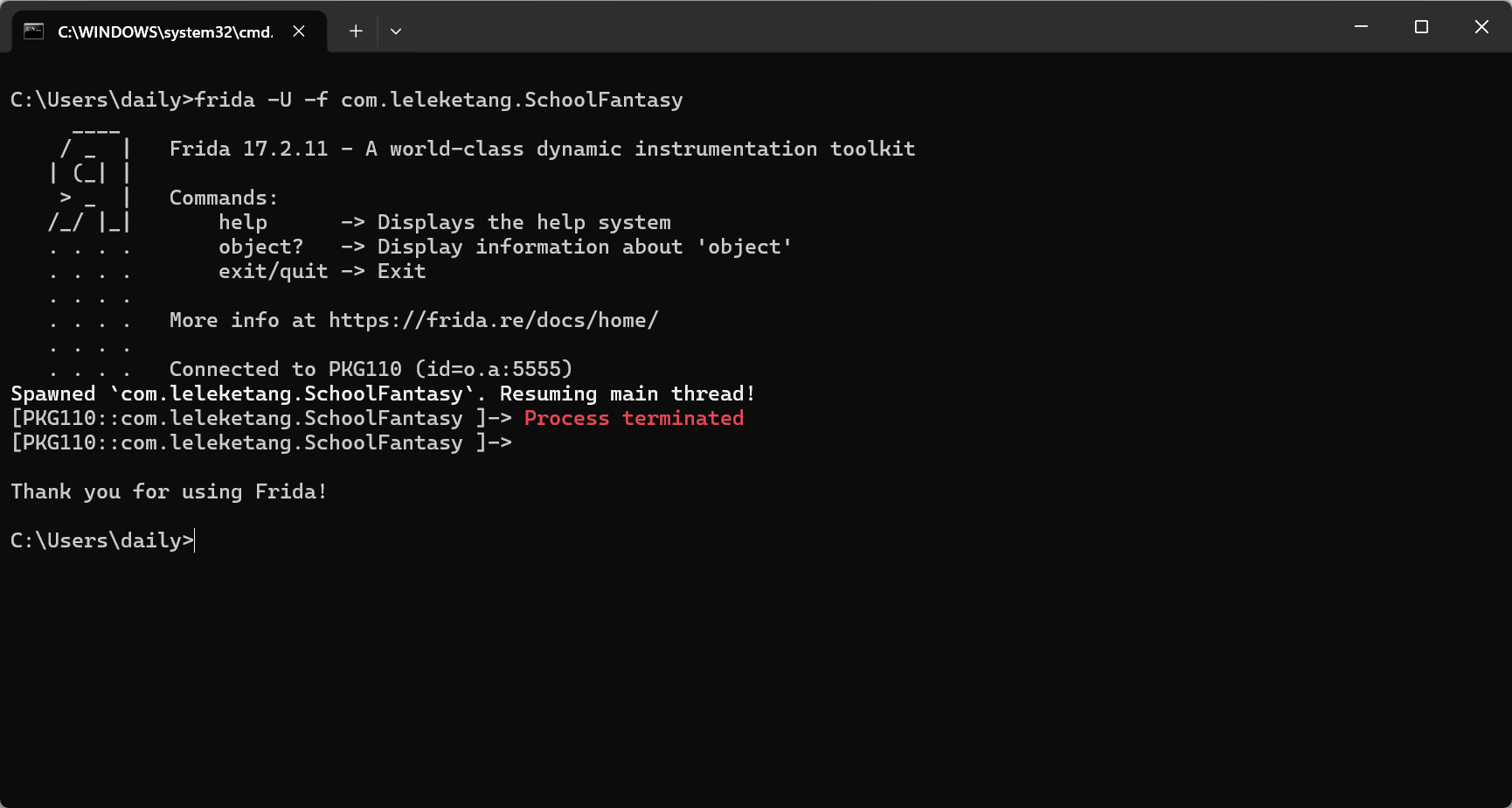 预想之中, 所以得先反调试…啊, 好难啊,,360加固框架到底怎么反调试的??查看了一篇360加固分析的博客, 望而却步.. #2026年4月21日 先玩会儿吧.. 还是先弄懂frida对native层的调试接口吧.
 Interceptor是拦截器, 引出的问题是:
- 插哪儿
- 插完要做什么 学习这个博客的一个脚本
1
2
3
4
5
6
7
8
9
10
11
12
13
14
15
16
function hook_dlopen(soName = '') {
  Interceptor.attach(Module.findExportByName(null, "android_dlopen_ext"), {
      onEnter: function(args) {
          var pathptr = args[0];
          if (pathptr) {
              var path = ptr(pathptr).readCString();
              console.log("Loading: " + path);
              if (path.indexOf(soName) >= 0) {
                  console.log("Already loading: " + soName);
                  // hook_system_property_get();
              }
          }
      }
  });
}
setImmediate(hook_dlopen, "libmsaoaidsec.so");
一看这是老版本的frida, 这个坑我踩过. 最新版api应该如下写
1
Module.getGlobalExportByName("android_dlopen_ext")
1
2
3
4
5
6
7
8
9
10
11
12
13
14
15
16
function hook_dlopen(soName = '') {
    Interceptor.attach(Module.getGlobalExportByName("android_dlopen_ext"), {
        onEnter: function(args) {
            var pathptr = args[0];
            if (pathptr) {
                var path = ptr(pathptr).readCString();
                console.log("Loading: " + path);
                if (path.indexOf(soName) >= 0) {
                    console.log("Already loading: " + soName);
                    // hook_system_property_get();
                }
            }
        }
    });
}
setImmediate(hook_dlopen, "libmsaoaidsec.so");
真的看着好陌生的知识啊, 但是当初自学java也是这样一路摸索过来的, 我相信我自己能掌握这门技术. 我想看看android_dlopen_ext函数参数, 去看看对应的源码. 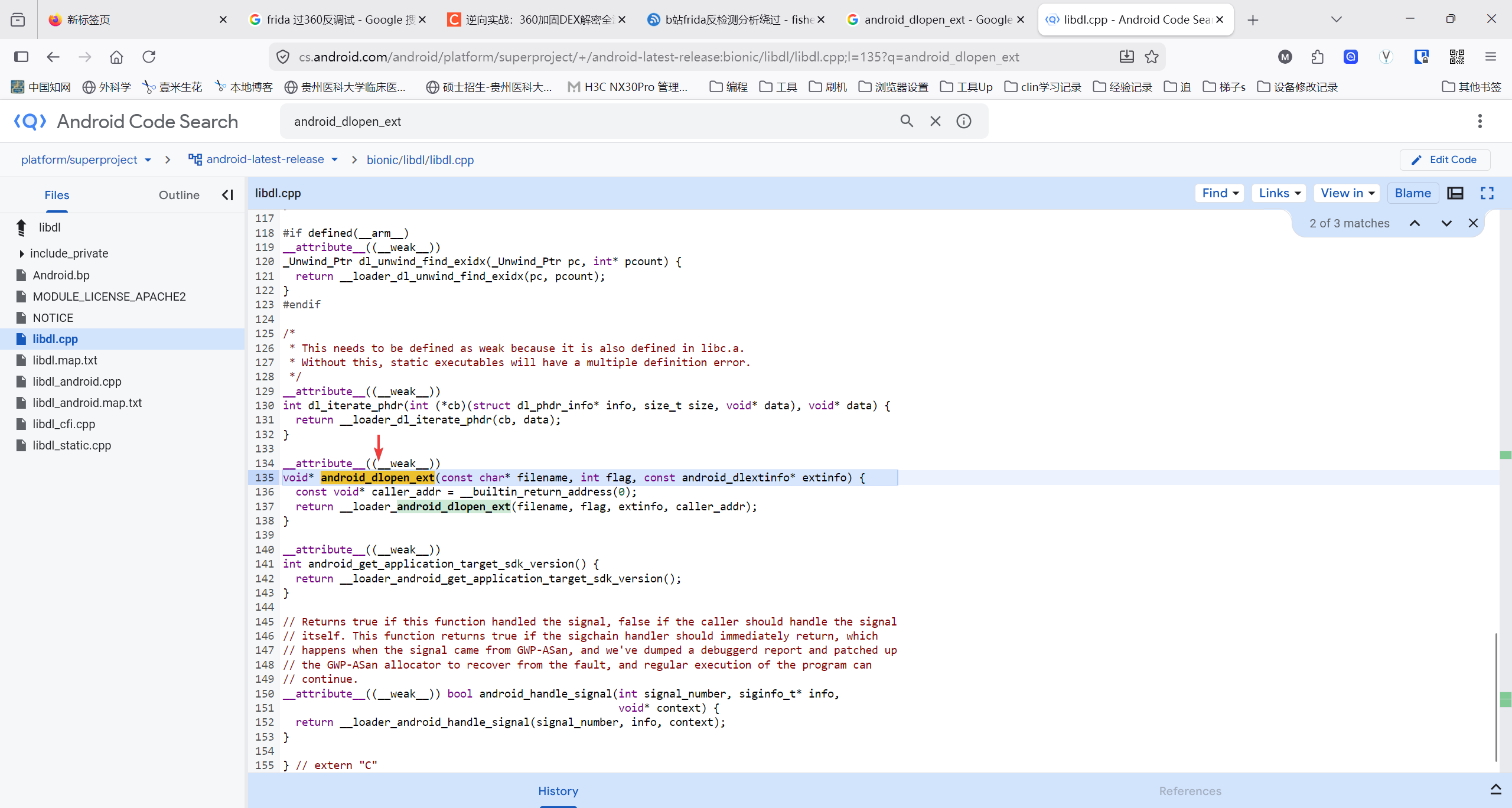
1
2
3
4
5
__attribute__((__weak__))
void* android_dlopen_ext(const char* filename, int flag, const android_dlextinfo* extinfo) {
  const void* caller_addr = __builtin_return_address(0);
  return __loader_android_dlopen_ext(filename, flag, extinfo, caller_addr);
}
问一下AI吧 https://www.qianwen.com/share/chat/a27f1b7eb6aa4dbea72d3c1b832e4d26 所以, 联系上面的脚本, 可以得知: attach只能是附加到对应的函数, 而onEnter里就取用了第一个参数args[0]: 加载路径. Module.getGlobalExportByName("android_dlopen_ext")的作用是找到这个函数在内存中的具体位置? 问AI核对一下.. 确实如此.. 接着的参数就是hook后的回调函数.好多未知的知识啊,疑问太多了.. 去看具体的Frida文档吧. 一句一句学! 不然学得模模糊糊的, 没有一点进展..
To be more productive, we highly recommend using our TypeScript bindings. This means you get code completion, type checking, inline docs, refactoring tools, etc.
- 为了更高效, 我们强烈推荐使用我们的
TypeScript配套. 这意味着你获得了代码补全, 类型检查, 内联文档, 重构工具等.
原来我一开始就错了, 对js有着偏爱情怀, 但是我决定改变, 我接受不了一点js的无类型判定! 我先去试试ts咋用的. 查看到一篇博客, 感觉像是打开了新大陆.. 确实, 自己的脚本对于大部分app应该是通用的, 重复编写浪费事件, 确实应该变成ide中可调用的模块.. 并且我电脑上也安装了node.js, 配置起来环境应该不是问题. visual studio code 的 自动补全就像糊弄鬼一样, 补全了, 但没有完全补全.. 博客里的ide是pycharm, 我不太熟悉, damn!! 才发现后面几句话就说了, 有模板库..
Clone this repo to get started.
- 克隆此仓库开始..
那还说啥了, Git 启动!!
1
git clone https://github.com/oleavr/frida-agent-example.git
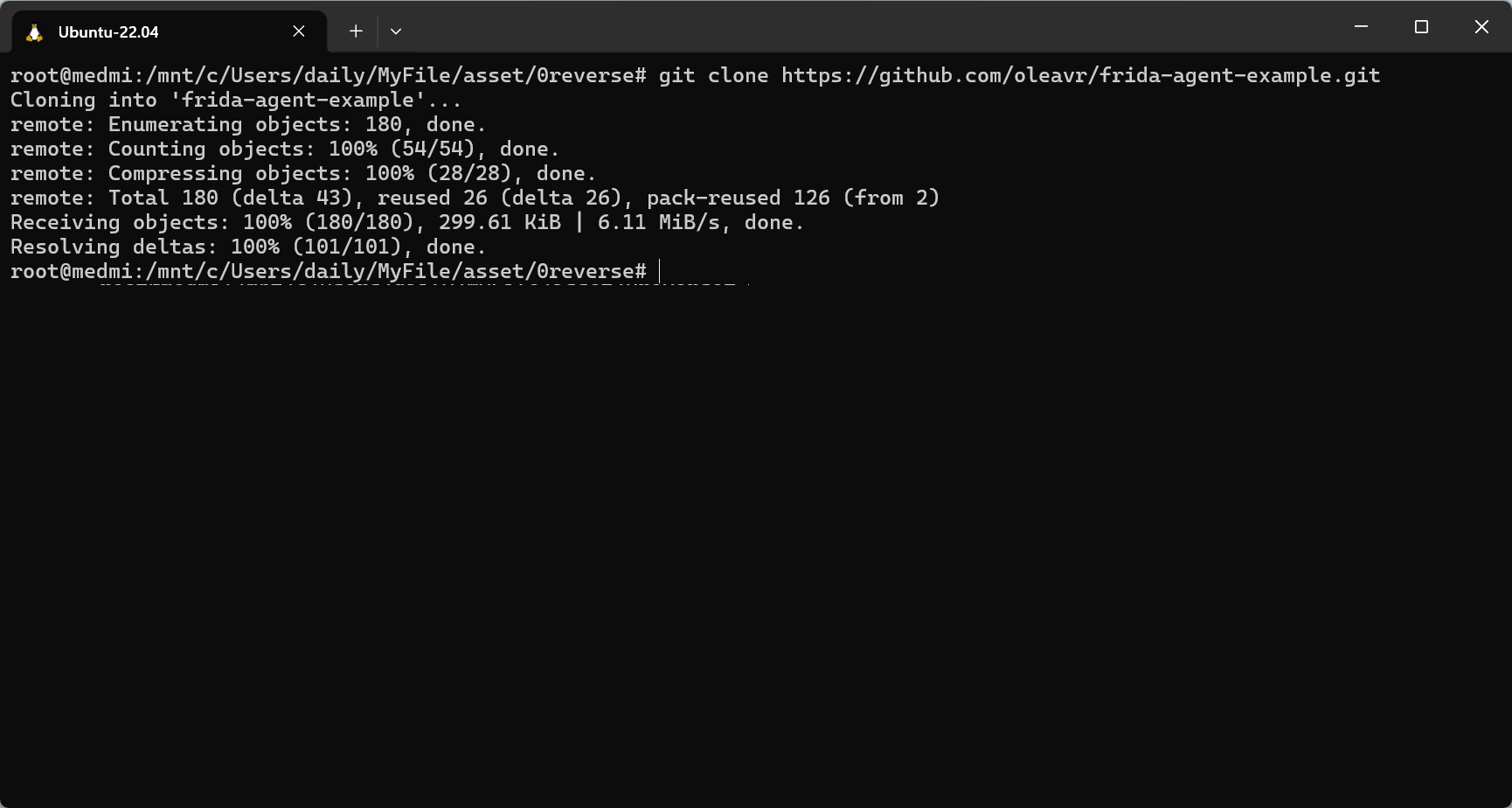 然后我尝试用IDEA打开..打开后, idea会自动提示: 发现package.json, 是否需要npm安装.
 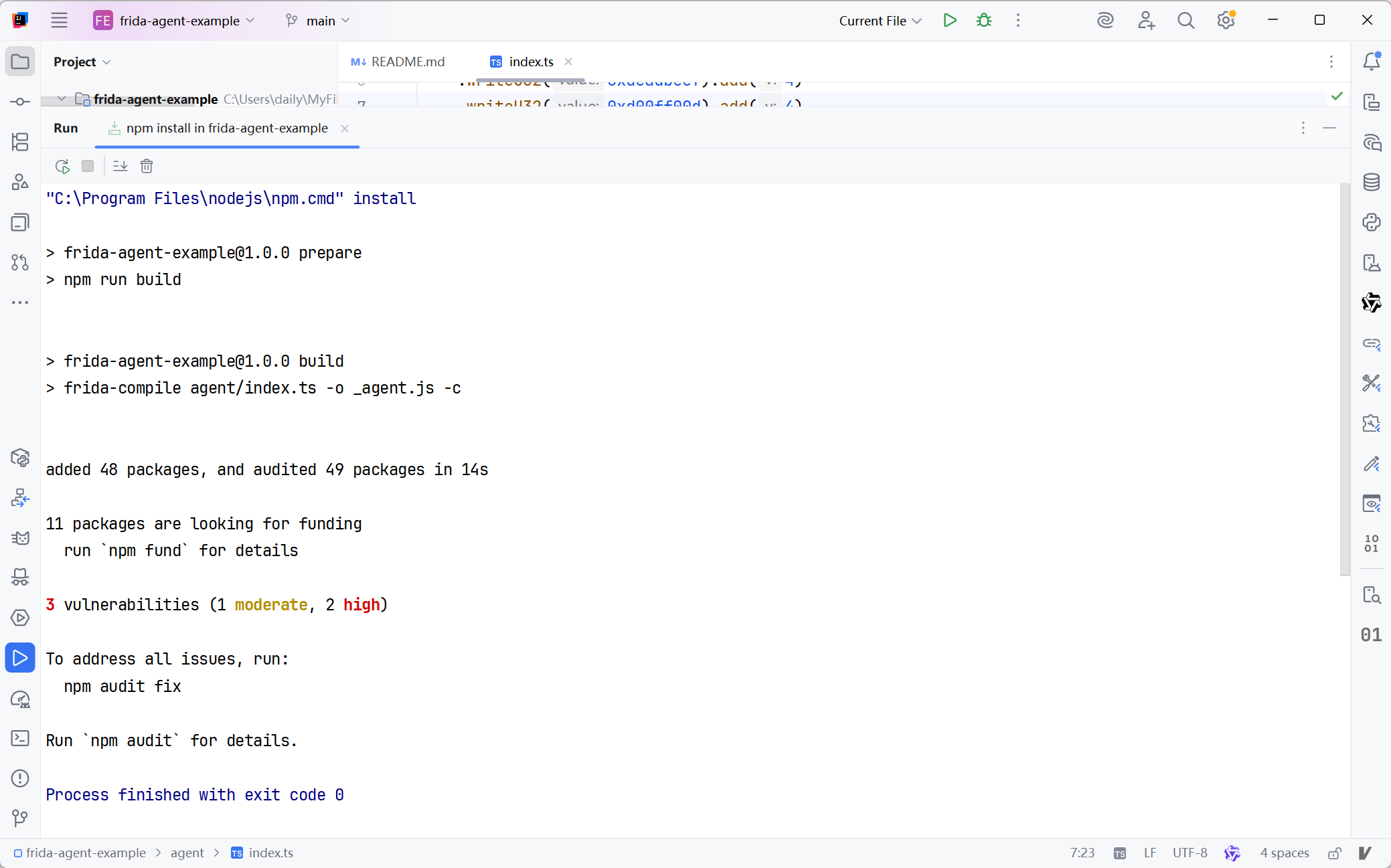 然后就没有报错了..随便一写, 嘿, 还真能主动提示了..
 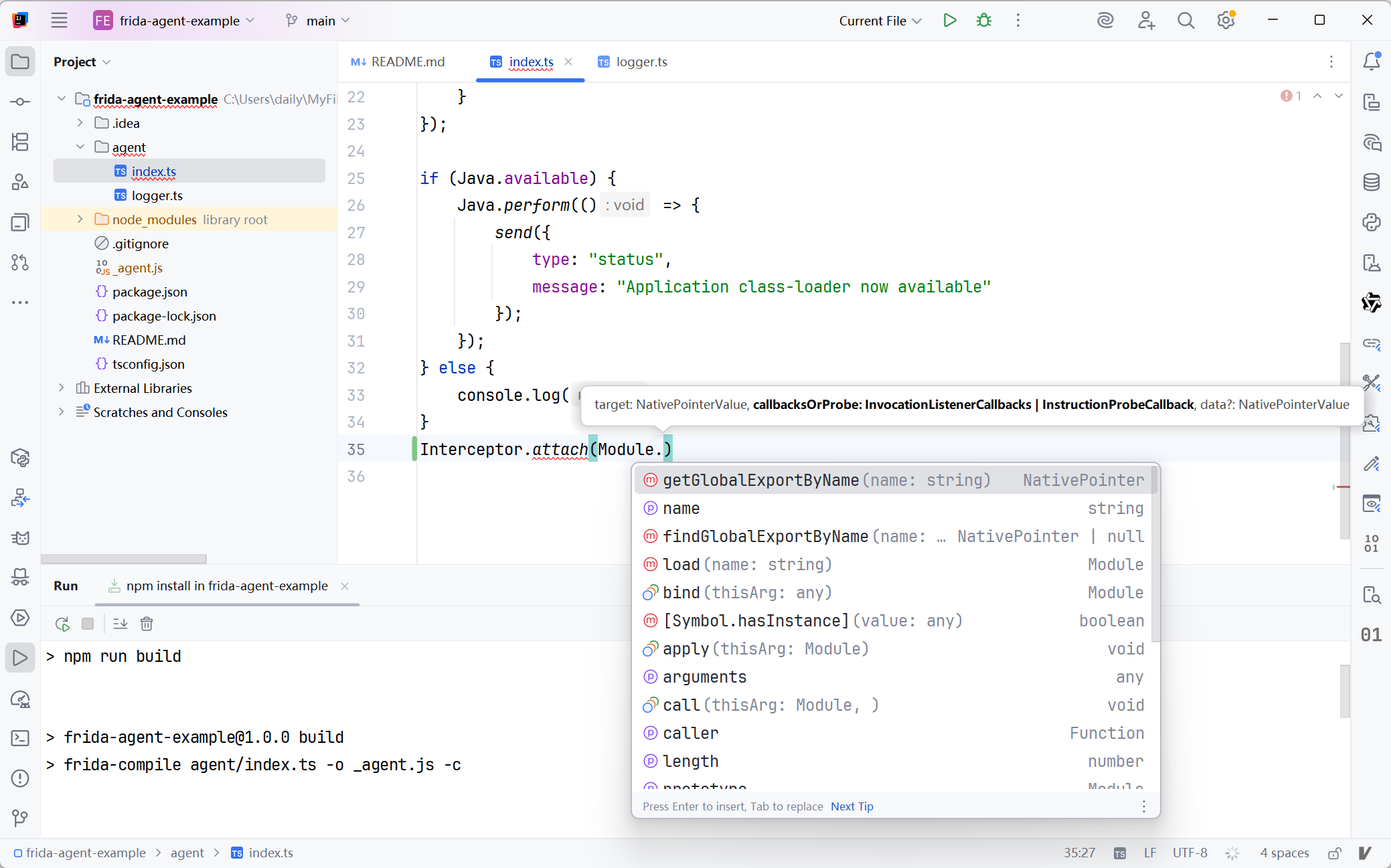 真棒, 今天又学了新东西, 还可以利用ts的模块功能, 不用重复写脚本咯..接着看文档吧.
Table of contents
Runtime information 运行时信息
Process, Thread, Module and Memory 进程, 线程, 模块, 内存
Thread 线程
Process 进程
Module 模块
ModuleMap 模块映射
Memory 内存
MemoryAccessMonitor 内存访问监控器
CModule C模块
RustModule Rust模块
ApiResolver API解释器
DebugSymbol 调试符号
Kernel 内核
Data Types, Function and Callback 数据类型, 函数, 回调
Int64 64位整型
UInt64 无符号64位整型
NativePointer Native层指针
ArrayBuffer 队列缓冲
NativeFunction Native函数
NativeCallback Native回调
SystemFunction 符号函数
Network 网络
Socket 套接字
SocketListener 套接字监听器
SocketConnection 套接字连接
File and Stream 文件和流
File 文件
IOStream 输入输入流
InputStream 输入流
OutputStream 输出流
UnixInputStream Unix系统的输入流
UnixOutputStream Unix系统的输出流
Win32InputStream Win32系统的输入流 - Win32OutputStreamWin32系统的输出流
Database 数据库
SqliteStatement 数据库状态
Instrumentation 插桩
Interceptor 拦截器
Stalker 追踪器
ObjC 对象C
Java 对象Java
CPU Instruction CPU工具
X86Writer x86架构写入器
X86Relocator x86架构重定位器
x86 enum types x86架构枚举类型
ArmWriter Arm架构写入器
ArmRelocator Arm架构重定位器
ThumbWriter Thumb架构写入器
ThumbRelocator Thumb架构重定位器
ARM enum types Arm架构枚举类型
Arm64Writer Arm64架构写入器
Arm64Relocator Arm64架构重定位器
AArch64 enum types AArch64架构枚举类型
MipsWriter MIPS架构写入器
MipsRelocator MIPS架构重定位器
MIPS enum types MIPS架构枚举类型
Other 其他
#2026年4月22日
Frida
Frida.version
property containing the current Frida version, as a string.
- 包含了当前Frida版本的属性, String类型
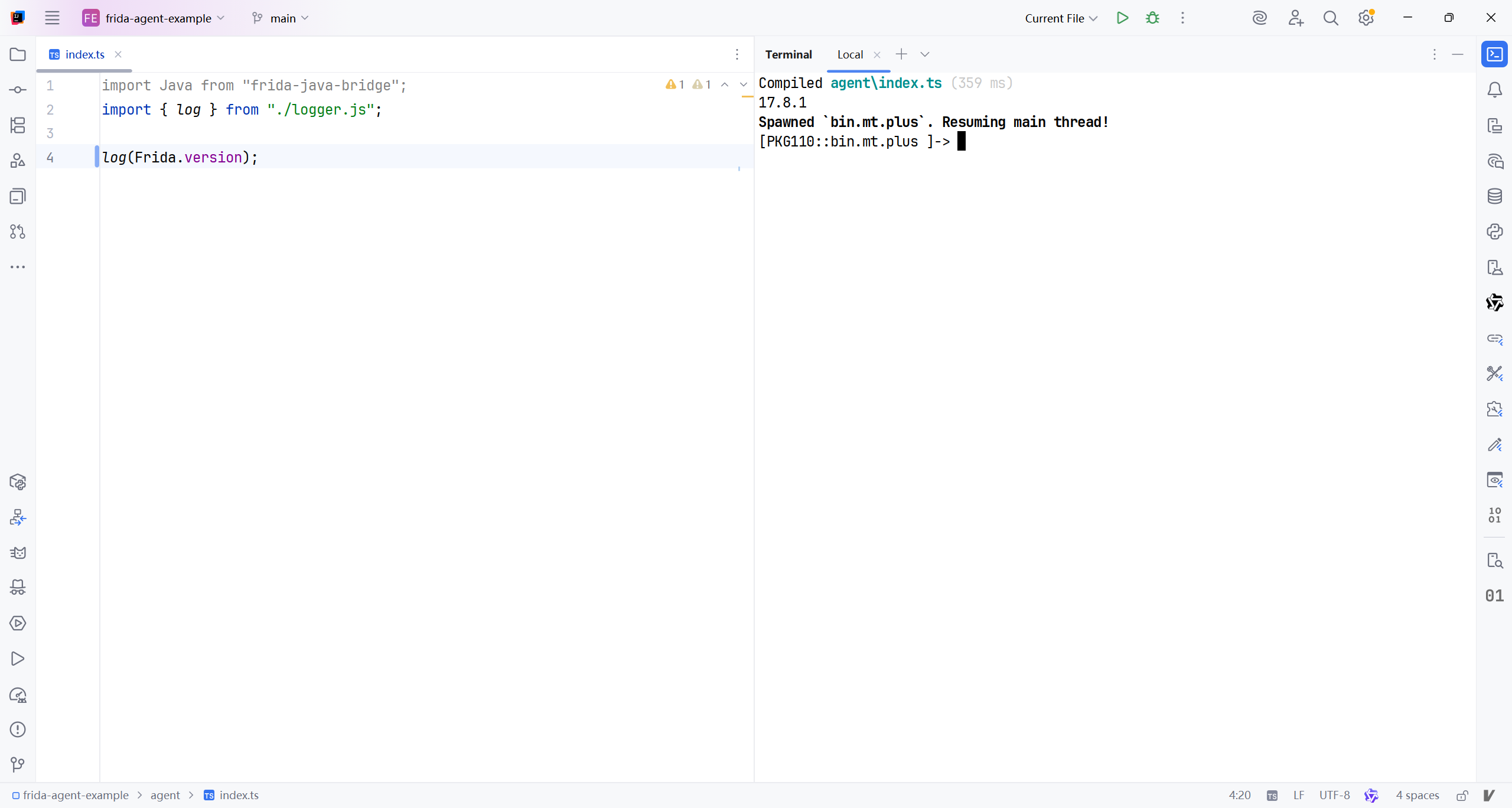
立马上手试试. 就选择MT管理器吧
1
frida -U -f bin.mt.plus -l agent\index.ts
Frida.heapSize
dynamic property containing the current size of Frida’s private heap, shared by all scripts and Frida’s own runtime. This is useful for keeping an eye on how much memory your instrumentation is using out of the total consumed by the hosting process.
- 包含了当前Frida私有堆内存大小的动态属性, 共享于所有脚本及Frida的运行时. 有助于监测你的操作在宿主内存中总共占用了多少.
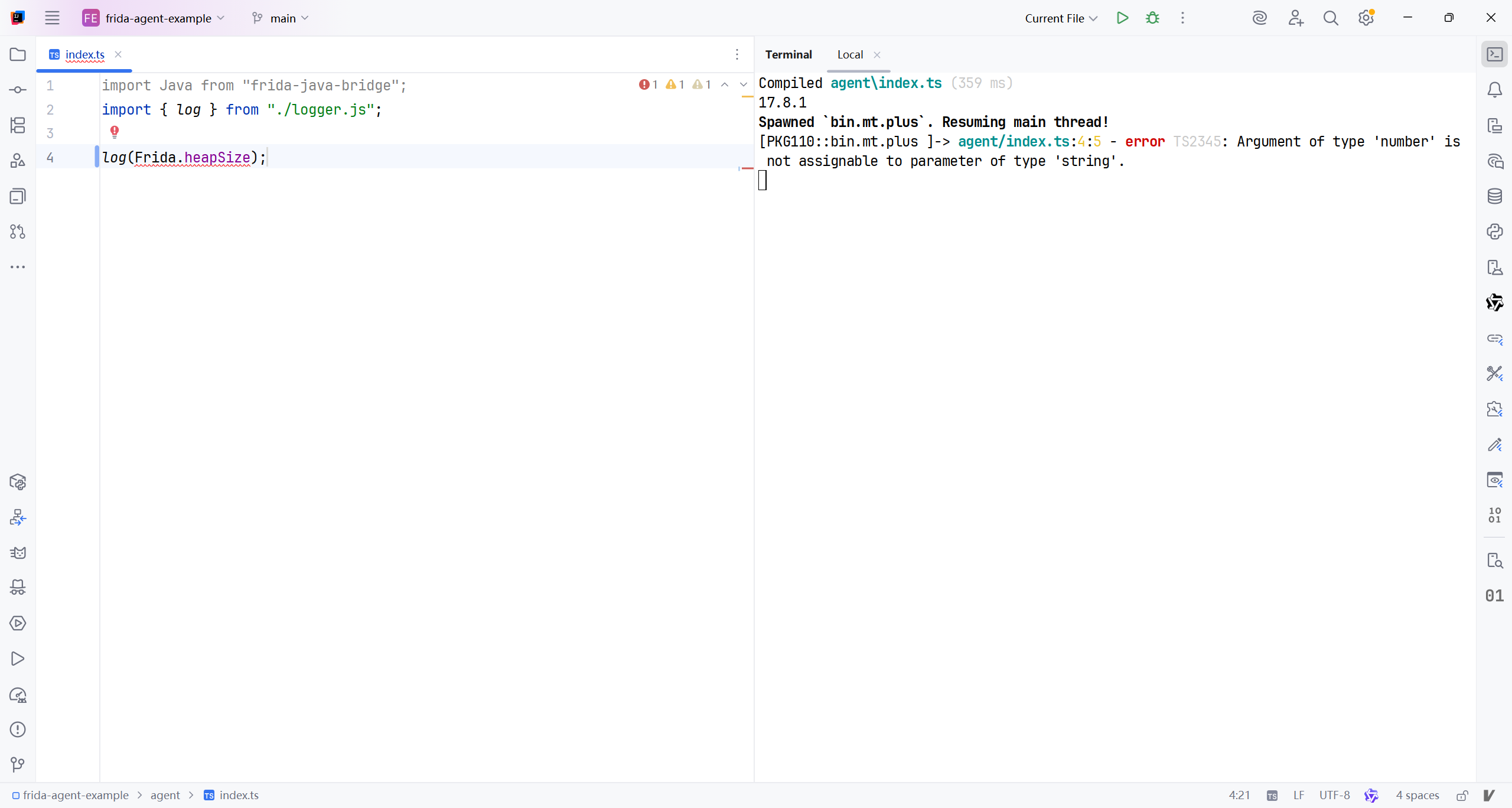
看了一下logger.js里面的导出函数
1
2
3
export function log(message: string): void {
    console.log(message);
}
案例代码里面封装的log不太行嘞, 直接用console.log才行..
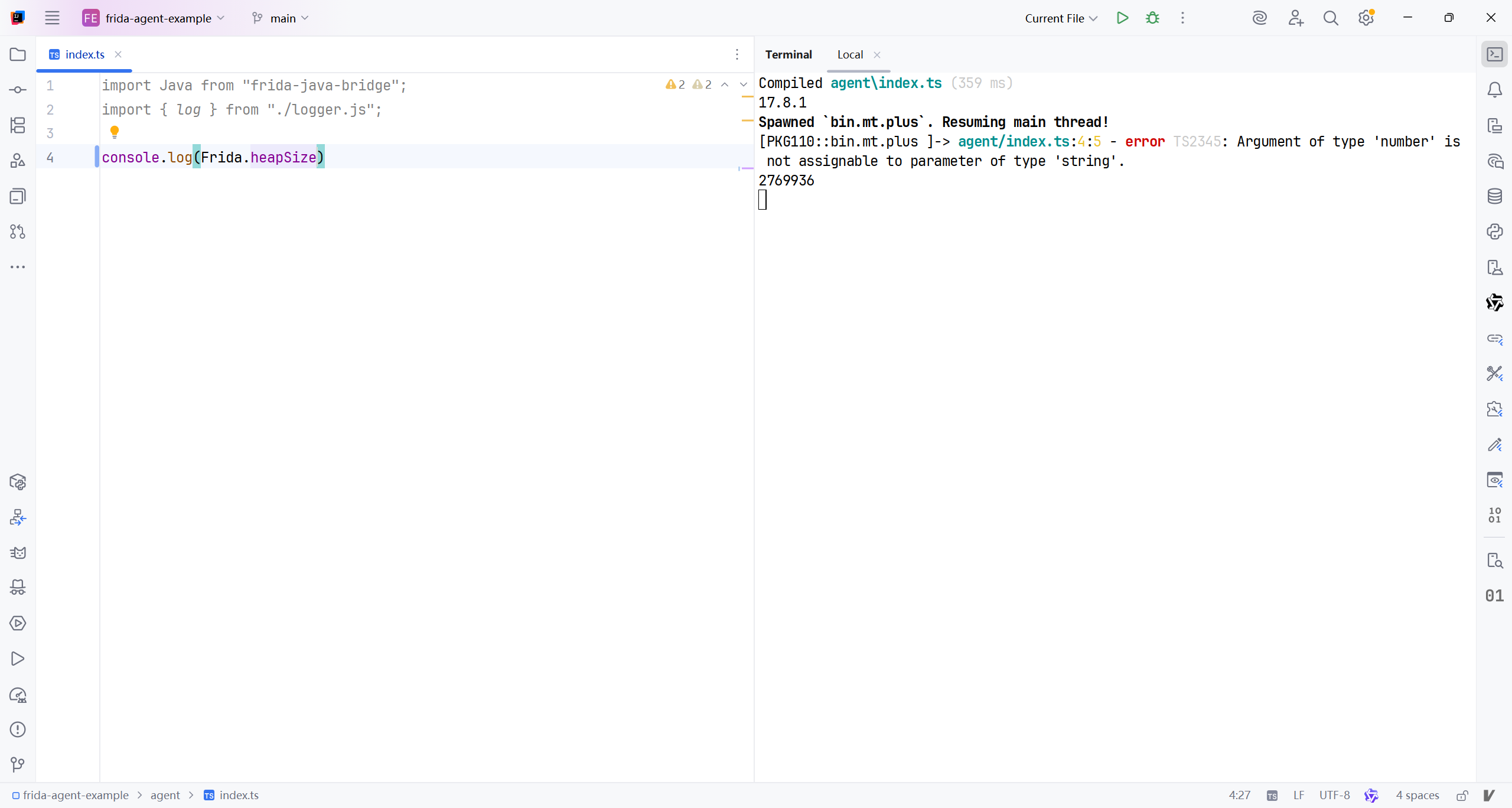
我就这么一点脚本代码, 也占用这么多内存? 2-769-936bit? 大约2MB..算了管他呢..
Script
Script.runtime
string property containing the runtime being used. Either
QJSorV8.
- 包含了正在被使用的运行时, 要么QJS,要么V8.
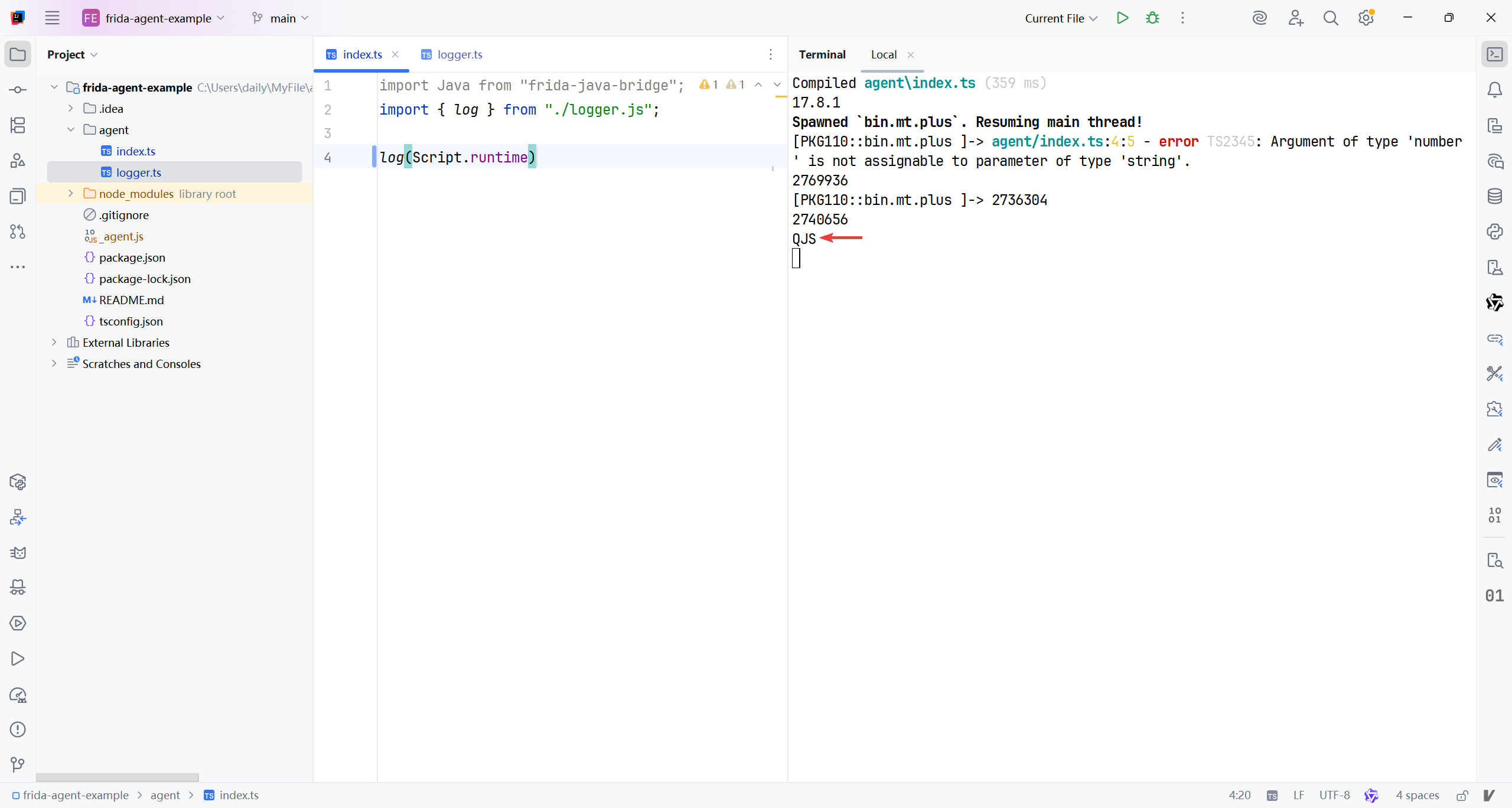
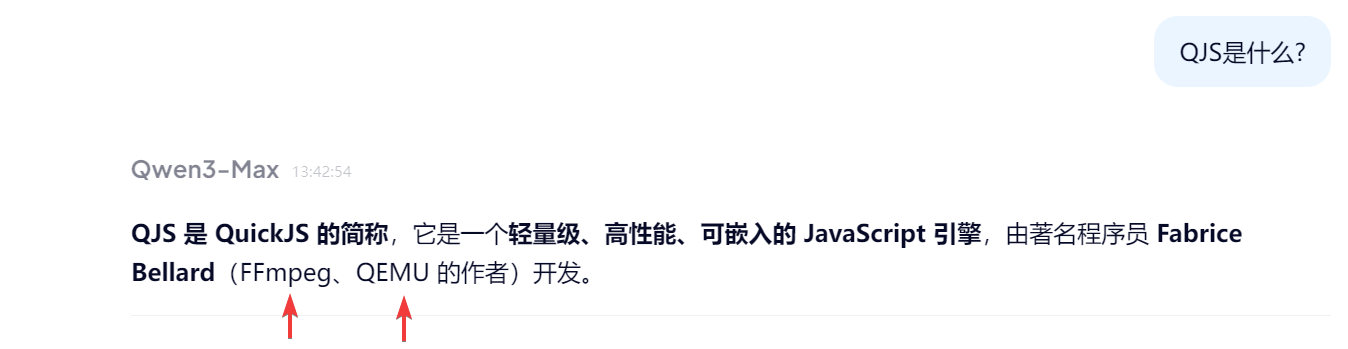
QJS来路这么大嘛, 爱了爱了..
Script.evaluate(name, source)
evaluates the given JavaScript string
sourcein the global scope, wherenameis a string specifying the script’s name, e.g./plugins/tty.js. The provided name is a UNIX-style virtual filesystem path used in future stack traces.
- 在全局作用域中执行给定的 JavaScript 代码字符串
source,其中name是一个指定脚本名称的字符串(例如/plugins/tty.js)。该名称是一个类 Unix 虚拟文件系统路径,将用于后续的堆栈跟踪(stack traces)中。
这个我还不知道使用场景.. 这个name就是路径嘛? 是调试机上面的还是被调试的?是绝对的还是相对的? source具体又是什么?
插播一个错误: 文章内md格式的内部链接不能被jekyll顺利解析, 所以我还是删掉吧 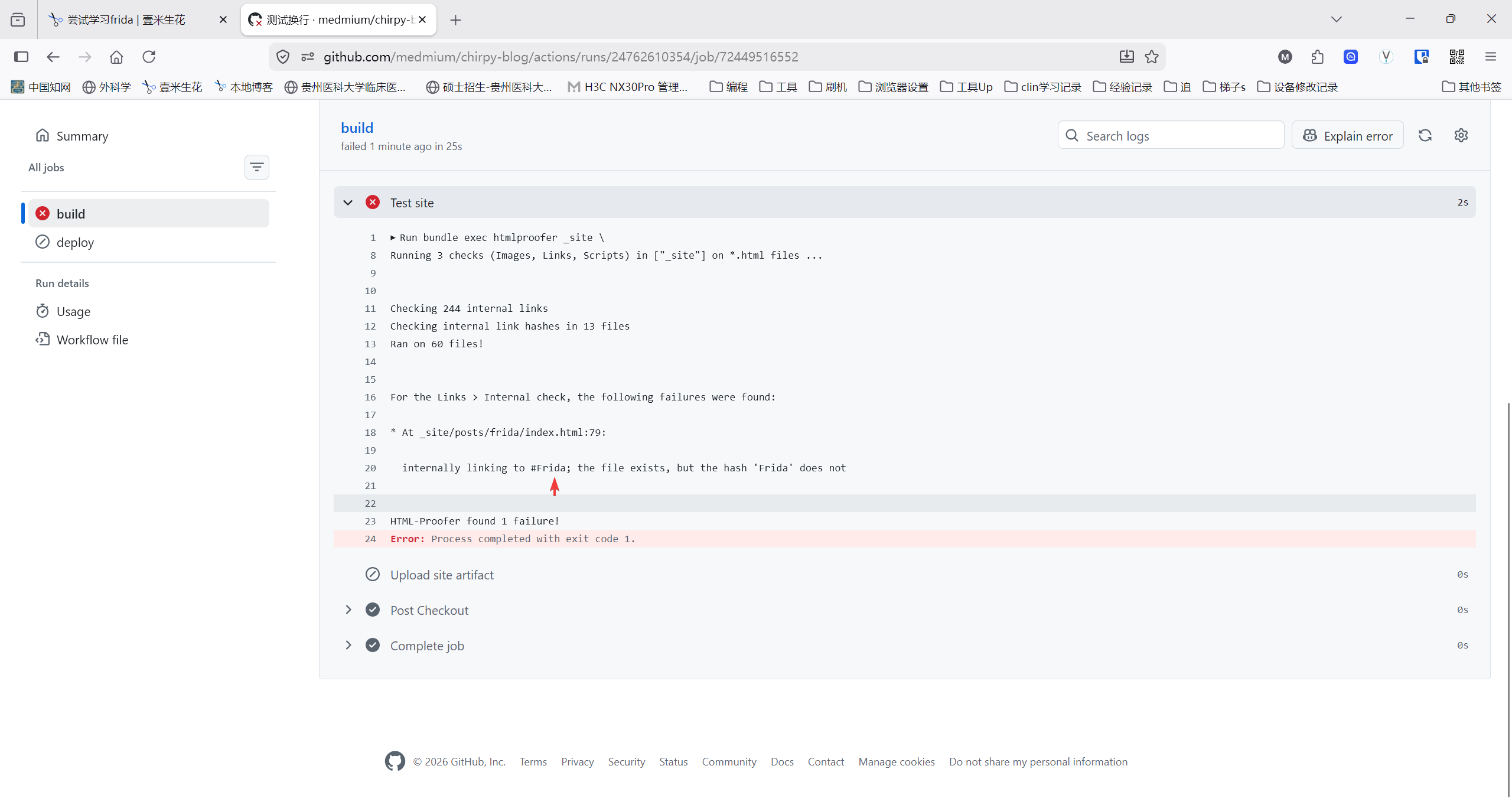
1
Script.evaluate(name, source)
回到正题, AI的解释: name仅类似于起到一个标签作用, 只是让这个被执行的脚本能被溯源.. 真正的脚本位于后面的source,里面是js代码(或ts?),试试吧..
1
Script.evaluate("/virtual/path/to/script.js", 'console.log("Here is a piece of shit")');
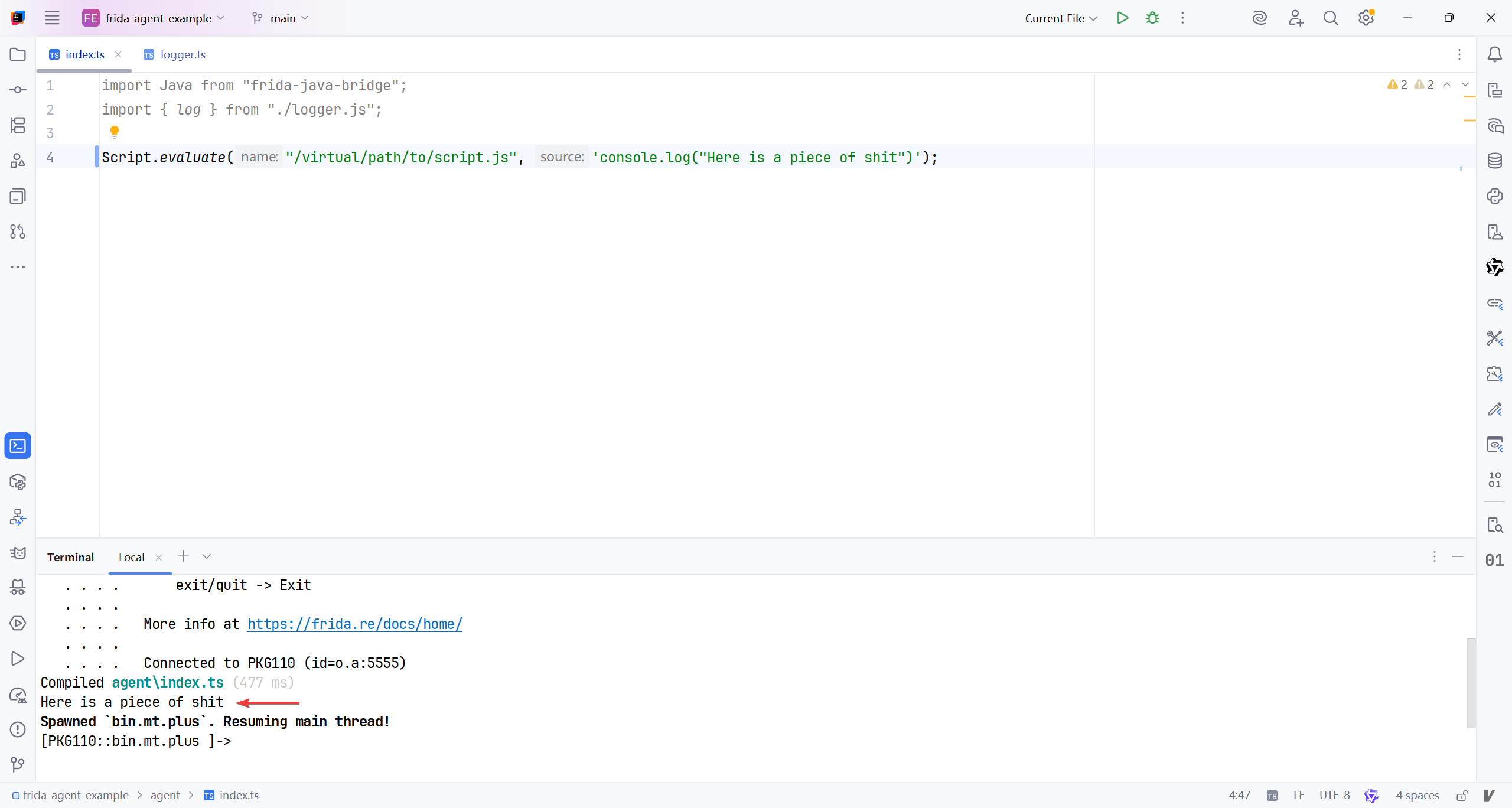
脚本确实正常执行了..去看看有没有对应的目录
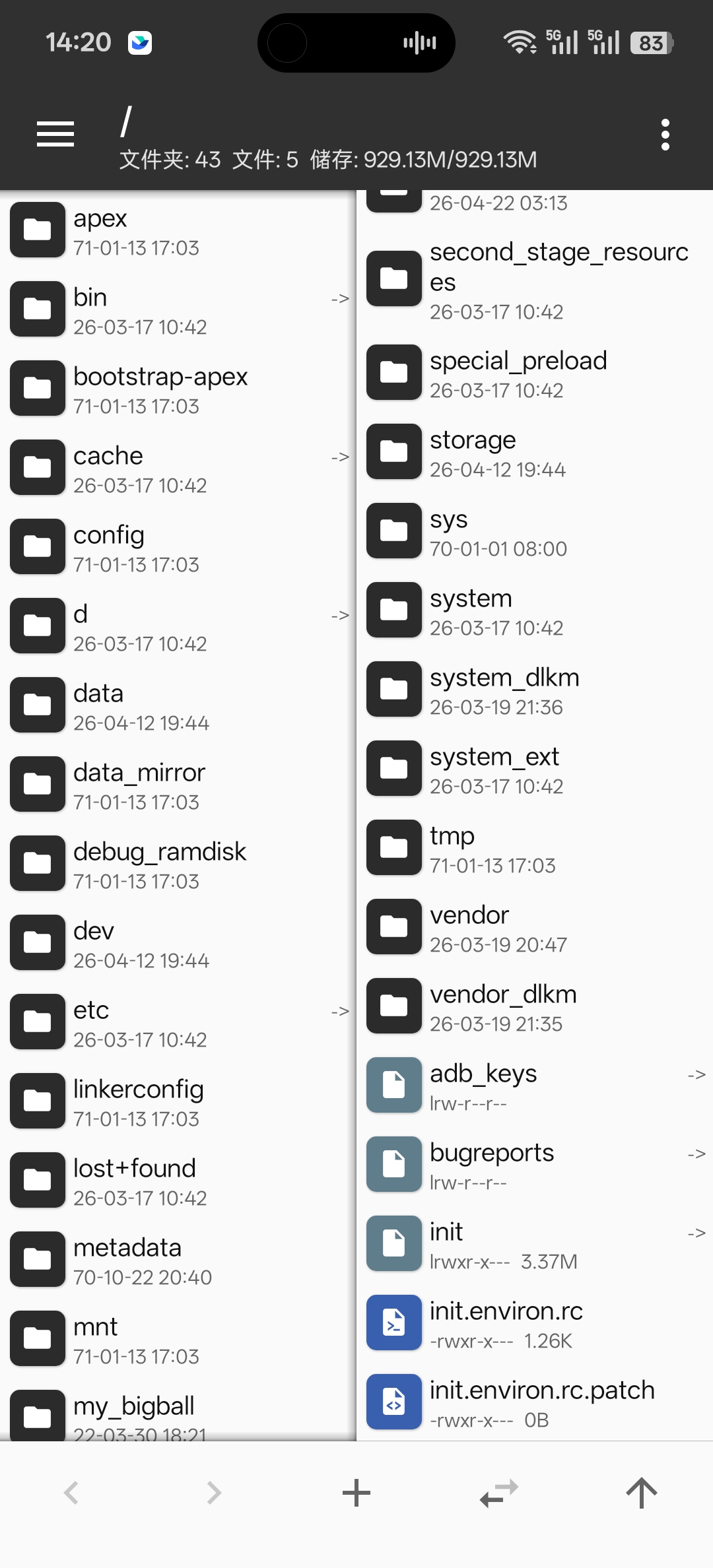
文件系统是没有滴..好了这个API就不深入理解了.
Useful for agents that want to support loading user-provided scripts inside their own script. The two benefits over simply using
eval()is that the script filename can be provided, and source maps are supported — both inline and throughScript.registerSourceMap().
- 对于希望在脚本内部加载用户提供脚本的代理是有用的. 相比于简单实用
eval()的两个优点是提供了脚本名称, 而且支持资源映射, 两者都是通过Script.registerSourceMap()内联的.
Returns the resulting value of the evaluated code.
- 返回被执行代码的结果的值.
Script.load(name, source)compiles and evaluates the given JavaScript string
sourceas an ES module, wherenameis a string specifying the module’s name, e.g./plugins/screenshot.js. The provided name is a UNIX-style virtual filesystem path used in future stack traces, and is visible to other modules, which may import it, either statically or dynamically. - 视为ES模型来编译执行
source中的JavaScript字符串,name在这里是模块名称, 例如/plugins/screenshot.js. 这个名称是一个UNIX风格的虚拟系统路径, 用于将来的栈回溯, 并且对于其他无论是静态或动态引入它的模块可见.
也就是说, 如果我并没有把ts脚本写在文件系统上, 而是内存里, 依然能通过name来引入使用. 我想试试..先直接孵化时加载脚本
1
2
3
Script.evaluate("/virtual/path/to/vlog.js", 'export function log(message:any): void {\n' +
    '    console.log(message);\n' +
    '}');
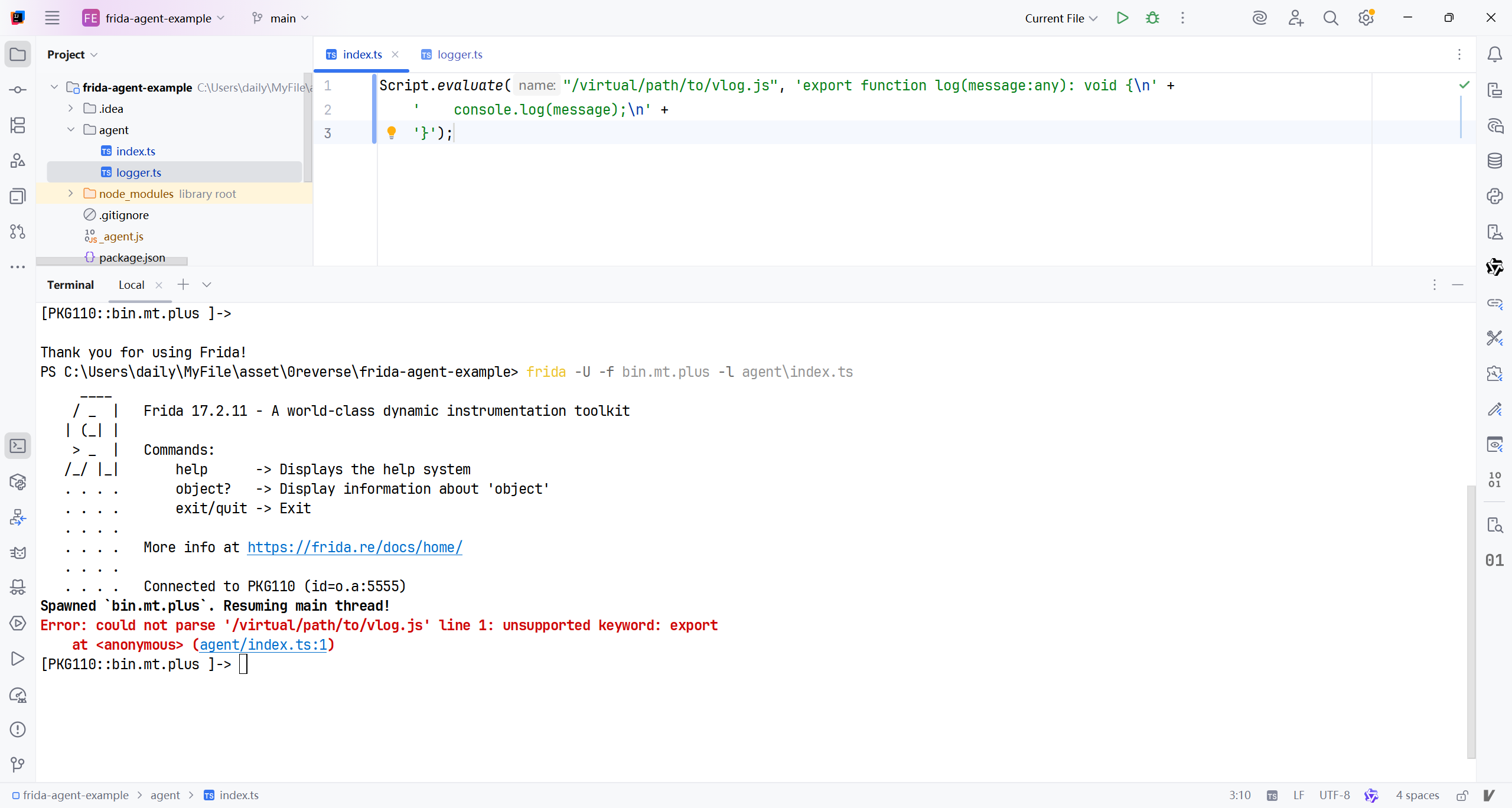
哦吼? 难道是js里面不能又export这样的字符? 改改试试..
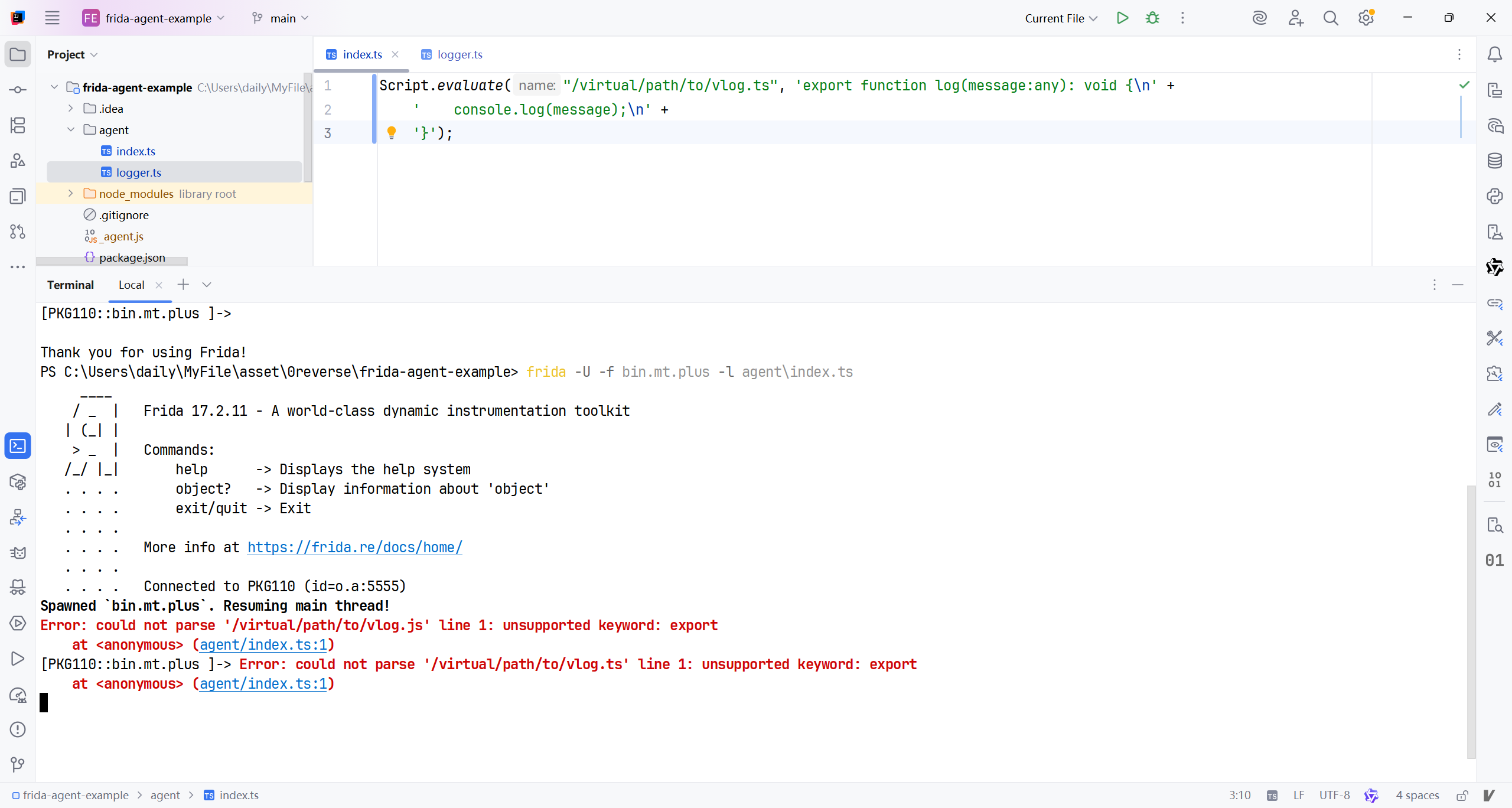
原来是函数名写错了..load和evaluate确实不一样哈, 一个是加载待用, 一个是立即执行.
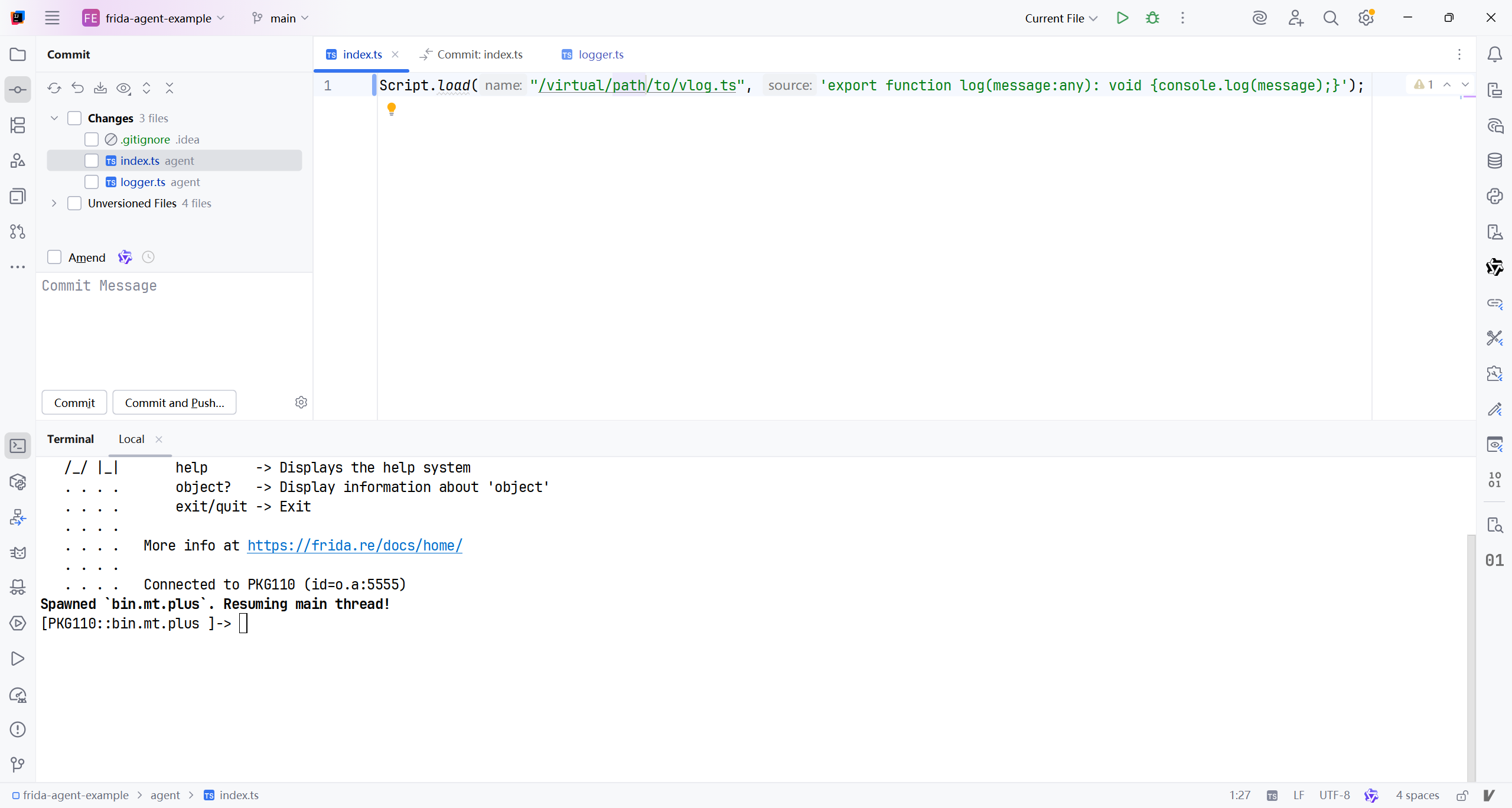
如何验证呢? 我再创建一个ts文件, 在控制台加载就行了吧?
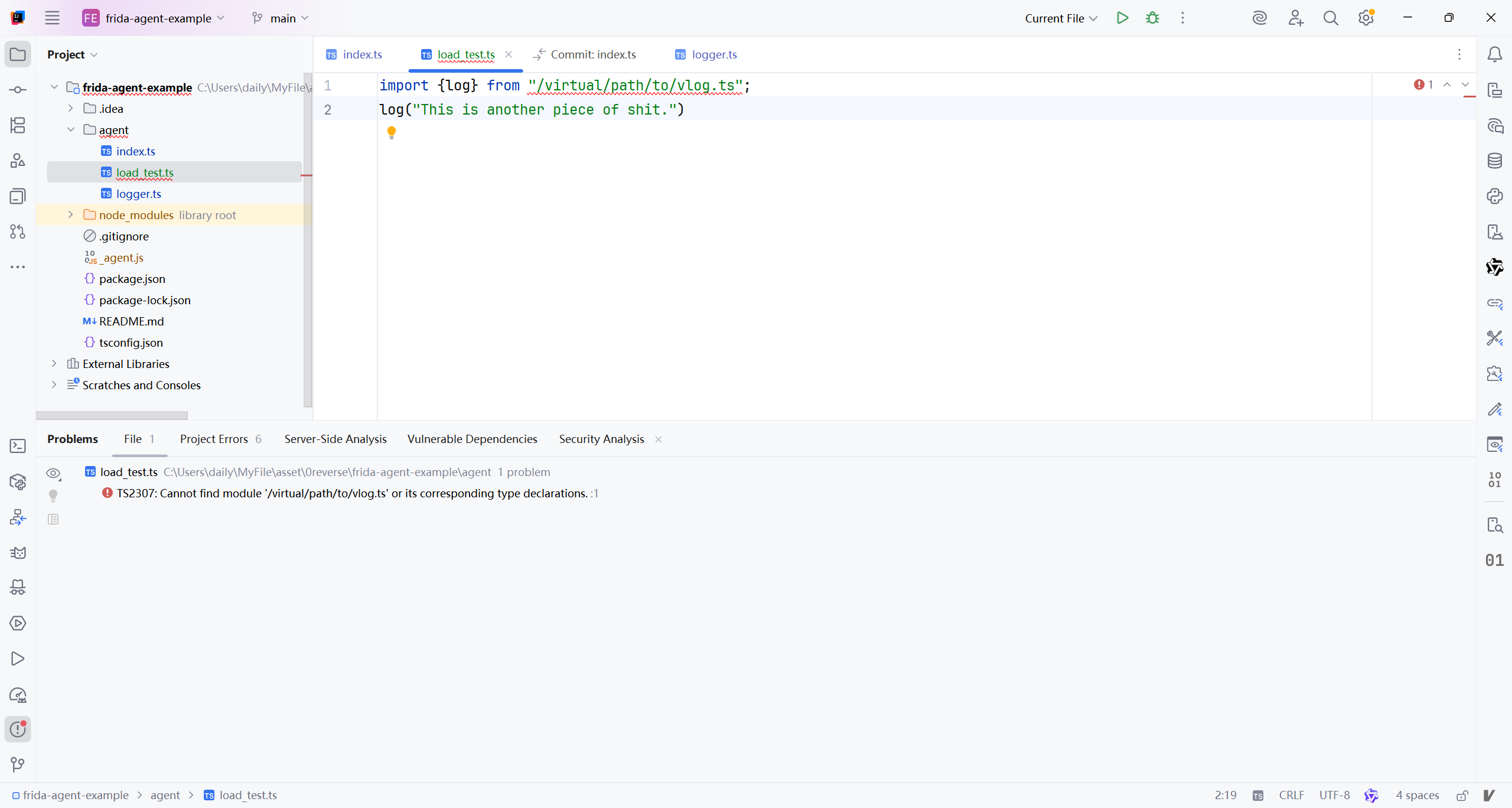
编写时已经开始报错了, 确实这个路径是找不到模块滴. frida控制台加载试试..
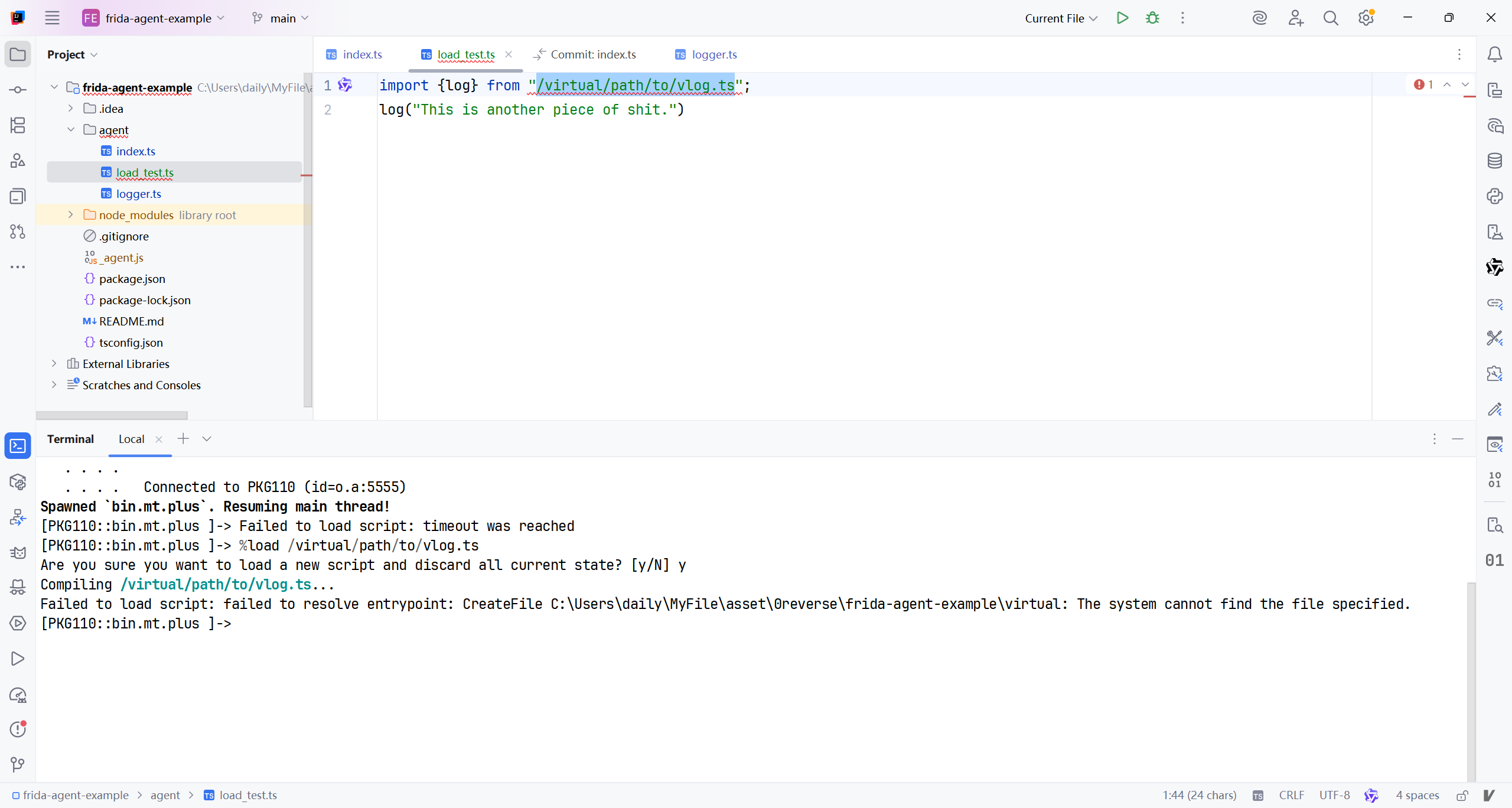
似乎并不能被正确识别..AI让我直接在index.ts中加载
1
2
3
4
5
6
7
8
9
10
11
12
13
14
// agent/index.ts

// 1. 先注册 vlog 模块
Script.load("/virtual/path/to/vlog.ts", `
export function log(message: any): void {
  console.log("[LOG]", message);
}
`);

// 2. 再加载使用该模块的脚本(注意:source 是字符串!)
Script.load("/agent/load_test.js", `
import { log } from "/virtual/path/to/vlog.ts";
log("This is another piece of shit.");
`);
确实没报错, 但也没任何输出啊,,
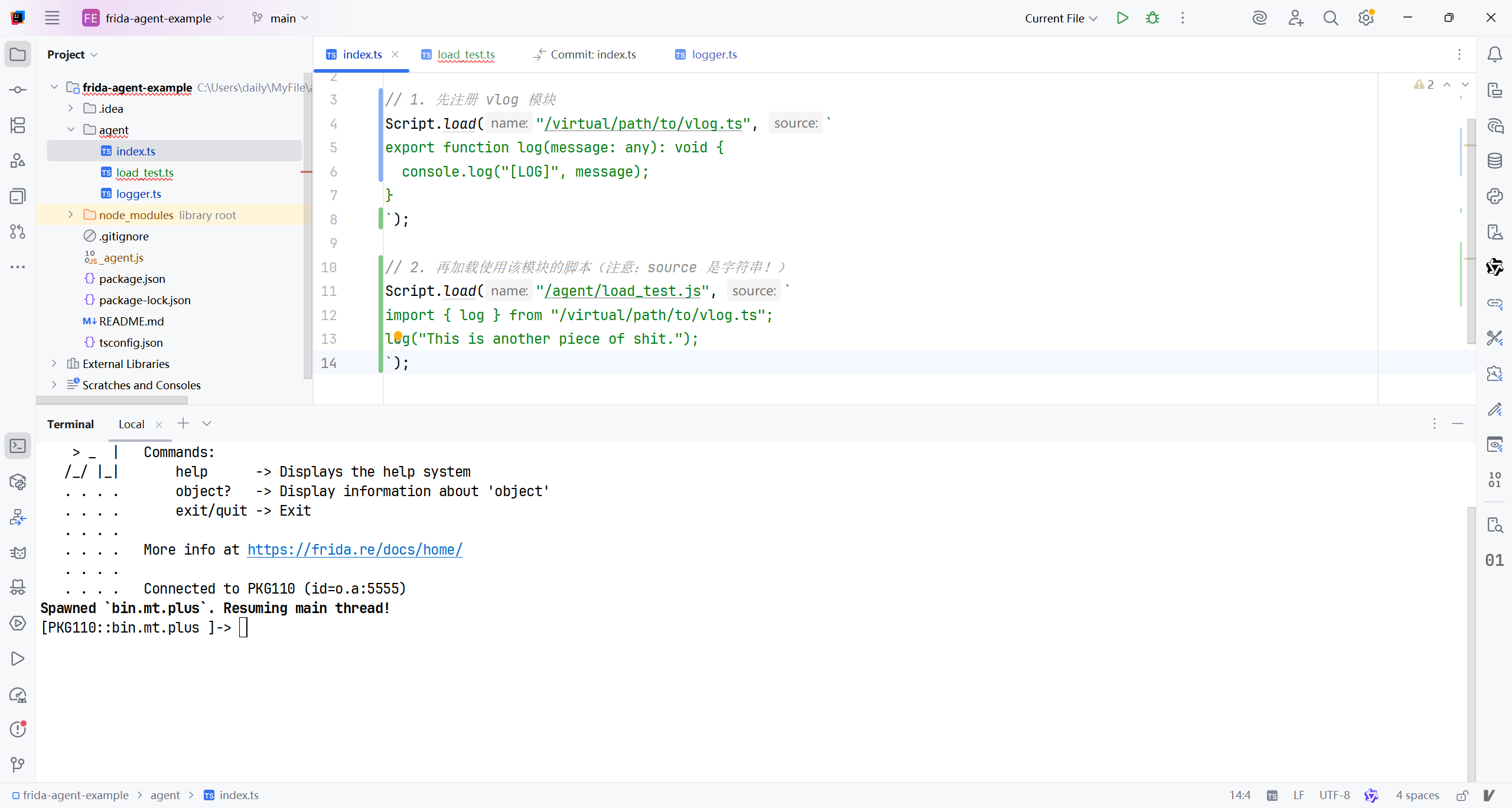
根据AI的建议, 换一份代码..
1
2
3
4
5
6
7
8
9
10
Script.load("/lib/log.js", `
export function log(msg) {
  console.log(">>>", msg);
}
`);

Script.load("/main.js", `
import { log } from "/lib/log.js";
log("Hello from module!");
`);
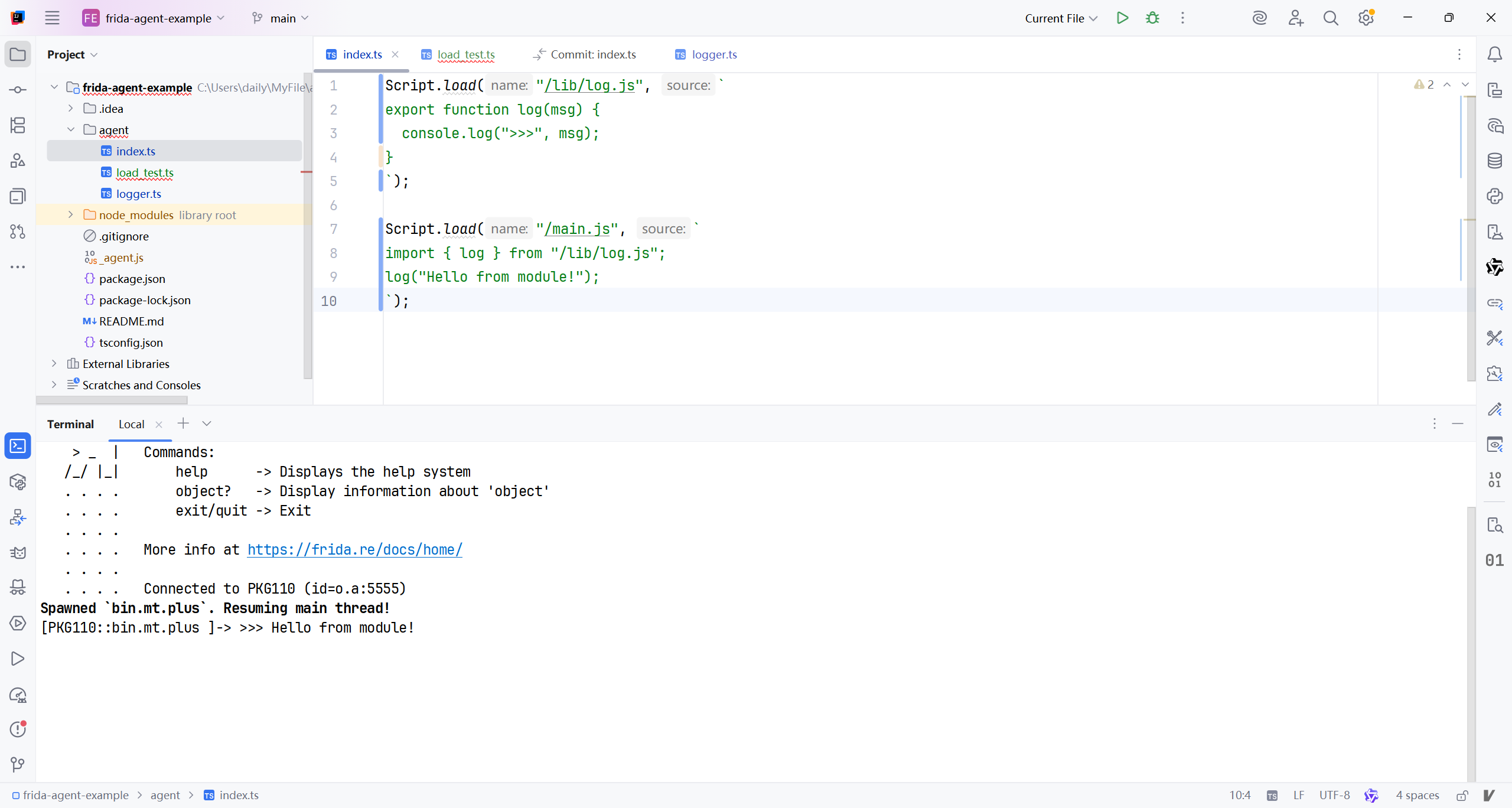
居然被正确执行了, 看来load仅支持js代码而不是ts..有点鸡肋, 我为何不老老实实用 -l index.ts或%load agent/index.ts…
Useful for agents that want to support loading user-provided scripts inside their own script. This API offers the same benefits over
eval()asScript.evaluate(), in addition to encapsulating the user-provided code in its own ES module. This means values may be exported, and subsequently imported by other modules. The parent script may also export values that can be imported from the loaded child script. This requires that the parent uses the new ES module bundle format used by newer versions of frida-compile.
- 对于想要在代码中加载用户提供代码的代理有利, 相比于
eval(),这个API同Script.evaluate()一样,提供相同的优点, 额外地把用户提供的代码囊括进它自己ES模块. 这意味着值会被导出, 随后被其他模块导入. 父级脚本也能导出由子级模块导入的值. 这需要父级脚本使用由较新版本frida编译配套的ES模块
Returns a Promise that resolves to the module’s namespace object.
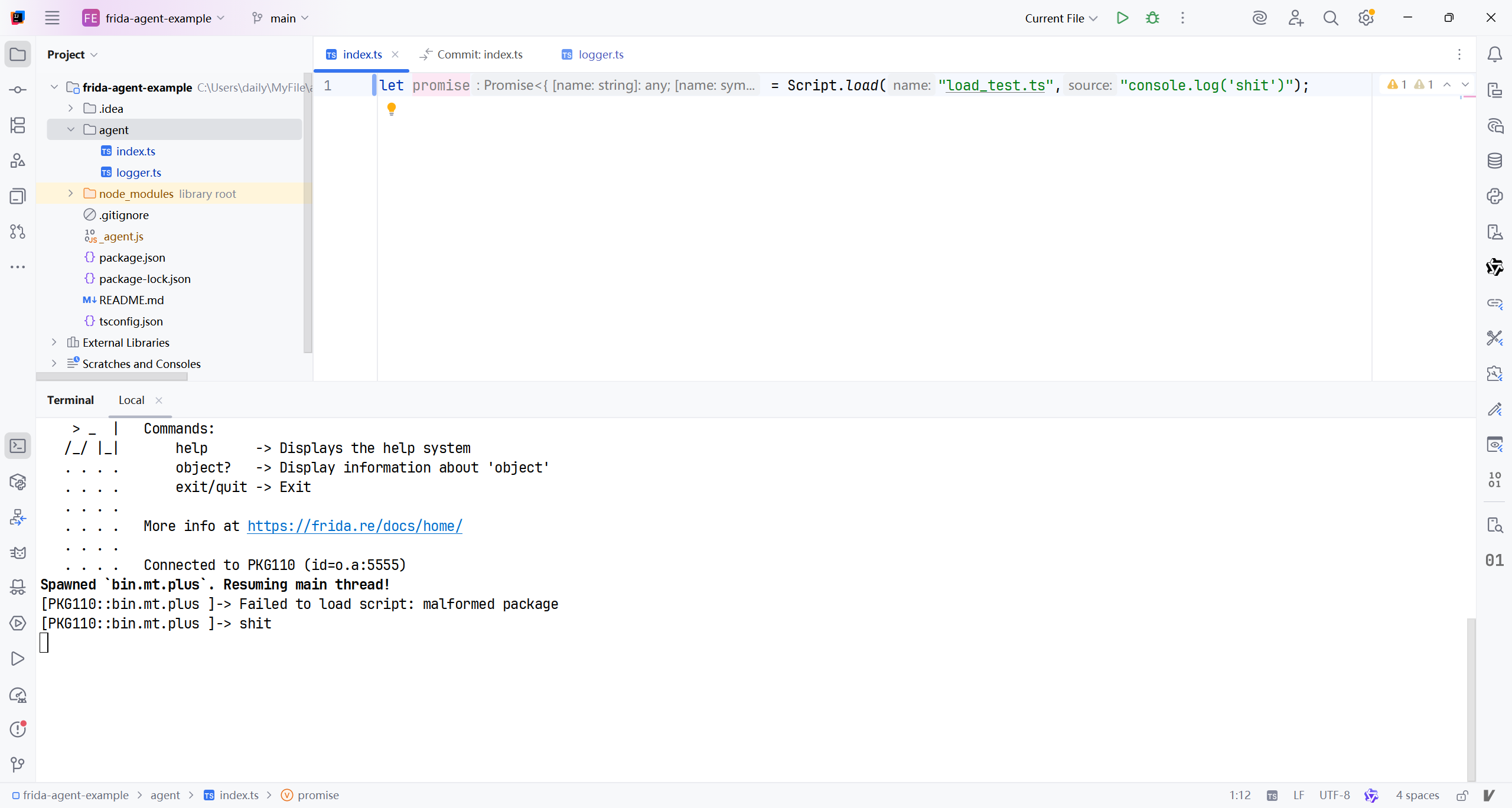
返回一个处理模块命名空间对象的Promise…如图. IDE已经提示返回值了
Script.registerSourceMap(name, json)
registers a source map for the specified script
name, given as a string with a UNIX-style virtual filesystem path, e.g./plugins/screenshot.js. The source mapjsonis a string containing the raw JSON representation of the source map. Should ideally be called before the given script gets loaded, so stack traces created during load can make use of the source map.
- 为指定的脚本名称注册源表, 名称是给定的带着UNIX风格的虚拟文件系统路径的字符串, 例如
/plugins/screenshot.js.源表json是一个包含代表源表的一行JSON格式的字符串. 应该在指定脚本被加载前被有意调用, 因此在加载期间创建的栈追踪能使用源表.
这个api也就需要调试ts代码时才能用, 对于现在的我来说没用…不学不学..
Script.nextTick(func[, ...params])
runs
funcon the next tick, i.e. when the current native thread exits the JavaScript runtime. Any additionalparamsare passed to it.
- 下一个时钟周期运行
func, 例如, 当现在的native线程退出了JavaScript运行时.
AI: Script.nextTick(func[, ...params]) 是 Frida 提供的一个异步调度工具,它的核心作用是:将函数 func 的执行推迟到“当前 JavaScript 执行上下文结束后、但仍在同一线程中”的下一个事件循环 tick 中运行。
我实在想不出来应用场景, 而且我的翻译不太搭边..
Script.pin()
temporarily prevents the current script from being unloaded. This is reference-counted, so there must be one matching unpin() happening at a later point. Typically used in the callback of bindWeak() when you need to schedule cleanup on another thread.
- 临时阻止当前的脚本被卸载. 这是引用-计数的, 所以后续会有一个匹配的
unpin()发生.
Script.unpin()
reverses a previous pin() so the current script may be unloaded.
- 逆转前一个
pin()让当前的脚本能被卸载.
Script.bindWeak(value, fn)
monitors
valueand calls thefncallback as soon asvaluehas been garbage-collected, or the script is about to get unloaded. Returns an ID that you can pass toScript.unbindWeak()for explicit cleanup.
- 监控
value这个值, 然后调用fn这个回调函数, 当value已经被垃圾回收GC了, 或者脚本即将被卸载时. 返回一个ID让你传递给Script.unbindWeak()来彻底清除.
对于现阶段的我来说, 用处不大
This API is useful if you’re building a language-binding, where you need to free native resources when a JS value is no longer needed.
- 这个API是有用的, 如果你正在构建一个语言绑定的环境, 在这里你需要释放native资源当一个JS值不再被需要的时候.
AI的翻译比我的看起来顺眼…
- 如果你正在开发一种语言绑定(language binding),当某个 JavaScript 值不再被需要时,需要释放其对应的原生(native)资源,那么这个 API 就非常有用。
看样子是主句中的各种从句都往前提了,
- if
- where
- when
按照原来的顺序, 如果翻译为:
- 如果你正在开发一种语言绑定(language binding),需要释放其对应的原生(native)资源,当某个 JavaScript 值不再被需要时,那么这个 API 就非常有用。
就很不顺口, 看来今后的翻译, 次序应该是 条件状语 > 事件状语 > 地点状语.
Script.unbindWeak(id)
stops monitoring the value passed to
Script.bindWeak(value, fn), and call thefncallback immediately.
- 停止监听传递给
Script.bindWeak(value,fn)的值, 然后立即调用fn这个回调函数.
Script.setGlobalAccessHandler(handler | null)
installs or uninstalls a handler that is used to resolve attempts to access non-existent global variables. Useful for implementing a REPL where unknown identifiers may be fetched lazily from a database.
- 安装或卸载用于解析访问不存在的全局变量的意图的句柄. 实现REPL时有用, 从数据库懒加载出未知符号.
AI还是更胜一筹…
- 安装或卸载一个处理器(handler),用于拦截并处理对不存在的全局变量的访问。在实现 REPL 时特别有用,例如可以按需从数据库中懒加载未知标识符。
就是防止空指针咯.. 如果加载到了空的不存在的变量, 就会跳到handler处进行处理?? 可是我现在还到不了在frida中使用数据库的情况, 后续再回顾这一块知识吧..
The
handleris an object containing two properties:
handler是一个包含两个属性的对象:
enumerate(): queries which additional globals exist. Must return an array of strings.
enumerate(): 查询存在的全局变量. 一定返回一个字符串数组.
get(property): retrieves the value for the given property.
get(property): 读取给定属性的值
具体的handle咋用我不想实践了, 感觉用处不大, 今后在弄这一块..
Process
Process.id
property containing the PID as a number
Process.arch
property containing the string
ia32,x64,armorarm64
Process.platform
property containing the string
windows,darwin,linux,freebsd,qnx, orbarebone
Process.pageSize
property containing the size of a virtual memory page (in bytes) as a number. This is used to make your scripts more portable.
Process.pointerSize
property containing the size of a pointer (in bytes) as a number. This is used to make your scripts more portable.
Process.codeSigningPolicy
property containing the string
optionalorrequired, where the latter means Frida will avoid modifying existing code in memory and will not try to run unsigned code. Currently this property will always be set tooptionalunless you are using Gadget and have configured it to assume that code-signing is required. This property allows you to determine whether the Interceptor API is off limits, and whether it is safe to modify code or run unsigned code.
Process.mainModule
property containing a
Modulerepresenting the main executable of the process
Process.getCurrentDir()
returns a string specifying the filesystem path to the current working directory
Process.getHomeDir()
returns a string specifying the filesystem path to the current user’s home directory
Process.getTmpDir()
returns a string specifying the filesystem path to the directory to use for temporary files
Process.isDebuggerAttached()
returns a boolean indicating whether a debugger is currently attached
Process.getCurrentThreadId()
get this thread’s OS-specific id as a number
Process.enumerateThreads()
enumerates running threads, returning an array of Thread objects.
Process.attachThreadObserver(callbacks)
starts observing threads, calling the provided
callbacksas threads are added, removed, and renamed.
The
callbacksargument is an object containing one or more of:
onAdded(thread): callback function given theThreadthat was just added. Called with all existing threads right away, so the initial state vs. updates can be managed easily without worrying about race conditions. When called with a brand new thread, the call happens synchronously from that new thread.
onRemoved(thread): callback function given theThreadthat was just removed, i.e. is about to terminate. The call happens synchronously from the thread that is about to terminate.
onRenamed(thread, previousName): callback function given theThreadthat was just renamed, with its newnameproperty, and a second argumentpreviousNamethat specifies its previous name. The previous name is either a string, ornullif the thread was previously unnamed.
Note that the
Threadobjects lack thestateandcontextproperties, as those are highly volatile in nature, and their changes are not observed. Note that you can combine this API withStalkerto trace the execution of individual threads.
Returns an observer object that you can call
detach()on.
Process.runOnThread(id, callback)
runs the JavaScript function
callbackwithout any arguments, on the thread specified byid. Returns a Promise that receives the value returned by your callback.
Must be used with extreme caution due to the thread potentially being interrupted in non-reentrant code. For example, you could be interrupting it while it’s in the middle of some delicate code, holding a specific non-recursive lock, which you then try to implicitly acquire again when you call some function.
Process.findModuleByAddress(address), Process.getModuleByAddress(address), Process.findModuleByName(name), Process.getModuleByName(name)
returns a Module whose address or name matches the one specified. In the event that no such module could be found, the find-prefixed functions return null whilst the get-prefixed functions throw an exception.
Process.enumerateModules()
enumerates modules loaded right now, returning an array of Module objects.
Process.attachModuleObserver(callbacks)
starts observing modules, calling the provided
callbacksas modules are added and removed.
The
callbacksargument is an object containing one or more of:
onAdded(module): callback function given theModulethat was just added. Called with all existing modules right away, so the initial state vs. updates can be managed easily without worrying about race conditions. When called with a brand new module, the call happens synchronously right after that module has been loaded, but before the application has had a chance to use it. This means it’s a good time to apply your instrumentation, using e.g.Interceptor.
onRemoved(module): callback function given theModulethat was just removed, i.e. unloaded.
Returns an observer object that you can call
detach()on.
Process.findRangeByAddress(address), getRangeByAddress(address)
return an object with details about the range containing address. In the event that no such range could be found, findRangeByAddress() returns null whilst getRangeByAddress() throws an exception. See
Process.enumerateRanges()for details about which fields are included.
Process.enumerateRanges(protection|specifier)
enumerates memory ranges satisfying
protectiongiven as a string of the form:rwx, whererw-means “must be at least readable and writable”. Alternatively you may provide aspecifierobject with aprotectionkey whose value is as aforementioned, and acoalescekey set totrueif you’d like neighboring ranges with the same protection to be coalesced (the default isfalse; i.e. keeping the ranges separate). Returns an array of objects containing the following properties:
base: base address as aNativePointersize: size in bytesprotection: protection string (see above)file: (when available) file mapping details as an object containing:path: full filesystem path as a stringoffset: offset in the mapped file on disk, in bytessize: size in the mapped file on disk, in bytes
Process.enumerateMallocRanges()
just like
enumerateRanges(), but for individual memory allocations known to the system heap.
Process.setExceptionHandler(callback)
install a process-wide exception handler callback that gets a chance to handle native exceptions before the hosting process itself does. Called with a single argument,
details, that is an object containing:
type: string specifying one of:- abort
- access-violation
- guard-page
- illegal-instruction
- stack-overflow
- arithmetic
- breakpoint
- single-step
- system
address: address where the exception occurred, as a NativePointer
memory: if present, is an object containing:
operation: the kind of operation that triggered the exception, as a string specifying eitherread,write, orexecute
address: address that was accessed when the exception occurred, as a NativePointer
context: object with the keyspcandsp, which are NativePointer objects specifying EIP/RIP/PC and ESP/RSP/SP, respectively, for ia32/x64/arm. Other processor-specific keys are also available, e.g.eax,rax,r0,x0, etc. You may also update register values by assigning to these keys.
nativeContext: address of the OS and architecture-specific CPU context struct, as a NativePointer. This is only exposed as a last resort for edge-cases wherecontextisn’t providing enough details. We would however discourage using this and rather submit a pull-request to add the missing bits needed for your use-case.
It is up to your callback to decide what to do with the exception. It could log the issue, notify your application through a send() followed by a blocking recv() for acknowledgement of the sent data being received, or it can modify registers and memory to recover from the exception. You should return
trueif you did handle the exception, in which case Frida will resume the thread immediately. If you do not returntrue, Frida will forward the exception to the hosting process’ exception handler, if it has one, or let the OS terminate the process.Thread
Objects returned by e.g.
Process.enumerateThreads().
id: OS-specific id, as a number
name: string specifying the thread’s name, if available
state: snapshot of the thread’s state, as a string specifying eitherrunning,stopped,waiting,uninterruptible, orhalted
context: snapshot of CPU registers, as an object with the keyspcandsp, which are NativePointer objects specifying EIP/RIP/PC and ESP/RSP/SP, respectively, for ia32/x64/arm. Other processor-specific keys are also available, e.g.eax,rax,r0,x0, etc.
entrypoint: where the thread started its execution, if applicable and available. When present, it’s an object containing:
routine: the thread’s start routine, as aNativePointer
parameter: parameter passed toroutine, if available, as aNativePointer
setHardwareBreakpoint(id, address)
sets a hardware breakpoint, where
idis a number specifying the breakpoint ID, andaddressis aNativePointerspecifying the address of the breakpoint. Typically used in conjunction withProcess.setExceptionHandler()to handle the raised exceptions.
unsetHardwareBreakpoint(id)
unsets a hardware breakpoint, where
idis a number specifying the breakpoint ID previously set by callingsetHardwareBreakpoint().
setHardwareWatchpoint(id, address, size, conditions)
sets a harware watchpoint, where
idis a number specifying the watchpoint ID,addressis aNativePointerspecifying the address of the region to be watched,sizeis a number specifying the size of that region, andconditionsis a string specifying eitherr,w, orrw. Here,rmeans to watch for reads,wmeans to watch for writes, andrwmeans to watch for both reads and writes. Typically used in conjunction withProcess.setExceptionHandler()to handle the raised exceptions.
unsetHardwareWatchpoint(id)
unsets a hardware watchpoint, where
idis a number specifying the watchpoint ID previously set by callingsetHardwareWatchpoint().
Thread.backtrace([context, backtracer])
generate a backtrace for the current thread, returned as an array of
NativePointerobjects.
If you call this from Interceptor’s
onEnteroronLeavecallbacks you should providethis.contextfor the optionalcontextargument, as it will give you a more accurate backtrace. Omittingcontextmeans the backtrace will be generated from the current stack location, which may not give you a very good backtrace due to the JavaScript VM’s stack frames. The optionalbacktracerargument specifies the kind of backtracer to use, and must be eitherBacktracer.FUZZYorBacktracer.ACCURATE, where the latter is the default if not specified. The accurate kind of backtracers rely on debugger-friendly binaries or presence of debug information to do a good job, whereas the fuzzy backtracers perform forensics on the stack in order to guess the return addresses, which means you will get false positives, but it will work on any binary. The generated backtrace is currently limited to 16 frames and is not adjustable without recompiling Frida.
1
2
3
4
5
6
7
8
9
const commonCrypto = Process.getModuleByName('libcommonCrypto.dylib');
const f = commonCrypto.getExportByName('CCCryptorCreate');
Interceptor.attach(f, {
  onEnter(args) {
    console.log('CCCryptorCreate called from:\n' +
        Thread.backtrace(this.context, Backtracer.ACCURATE)
        .map(DebugSymbol.fromAddress).join('\n') + '\n');
  }
});
Thread.sleep(delay)
suspend execution of the current thread for
delayseconds specified as a number. For example 0.05 to sleep for 50 ms.Module
Objects returned by e.g.
Module.load()andProcess.enumerateModules().
name: canonical module name as a string
base: base address as aNativePointer
size: size in bytes
path: full filesystem path as a string
ensureInitialized()
ensures that the module initializers have been run. This is important during early instrumentation, i.e. run early in the process lifetime, to be able to safely interact with APIs. One such use-case is interacting with ObjC classes provided by a given module.
enumerateImports()
enumerates imports of module, returning an array of objects containing the following properties:
type: string specifying eitherfunctionorvariable-name: import name as a string -module: module name as a string -address: absolute address as aNativePointer-slot: memory location where the import is stored, as aNativePointer
Only the
namefield is guaranteed to be present for all imports. The platform-specific backend will do its best to resolve the other fields even beyond what the native metadata provides, but there is no guarantee that it will succeed.
enumerateExports()
enumerates exports of module, returning an array of objects containing the following properties:
-
type: string specifying eitherfunctionorvariable-name: export name as a string
address: absolute address as aNativePointer
enumerateSymbols()
enumerates symbols of module, returning an array of objects containing the following properties:
isGlobal: boolean specifying whether symbol is globally visible
type: string specifying one of:
- unknown
- section
- undefined (Mach-O)
- absolute (Mach-O)
- prebound-undefined (Mach-O)
- indirect (Mach-O)
- object (ELF)
- function (ELF)
- file (ELF)
- common (ELF)
- tls (ELF)
section: if present, is an object containing: -id: string containing section index, segment name (if applicable) and section name – same format as r2’s section IDs -protection: protection like inProcess.enumerateRanges()
name: symbol name as a string
address: absolute address as aNativePointer
size: if present, a number specifying the symbol’s size in bytes
enumerateSymbols()
is only available on i/macOS and Linux-based OSes
We would love to support this on the other platforms too, so if you find this useful and would like to help out, please get in touch. You may also find the DebugSymbol API adequate, depending on your use-case.
enumerateRanges(protection)
just like
Process.enumerateRanges, except it’s scoped to the module.
enumerateSections()
enumerates sections of module, returning an array of objects containing the following properties:
id: string containing section index, segment name (if applicable) and section name – same format as r2’s section IDsname: section name as a stringaddress: absolute address as aNativePointersize: size in bytes
enumerateDependencies()
enumerates dependencies of module, returning an array of objects containing the following properties:
name: module name as a stringtype: string specifying one of:
- regular
- weak
- reexport
- upward
findExportByName(name), getExportByName(name)
returns the absolute address of the export named
name. In the event that no such export could be found, the find-prefixed function returns null whilst the get-prefixed function throws an exception.
findSymbolByName(name), getSymbolByName(name)
returns the absolute address of the symbol named
name. In the event that no such symbol could be found, the find-prefixed function returns null whilst the get-prefixed function throws an exception.
Module.load(path)
loads the specified module from the filesystem path and returns a
Moduleobject. Throws an exception if the specified module cannot be loaded.
Module.findGlobalExportByName(name), Module.getGlobalExportByName(name)
returns the absolute address of the global export named
name. This can be a costly search and should be avoided. In the event that no such export could be found, the find-prefixed function returns null whilst the get-prefixed function throws an exception.ModuleMap
Memory
MemoryAccessMonitor
CModule
RustModule
ApiResolver
DebugSymbol
Kernel
Interceptor
Interceptor.attach(target, callbacks[, data])
intercept calls to function at
target. This is aNativePointerspecifying the address of the function you would like to intercept calls to. Note that on 32-bit ARM this address must have its least significant bit set to 0 for ARM functions, and 1 for Thumb functions. Frida takes care of this detail for you if you get the address from a Frida API (for exampleModule#getExportByName()).
- 拦截对位于
target处的函数的调用。这是一个native指针, 指定你想拦截调用的函数地址. 注意在32位ARM架构上, 对于ARM函数, 地址必须有它至少有效位设置为0, 对于Thumb函数则设置为1. 如果你从Frida的API(例如Module#getExportByName())获取到地址, Frida则会自动处理这个细节.
AI:
- 拦截对位于
target处的函数的调用。这是一个NativePointer,用于指定你想要拦截调用的函数地址。注意:在 32 位 ARM 架构上,该地址的最低有效位(LSB)必须根据函数类型进行设置 ——对于 ARM 模式 的函数,最低位应为 0;对于 Thumb 模式 的函数,最低位应为 1。如果你通过 Frida 的 API(例如 Module.getExportByName())获取地址,Frida 会自动处理这一细节。
| 特性 | ARM 指令集 | Thumb 指令集 |
|---|---|---|
| 指令长度 | 固定 32 位 | 主要是 16 位(Thumb-2 支持 16/32 位混合) |
| 性能 | 更高(功能全) | 略低,但更省空间 |
| 内存占用 | 较大 | 减少约 30%~40% |
| 适用场景 | 高性能计算 | 嵌入式设备、移动设备(如早期 Android) |
这里我倒是想实践一下…要不就弄fopen这个函数吧…监测内存映射就是通过这个函数读取内核给的数据..
1
fopen("/proc/self/status", "r");
1
2
3
4
5
6
7
8
9
10
11
let nativePointer = Module.getGlobalExportByName("fopen");
console.log("nativePointer: " + nativePointer)
Interceptor.attach(nativePointer, {
    onEnter: function(args) {
        console.log("fopen called")
        console.log("filename: " + args[0].readUtf8String() + " mode: " + args[1].readUtf8String())
    },
    onLeave: function(retval) {
        console.log("fopen returned: " + retval)
    }
})
日志是
1
2
3
4
5
6
7
   . . . .   Connected to PKG110 (id=o.a:5555)
Compiled agent\t.ts (354 ms)
nativePointer: 0x7f6ff8b024
Spawned `com.leleketang.SchoolFantasy`. Resuming main thread!
[PKG110::com.leleketang.SchoolFantasy ]-> fopen called
filename: /proc/self/cmdline mode: re
fopen returned: 0xb400007eea410018
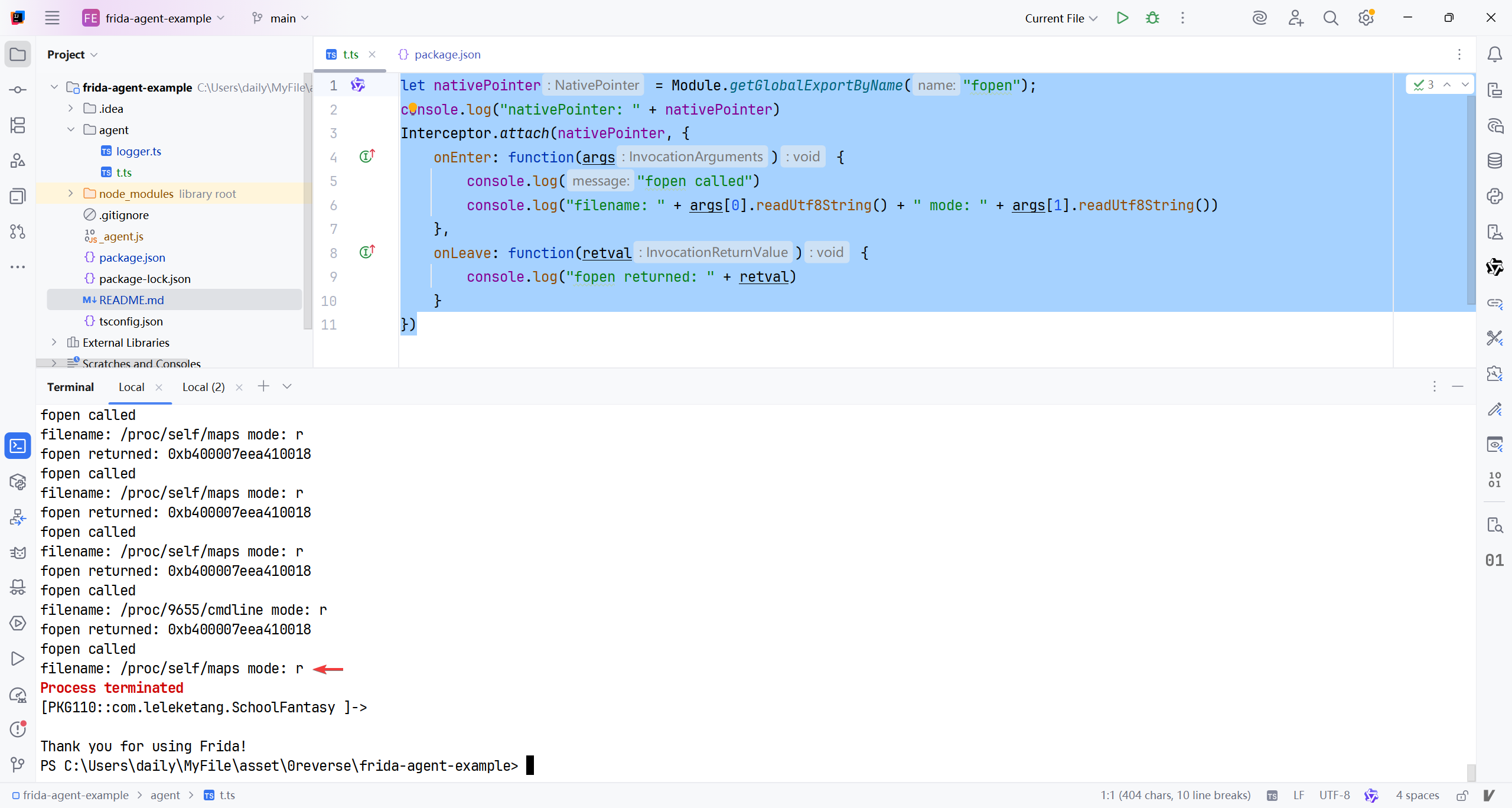
调试线程确实是在某次读取map文件后退出的.
这次是status文件 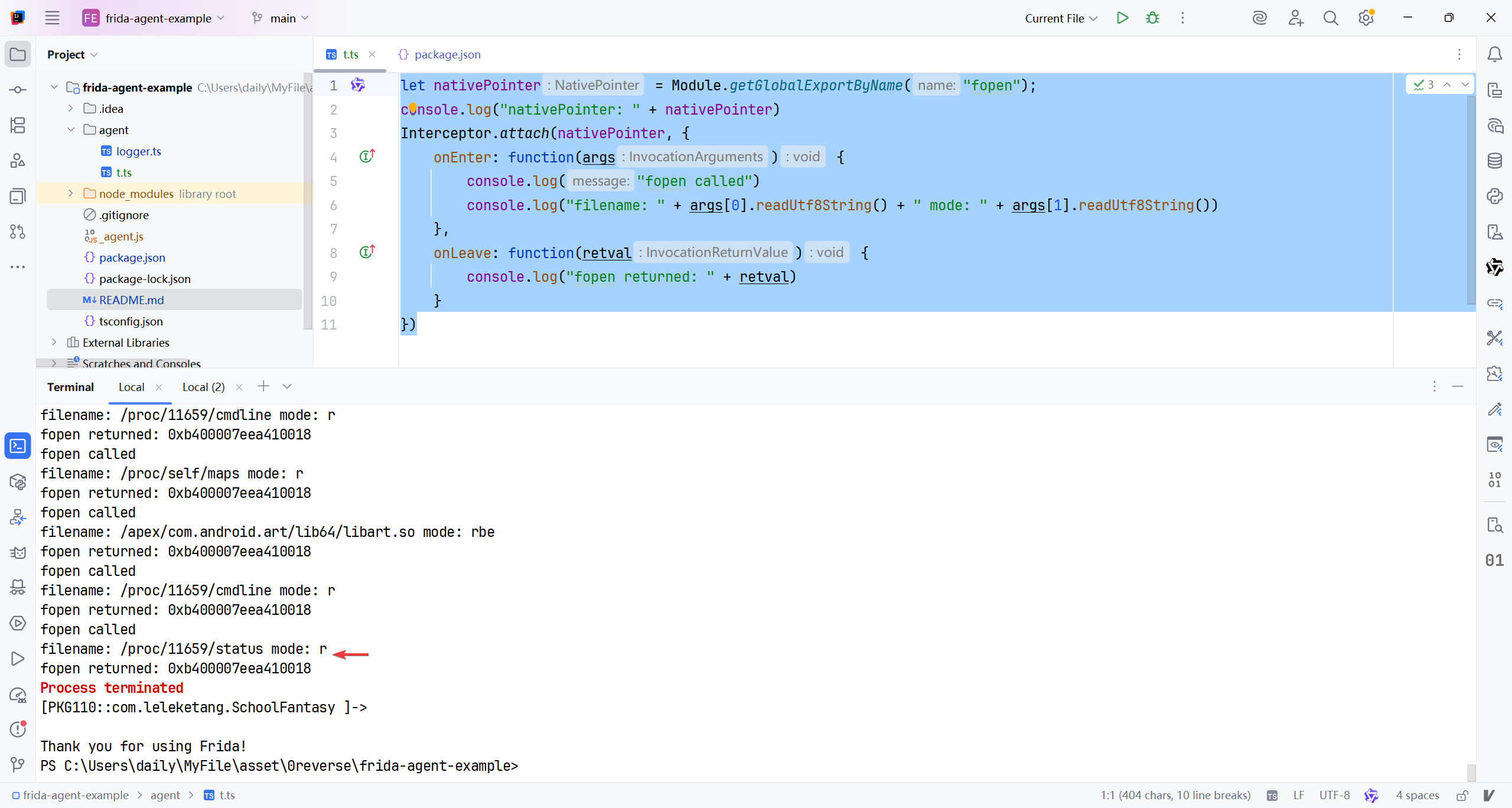
我想篡改返回值嘞.. 因为status里面有tracepid, map里有匿名可执行内存, 这些都容易暴露该软件处于调试状态..所以接下来我要先拿到返回值..
原来fopen只是拿到了一个指针, 并不是直接的文件内容, 要修改文件内容, 应该拦截fread/fgets 或 read, 我测试的app源码如下:
1
2
3
4
5
6
7
8
9
10
11
12
13
14
15
16
17
18
19
20
21
22
23
24
25
26
27
28
29
30
31
32
extern "C" JNIEXPORT jstring JNICALL
Java_cn_medmi_antidebug_MainActivity_getTracerPid(JNIEnv *env, jclass clazz) {
    FILE* fd = fopen("/proc/self/status", "r");
    if (fd == nullptr) {
        return env->NewStringUTF("Error: Could not open file");
    }

    char line[256];  // 每行不会太长
    while (fgets(line, sizeof(line), fd)) {
        if (strncmp(line, "TracerPid:", 10) == 0) {
            // 找到了TracerPid行
            char* value_start = strchr(line, ':');
            if (value_start != nullptr) {
                value_start++; // 跳过冒号
                // 跳过可能的空白字符
                while (*value_start == ' ' || *value_start == '\t') {
                    value_start++;
                }
                // 去除行尾的换行符
                char* newline = strchr(value_start, '\n');
                if (newline != nullptr) {
                    *newline = '\0';
                }
                fclose(fd);
                __android_log_write(ANDROID_LOG_INFO, "TracerPid", value_start);
                return env->NewStringUTF(value_start);
            }
        }
    }
    fclose(fd);
    return env->NewStringUTF("0");  // 默认值,表示没有调试器
}
所以先拦截fgets吧, 分析函数签名如下,
1
char *fgets(char *str, int size, FILE *stream);
| 参数 | 类型 | 说明 |
|---|---|---|
str | char * | 目标缓冲区:指向你提供的字符数组(buffer),用于存储读取到的字符串 |
size | int | 最大读取字符数:最多读取 size - 1 个字符(留一个位置给结尾的空字符 \0)。这是为了防止缓冲区溢出 |
stream | FILE * | 输入流:要从中读取数据的文件指针,例如 stdin(标准输入)、fopen 返回的文件句柄等 |
该函数的返回值不包含读取到的结果, 而是函数执行完毕后, 会在输入的缓冲区产生结果, AI教我要在onLeave时读取或修改缓冲区的数据..
1
2
3
4
5
6
7
8
9
10
11
12
13
14
15
let fopen = Module.getGlobalExportByName("fopen");
Interceptor.attach(fopen, {
    onEnter: function(args) {
        console.log("open: " + args[0].readUtf8String() + " mode: " + args[1].readUtf8String())
    },
})
let fgets = Module.getGlobalExportByName("fgets");
Interceptor.attach(fgets, {
    onEnter: function(args) {
        this.buffer=args[0];
    },
    onLeave: function(retval) {
        console.log("buffer: " + this.buffer.readUtf8String())
    }
})
日志如下
1
2
3
4
5
6
7
8
9
10
open: /proc/self/maps mode: r
...
buffer: 7e3375b000-7e34e21000 r-xp 00000000 00:01 201650                         /memfd:frida-agent-64.so (deleted)
buffer: 7e34e21000-7e34e24000 ---p 00000000 00:00 0
buffer: 7e34e24000-7e34ef7000 r--p 016c5000 00:01 201650                         /memfd:frida-agent-64.so (deleted)
buffer: 7e34ef7000-7e34efb000 ---p 00000000 00:00 0
buffer: 7e34efb000-7e34f16000 rw-p 01798000 00:01 201650                         /memfd:frida-agent-64.so (deleted)
...
Process terminated
[PKG110::com.leleketang.SchoolFantasy ]->
读取到/proc/self/maps后, 调试线程被杀死了… 问一下AI这一堆日志里能看到什么
AI发现了frida-agent注入的痕迹.. 然后让AI教我生成修改返回值的代码.
1
2
3
4
5
6
7
8
9
10
11
12
let fgets = Module.getGlobalExportByName("fgets");
Interceptor.attach(fgets, {
    onEnter: function(args) {
        this.buffer=args[0];
    },
    onLeave: function(retval) {
        let src = this.buffer.readUtf8String();
        let mod = src.replace(/frida/g,'fucky');
        this.buffer.writeUtf8String(mod)
        console.log("buffer: " + mod)
    }
})
但是还是闪退, 似乎还存在别的检测, 在这篇博客里面有所提及. 可以通过读取proc/self/task/%s/status检测特征字符gum-js-loop gmain. 先看看有没有..
1
2
3
4
5
6
7
8
9
10
11
12
13
14
15
16
17
18
19
20
open: /proc/self/cmdline mode: re
open: /proc/self/cmdline mode: re
open: /proc/self/cmdline mode: re
open: /proc/self/cmdline mode: re
open: /proc/self/status mode: r
open: /proc/self/maps mode: r
open: /proc/self/maps mode: r
open: /proc/self/maps mode: r
open: /proc/self/maps mode: r
open: /proc/self/maps mode: r
open: /proc/self/maps mode: r
open: /proc/self/maps mode: r
open: /proc/self/maps mode: r
open: /proc/self/maps mode: r
open: /proc/22854/cmdline mode: r
open: /proc/self/maps mode: r
open: /apex/com.android.art/lib64/libart.so mode: rbe
open: /proc/22854/cmdline mode: r
open: /proc/22854/status mode: r
Process terminated
并没有… 那接着修改status里的返回值..
1
2
3
4
5
6
7
8
9
10
11
12
13
14
15
16
17
18
19
20
21
22
[PKG110::com.leleketang.SchoolFantasy ]-> open: /proc/self/cmdline mode: re
open: /proc/self/cmdline mode: re
open: /proc/self/cmdline mode: re
open: /proc/self/cmdline mode: re
open: /proc/self/status mode: r
buffer: TracerPid:      0
open: /proc/self/maps mode: r
open: /proc/self/maps mode: r
open: /proc/self/maps mode: r
open: /proc/self/maps mode: r
open: /proc/self/maps mode: r
open: /proc/self/maps mode: r
open: /proc/self/maps mode: r
open: /proc/self/maps mode: r
open: /proc/self/maps mode: r
open: /proc/26261/cmdline mode: r
open: /proc/self/maps mode: r
open: /apex/com.android.art/lib64/libart.so mode: rbe
open: /proc/26261/cmdline mode: r
open: /proc/26261/status mode: r
buffer: TracerPid:      0
Process terminated
额, 似乎status也没露出鸡脚, 看来监测点也不在这里… 那到底为什么调试线程会被终止呢? hook了一下android_dlopen_ext, 出现如下日志:
1
2
3
4
5
6
7
8
[PKG110::com.leleketang.SchoolFantasy ]-> android_dlopen_ext called: [libframework-connectivity-tiramisu-jni.so]
android_dlopen_ext called: [/data/app/~~4a3zxVex62QXGM8tBHyF7A==/com.leleketang.SchoolFantasy-rGwZk0keiP3AoL0pAxrBmA==/oat/arm64/base.odex]
android_dlopen_ext called: [/data/data/com.leleketang.SchoolFantasy/.jiagu/libjiagu_64.so]
android_dlopen_ext called: [libjgdtc.so]
android_dlopen_ext called: [/data/app/~~4a3zxVex62QXGM8tBHyF7A==/com.leleketang.SchoolFantasy-rGwZk0keiP3AoL0pAxrBmA==/lib/arm64/libjgdtc.so]
android_dlopen_ext called: [/data/app/~~4a3zxVex62QXGM8tBHyF7A==/com.leleketang.SchoolFantasy-rGwZk0keiP3AoL0pAxrBmA==/lib/arm64/libmsaoaidsec.so]
Process terminated
[PKG110::com.leleketang.SchoolFantasy ]->
这个libmsaoaidsec.so是老演员了啊, 好多博客都能看到这个frida检测模块, 我居然认为天天练没有… 这篇博客中, 爱奇艺也用到了这个检测模块,
我想偷懒直接hook do_dlopen函数, 但是不出意外地出错了, 可能这是内部实现, 不同版本的函数名,内容,参数不一样…
1
2
3
4
5
Interceptor.attach(Module.getGlobalExportByName("do_dlopen"), {
    onEnter: function(args) {
        console.log("android_dlopen_ext called: [" + args[0].readUtf8String()+"]")
    },
})
1
2
3
4
5
Spawned `com.leleketang.SchoolFantasy`. Resuming main thread!
Error: unable to find global export 'do_dlopen'
    at value (/frida/runtime/core.js:218)
    at <anonymous> (agent/t.ts:32)
[PKG110::com.leleketang.SchoolFantasy ]-> Process terminated
按照博客, 直接在二进制文件里面找吧…
1
readelf -sW /apex/com.android.runtime/bin/linker64 |grep do_dlopen
1
2
3
4
OP5D2BL1:/ # readelf -sW /apex/com.android.runtime/bin/linker64 |grep do_dlopen
  6857: 00000000000e6d7c    68 FUNC    LOCAL  DEFAULT   10 __dl__ZZ9do_dlopenPKciPK17android_dlextinfoPKvENK3$_1clEv.__uniq.250007671217850615957365636956552013758
  7096: 00000000000d94cc  3576 FUNC    LOCAL  HIDDEN    10 __dl__Z9do_dlopenPKciPK17android_dlextinfoPKv
OP5D2BL1:/ #
我还是比较好奇这个函数具体所在的位置… 想用IDA看看实现..
所以使用ADB拉去到了本地
1
2
3
PS C:\Users\daily\MyFile\asset\0reverse\frida-agent-example> adb pull /apex/com.android.runtime/bin/linker64 ../elf/
/apex/com.android.runtime/bin/linker64: 1 file pulled, 0 skipped. 3.9 MB/s (2287376 bytes in 0.556s)
PS C:\Users\daily\MyFile\asset\0reverse\frida-agent-example>
IDA打开后, 直接跳转到目标位置, 看到了目标函数
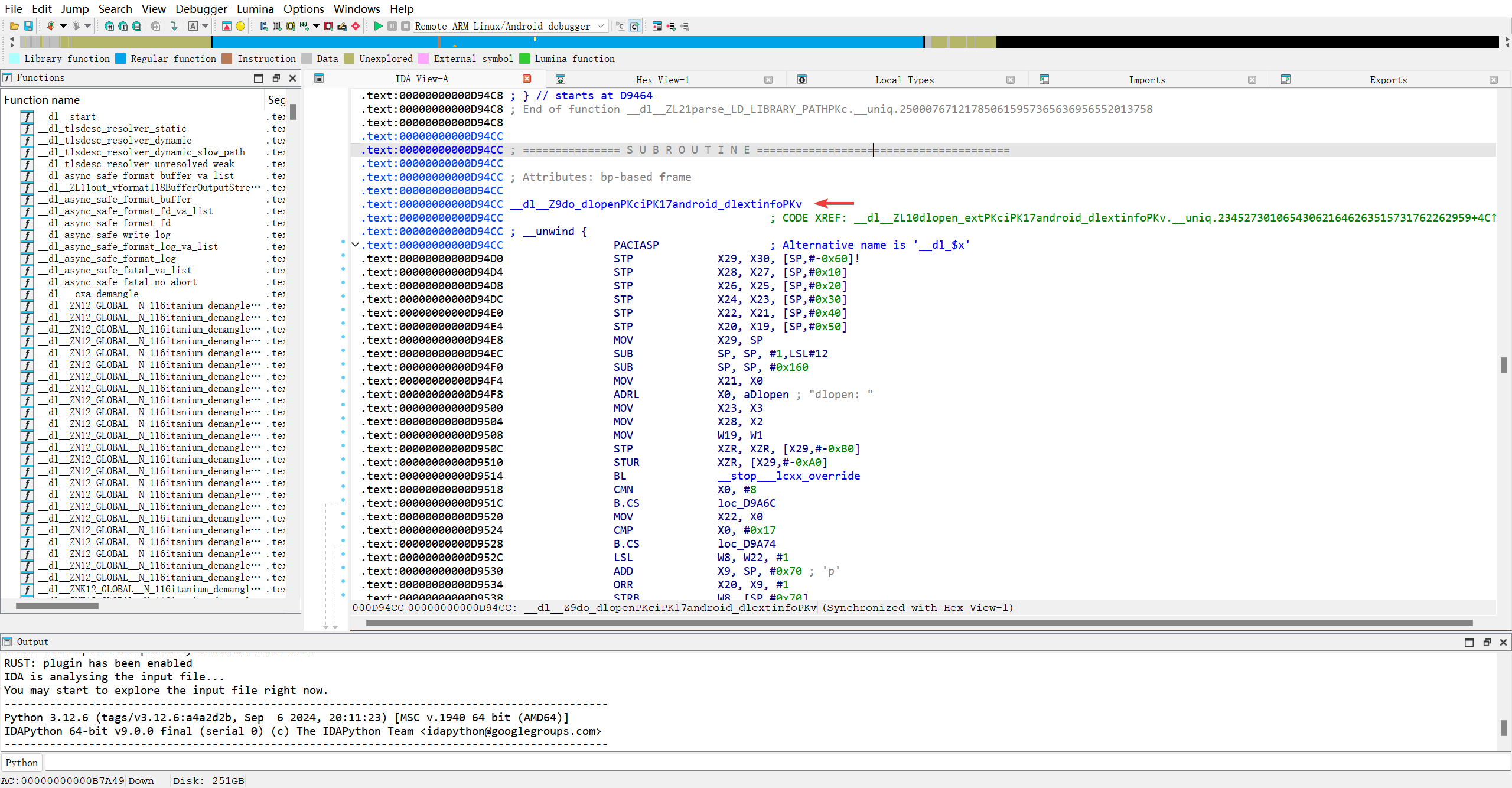
原来linker64的导出表就这么点东西?
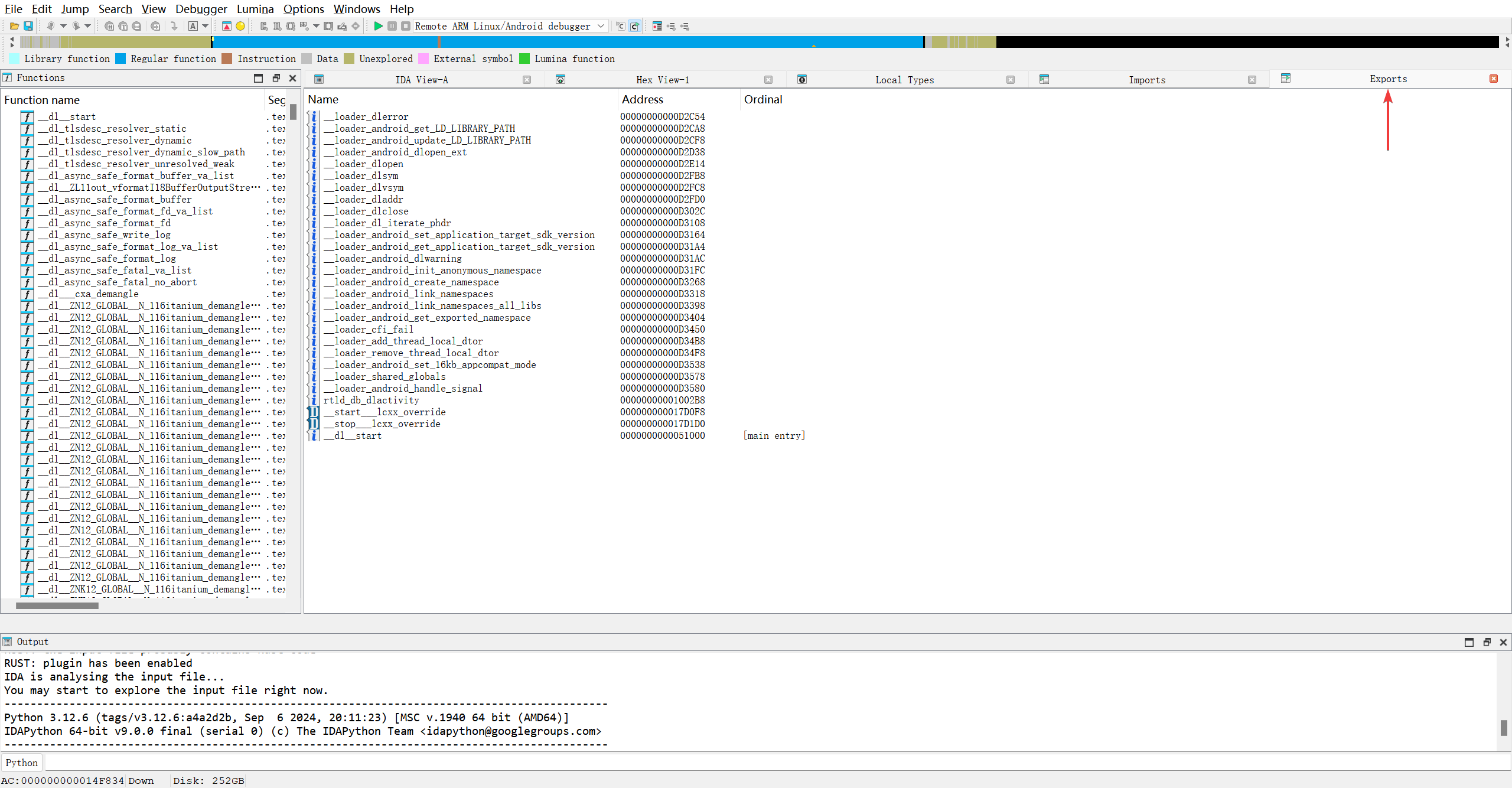
但结果与命令读取的结果不太一样..
1
readelf -sW /apex/com.android.runtime/bin/linker64 |grep do_dlopen
直接在左侧函数表能搜到一样的函数.
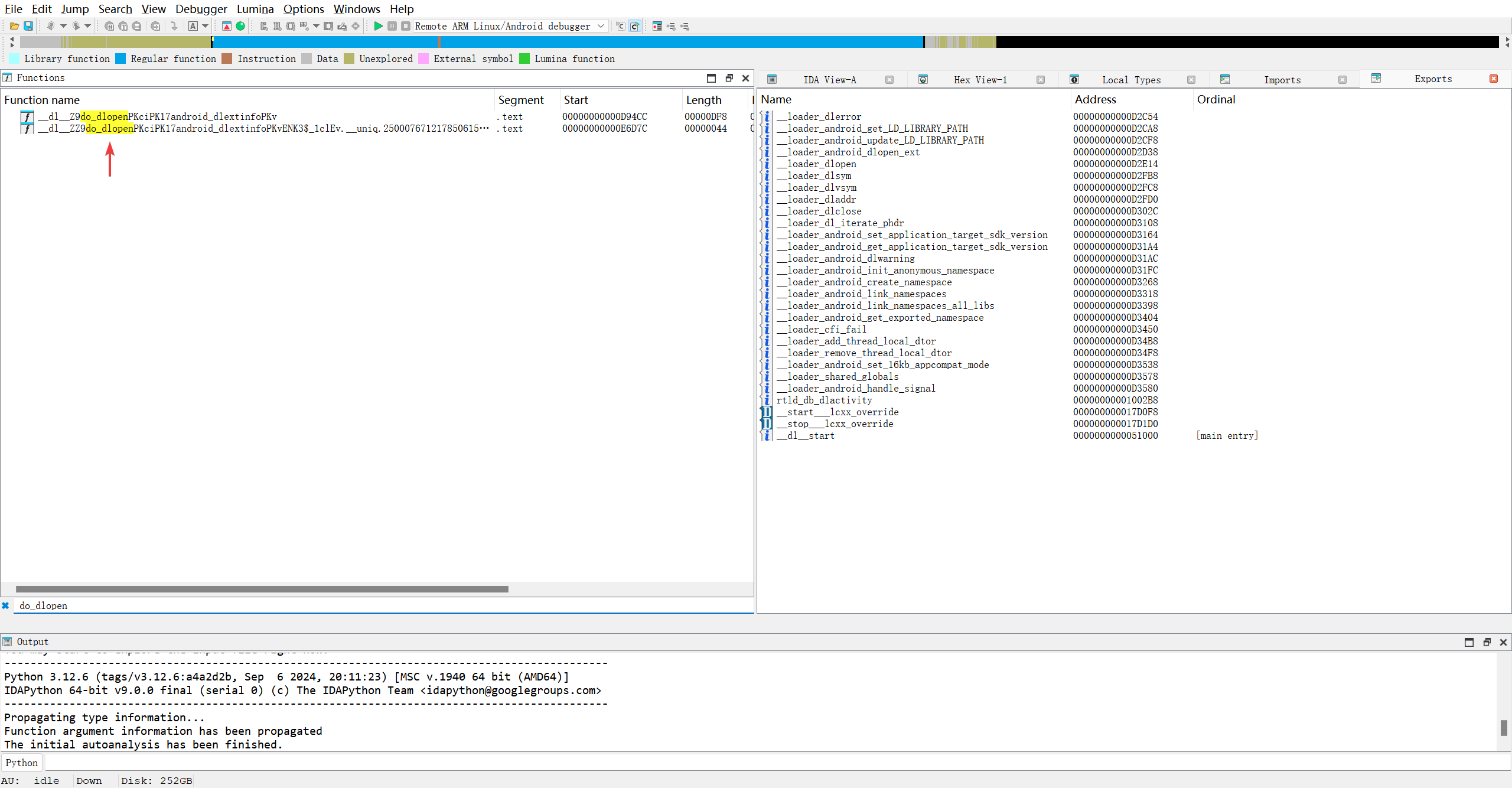
1
const void *__fastcall _dl__Z9do_dlopenPKciPK17android_dlextinfoPKv(const char *a1, int a2, _QWORD *a3, __int64 a4)
1
2
3
__int64 __fastcall _dl__ZZ9do_dlopenPKciPK17android_dlextinfoPKvENK3__1clEv___uniq_250007671217850615957365636956552013758(
        __int64 result,
        __int64 a2)
AI给的答复
| 函数 | 是否值得 Hook | 建议 |
|---|---|---|
do_dlopen(第一个) | ✅ 强烈推荐 | 可以获取完整的 so 加载信息(路径、flag、caller) |
| 长名字的 lambda(第二个) | ❌ 不推荐 | 逻辑碎片化,参数无意义,调用上下文不明 |
那hook 这个linker的do_dlopen与android_dlopen_ext有何区别呢? 360加固不就有自实现linker么.. 难道是自实现linker也得由do_dlopen来最终加载嘛?
AI: 🔥 关键点:加固厂商的“自实现 linker”通常 完全绕过 android_dlopen_ext 和 do_dlopen!
那就是没啥本质区别咯…管他呢先试试hook后的结果..
1
2
3
4
5
Interceptor.attach(Module.getGlobalExportByName("__dl__Z9do_dlopenPKciPK17android_dlextinfoPKv"), {
    onEnter: function(args) {
        console.log("android_dlopen_ext called: [" + args[0].readUtf8String()+"]")
    },
})
日志如下:
1
2
3
4
5
6
Spawned `com.leleketang.SchoolFantasy`. Resuming main thread!
Error: unable to find global export '__dl__Z9do_dlopenPKciPK17android_dlextinfoPKv'
    at value (/frida/runtime/core.js:218)
    at <anonymous> (agent/t.ts:32)
[PKG110::com.leleketang.SchoolFantasy ]-> Process terminated
[PKG110::com.leleketang.SchoolFantasy ]->
新版本没有getBaseAddress()这个API啊..
AI指点后, 使用Module.load
1
2
3
4
5
Interceptor.attach(Module.load("linker64").base.add(0xd94cc), {
    onEnter: function(args) {
        console.log("do_dlopen called: [" + args[0].readUtf8String()+"]")
    },
})
看看结果:
1
2
3
4
5
6
7
8
9
10
11
12
13
14
15
16
17
18
19
20
21
22
23
24
25
26
Spawned `com.leleketang.SchoolFantasy`. Resuming main thread!
[PKG110::com.leleketang.SchoolFantasy ]-> do_dlopen called: [libframework-connectivity-tiramisu-jni.so]
do_dlopen called: [/data/app/~~4a3zxVex62QXGM8tBHyF7A==/com.leleketang.SchoolFantasy-rGwZk0keiP3AoL0pAxrBmA==/oat/arm64/base.odex]
do_dlopen called: [/data/data/com.leleketang.SchoolFantasy/.jiagu/libjiagu_64.so]
do_dlopen called: [liblog.so]
do_dlopen called: [libz.so]
do_dlopen called: [libc.so]
do_dlopen called: [libm.so]
do_dlopen called: [libstdc++.so]
do_dlopen called: [libdl.so]
do_dlopen called: [libjiagu_64.so]
do_dlopen called: [libjiagu_64.so]
do_dlopen called: [libart.so]
do_dlopen called: [libjiagu_64.so]
do_dlopen called: [libjiagu_64.so]
do_dlopen called: [libjiagu_64.so]
do_dlopen called: [libjiagu_64.so]
do_dlopen called: [libjiagu_64.so]
do_dlopen called: [libjiagu_64.so]
do_dlopen called: [libjgdtc.so]
do_dlopen called: [/data/app/~~4a3zxVex62QXGM8tBHyF7A==/com.leleketang.SchoolFantasy-rGwZk0keiP3AoL0pAxrBmA==/lib/arm64/libjgdtc.so]
do_dlopen called: [/data/app/~~4a3zxVex62QXGM8tBHyF7A==/com.leleketang.SchoolFantasy-rGwZk0keiP3AoL0pAxrBmA==/lib/arm64/libmsaoaidsec.so]
do_dlopen called: [libc.so]
do_dlopen called: [libc.so]
Process terminated
[PKG110::com.leleketang.SchoolFantasy ]->
再对比看看android_dlopen_ext的结果
1
2
3
4
5
6
7
8
9
Spawned `com.leleketang.SchoolFantasy`. Resuming main thread!
[PKG110::com.leleketang.SchoolFantasy ]-> android_dlopen_ext called: [libframework-connectivity-tiramisu-jni.so]
android_dlopen_ext called: [/data/app/~~4a3zxVex62QXGM8tBHyF7A==/com.leleketang.SchoolFantasy-rGwZk0keiP3AoL0pAxrBmA==/oat/arm64/base.odex]
android_dlopen_ext called: [/data/data/com.leleketang.SchoolFantasy/.jiagu/libjiagu_64.so]
android_dlopen_ext called: [libjgdtc.so]
android_dlopen_ext called: [/data/app/~~4a3zxVex62QXGM8tBHyF7A==/com.leleketang.SchoolFantasy-rGwZk0keiP3AoL0pAxrBmA==/lib/arm64/libjgdtc.so]
android_dlopen_ext called: [/data/app/~~4a3zxVex62QXGM8tBHyF7A==/com.leleketang.SchoolFantasy-rGwZk0keiP3AoL0pAxrBmA==/lib/arm64/libmsaoaidsec.so]
Process terminated
[PKG110::com.leleketang.SchoolFantasy ]->
嗯, 看来hook do_dlopen能拿到的信息确实多一些, 利于整理逆向思维..
根据博客的思路, 也就是大致定位导致崩溃的代码.. 在attach的回调方法 进入, 离开中分别打印日志.. 再联想so加载链接到JNI_Onload代码执行的过程判断反调试代码的位置..
那么我的问题来了, 我不直到so文件具体的加载链接过程啊, 所以切换学习的频道吧.. 补习去咯..
忍不了了, 看了个B站教程, 也是讲解libmsaoaidsec.so的检测.. 我想要hook pthread_create()函数…
1
2
3
4
5
6
7
8
#include <pthread.h>

int pthread_create(
    pthread_t *thread,                // 输出:新线程 ID
    const pthread_attr_t *attr,       // 输入:线程属性(可为 NULL)
    void *(*start_routine)(void *),   // 输入:线程入口函数
    void *arg                         // 输入:传给入口函数的参数
);
| 参数 | 类型 | 作用 | 注意事项 |
|---|---|---|---|
thread | pthread_t* | 输出参数,用于接收新线程的 ID | 必须指向有效内存 |
attr | const pthread_attr_t* | 线程属性(栈大小、调度策略等) | 传 NULL 表示使用默认属性 |
start_routine | void*(*)(void*) | 线程主函数,相当于 main() | 必须是这种签名 |
arg | void* | 传递给 start_routine 的唯一参数 | 可传结构体指针 |
1
2
3
4
5
6
7
8
Interceptor.attach(Module.getGlobalExportByName("pthread_create"),{
    onEnter: function(args) {
        console.log("pthread_create called: [" + args[0]+","+ args[1]+","+ args[2]+","+ args[3]+"]")
    },
    onLeave: function(retval) {
        console.log("pthread_create retval: [" + retval.toInt32()+"]")
    }
})
1
2
3
4
5
6
7
8
9
10
11
do_dlopen called: [/data/app/~~4a3zxVex62QXGM8tBHyF7A==/com.leleketang.SchoolFantasy-rGwZk0keiP3AoL0pAxrBmA==/lib/arm64/libmsaoaidsec.so]
do_dlopen called: [libc.so]
pthread_create called: [0x7ff00cde20,0x0,0x7edfa5f544,0x7ee5c54f44]
pthread_create retval: [0]
pthread_create called: [0x7edfa8c650,0x0,0x7edfa5e8d4,0x0]
pthread_create retval: [0]
do_dlopen called: [libc.so]
pthread_create called: [0x7ff00cce40,0x0,0x7edfa69e5c,0x0]
pthread_create retval: [0]
Process terminated
[PKG110::com.leleketang.SchoolFantasy ]->
可以看到, 加载libmsaoaidsec.so后, 大概率是创建了2~3个线程, 然后Frida就被杀死了…博客作者直接说是调用某个系统调用导致frida调试进程死掉的, 咋就这么直接呢? 问了一下AI, 它举例如下:
1
2
3
4
5
6
7
8
9
10
11
12
13
14
15
16
17
18
19
20
21
22
23
24
25
// 枚举所有线程
DIR *dir = opendir("/proc/self/task/");
struct dirent *entry;
while ((entry = readdir(dir)) != NULL) {
    if (isdigit(entry->d_name[0])) {
        char comm_path[64];
        snprintf(comm_path, sizeof(comm_path), "/proc/self/task/%s/comm", entry->d_name);

        // 读取线程名
        char thread_name[16];
        FILE *f = fopen(comm_path, "r");
        if (f) {
            fgets(thread_name, sizeof(thread_name), f);
            fclose(f);

            // 如果是 Frida 线程(如 "gmain", "frida")
            if (strstr(thread_name, "gmain") || strstr(thread_name, "frida")) {
                int tid = atoi(entry->d_name);
                // 只杀死这个线程!
                syscall(__NR_tkill, tid, SIGKILL);
                // 注意:不是 kill(getpid(), ...),所以主进程不死
            }
        }
    }
}
那我何不如hook这个syscall?? 先试试..
1
2
3
4
5
6
7
8
Interceptor.attach(Module.getGlobalExportByName("syscall"),{
    onEnter: function(args) {
        console.log("syscall called: [" + args[0]+","+ args[1]+","+ args[2]+"]")
    },
    onLeave: function(retval) {
        console.log("syscall retval: [" + retval+"]")
    }
})
1
2
3
4
5
6
7
8
9
10
11
12
13
14
15
16
17
18
19
20
21
22
23
24
25
26
27
28
29
30
31
32
33
34
35
36
37
38
39
40
41
42
43
44
45
46
47
48
49
50
51
52
53
54
55
56
57
58
59
60
61
62
63
64
65
66
67
68
69
70
71
72
73
74
75
76
77
78
79
80
81
82
83
84
85
86
87
88
89
90
91
92
93
94
95
96
97
98
99
100
101
102
103
104
105
106
107
108
109
110
111
112
113
114
115
116
117
118
119
120
121
122
123
124
125
126
127
128
129
130
131
132
133
134
135
136
137
138
139
140
141
142
143
144
145
146
147
148
149
150
151
152
153
154
155
156
157
158
159
160
161
162
163
164
165
166
167
168
169
170
171
172
173
174
175
176
177
178
179
180
181
182
183
184
185
186
Spawned `com.leleketang.SchoolFantasy`. Resuming main thread!
[PKG110::com.leleketang.SchoolFantasy ]-> syscall called: [0xac,0xa9688ff8,0x7ff00d0fa8]
syscall retval: [0x214c]
syscall called: [0xb2,0x7ff00d0fa8,0x2]
syscall retval: [0x214c]
do_dlopen called: [libframework-connectivity-tiramisu-jni.so]
pthread_create called: [0x7ff00d0d68,0x7ff00d0d70,0x7f80adfbb8,0xb400007e89715e00]
pthread_create retval: [0x0]
pthread_create called: [0x7e96e6cc28,0x7e96e6cc30,0x7f80adfbb8,0xb400007e89715e50]
pthread_create retval: [0x0]
syscall called: [0xc6,0x1,0x80802]
syscall retval: [0x5e]
syscall called: [0x39,0x5e,0x6]
syscall retval: [0x0]
syscall called: [0x62,0x7f99397160,0x81]
syscall retval: [0x0]
syscall called: [0xb2,0x1,0x7f6ebcee98]
syscall retval: [0x218e]
syscall called: [0xb2,0x1,0x7f6ebcee98]
syscall retval: [0x218e]
syscall called: [0xb2,0x1,0x7f6ebcee98]
syscall retval: [0x218e]
syscall called: [0xb2,0x1,0x7f6ebcee98]
syscall retval: [0x218e]
pthread_create called: [0x7e96e6cc28,0x7e96e6cc30,0x7f80adfbb8,0xb400007e87fc4320]
pthread_create retval: [0x0]
pthread_create called: [0x7e96e6bc40,0x7e96e6bc90,0x7ee5ee6f58,0xb400007e87e6e400]
pthread_create retval: [0x0]
syscall called: [0x62,0xb400007eea5002d4,0x80]
syscall retval: [0xffffffffffffffff]
pthread_create called: [0x7e96e6bda0,0x7e96e6bdf0,0x7ee5ee6f58,0xb400007e87e70000]
syscall called: [0x62,0xb400007eea5002d4,0x81]
syscall retval: [0x0]
pthread_create retval: [0x0]
pthread_create called: [0x7e96e6cc28,0x7e96e6cc30,0x7f80adfbb8,0xb400007e87fc43a0]
pthread_create retval: [0x0]
syscall called: [0x11b,0x8,0x0]
syscall retval: [0x0]
syscall called: [0xb2,0x1,0x7f6ebcee98]
syscall retval: [0x214c]
syscall called: [0xb2,0x1,0x7f6ebcee98]
syscall retval: [0x214c]
syscall called: [0xb2,0x1,0x7f6ebcee98]
syscall retval: [0x214c]
syscall called: [0xb2,0x1,0x7f6ebcee98]
syscall retval: [0x214c]
syscall called: [0xb2,0x1,0x7f6ebcee98]
syscall retval: [0x214c]
syscall called: [0xb2,0x1,0x7f6ebcee98]
syscall retval: [0x214c]
syscall called: [0xc6,0x1,0x80802]
syscall retval: [0x64]
syscall called: [0x39,0x64,0x6]
syscall retval: [0x0]
do_dlopen called: [/data/app/~~4a3zxVex62QXGM8tBHyF7A==/com.leleketang.SchoolFantasy-rGwZk0keiP3AoL0pAxrBmA==/oat/arm64/base.odex]
syscall called: [0x62,0xb400007eea4b081c,0x81]
syscall retval: [0x0]
pthread_create called: [0x7ee68182d8,0x0,0x7ee5ee0434,0xb400007e89626480]
pthread_create retval: [0x0]
syscall called: [0x62,0xb400007e89626514,0x81]
syscall retval: [0x0]
syscall called: [0x62,0xb400007e89626540,0x80]
syscall called: [0x62,0xb400007eea475fe0,0x83]
syscall retval: [0x1]
syscall called: [0x62,0xb400007eea475fb4,0x81]
syscall retval: [0x1]
syscall called: [0x11b,0x20,0x0]
syscall retval: [0x0]
syscall called: [0x62,0xb400007eea475fb4,0x81]
syscall retval: [0x0]
syscall called: [0x62,0xb400007eea475fe0,0x80]
syscall called: [0x62,0xb400007eea475fe0,0x83]
syscall retval: [0x1]
syscall called: [0x62,0xb400007eea475fb4,0x81]
syscall retval: [0x1]
syscall retval: [0x0]
syscall called: [0x11b,0x20,0x0]
syscall retval: [0x0]
syscall called: [0x62,0xb400007eea475fb4,0x81]
syscall retval: [0x0]
syscall called: [0x62,0xb400007eea475fe0,0x80]
do_dlopen called: [/data/data/com.leleketang.SchoolFantasy/.jiagu/libjiagu_64.so]
do_dlopen called: [liblog.so]
do_dlopen called: [libz.so]
do_dlopen called: [libc.so]
do_dlopen called: [libm.so]
do_dlopen called: [libstdc++.so]
do_dlopen called: [libdl.so]
do_dlopen called: [libjiagu_64.so]
syscall called: [0x11b,0x8,0x0]
syscall retval: [0x0]
do_dlopen called: [libjiagu_64.so]
do_dlopen called: [libart.so]
pthread_create called: [0x7ff00ce1c0,0x0,0x7e1e608520,0x7e1e6da080]
pthread_create retval: [0x0]
pthread_create called: [0x7ff00ce188,0x0,0x7e1e60b850,0x0]
pthread_create retval: [0x0]
pthread_create called: [0x7ff00ce180,0x0,0x7e1e60c524,0x0]
pthread_create retval: [0x0]
syscall called: [0x62,0x7edfcfd4d0,0x0]
syscall retval: [0x0]
pthread_create called: [0xb400007e87ec48a0,0x0,0x7e1e617328,0x0]
pthread_create retval: [0x0]
pthread_create called: [0xb400007e87ec48d0,0x0,0x7e1e6173a4,0x0]
pthread_create retval: [0x0]
pthread_create called: [0x7ff00cf200,0x0,0x7e1e57e214,0x0]
pthread_create retval: [0x0]
syscall called: [0xdc,0x1200011,0x0]
syscall called: [0x62,0x7eea601690,0x89]
syscall retval: [0x21a3]
syscall called: [0x62,0x7eea600c10,0x89]
syscall called: [0x62,0x7eea600c10,0x81]
syscall retval: [0x0]
syscall retval: [0xffffffffffffffff]
syscall called: [0x62,0x7eea601690,0x81]
syscall called: [0x62,0x7eea600c10,0x81]
syscall retval: [0x0]
syscall retval: [0x0]
syscall called: [0x62,0x7eea601690,0x81]
syscall retval: [0x0]
syscall retval: [0x1]
do_dlopen called: [libjiagu_64.so]
pthread_create called: [0x7ff00cf178,0x0,0x7e1e60240c,0xb400007e87fc2d40]
pthread_create retval: [0x0]
do_dlopen called: [libjiagu_64.so]
pthread_create called: [0xb400007e87fd02e0,0x0,0x7e1e5836d0,0xb400007e87fd15c0]
pthread_create retval: [0x0]
pthread_create called: [0xb400007e87fd02e8,0x0,0x7e1e5836d0,0xb400007e87fd15d0]
pthread_create retval: [0x0]
pthread_create called: [0xb400007e87fd02f0,0x0,0x7e1e5836d0,0xb400007e87fd15e0]
pthread_create retval: [0x0]
pthread_create called: [0xb400007e87fd02f8,0x0,0x7e1e5836d0,0xb400007e87fd15f0]
pthread_create retval: [0x0]
syscall called: [0x62,0x7edfb014d0,0x0]
syscall retval: [0x0]
syscall called: [0x62,0x7edfa034d0,0x0]
syscall retval: [0x0]
syscall called: [0x62,0x7e95d5b4d0,0x0]
syscall retval: [0x0]
do_dlopen called: [libjiagu_64.so]
do_dlopen called: [libjiagu_64.so]
pthread_create called: [0x7ff00cf250,0x0,0x7e1e597400,0xb400007eea49d9c0]
pthread_create retval: [0x0]
pthread_create called: [0x7ff00cebf8,0x0,0x7e1e658708,0xb400007e87fc0f00]
pthread_create retval: [0x0]
pthread_create called: [0x7ff00cec10,0x0,0x7e1e6597fc,0xb400007e81563000]
pthread_create retval: [0x0]
do_dlopen called: [libjiagu_64.so]
do_dlopen called: [libjiagu_64.so]
do_dlopen called: [libjgdtc.so]
do_dlopen called: [/data/app/~~4a3zxVex62QXGM8tBHyF7A==/com.leleketang.SchoolFantasy-rGwZk0keiP3AoL0pAxrBmA==/lib/arm64/libjgdtc.so]
pthread_create called: [0x7ff00cef50,0x7ff00cefa0,0xab00007ee5ee6f58,0xb400007e8159dc00]
pthread_create retval: [0x0]
syscall called: [0x62,0xb400007eea4af984,0x81]
syscall retval: [0x0]
syscall called: [0x62,0xb400007eea520750,0x80]
syscall called: [0x62,0xb400007eea520750,0x83]
syscall retval: [0x1]
syscall called: [0x62,0xb400007eea4af984,0x81]
syscall retval: [0x1]
syscall retval: [0x0]
pthread_create called: [0x7ff00cef50,0x7ff00cefa0,0xab00007ee5ee6f58,0xb400007e8159f800]
pthread_create retval: [0x0]
syscall called: [0x62,0xb400007eea4af984,0x81]
syscall retval: [0x0]
syscall called: [0x62,0xb400007eea520750,0x80]
syscall called: [0x62,0xb400007eea520750,0x83]
syscall retval: [0x1]
syscall called: [0x62,0xb400007eea4af984,0x81]
syscall retval: [0x1]
syscall retval: [0x0]
syscall called: [0x11b,0x8,0x0]
syscall retval: [0x0]
syscall called: [0x11b,0x8,0x0]
syscall retval: [0x0]
do_dlopen called: [/data/app/~~4a3zxVex62QXGM8tBHyF7A==/com.leleketang.SchoolFantasy-rGwZk0keiP3AoL0pAxrBmA==/lib/arm64/libmsaoaidsec.so]
do_dlopen called: [libc.so]
pthread_create called: [0x7ff00cde20,0x0,0x7edf961544,0x7ee5c54f44]
pthread_create retval: [0x0]
pthread_create called: [0x7edf98e650,0x0,0x7edf9608d4,0x0]
pthread_create retval: [0x0]
do_dlopen called: [libc.so]
pthread_create called: [0x7ff00cce40,0x0,0x7edf96be5c,0x0]
pthread_create retval: [0x0]
Process terminated
[PKG110::com.leleketang.SchoolFantasy ]->
额, 似乎并不能直接调用syscall导致进程终止..
1
2
syscall called: [0x11b,0x8,0x0]
这表示调用了系统调用号为 0x11b(十进制 283)的系统调用(__NR_tkill),参数为 0x8(tid线程ID) 和 0x0(探测)。
而且多次执行脚本后, 都是上述的情况
1
2
3
4
5
6
7
8
9
10
do_dlopen called: [/data/app/~~4a3zxVex62QXGM8tBHyF7A==/com.leleketang.SchoolFantasy-rGwZk0keiP3AoL0pAxrBmA==/lib/arm64/libmsaoaidsec.so]
do_dlopen called: [libc.so]
pthread_create called: [0x7ff00cde20,0x0,0x7edf961544,0x7ee5c54f44]
pthread_create retval: [0x0]
pthread_create called: [0x7edf98e650,0x0,0x7edf9608d4,0x0]
pthread_create retval: [0x0]
do_dlopen called: [libc.so]
pthread_create called: [0x7ff00cce40,0x0,0x7edf96be5c,0x0]
pthread_create retval: [0x0]
Process terminated
新线程ID, 父线程ID都是不变的..
1
2
pthread_create called: [0x7edf98e650,0x0,0x7edf9608d4,0x0]
位于0x7edf98e650的线程将开始执行位于0x7edf9608d4的代码...
感觉自己探索的这些方面没啥用, 走不远, 跟着博客走吧..
博客作者是利用frida脚本hook linker64的do_dlopen函数, 拦截该函数, 判断加载的so, 如果是libmsaoaidsec.so就延时10s再加载, 然后在这10s内, 手动在手机终端执行监控命令:
1
strace -e trace=process -i -f -p [pid]
等待10s后frida线程被杀死, strace便会打印结果..我的疑问就来了.. 他喵的strace又是什么鬼? 学个没完没了了..
1
2
3
OP5D2BL1:/ # strace -e trace=process,memory -i -f -p 25947
/system/bin/sh: strace: inaccessible or not found
127|OP5D2BL1:/ #
似乎我的手机没有这个二进制命令… 细看博客, 似乎发现博主藏了一手, Log.log是博主自己封装的工具, 能直接打印当前代码上下文的线程id… 哦不, 还有一手, strace应该是装了什么模块才有的..
得补课了, strace的构建…好巧不巧, 刚好搜到了strace的magisk模块… 刷得飞起!
1
2
3
4
OP5D2BL1:/ # strace
strace: must have PROG [ARGS] or -p PID
Try 'strace -h' for more information.
1|OP5D2BL1:/ #
这才对嘛, 请AI分析一下博主的命令..
1
strace -e trace=process -i -f -p 15534
| 参数 | 含义 | 详细说明 |
|---|---|---|
-e trace=process | 只跟踪与“进程/线程生命周期”相关的系统调用 | 这是一个预定义的 syscall 分组(group),包含: • clone(创建线程/进程) • fork, vfork(创建子进程) • execve(执行新程序) • exit, _exit, exit_group(退出) • wait4, waitid(等待子进程) 在 Android 中, pthread_create 最终会调用 clone,所以这个选项能捕获所有新线程的创建! |
-i | 打印系统调用发生时的指令指针(Instruction Pointer) | 显示形如 [00007abc12345678] 的地址,即当前执行代码在内存中的位置。 ✅ 用途:可定位是哪个 so 库或函数触发了 clone/execve,辅助逆向分析(需结合 /proc/PID/maps)。 |
-f | 跟踪子进程和线程(follow forks) | 如果目标进程创建了新线程(clone)或子进程(fork),strace 会自动 attach 并继续跟踪它们。 ⚠️ 不加 -f 的话,你只能看到主线程的行为,会漏掉反调试线程! |
-p 15534 | attach 到 PID 为 15534 的运行中进程 | 监控指定进程(通常是目标 App 的主进程)。 |
strace官网就说了, strace就是监控软件发出系统调用的工具.. 然后libmsaoaidsec.so刚好是通过系统调用杀掉frida调试进程的, 这下王八看绿豆, 对眼了.. 我必须学会使用strace..不过当前需要解决的问题是: 如何打印当前上下文的线程id? AI!!!!
1
2
3
4
5
6
7
const Log = {
  log(msg) {
    const pid = Process.id;
    const tid = Thread.id; // 或 syscall('gettid')
    console.log(`${pid}-${tid} ${msg}`);
  }
};
那我就改一改吧, 这沙比AI骗我… 根本没有这个API…
我就按自己的理解, 改一下logger模块里的代码, 应该是
1
2
3
export function log(message:any): void {
    console.log(Process.id+"-"+Process.getCurrentThreadId()+" "+message);
}
难绷, 才发现ts模块引用规范中, 原来模块名后缀ts, 但import语句中后缀是js..
1
2
3
4
5
6
7
8
9
10
11
12
import { log } from "./logger.js";

Interceptor.attach(Module.load("linker64").base.add(0xd94cc), {
    onEnter: function(args) {
        this.name = args[0].readUtf8String();
        log("do_dlopen called: [" + this.name+"]")
        if (this.name!=null&&this.name.indexOf('libmsaoaidsec.so')>=0){
            log("delay to load libmsaoaidsec.so")
            Thread.sleep(10)
        }
    },
})
结果符合预期.. 确实等待了10秒frida进程才死掉, 并且日志中最好不要有中文, 不然会常出现不符合预期的结果(英文就不会)..不好排查…
1
2
3
4
5
6
7
10645-10645 do_dlopen called: [/data/app/~~4a3zxVex62QXGM8tBHyF7A==/com.leleketang.SchoolFantasy-rGwZk0keiP3AoL0pAxrBmA==/lib/arm64/libjgdtc.so]
10645-10645 do_dlopen called: [/data/app/~~4a3zxVex62QXGM8tBHyF7A==/com.leleketang.SchoolFantasy-rGwZk0keiP3AoL0pAxrBmA==/lib/arm64/libmsaoaidsec.so]
10645-10645 delay to load libmsaoaidsec.so
10645-10645 do_dlopen called: [libc.so]
10645-10645 do_dlopen called: [libc.so]
Process terminated
[PKG110::com.leleketang.SchoolFantasy ]->
接下来开两个控制台, 一个执行frida, 另一个执行
1
strace -e trace=process -i -f -p 10645
1
2
3
4
5
6
7
8
9
10
11
12
13
14
15
16
17
18
19
20
21
22
23
24
25
26
Spawned `com.leleketang.SchoolFantasy`. Resuming main thread!
[PKG110::com.leleketang.SchoolFantasy ]-> 12995-12995 do_dlopen called: [libframework-connectivity-tiramisu-jni.so]
12995-12995 do_dlopen called: [/data/app/~~4a3zxVex62QXGM8tBHyF7A==/com.leleketang.SchoolFantasy-rGwZk0keiP3AoL0pAxrBmA==/oat/arm64/base.odex]
12995-12995 do_dlopen called: [/data/data/com.leleketang.SchoolFantasy/.jiagu/libjiagu_64.so]
12995-12995 do_dlopen called: [liblog.so]
12995-12995 do_dlopen called: [libz.so]
12995-12995 do_dlopen called: [libc.so]
12995-12995 do_dlopen called: [libm.so]
12995-12995 do_dlopen called: [libstdc++.so]
12995-12995 do_dlopen called: [libdl.so]
12995-12995 do_dlopen called: [libjiagu_64.so]
12995-12995 do_dlopen called: [libjiagu_64.so]
12995-12995 do_dlopen called: [libart.so]
12995-12995 do_dlopen called: [libjiagu_64.so]
12995-12995 do_dlopen called: [libjiagu_64.so]
12995-12995 do_dlopen called: [libjiagu_64.so]
12995-12995 do_dlopen called: [libjiagu_64.so]
12995-12995 do_dlopen called: [libjiagu_64.so]
12995-12995 do_dlopen called: [libjiagu_64.so]
12995-12995 do_dlopen called: [libjgdtc.so]
12995-12995 do_dlopen called: [/data/app/~~4a3zxVex62QXGM8tBHyF7A==/com.leleketang.SchoolFantasy-rGwZk0keiP3AoL0pAxrBmA==/lib/arm64/libjgdtc.so]
12995-12995 do_dlopen called: [/data/app/~~4a3zxVex62QXGM8tBHyF7A==/com.leleketang.SchoolFantasy-rGwZk0keiP3AoL0pAxrBmA==/lib/arm64/libmsaoaidsec.so]
12995-12995 delay to load libmsaoaidsec.so
12995-12995 do_dlopen called: [libc.so]
Process terminated
[PKG110::com.leleketang.SchoolFantasy ]->
1
2
3
4
5
6
7
8
9
10
11
12
13
14
15
16
17
18
19
20
21
22
23
24
25
26
27
28
29
30
31
32
33
OP5D2BL1:/ # strace -e trace=process -i -f -p 12995
strace: Process 12995 attached with 23 threads
[pid 12995] [00000072fa919b10] clone(child_stack=0x724aafd4b0, flags=CLONE_VM|CLONE_FS|CLONE_FILES|CLONE_SIGHAND|CLONE_THREAD|CLONE_SYSVSEM|CLONE_SETTLS|CLONE_PARENT_SETTID|CLONE_CHILD_CLEARTIDstrace: Process 13186 attached
, parent_tid=[13186], tls=0x724aafd840, child_tidptr=0x724aafd4d0) = 13186
[pid 12995] [00000072fa919b10] clone(child_stack=0x7201dfc4b0, flags=CLONE_VM|CLONE_FS|CLONE_FILES|CLONE_SIGHAND|CLONE_THREAD|CLONE_SYSVSEM|CLONE_SETTLS|CLONE_PARENT_SETTID|CLONE_CHILD_CLEARTIDstrace: Process 13187 attached
, parent_tid=[13187], tls=0x7201dfc840, child_tidptr=0x7201dfc4d0) = 13187
[pid 13187] [0000007308979008] exit_group(0) = ?
[pid 13187] [????????????????] +++ exited with 0 +++
[pid 13186] [????????????????] +++ exited with 0 +++
[pid 13128] [????????????????] +++ exited with 0 +++
[pid 13125] [????????????????] +++ exited with 0 +++
[pid 13124] [????????????????] +++ exited with 0 +++
[pid 13101] [????????????????] +++ exited with 0 +++
[pid 13097] [????????????????] +++ exited with 0 +++
[pid 13096] [????????????????] +++ exited with 0 +++
[pid 13095] [????????????????] +++ exited with 0 +++
[pid 13091] [????????????????] +++ exited with 0 +++
[pid 13090] [????????????????] +++ exited with 0 +++
[pid 13073] [????????????????] +++ exited with 0 +++
[pid 13071] [????????????????] +++ exited with 0 +++
[pid 13070] [????????????????] +++ exited with 0 +++
[pid 13065] [????????????????] +++ exited with 0 +++
[pid 13008] [????????????????] +++ exited with 0 +++
[pid 13007] [????????????????] +++ exited with 0 +++
[pid 13005] [????????????????] +++ exited with 0 +++
[pid 13004] [????????????????] +++ exited with 0 +++
[pid 13003] [????????????????] +++ exited with 0 +++
[pid 13069] [????????????????] +++ exited with 0 +++
[pid 13009] [????????????????] +++ exited with 0 +++
[pid 13006] [????????????????] +++ exited with 0 +++
[pid 13094] [????????????????] +++ exited with 0 +++
[????????????????] +++ exited with 0 +++
OP5D2BL1:/ #
1
[pid 13187] [0000007308979008] exit_group(0) = ?
这一行显眼包啊, 和博客里面的一模一样…那么易得该代码在内存中是被动态释放的, 逆向也找不到, 应该追踪是哪里的代码处理过这一片的内存.. 按原来的操作再来一遍strace
给正在看的基础不牢的小伙伴: 就是在重新执行
1
frida -U -f package.name -l agent/index.ts
然后执行
1
strace -e trace=process,memory -i -f -p pid
1
2
3
4
5
6
7
8
9
10
11
12
13
14
15
16
17
18
19
20
21
22
23
24
25
26
27
28
29
30
31
32
33
34
35
36
37
38
39
40
41
42
43
44
45
46
47
48
49
50
51
52
53
54
55
56
57
58
59
60
61
62
63
64
65
66
67
68
69
70
71
72
73
74
75
76
77
78
79
80
81
82
83
84
85
86
87
88
89
90
91
92
93
94
95
OP5D2BL1:/ # strace -e trace=process,memory -i -f -p 17603
strace: Process 17603 attached with 21 threads
[pid 17603] [000000730a0906cc] mprotect(0x7308e3c000, 393216, PROT_READ|PROT_WRITE) = 0
[pid 17603] [000000730a0906cc] mprotect(0x7308f5a000, 393216, PROT_READ|PROT_WRITE) = 0
[pid 17603] [000000730a0906cc] mprotect(0x7308d43000, 393216, PROT_READ|PROT_WRITE) = 0
[pid 17603] [000000730a0906cc] mprotect(0x7308ce3000, 393216, PROT_READ|PROT_WRITE) = 0
[pid 17603] [000000730a09128c] mmap(NULL, 393216, PROT_READ|PROT_WRITE, MAP_PRIVATE|MAP_ANONYMOUS, -1, 0) = 0x72e6801000
[pid 17603] [000000730a09128c] mmap(NULL, 464, PROT_READ, MAP_PRIVATE, 103, 0) = 0x730898b000
[pid 17603] [000000730a09128c] mmap(NULL, 5904, PROT_READ, MAP_PRIVATE, 103, 0xa9000) = 0x7308989000
[pid 17603] [000000730a09128c] mmap(NULL, 3808, PROT_READ, MAP_PRIVATE, 103, 0x47000) = 0x7308988000
[pid 17603] [000000730a09128c] mmap(NULL, 40192, PROT_READ, MAP_PRIVATE, 103, 0x3000) = 0x730897e000
[pid 17603] [000000730a09128c] mmap(NULL, 1044480, PROT_NONE, MAP_PRIVATE|MAP_ANONYMOUS, -1, 0) = 0x724a709000
[pid 17603] [000000730a09064c] munmap(0x724a709000, 266240) = 0
[pid 17603] [000000730a09064c] munmap(0x724a7f4000, 81920) = 0
[pid 17603] [000000730a09128c] mmap(0x724a74a000, 225280, PROT_READ|PROT_EXEC, MAP_PRIVATE|MAP_FIXED, 103, 0) = 0x724a74a000
[pid 17603] [000000730a09128c] mmap(0x724a790000, 408320, PROT_READ|PROT_WRITE, MAP_PRIVATE|MAP_FIXED, 103, 0x46000) = 0x724a790000
[pid 17603] [000000730a0906cc] mprotect(0x724a790000, 8192, PROT_READ) = 0
[pid 17603] [000000730a09128c] mmap(NULL, 4096, PROT_READ|PROT_WRITE, MAP_PRIVATE|MAP_ANONYMOUS, -1, 0) = 0x730897d000
[pid 17603] [000000730a0906cc] mprotect(0x725899a000, 4096, PROT_READ) = 0
[pid 17603] [000000730a0906cc] mprotect(0x730897d000, 4096, PROT_READ) = 0
[pid 17603] [000000730a0912cc] mremap(0x730897d000, 4096, 4096, MREMAP_MAYMOVE|MREMAP_FIXED, 0x725899a000) = 0x725899a000
[pid 17603] [000000730a09064c] munmap(0x730897e000, 40192) = 0
[pid 17603] [000000730a09064c] munmap(0x7308988000, 3808) = 0
[pid 17603] [000000730a09064c] munmap(0x7308989000, 5904) = 0
[pid 17603] [000000730a09064c] munmap(0x730898b000, 464) = 0
[pid 17603] [000000730a09064c] munmap(0x72e6801000, 393216) = 0
[pid 17603] [00000072fa95a88c] mmap(NULL, 21138016, PROT_READ, MAP_PRIVATE, 103, 0) = 0x70fe023000
[pid 17603] [00000072fa959c4c] munmap(0x70fe023000, 21138016) = 0
[pid 17603] [00000072fa95a88c] mmap(NULL, 1040384, PROT_NONE, MAP_PRIVATE|MAP_ANONYMOUS|MAP_NORESERVE, -1, 0) = 0x724aa04000
[pid 17603] [00000072fa959ccc] mprotect(0x724aa05000, 1032192, PROT_READ|PROT_WRITE) = 0
[pid 17603] [00000072fa919b10] clone(child_stack=0x724aafd4b0, flags=CLONE_VM|CLONE_FS|CLONE_FILES|CLONE_SIGHAND|CLONE_THREAD|CLONE_SYSVSEM|CLONE_SETTLS|CLONE_PARENT_SETTID|CLONE_CHILD_CLEARTID, parent_tid=[17753], tls=0x724aafd840, child_tidptr=0x724aafd4d0) = 17753
[pid 17603] [00000072fa95a88c] mmap(NULL, 1040384, PROT_NONE, MAP_PRIVATE|MAP_ANONYMOUS|MAP_NORESERVE, -1, 0) = 0x72007bb000
[pid 17603] [00000072fa959ccc] mprotect(0x72007bc000, 1032192, PROT_READ|PROT_WRITE) = 0
[pid 17603] [00000072fa919b10] clone(child_stack=0x72008b44b0, flags=CLONE_VM|CLONE_FS|CLONE_FILES|CLONE_SIGHAND|CLONE_THREAD|CLONE_SYSVSEM|CLONE_SETTLS|CLONE_PARENT_SETTID|CLONE_CHILD_CLEARTIDstrace: Process 17756 attached
, parent_tid=[17756], tls=0x72008b4840, child_tidptr=0x72008b44d0) = 17756
[pid 17603] [000000730a09128c] mmap(NULL, 393216, PROT_READ|PROT_WRITE, MAP_PRIVATE|MAP_ANONYMOUS, -1, 0) = 0x72e6801000
[pid 17603] [000000730a09064c] munmap(0x72e6801000, 393216) = 0
[pid 17603] [00000072fa95a88c] mmap(NULL, 1040384, PROT_NONE, MAP_PRIVATE|MAP_ANONYMOUS|MAP_NORESERVE, -1, 0) = 0x72006bd000
[pid 17603] [00000072fa959ccc] mprotect(0x72006be000, 1032192, PROT_READ|PROT_WRITE) = 0
[pid 17603] [00000072fa919b10] clone(child_stack=0x72007b64b0, flags=CLONE_VM|CLONE_FS|CLONE_FILES|CLONE_SIGHAND|CLONE_THREAD|CLONE_SYSVSEM|CLONE_SETTLS|CLONE_PARENT_SETTID|CLONE_CHILD_CLEARTID, parent_tid=[17757], tls=0x72007b6840, child_tidptr=0x72007b64d0) = 17757
[pid 17756] [00000072fa95a88c] mmap(NULL, 36864, PROT_READ|PROT_WRITE, MAP_PRIVATE|MAP_ANONYMOUS, -1, 0 <unfinished ...>
[pid 17603] [00000072fa959d0c] madvise(0x71ff617000, 69632, MADV_DONTNEED <unfinished ...>
[pid 17756] [00000072fa95a88c] <... mmap resumed>) = 0x7308983000
[pid 17603] [00000072fa959d0c] <... madvise resumed>) = 0
[pid 17756] [00000072fa959ccc] mprotect(0x7308983000, 4096, PROT_NONE <unfinished ...>
[pid 17603] [00000072fa95a88c] mmap(NULL, 1183744, PROT_READ|PROT_WRITE|PROT_EXEC, MAP_PRIVATE|MAP_ANONYMOUS, -1, 0) = 0x71ff4df000
[pid 17603] [00000072fa959d0c] madvise(0x71ff780000, 4096, MADV_DONTNEED) = 0
[pid 17603] [00000072fa959d0c] madvise(0x71ff79a000, 12288, MADV_DONTNEED) = 0
[pid 17603] [00000072fa959d0c] madvise(0x71e8773000, 4096, MADV_DONTNEED) = 0
[pid 17603] [00000072fa959d0c] madvise(0x71e87cd000, 4096, MADV_DONTNEED) = 0
[pid 17603] [00000072fa959d0c] madvise(0x724adf8000, 4096, MADV_DONTNEED) = 0
[pid 17603] [00000072fa959d0c] madvise(0x71f5bbb000, 4096, MADV_DONTNEED) = 0
[pid 17603] [000000730a09128c] mmap(NULL, 393216, PROT_READ|PROT_WRITE, MAP_PRIVATE|MAP_ANONYMOUS, -1, 0) = 0x72e6801000
[pid 17603] [000000730a09064c] munmap(0x72e6801000, 393216) = 0
[pid 17756] [00000072fa959ccc] <... mprotect resumed>) = 0
[pid 17603] [000000730a09128c] mmap(NULL, 393216, PROT_READ|PROT_WRITE, MAP_PRIVATE|MAP_ANONYMOUS, -1, 0) = 0x72e6801000
[pid 17603] [000000730a09064c] munmap(0x72e6801000, 393216) = 0
[pid 17603] [000000730a09128c] mmap(NULL, 393216, PROT_READ|PROT_WRITE, MAP_PRIVATE|MAP_ANONYMOUS, -1, 0) = 0x72e6801000
[pid 17603] [000000730a09064c] munmap(0x72e6801000, 393216) = 0
[pid 17603] [000000730a09128c] mmap(NULL, 393216, PROT_READ|PROT_WRITE, MAP_PRIVATE|MAP_ANONYMOUS, -1, 0) = 0x72e6801000
[pid 17603] [000000730a09064c] munmap(0x72e6801000, 393216) = 0
[pid 17756] [00000072fa95a88c] mmap(NULL, 16777216, PROT_NONE, MAP_PRIVATE|MAP_ANONYMOUS, -1, 0) = 0x71fa200000
[pid 17756] [00000072fa959ccc] mprotect(0x71fb0f4000, 16384, PROT_READ|PROT_WRITE) = 0
[pid 17603] [000000730a09128c] mmap(NULL, 393216, PROT_READ|PROT_WRITE, MAP_PRIVATE|MAP_ANONYMOUS, -1, 0) = 0x72e6801000
[pid 17603] [000000730a09064c] munmap(0x72e6801000, 393216) = 0
[pid 17756] [00000072fa95a88c] mmap(NULL, 28, PROT_READ|PROT_WRITE|PROT_EXEC, MAP_PRIVATE|MAP_ANONYMOUS, -1, 0) = 0x7308982000
[pid 17756] [0000007308982008] exit_group(0) = ?
[pid 17756] [????????????????] +++ exited with 0 +++
[pid 17642] [????????????????] +++ exited with 0 +++
[pid 17611] [????????????????] +++ exited with 0 +++
strace: Process 17753 attached
strace: Process 17757 attached
[pid 17757] [????????????????] +++ exited with 0 +++
[pid 17753] [????????????????] +++ exited with 0 +++
[pid 17643] [????????????????] +++ exited with 0 +++
[pid 17626] [????????????????] +++ exited with 0 +++
[pid 17615] [????????????????] +++ exited with 0 +++
[pid 17607] [????????????????] +++ exited with 0 +++
[pid 17616] [????????????????] +++ exited with 0 +++
[pid 17619] [????????????????] +++ exited with 0 +++
[pid 17614] [????????????????] +++ exited with 0 +++
[pid 17610] [????????????????] +++ exited with 0 +++
[pid 17609] [????????????????] +++ exited with 0 +++
[pid 17623] [????????????????] +++ exited with 0 +++
[pid 17621] [????????????????] +++ exited with 0 +++
[pid 17618] [????????????????] +++ exited with 0 +++
[pid 17613] [????????????????] +++ exited with 0 +++
[pid 17646] [????????????????] +++ exited with 0 +++
[pid 17612] [????????????????] +++ exited with 0 +++
[pid 17608] [????????????????] +++ exited with 0 +++
[pid 17617] [????????????????] +++ exited with 0 +++
[pid 17620] [????????????????] +++ exited with 0 +++
[????????????????] +++ exited with 0 +++
OP5D2BL1:/ #
1
2
[pid 17756] [00000072fa95a88c] mmap(NULL, 28, PROT_READ|PROT_WRITE|PROT_EXEC, MAP_PRIVATE|MAP_ANONYMOUS, -1, 0) = 0x7308982000
[pid 17756] [0000007308982008] exit_group(0) = ?
上面这段日志更是显眼包, 也就是反调试模块利用mmap函数分配了起始于0x7308982000, 向后28字节长度的内存区域, 而且是可读, 可写, 可执行的私有匿名内存. 在这片内存的0x0000007308982008位置执行了退出代码…要看详细信息, 应该hook mmap函数…打印调用堆栈, 看看具体是哪里调用的…
1
2
3
4
5
6
7
8
9
10
11
12
13
14
15
16
17
18
19
20
21
22
23
24
import { log } from "./logger.js";

let loaded = false;

Interceptor.attach(Module.getGlobalExportByName("mmap"),{
    onEnter: function(args) {
        let length = args[1].toString(16)
        // if (parseInt(length, 16) == 28) {
        if (loaded) {
            log('backtrace:\n' + Thread.backtrace(this.context, Backtracer.ACCURATE).map(DebugSymbol.fromAddress).join('\n') + '\n');
        }
    },
})

Interceptor.attach(Module.load("linker64").base.add(0xd94cc), {
    onEnter: function(args) {
        this.name = args[0].readUtf8String();
        log("do_dlopen called: [" + this.name+"]")
        if (this.name!=null&&this.name.indexOf('libmsaoaidsec.so')>=0){
            // log("delay to load libmsaoaidsec.so")
            // Thread.sleep(10)            loaded = true;
        }
    },
})
1
2
3
4
5
6
7
8
9
10
11
12
27853-27853 do_dlopen called: [/data/app/~~4a3zxVex62QXGM8tBHyF7A==/com.leleketang.SchoolFantasy-rGwZk0keiP3AoL0pAxrBmA==/lib/arm64/libmsaoaidsec.so]
27853-27853 do_dlopen called: [libc.so]
27853-27853 backtrace:
0x724a85e7ec libmsaoaidsec.so!0x187ec
0x724a85e7ec libmsaoaidsec.so!0x187ec
0x724a85ede4 libmsaoaidsec.so!0x18de4
0x724a862ffc libmsaoaidsec.so!0x1cffc
0x724a861dcc libmsaoaidsec.so!0x1bdcc
0x724a861f7c libmsaoaidsec.so!0x1bf7c
0x724a85a624 libmsaoaidsec.so!_init+0x224
0x730a0cadf8 linker64!__dl__ZN6soinfo17call_constructorsEv+0x2ac
0x730a0cadf8 linker64!__dl__ZN6soinfo17call_constructorsEv+0x2ac
然后把该so文件拉取到电脑
1
adb pull /data/app/~~4a3zxVex62QXGM8tBHyF7A==/com.leleketang.SchoolFantasy-rGwZk0keiP3AoL0pAxrBmA==/lib/arm64/libmsaoaidsec.so ../elf/
然后用IDA查看libmsaoaidsec.so位于0x187ec处的代码..
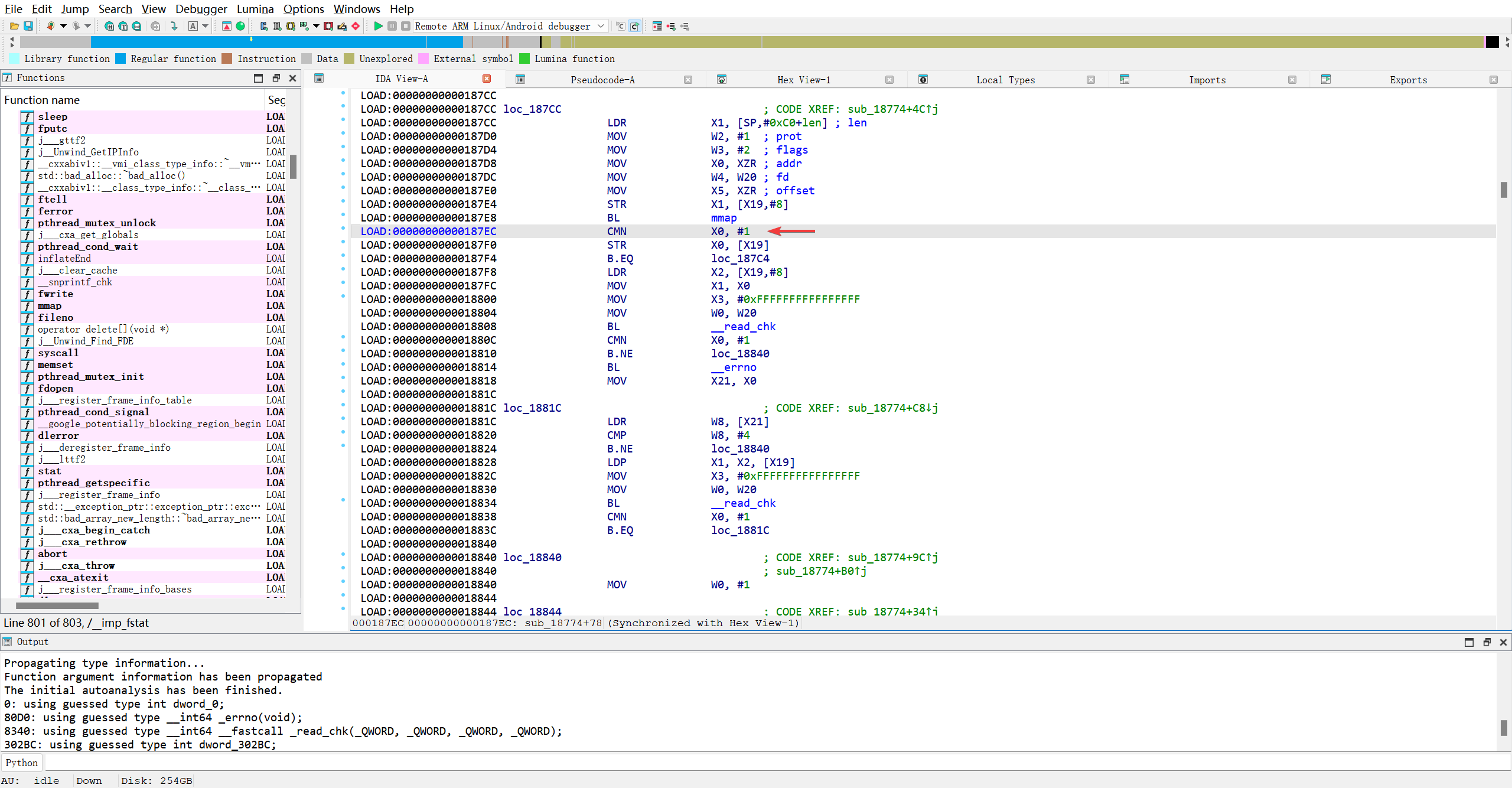
各处调用mmap的代码转成伪C代码
0x187ec1 2 3 4 5 6 7 8 9 10 11 12 13 14 15 16 17 18 19 20 21 22 23 24 25 26 27 28 29 30 31 32 33 34 35 36 37 38 39 40
FILE *__fastcall sub_18774(_QWORD *a1, char *filename) { FILE *result; // x0 unsigned int v4; // w20 size_t v5; // x1 void *v6; // x0 _DWORD *v7; // x21 _BYTE v8[48]; // [xsp+8h] [xbp-B8h] BYREF size_t len; // [xsp+38h] [xbp-88h] __int64 v10; // [xsp+88h] [xbp-38h] v10 = *(_QWORD *)(_ReadStatusReg(ARM64_SYSREG(3, 3, 13, 0, 2)) + 40); result = fopen(filename, (const char *)&dword_302BC); if ( result ) { a1[2] = result; v4 = fileno(result); if ( fstat(v4, (struct stat *)v8) ) return 0LL; v5 = len; a1[1] = len; v6 = mmap(0LL, v5, 1, 2, v4, 0LL); *a1 = v6; if ( v6 == (void *)-1LL ) { return 0LL; } else { if ( _read_chk(v4, v6, a1[1], -1LL) == -1 ) { v7 = (_DWORD *)_errno(); while ( *v7 == 4 && _read_chk(v4, *a1, a1[1], -1LL) == -1 ) ; } return (FILE *)(&dword_0 + 1); } } return result; }
0x18de41 2 3 4 5 6 7 8 9 10 11 12 13 14 15 16 17 18 19 20 21 22 23 24 25 26 27 28 29 30 31 32 33 34 35 36 37 38 39 40 41 42 43 44 45 46 47 48 49 50 51 52 53 54 55 56 57 58 59 60 61
_QWORD *sub_18D54() { char **v0; // x20 __int64 v1; // x0 char *v2; // x1 _QWORD *v3; // x19 void *ptr[2]; // [xsp+0h] [xbp-30h] BYREF ptr[1] = *(void **)(_ReadStatusReg(ARM64_SYSREG(3, 3, 13, 0, 2)) + 40); sub_18B3C(ptr); v0 = (char **)ptr[0]; if ( *(_QWORD *)ptr[0] ) { if ( *((_QWORD *)ptr[0] + 1) < *((_QWORD *)ptr[0] + 2) ) { v1 = operator new(0x158uLL); *(_BYTE *)(v1 + 200) = 0; *(_QWORD *)v1 = 0LL; *(_OWORD *)(v1 + 184) = 0u; *(_OWORD *)(v1 + 168) = 0u; *(_OWORD *)(v1 + 152) = 0u; *(_OWORD *)(v1 + 136) = 0u; *(_OWORD *)(v1 + 120) = 0u; *(_OWORD *)(v1 + 56) = 0u; *(_OWORD *)(v1 + 40) = 0u; *(_OWORD *)(v1 + 24) = 0u; *(_OWORD *)(v1 + 8) = 0u; *(_OWORD *)(v1 + 304) = 0u; *(_OWORD *)(v1 + 320) = 0u; *(_OWORD *)(v1 + 272) = 0u; *(_OWORD *)(v1 + 288) = 0u; *(_OWORD *)(v1 + 240) = 0u; *(_OWORD *)(v1 + 256) = 0u; *(_OWORD *)(v1 + 208) = 0u; *(_OWORD *)(v1 + 224) = 0u; v2 = *v0; v3 = (_QWORD *)v1; *(_QWORD *)(v1 + 336) = v0[1]; if ( ((unsigned __int8)sub_18774((_QWORD *)v1, v2) & 1) != 0 && (sub_18240(v3 + 3, *v3) & 1) != 0 ) { LABEL_7: v0 = (char **)ptr[0]; if ( !ptr[0] ) return v3; goto LABEL_8; } sub_18F0C(v3); operator delete(v3); } v3 = 0LL; goto LABEL_7; } v3 = 0LL; if ( !ptr[0] ) return v3; LABEL_8: if ( *v0 ) free(*v0); operator delete(v0); return v3; }
0x1cffc1 2 3 4 5 6 7 8 9 10 11 12 13 14 15 16 17 18 19 20 21 22 23 24 25 26 27 28 29 30 31 32 33 34 35 36 37 38 39 40 41 42 43 44 45 46 47 48 49 50 51 52 53 54 55 56 57 58 59 60 61 62 63 64 65 66 67 68 69 70 71 72 73 74 75 76 77 78 79 80 81 82 83 84 85 86 87 88 89 90 91 92 93 94 95 96 97 98 99 100 101 102 103 104 105 106 107 108 109 110 111 112 113 114 115 116 117 118 119 120 121 122 123 124 125 126 127 128 129 130 131 132 133 134 135 136 137 138 139 140 141 142 143 144 145 146 147 148 149 150 151 152 153 154 155 156 157 158 159 160 161 162 163 164 165 166 167 168 169 170 171 172 173 174 175 176 177 178 179 180 181 182 183 184 185 186 187 188 189 190 191 192 193 194 195 196 197 198 199 200 201 202 203 204 205 206 207 208 209 210 211 212 213
__int64 __fastcall sub_1CEF8(__int64 (__fastcall *a1)(__int128 *, _QWORD, void (__fastcall __noreturn *)(), void *)) { int v2; // w8 void *v3; // x0 void *v4; // x20 unsigned int v5; // w0 unsigned __int64 v6; // x8 _QWORD *v7; // x0 _QWORD *v8; // x20 unsigned int v9; // w0 unsigned __int64 v10; // x8 _QWORD *v11; // x0 unsigned int v12; // w0 unsigned __int64 v13; // x8 void *v14; // x21 unsigned int v15; // w11 unsigned int v16; // w12 _BYTE *v17; // x13 unsigned __int64 v18; // x16 int v19; // w17 unsigned __int64 v20; // x9 _BYTE *v21; // x11 int v22; // w13 unsigned int v23; // w11 unsigned int v24; // w12 _BYTE *v25; // x13 unsigned __int64 v26; // x16 int v27; // w17 unsigned __int64 v28; // x9 _BYTE *v29; // x11 int v30; // w13 unsigned int v31; // w11 unsigned int v32; // w12 _BYTE *v33; // x13 unsigned __int64 v34; // x16 int v35; // w17 unsigned __int64 v36; // x9 _BYTE *v37; // x11 int v38; // w13 __int128 v40; // [xsp+0h] [xbp-70h] BYREF _BYTE v41[30]; // [xsp+10h] [xbp-60h] __int64 v42; // [xsp+38h] [xbp-38h] v42 = *(_QWORD *)(_ReadStatusReg(ARM64_SYSREG(3, 3, 13, 0, 2)) + 40); v2 = *off_47FB8; if ( (unsigned int)(*off_47FB8 - 21) <= 1 ) { v3 = dlopen("libart.so", 0); if ( v3 ) { v4 = v3; *(_OWORD *)&v41[14] = *(_OWORD *)((char *)&qword_30608[1] + 6); v40 = xmmword_305F8; *(_OWORD *)v41 = *(_OWORD *)qword_30608; v5 = _strlen_chk((const char *)&v40, 0x2EuLL); if ( (int)v5 >= 1 ) { if ( v5 >= 2uLL ) { v6 = v5 - (unsigned __int64)(v5 & 1); v15 = 0; v16 = 1; v17 = (char *)&v40 + 1; v18 = v6; do { v19 = *((_DWORD *)qword_30670 + v16 % 3); v18 -= 2LL; v16 += 2; LOBYTE(v19) = *v17 ^ v19; *(v17 - 1) ^= *((_BYTE *)qword_30670 + 4 * (v15 % 3)); *v17 = v19; v17 += 2; v15 += 2; } while ( v18 ); if ( (v5 & 1) == 0 ) goto LABEL_22; } else { v6 = 0LL; } v20 = v5 - v6; v21 = &v41[v6 - 16]; do { v22 = *((_DWORD *)qword_30670 + (unsigned int)v6 % 3); --v20; LODWORD(v6) = v6 + 1; *v21++ ^= v22; } while ( v20 ); } LABEL_22: v14 = dlsym(v4, (const char *)&v40); dlclose(v4); goto LABEL_35; } LABEL_16: v14 = 0LL; goto LABEL_35; } if ( (unsigned int)(v2 - 23) > 2 ) { if ( v2 < 26 ) goto LABEL_16; v11 = sub_18D54(); if ( !v11 ) goto LABEL_16; v8 = v11; *(_WORD *)&v41[16] = 203; v40 = xmmword_3064D; *(_OWORD *)v41 = *(_OWORD *)byte_3065D; v12 = _strlen_chk((const char *)&v40, 0x22uLL); if ( (int)v12 >= 1 ) { if ( v12 >= 2uLL ) { v13 = v12 - (unsigned __int64)(v12 & 1); v31 = 0; v32 = 1; v33 = (char *)&v40 + 1; v34 = v13; do { v35 = *((_DWORD *)qword_30670 + v32 % 3); v34 -= 2LL; v32 += 2; LOBYTE(v35) = *v33 ^ v35; *(v33 - 1) ^= *((_BYTE *)qword_30670 + 4 * (v31 % 3)); *v33 = v35; v33 += 2; v31 += 2; } while ( v34 ); if ( (v12 & 1) == 0 ) goto LABEL_34; } else { v13 = 0LL; } v36 = v12 - v13; v37 = &v41[v13 - 16]; do { v38 = *((_DWORD *)qword_30670 + (unsigned int)v13 % 3); --v36; LODWORD(v13) = v13 + 1; *v37++ ^= v38; } while ( v36 ); } } else { v7 = sub_18D54(); if ( !v7 ) goto LABEL_16; v8 = v7; *(_QWORD *)&v41[15] = 0xC5DCCDC8F1DDC2LL; v40 = xmmword_30626; *(_OWORD *)v41 = *(_OWORD *)&word_30636; v9 = _strlen_chk((const char *)&v40, 0x27uLL); if ( (int)v9 >= 1 ) { if ( v9 >= 2uLL ) { v10 = v9 - (unsigned __int64)(v9 & 1); v23 = 0; v24 = 1; v25 = (char *)&v40 + 1; v26 = v10; do { v27 = *((_DWORD *)qword_30670 + v24 % 3); v26 -= 2LL; v24 += 2; LOBYTE(v27) = *v25 ^ v27; *(v25 - 1) ^= *((_BYTE *)qword_30670 + 4 * (v23 % 3)); *v25 = v27; v25 += 2; v23 += 2; } while ( v26 ); if ( (v9 & 1) == 0 ) goto LABEL_34; } else { v10 = 0LL; } v28 = v9 - v10; v29 = &v41[v10 - 16]; do { v30 = *((_DWORD *)qword_30670 + (unsigned int)v10 % 3); --v28; LODWORD(v10) = v10 + 1; *v29++ ^= v30; } while ( v28 ); } } LABEL_34: v14 = (void *)sub_18E5C(v8, &v40); sub_18EBC(v8); LABEL_35: if ( (sub_25B30(v14) & 1) != 0 ) sub_234E0(0LL); return a1(&v40, 0LL, sub_1C544, v14); }
0x1bdcc1 2 3 4 5 6 7 8 9 10 11 12 13 14 15 16 17 18 19 20 21 22 23 24 25 26 27 28 29 30 31 32 33 34 35 36 37 38 39 40 41 42 43 44 45 46 47 48 49 50 51 52 53 54 55 56 57 58 59 60 61 62 63 64 65 66 67 68 69 70 71 72 73 74 75 76 77 78 79 80 81 82 83 84 85 86 87 88 89 90 91 92 93 94 95 96 97 98 99 100 101 102 103 104 105 106 107 108 109 110 111 112 113 114 115 116 117 118 119 120 121 122 123 124 125 126 127 128 129 130 131 132 133 134 135 136 137 138 139 140 141 142 143 144 145 146 147 148 149 150 151 152 153 154 155 156 157 158 159 160 161 162 163 164 165 166 167 168 169 170 171 172 173 174 175 176 177 178 179 180 181 182 183 184 185 186 187 188 189 190 191 192 193 194 195 196 197 198 199 200 201 202 203 204 205 206 207 208 209 210 211 212 213 214 215 216 217 218 219 220 221 222 223
void sub_1B924() { int v0; // w9 int v1; // w8 char *v2; // x8 int v3; // w0 const char *v4; // x8 unsigned int v5; // w9 __int64 v6; // x10 int v7; // w11 int v8; // w0 const char *v9; // x8 unsigned int v10; // w9 __int64 v11; // x10 int v12; // w11 __int64 v13; // [xsp+0h] [xbp-D0h] BYREF unsigned __int64 StatusReg; // [xsp+8h] [xbp-C8h] char *v15; // [xsp+10h] [xbp-C0h] char *v16; // [xsp+18h] [xbp-B8h] __int64 *v17; // [xsp+20h] [xbp-B0h] char *v18; // [xsp+28h] [xbp-A8h] const char *v19; // [xsp+30h] [xbp-A0h] char *v20; // [xsp+38h] [xbp-98h] const char *v21; // [xsp+40h] [xbp-90h] void *v22; // [xsp+48h] [xbp-88h] bool v23; // [xsp+53h] [xbp-7Dh] int v24; // [xsp+54h] [xbp-7Ch] __int64 (__fastcall *v25)(__int128 *, _QWORD, void (__fastcall __noreturn *)(), void *); // [xsp+58h] [xbp-78h] __int64 (__fastcall *v26)(__int128 *, _QWORD, void (__fastcall __noreturn *)(), void *); // [xsp+60h] [xbp-70h] __int64 v27; // [xsp+6Ch] [xbp-64h] BYREF int v28; // [xsp+74h] [xbp-5Ch] __int64 v29; // [xsp+78h] [xbp-58h] StatusReg = _ReadStatusReg(ARM64_SYSREG(3, 3, 13, 0, 2)); v0 = 113515708; v29 = *(_QWORD *)(StatusReg + 40); do { while ( 1 ) { while ( 1 ) { while ( 1 ) { while ( 1 ) { v1 = v0; if ( v0 > 113515707 ) break; if ( v0 <= -1096741019 ) { if ( v0 <= -1856103672 ) { if ( v0 == -2106510457 ) { sub_1CEF8(v26); v0 = 1749579912; } else { v25 = (__int64 (__fastcall *)(__int128 *, _QWORD, void (__fastcall __noreturn *)(), void *))dlsym(v22, v21); v0 = 244441609; } } else if ( v0 == -1856103671 ) { if ( v23 ) v0 = -1508321617; else v0 = 1991731874; } else if ( v0 == -1508321617 ) { v26((__int128 *)&unk_49650, 0LL, (void (__fastcall __noreturn *)())sub_1B8D4, 0LL); v0 = -1036248338; } else { v20 = v15; v3 = _strlen_chk(v15, 0xFFFFFFFFFFFFFFFFLL); v4 = v20; if ( v3 >= 1 ) { v5 = 0; v6 = (unsigned int)v3; do { v7 = *((_DWORD *)&v27 + v5 % 3); --v6; ++v5; *v4++ ^= v7; } while ( v6 ); } v21 = v16; v8 = _strlen_chk(v16, 0xFFFFFFFFFFFFFFFFLL); v9 = v21; v0 = -669730265; if ( v8 >= 1 ) { v10 = 0; v11 = (unsigned int)v8; do { v12 = *((_DWORD *)&v27 + v10 % 3); --v11; ++v10; *v9++ ^= v12; } while ( v11 ); v0 = -669730265; } } } else if ( v0 > -814891729 ) { if ( v0 == -814891728 ) { dlclose(v22); goto LABEL_2; } if ( v0 == -669730265 ) { v0 = -1096741018; } else if ( (sub_12D9C(0LL) & 1) != 0 ) { v0 = 1749579912; } else { v0 = -2106510457; } } else if ( v0 == -1096741018 ) { v22 = dlopen(v20, 2); if ( v22 ) v0 = -1901407442; else v0 = 264983448; } else { v0 = 703713188; if ( v1 != -1036248338 ) { v16 = (char *)(&v13 - 2); v17 = &v27; v28 = 236; v27 = 0xA700000099LL; v18 = v15; *(_QWORD *)v15 = 0xF69F89FA8ECEF5LL; v19 = v16; v2 = v16; *(_QWORD *)(v16 + 7) = 0xC2ED8DC2EB8FF8LL; *(_QWORD *)v2 = 0xF8FD8DC2EB84D3E9LL; v0 = -1449217009; } } } if ( v0 <= 1154361410 ) break; if ( v0 <= 1749579911 ) { if ( v0 == 1154361411 ) { v26((__int128 *)&unk_49658, 0LL, sub_19E0C, 0LL); v0 = 974408896; } else { v0 = 719856854; } } else if ( v0 == 1749579912 ) { v23 = (unsigned int)sub_CAE8() == 249; v0 = -1856103671; } else if ( v0 == 1801253217 ) { if ( v24 == 167 ) v0 = 1154361411; else v0 = -814891728; } else { sub_1B380(v22, v26); v0 = 703713188; } } if ( v0 > 703713187 ) break; if ( v0 == 113515708 ) { v15 = (char *)(&v13 - 2); v0 = -1022300220; } else if ( v0 == 244441609 ) { v26 = v25; if ( (unsigned int)sub_CAA8() == 248 ) v0 = -601035478; else v0 = 1749579912; } else { LABEL_2: v0 = 1235481701; } } if ( v0 != 703713188 ) break; v24 = sub_CA28(); v0 = 1801253217; } v0 = -814891728; } while ( v1 == 974408896 ); }
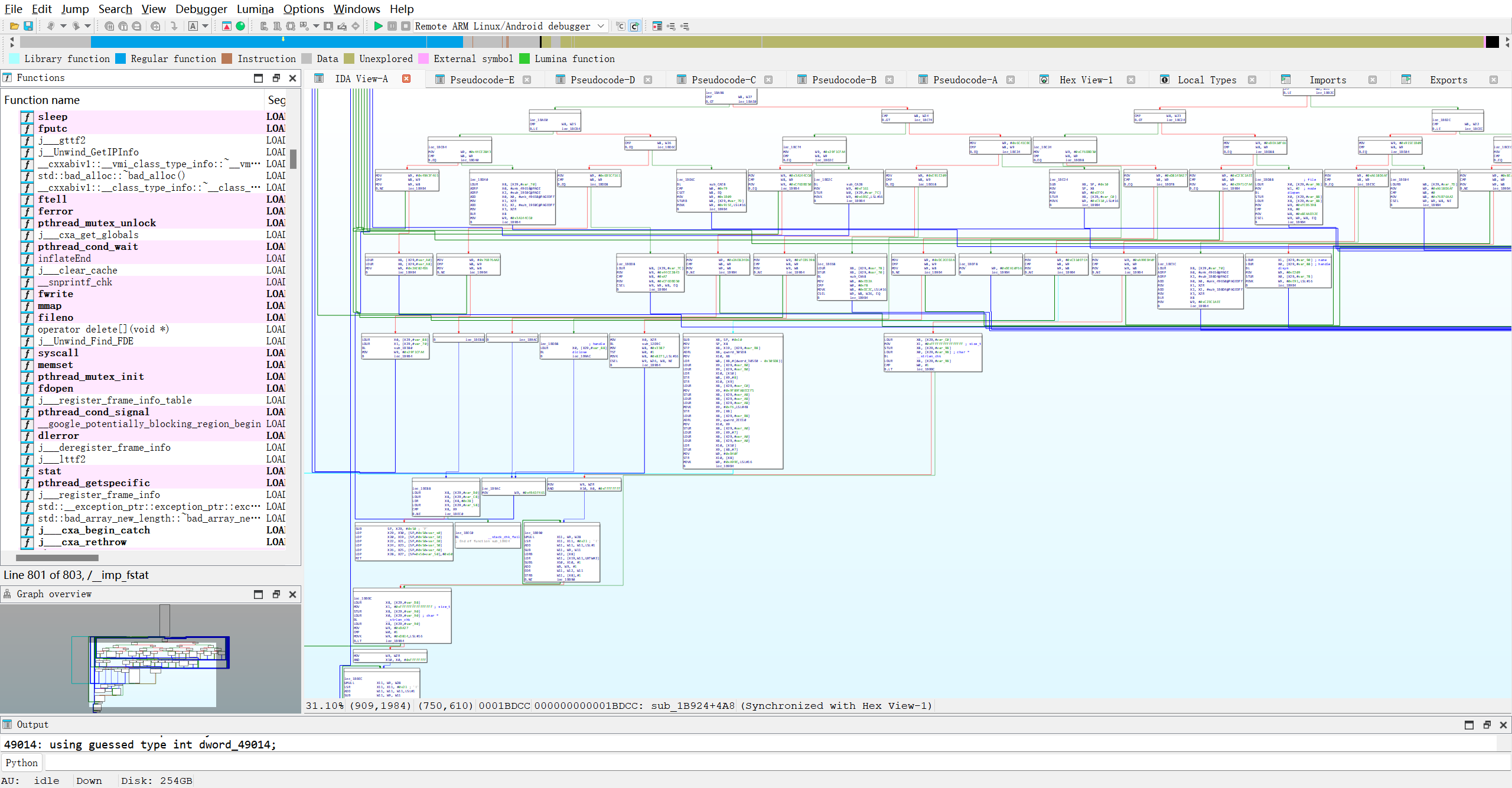
妈蛋混淆成一坨大便了…谁看得懂??AI!!!!!!!
0x1bf7c1 2 3 4 5 6 7 8 9 10 11 12 13 14 15 16 17 18 19 20 21 22 23 24 25 26 27
__int64 sub_1BEC4() { int i; // w8 __pid_t v2; // [xsp+4h] [xbp-4Ch] _ReadStatusReg(ARM64_SYSREG(3, 3, 13, 0, 2)); for ( i = 1469504930; ; i = 901232910 ) { while ( i > 901232909 ) { if ( i == 901232910 ) { dword_49014 = v2; i = -118926584; } else { v2 = getpid(); i = -553339161; } } if ( i != -553339161 ) break; } sub_1B924(); return 0LL; }
反正也看不懂, 就假定函数void sub_1B924()就是检测函数吧, 按博客思路, 该函数是在构造函数中被执行的, 所以应该hook linker64中调用构造函数的函数, 然后替换掉这个无参数, 无返回值的函数… 那我为什么不直接利用Module.load加基址然后用拦截器替换呢??
1
2
3
Interceptor.replace(Module.load("libmsaoaidsec.so").base.add(0x1b924),new NativeCallback(function () {
   log(`hook_sub_1b924 >>>>>>>>>>>>>>>>> replace`)
}, 'void', []))
报错, 找不到模块, 缓存手机上的路径后执行脚本
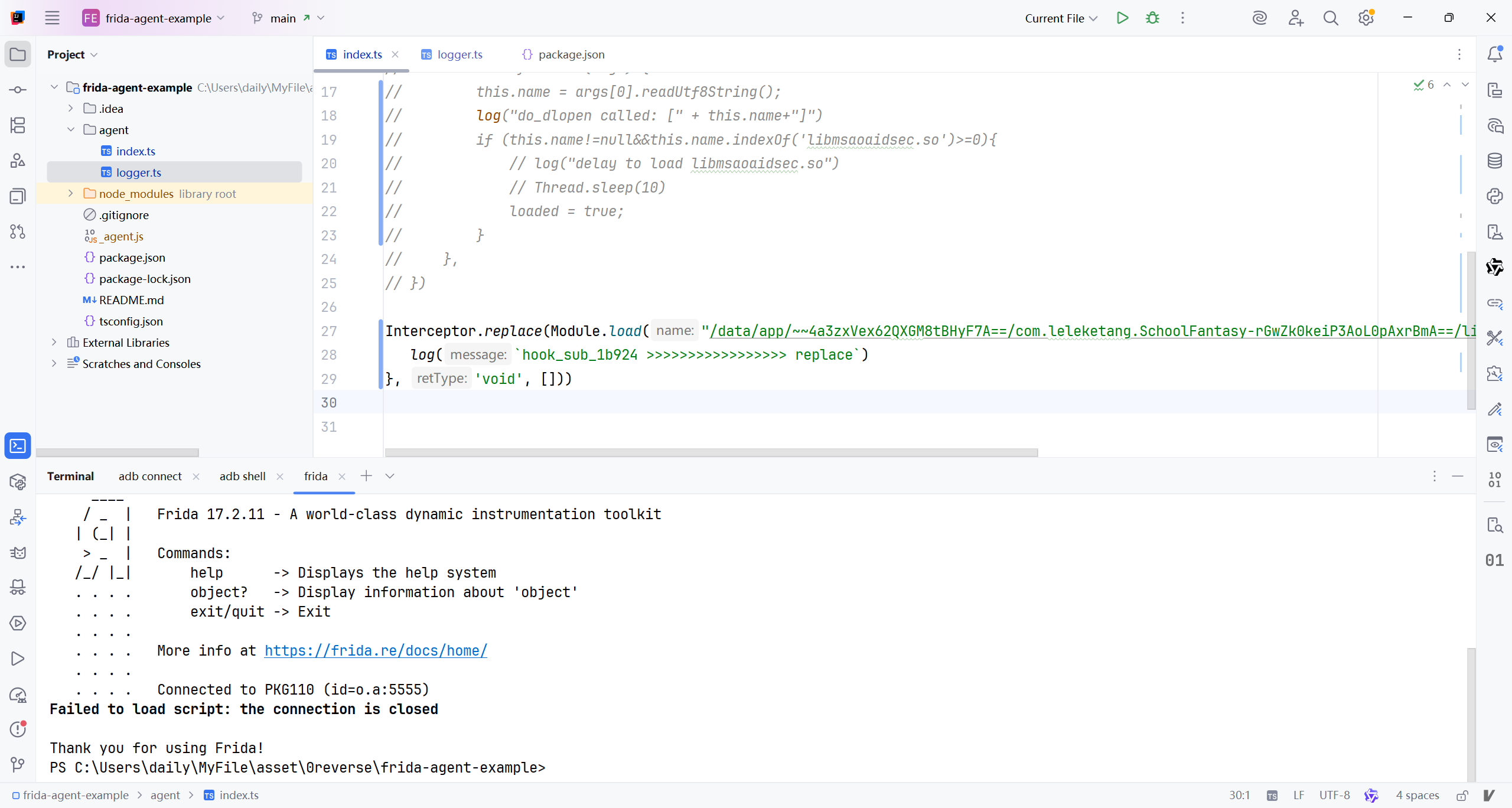
看来确实时机很重要…有趣的是: 目前这个模块中我找到的目标函数与博客中的一样, 看来这个反调试库已经2年没有更新了.. 那我就直接套用博主的脚本了, 但理解才是最重要的..先hook linker64中的call_constructors函数以确定hook时机..
1
readelf -sW /apex/com.android.runtime/bin/linker64 |grep call_constructors
1
2
3
OP5D2BL1:/ # readelf -sW /apex/com.android.runtime/bin/linker64 |grep call_constructors
  7741: 00000000000fcb4c  1044 FUNC    LOCAL  HIDDEN    10 __dl__ZN6soinfo17call_constructorsEv
OP5D2BL1:/ #
拿到偏移: 0xfcb4c
书写hook脚本..
1
2
3
4
5
6
7
8
9
10
11
12
13
14
15
16
17
18
19
20
21
22
23
24
25
26
27
import {log} from "./logger.js";

function hook_linker64_call_constructors() {
    let invocationListener = Interceptor.attach(Module.load('linker64').base.add(0xfcb4c), {
        onEnter: function (args) {
            log("call_constructors called: [" + args[0].readUtf8String() + "]")
            let findModuleByName = Process.findModuleByName("libmsaoaidsec.so");
            if (findModuleByName != null) {
                Interceptor.replace(findModuleByName.base.add(0x1b924), new NativeCallback(function () {
                    log(`hook_sub_1b924 >>>>>>>>>>>>>>>>> replace`)
                }, 'void', []))
                invocationListener.detach()
            }
        },
    });
}

Interceptor.attach(Module.load("linker64").base.add(0xd94cc), {
    onEnter: function (args) {
        this.name = args[0].readUtf8String();
        log("do_dlopen called: [" + this.name + "]")
        if (this.name != null && this.name.indexOf('libmsaoaidsec.so') >= 0) {
            log("load libmsaoaidsec.so")
            hook_linker64_call_constructors();
        }
    },
})
又报错??!!
1
2
3
4
5
6
7
8
9
10
11
12
20419-20419 do_dlopen called: [/data/app/~~4a3zxVex62QXGM8tBHyF7A==/com.leleketang.SchoolFantasy-rGwZk0keiP3AoL0pAxrBmA==/lib/arm64/libmsaoaidsec.so]
20419-20419 load libmsaoaidsec.so
20419-20419 call_constructors called: [@tJr]
20419-20419 hook_sub_1b924 >>>>>>>>>>>>>>>>> replace
20419-20419 do_dlopen called: [libc.so]
20419-20419 do_dlopen called: [liblog.so]
20419-20419 do_dlopen called: [libc.so]
20419-20419 do_dlopen called: [libm.so]
20419-20419 do_dlopen called: [libstdc++.so]
20419-20419 do_dlopen called: [libdl.so]
20419-20419 do_dlopen called: [null]
Process crashed: Bad access due to invalid address
算了换成博客里的脚本试试..(适配新版fridaAPI)
1
2
3
4
5
6
7
8
9
10
11
12
13
14
15
16
17
18
19
20
21
22
23
24
25
26
27
28
29
30
31
32
33
34
35
36
37
38
39
40
41
42
43
44
import {log} from './logger.js'
function hookDlopen() {
    let linker64_base_addr = Module.load('linker64').base;
    let offset = 0xd94cc // __dl__Z9do_dlopenPKciPK17android_dlextinfoPKv
    let android_dlopen_ext = linker64_base_addr.add(offset)
    if (android_dlopen_ext != null) {
        Interceptor.attach(android_dlopen_ext, {
            onEnter: function(args){
                this.name = args[0].readCString()
                if (this.name != null && this.name.indexOf('libmsaoaidsec.so') >= 0) {
                    hook_linker_call_constructors()
                }
            }, onLeave: function(retval){
                log(`dlopen onLeave name: ${this.name}`)
                if (this.name != null && this.name.indexOf('libmsaoaidsec.so') >= 0) {
                    let JNI_OnLoad = Module.load(this.name).getExportByName('JNI_OnLoad')
                    log(`dlopen onLeave JNI_OnLoad: ${JNI_OnLoad}`)
                }
            }
        })
    }
}

function hook_linker_call_constructors() {
    let linker64_base_addr = Module.load('linker64').base
    let offset = 0xfcb4c // __dl__ZN6soinfo17call_constructorsEv
    let call_constructors = linker64_base_addr.add(offset)
    let listener = Interceptor.attach(call_constructors, {
        onEnter: function (args) {
            log('hook_linker_call_constructors onEnter')
            let secmodule = Process.findModuleByName("libmsaoaidsec.so")
            if (secmodule != null) {
                hook_sub_1b924(secmodule)
                listener.detach()
            }
        }
    })
}

function hook_sub_1b924(secmodule:any) {
    Interceptor.replace(secmodule.base.add(0x1b924), new NativeCallback(function () {
        log(`hook_sub_1b924 >>>>>>>>>>>>>>>>> replace`)
    }, 'void', []));
}
报错了
1
Failed to load script: malformed package
还得是我写的代码才能正常运行, 应该是函数void sub_1B924()里面做了升级, 改了某些标识, 让不执行这个函数的流程走向异常… 但如果执行这个函数的话, 又得分析它具体是如何检测的…
算了时间不早了, 我要睡觉了…

直接看看libmsaoaidsec.so里面的字符表…希望能找到检测相关的字符…
确实有…
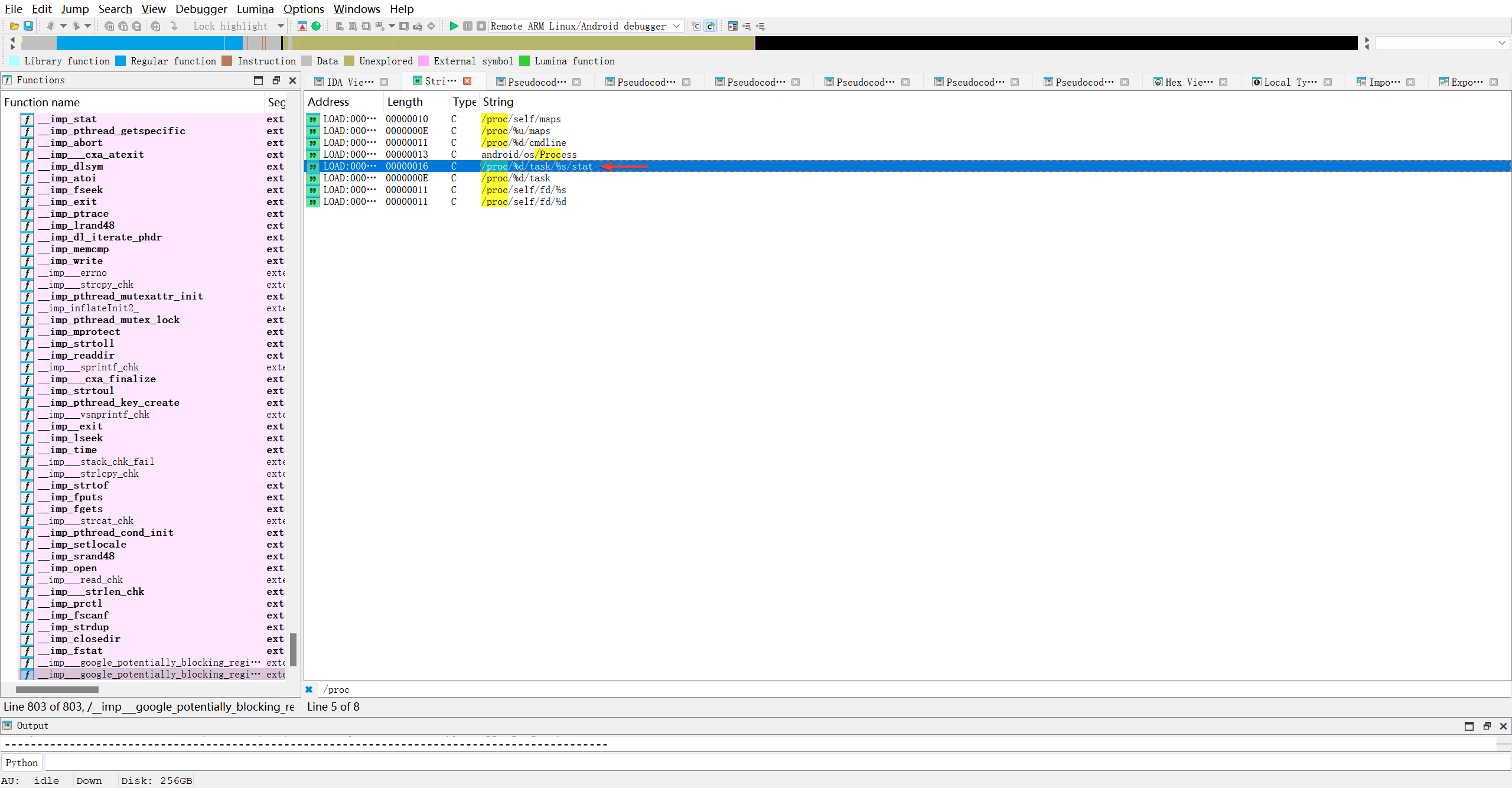
看交叉引用呗…
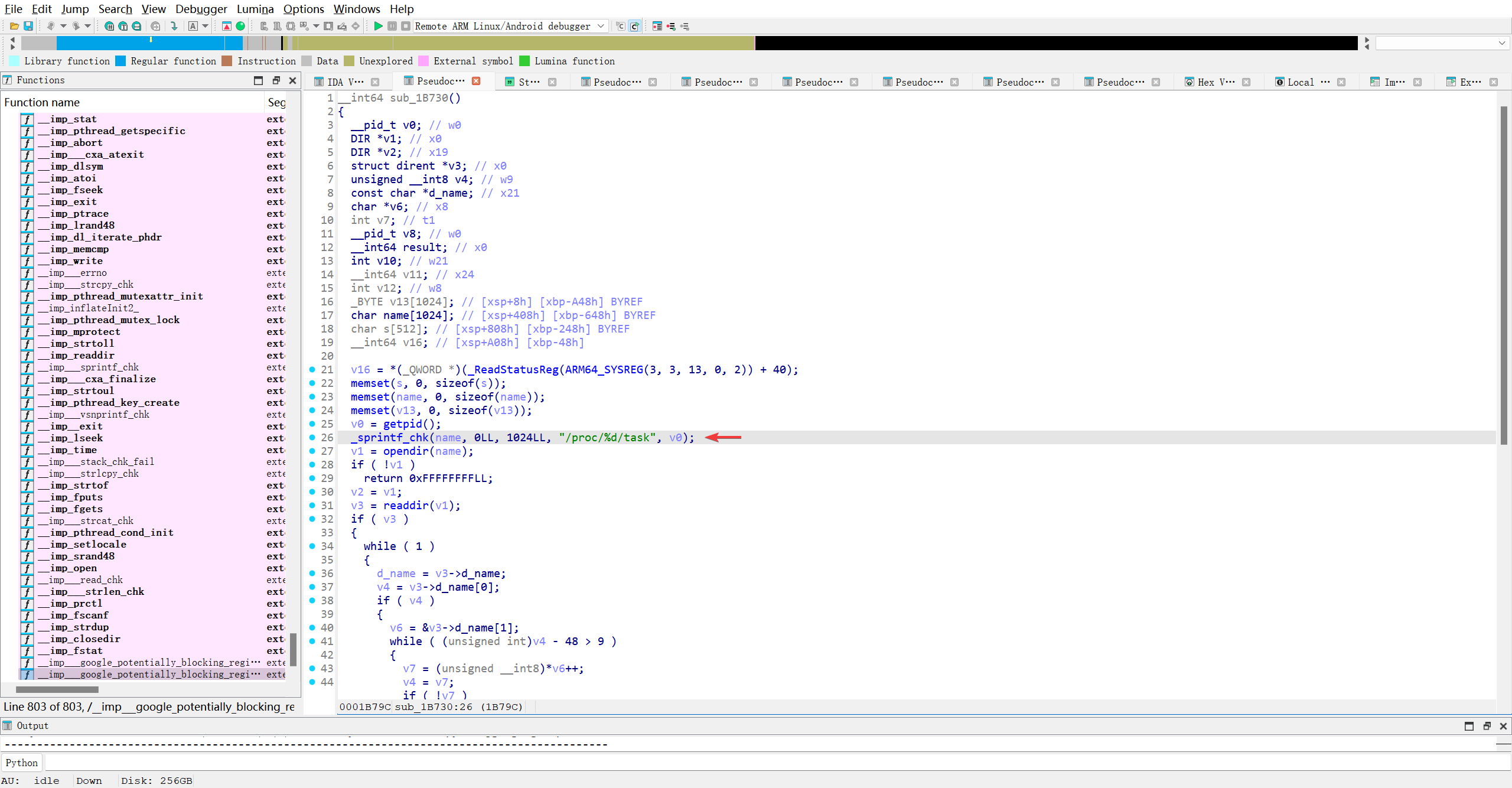
原来是这个函数
1
_sprintf_chk(name, 0LL, 1024LL, "/proc/%d/task", v0);
AI!!!
| 参数 | 值 | 含义 |
|---|---|---|
name | — | 目标缓冲区指针。格式化后的字符串将写入这里。 |
0LL | flags = 0 | 标志位。通常为 0。某些实现中,若为 -1 表示“未知长度”,但此处为 0,表示正常检查。 |
1024LL | dest_len_from_compiler = 1024 | 编译器推断的缓冲区大小。这是关键!编译器在编译时根据 name 的声明(如 char name[1024])自动传入这个值,用于运行时边界检查。 |
"/proc/%d/task" | format string | 格式化模板字符串。 |
v0 | — | 要填入 %d 的整数值,通常是当前进程的 PID 或某个线程 ID(TID)。 |
hook看一下..
1
2
3
4
5
6
7
Interceptor.attach(Module.getGlobalExportByName('_sprintf_chk'), {
    onEnter: function (args) {
        log('[+] _sprintf_chk called: [' + args[0]+ ',' + args[1]+ ',' + args[2]+ ',' + args[3]+ ']');
        this.buffer = args[0]
        this.filePath = args[2]
    }
})
1
2
3
4
5
6
Spawned `com.leleketang.SchoolFantasy`. Resuming main thread!
Error: unable to find global export '_sprintf_chk'
    at value (/frida/runtime/core.js:218)
    at <anonymous> (agent/index.ts:3)
[PKG110::com.leleketang.SchoolFantasy ]-> Process terminated
[PKG110::com.leleketang.SchoolFantasy ]->
找不到函数.. IDA定位一下.. 发现位于打入表..
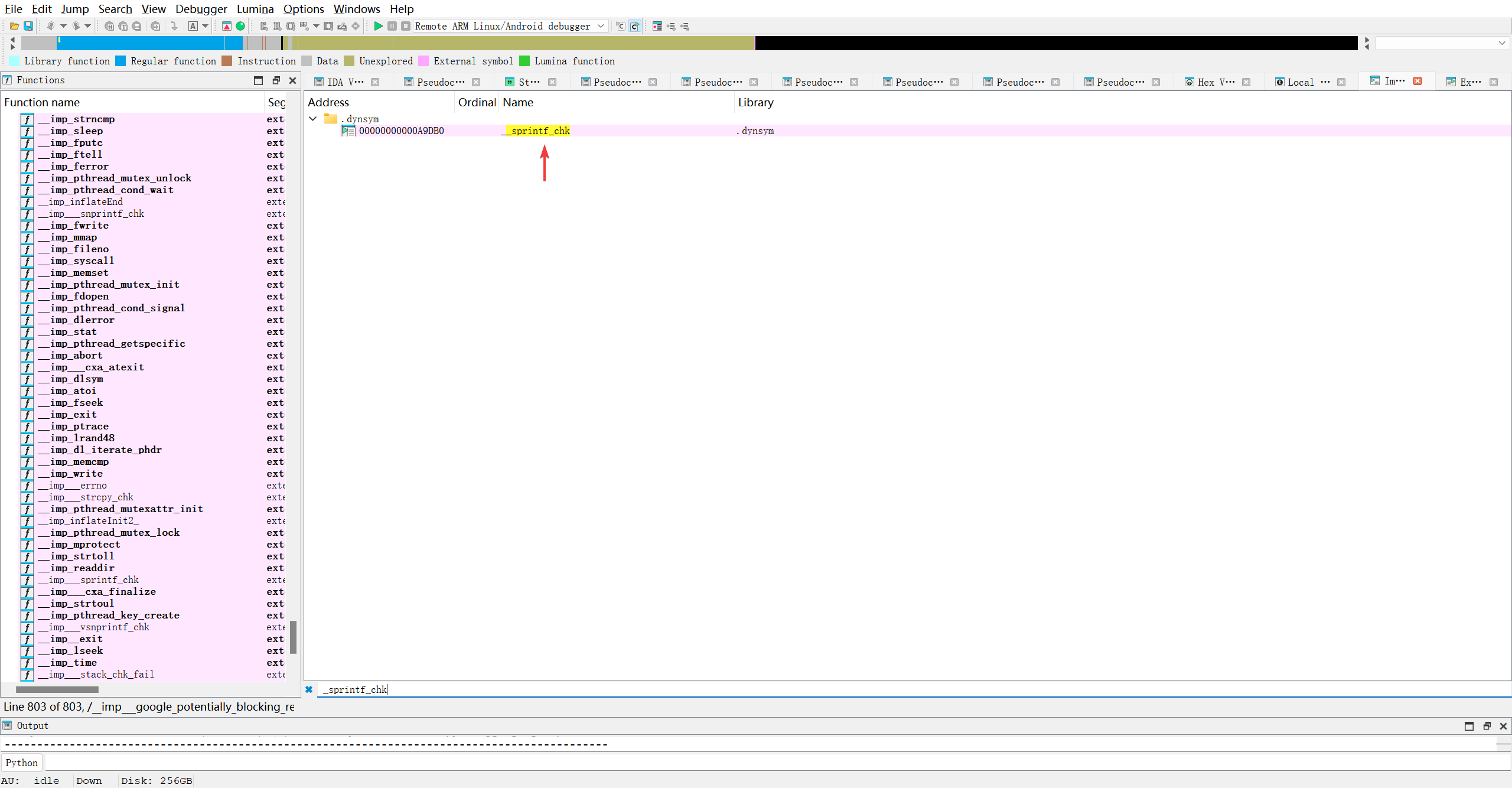
哪个模块导入的呢?? 盲猜c标准库.. 还真是..
1
2
3
4
5
Interceptor.attach(Module.load('libc.so').getExportByName('_sprintf_chk'), {
    onEnter: function (args) {
        log('[+] _sprintf_chk called: [' + args[0]+ ',' + args[1]+ ',' + args[2]+ ',' + args[3]+ ']');
    }
})
1
2
3
4
5
6
Spawned `com.leleketang.SchoolFantasy`. Resuming main thread!
Error: /apex/com.android.runtime/lib64/bionic/libc.so: unable to find export '_sprintf_chk'
    at value (/frida/runtime/core.js:232)
    at <anonymous> (agent/index.ts:3)
[PKG110::com.leleketang.SchoolFantasy ]-> Process terminated
[PKG110::com.leleketang.SchoolFantasy ]->
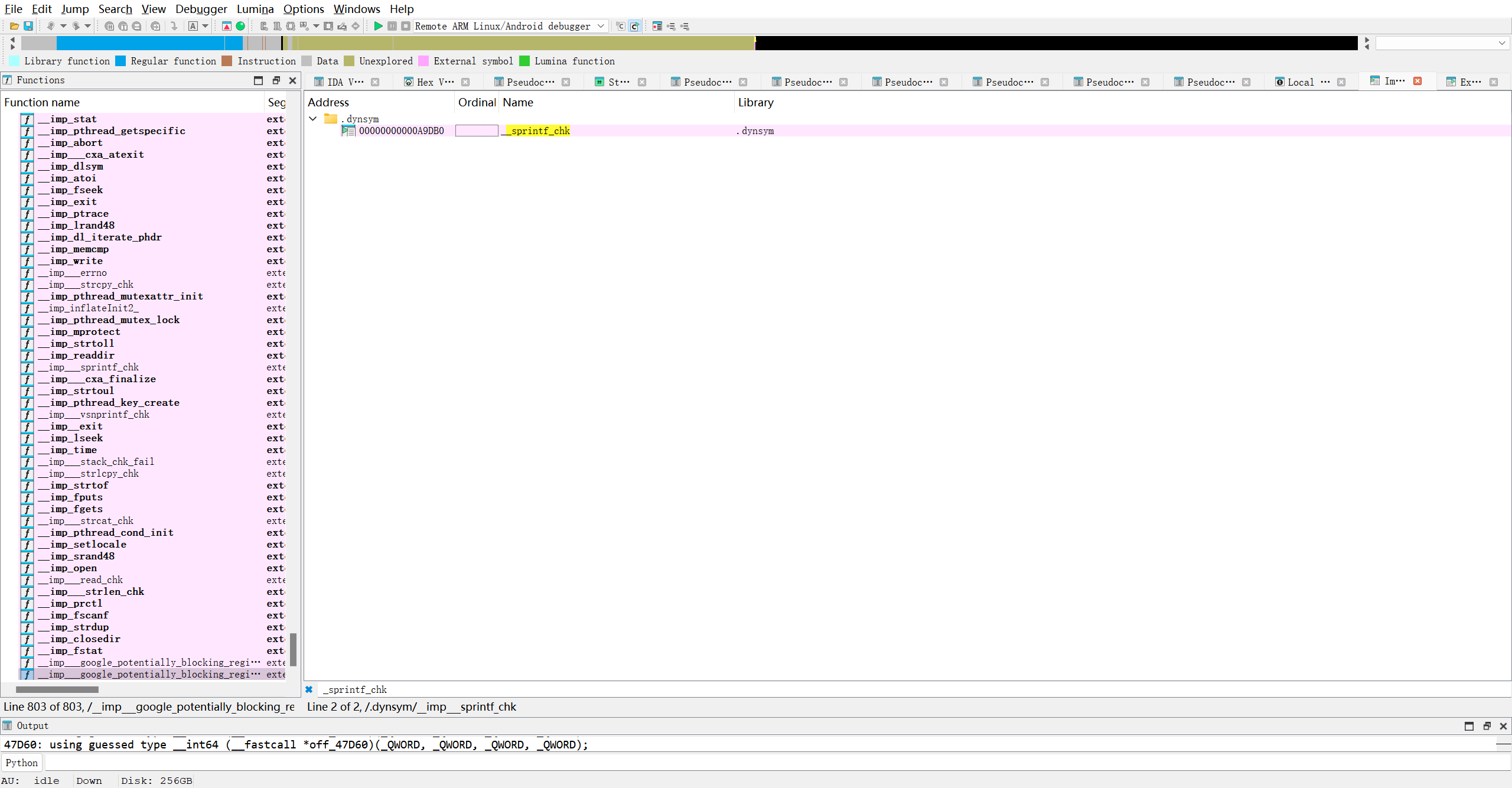
| 问题 | 答案 |
|---|---|
Library 列显示 .dynsym 是什么意思? | IDA 未成功关联到具体 so 名,.dynsym 只是符号表节区名,不是库名。 |
__sprintf_chk 实际来自哪个 so? | libc.so(Android)或 libc.so.6(Linux) |
| 如何确认? | 1. 查看 .dynamic 段的 DT_NEEDED 2. 用 readelf -Ws 查看符号绑定 3. 根据常识:只有 libc 提供此函数 |
| Frida 中应 hook 哪个模块? | Module.getExportByName('libc.so', '_sprintf_chk') |
看来IDA不能解析该函数具体来自哪儿, 那就得运用昨天学到的命令readelf, 直接获取got表中__sprintf_chk的槽位, 然后hook即可..
实际上libmsaoaidsec.so并没有导出这个函数…
1
2
OP5D2BL1:/ # readelf -sW /data/app/~~4a3zxVex62QXGM8tBHyF7A==/com.leleketang.SchoolFantasy-rGwZk0keiP3AoL0pAxrBmA==/lib/arm64/libmsaoaidsec.so |grep _sprintf_chk
1|OP5D2BL1:/ #
不过既然从IDA中拿到了plt表的偏移, 那就尝试hook看
1
2
3
4
5
Interceptor.attach(Module.load('/data/app/~~4a3zxVex62QXGM8tBHyF7A==/com.leleketang.SchoolFantasy-rGwZk0keiP3AoL0pAxrBmA==/lib/arm64/libmsaoaidsec.so').base.add(0x8180), {
    onEnter: function (args) {
        log('[+] _sprintf_chk called: [' + args[0]+ ',' + args[1]+ ',' + args[2]+ ',' + args[3]+ ']');
    }
})
果然报错..
1
Failed to load script: the connection is closed
难道又是hook时机不对的问题??? 至此我不得不思考直接hook plt函数表..由此引出深度思考: 为什么外部函数的调用总是->plt->got->实际函数地址..感觉got表完全可以取代plt…AI:
1
2
3
4
5
6
7
8
9
10
11
12
ARM64 为什么必须用 PLT?
在 ARM64 中,要实现“通过 GOT 调用外部函数”,至少需要两条指令:

ADRP X16, #got_page        ; 计算 GOT 所在页基址(PC 相关)
LDR  X17, [X16, #got_off]  ; 从 GOT 加载函数地址
BR   X17                   ; 间接跳转

这三行 就是 PLT stub 的标准模板!
如果没有 PLT,每个调用点都要重复这三行 → 代码膨胀;
更糟的是:ADRP 的范围有限(±4GB),如果 GOT 太远会失败;
而 PLT 把这段逻辑 集中管理,所有调用者只需 BL plt_stub(一条指令)。
✅ PLT 的作用:把“复杂的位置无关间接跳转”封装成一个可复用的跳板。
也就是说, 通过plt表, 不仅可以让代码段可以实现位置无关的共享使用, 还能节省空间??
对于位置无关间接跳转的理解, 相比于直接调用GOT表, 代码中对GOT表内函数的调用代码取决于GOT表的位置, 而so加载过程中, 有可能got.plt的位置每次都不一样, 毕竟需要调用系统函数mmap来分配具体的内存. 地址是随机的… 如果代码中写死了GOT表的基址, 运行时必定会导致内存的非法访问… 而出现plt表后, 可以临时让调用链停靠在plt表内, 具体要调用哪一个got表的函数, 就要统一用函数来查找了吧.. 这里是一个逻辑模糊的地方…
对于节省空间的说法. 这得实际看看GOT表中的函数是如何被调用的..
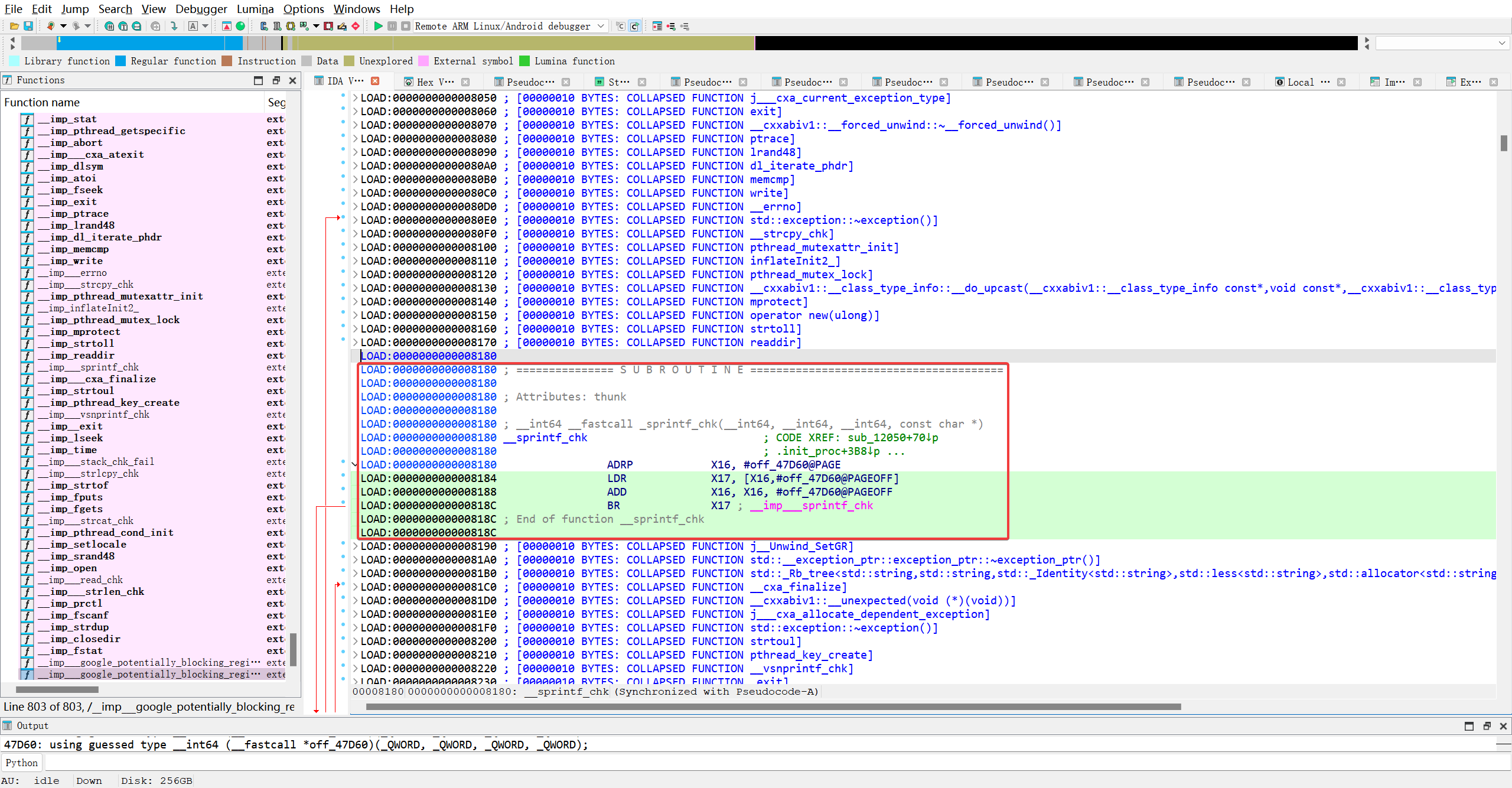
这是PLT表里, _sprintf_chk函数的槽位0x8180-0x8190 , 在HEX里就刚好这么一行..也就是16个字节.
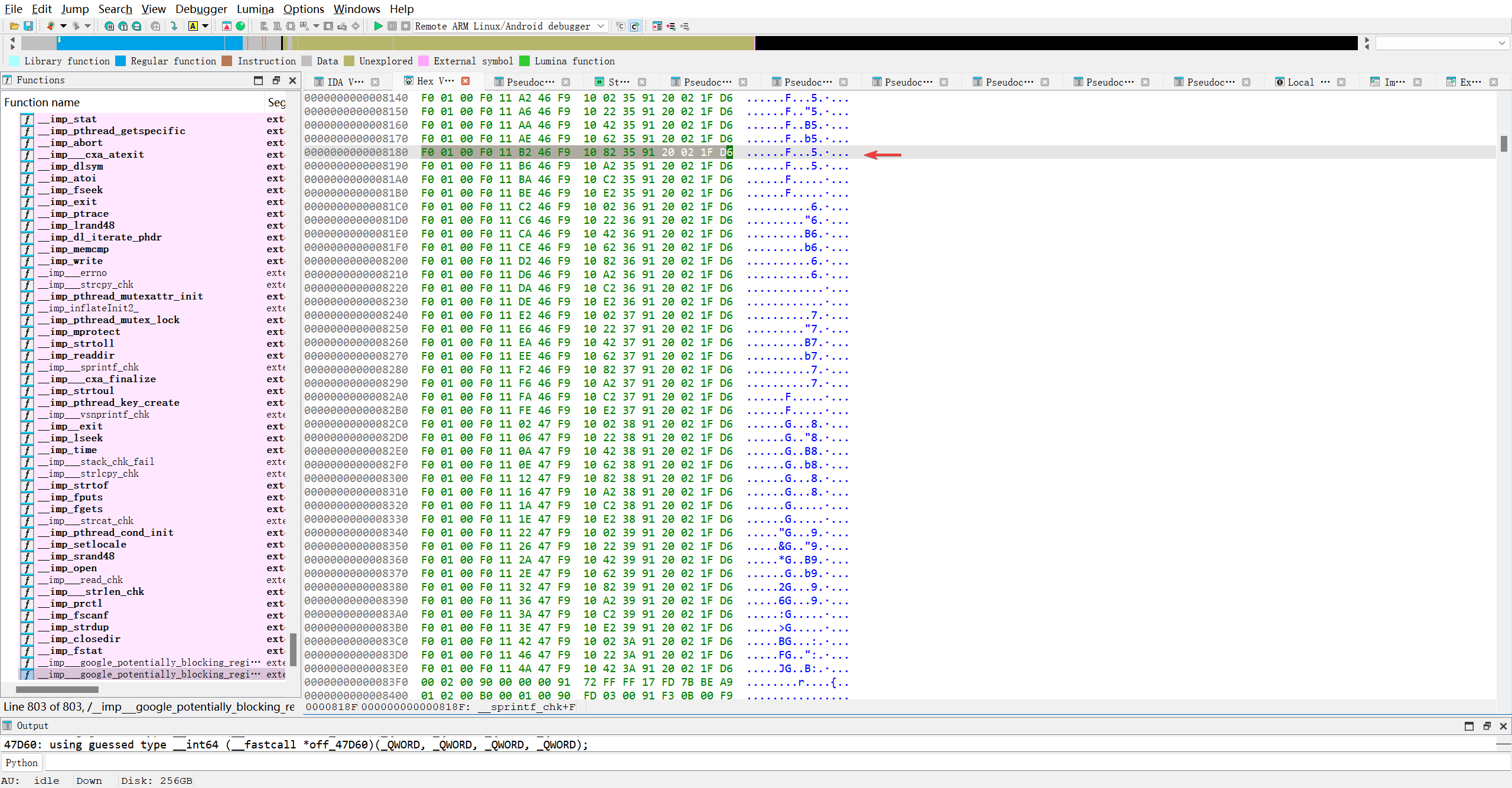
用010Editor看看它具体在哪一个段..
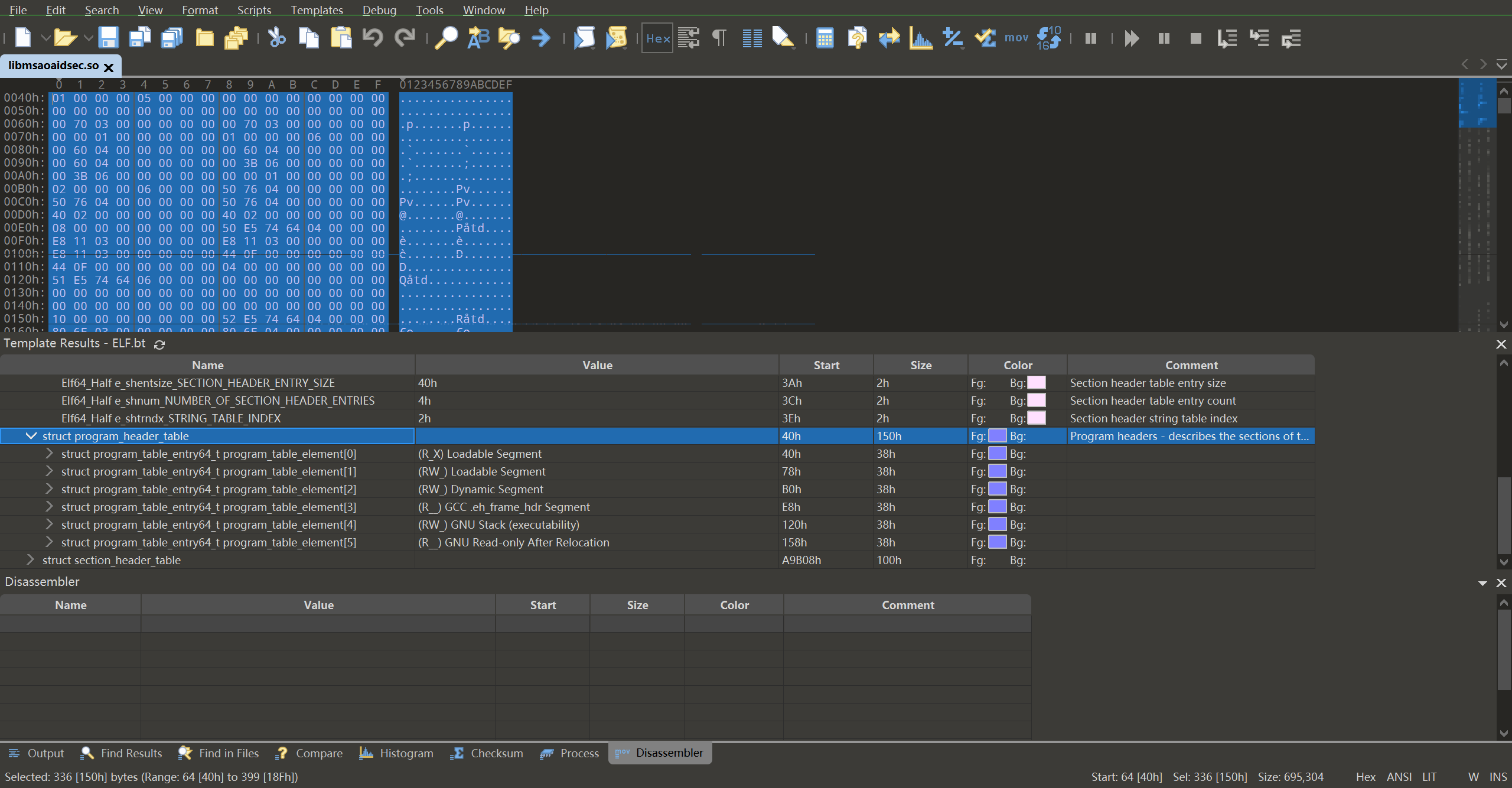
| Segment | Type | Start | Size | Flags | Comment |
|---|---|---|---|---|---|
[0] | Loadable | 40h | 38h | R X | .text? |
[1] | Loadable | 78h | 38h | R W | .data? |
[2] | Dynamic | 80h | 38h | R W | 关键!含 .got, .plt 相关数据 |
[3] | GCC eh_frame | E8h | 38h | R | exception handling |
[4] | GNU Stack | 120h | 38h | R W | stack exec flag |
[5] | GNU RELRO | 158h | 38h | R | read-only after relocation |
AI对程序头解析的理解如上. 而我的目标位置0x8180是否位于Dynamic段, 就要看看展开后的结果
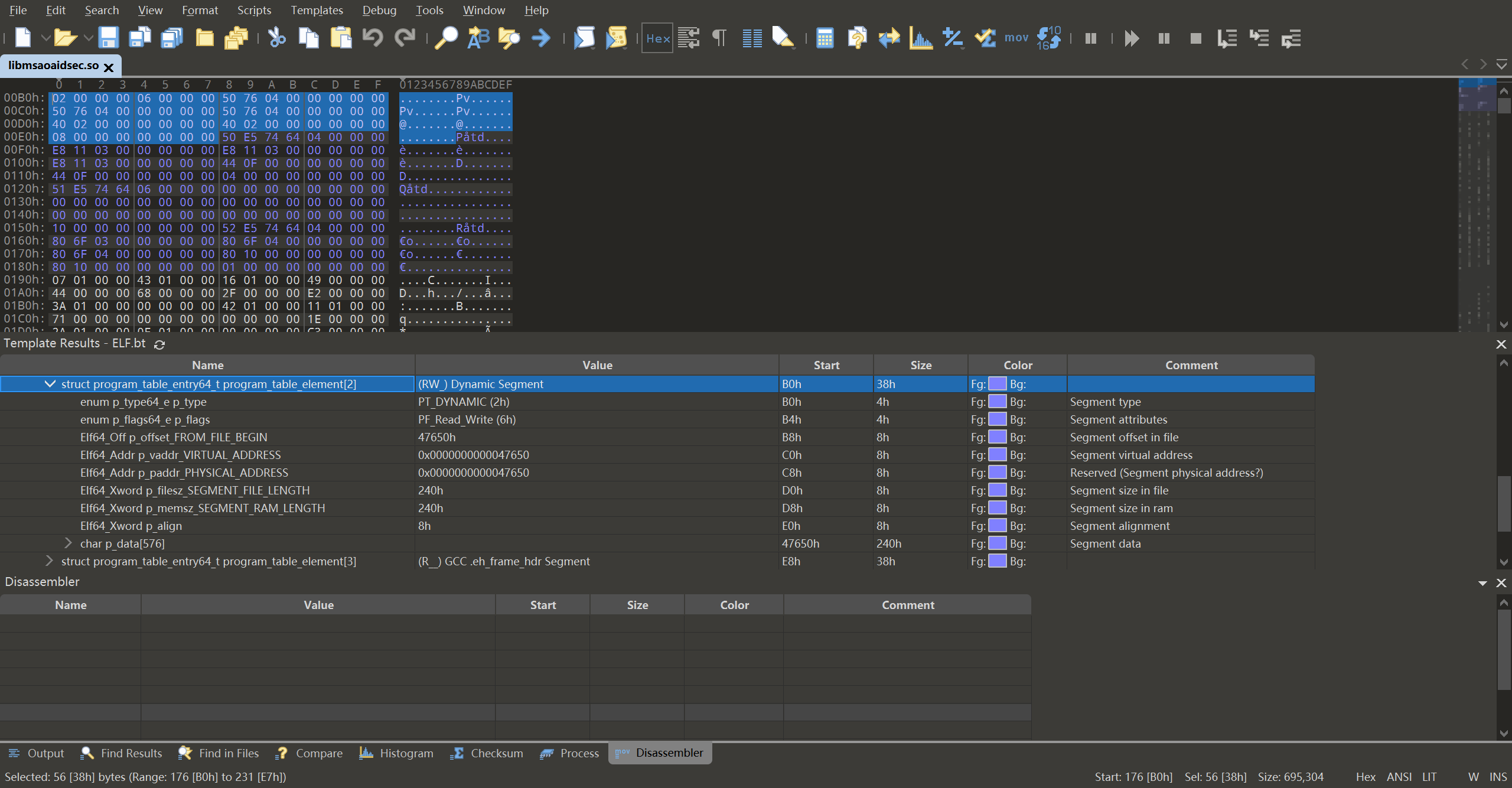
额, 解析展开后的结果是: Dynamic段位于0x47650-0x47890, 这差别有点大啊.
IDA中该位置被解析为
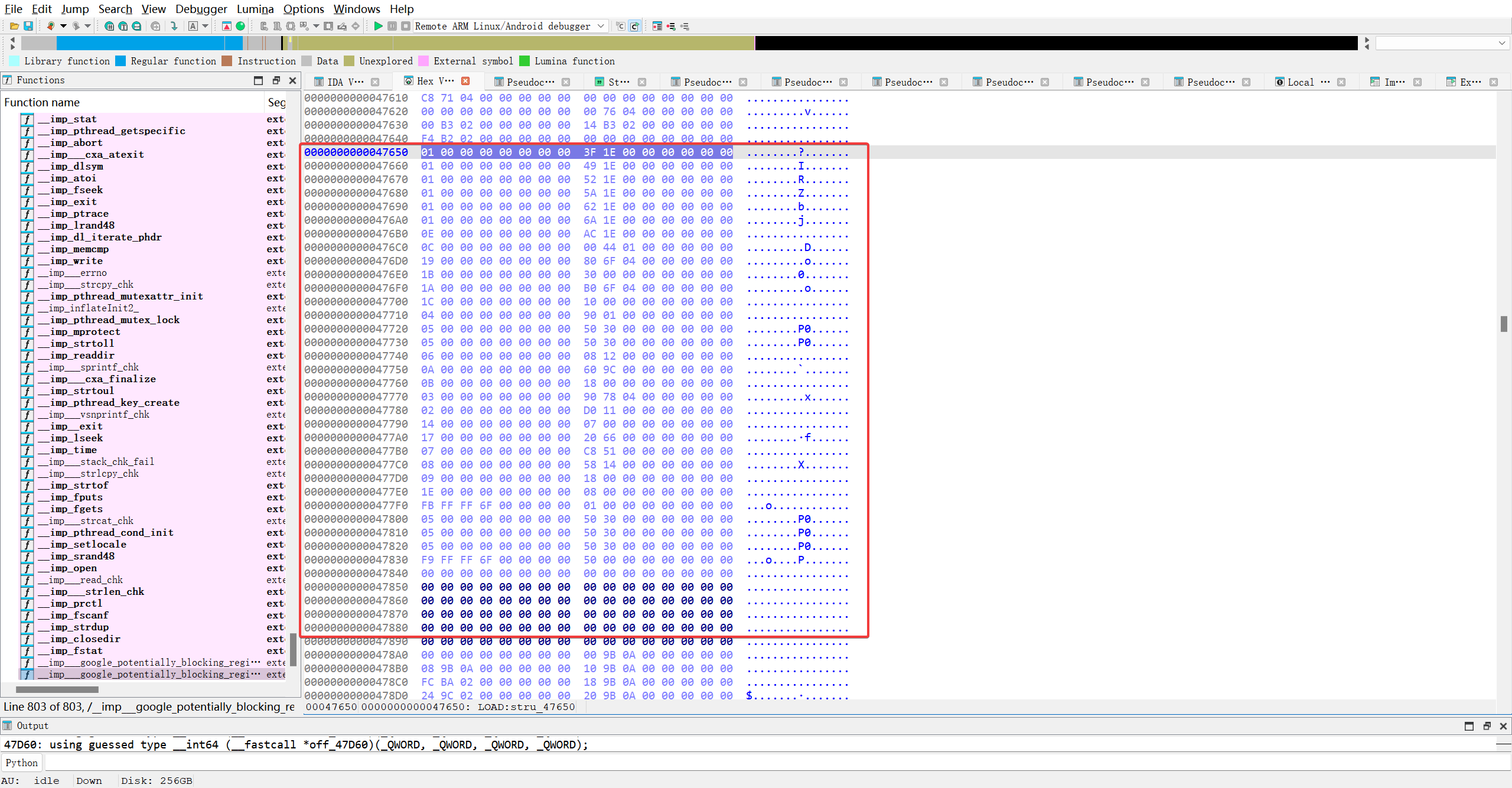
确实是动态段的结构体..并且在下一行看到了GOT全称_GLOBAL_OFFSET_TABLE_
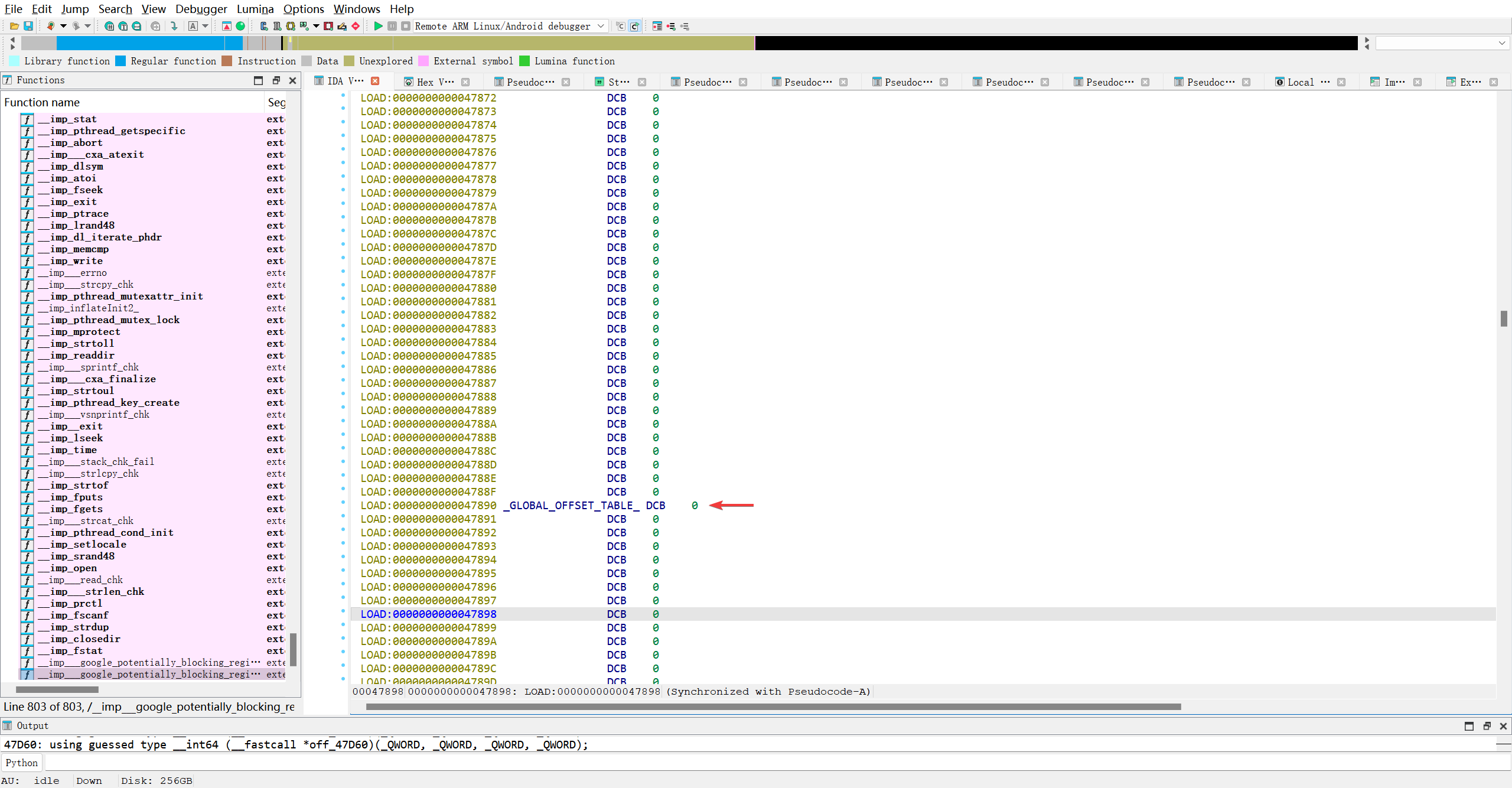
并且在0x47d60找到了目标函数__imp___sprintf_chk的字样
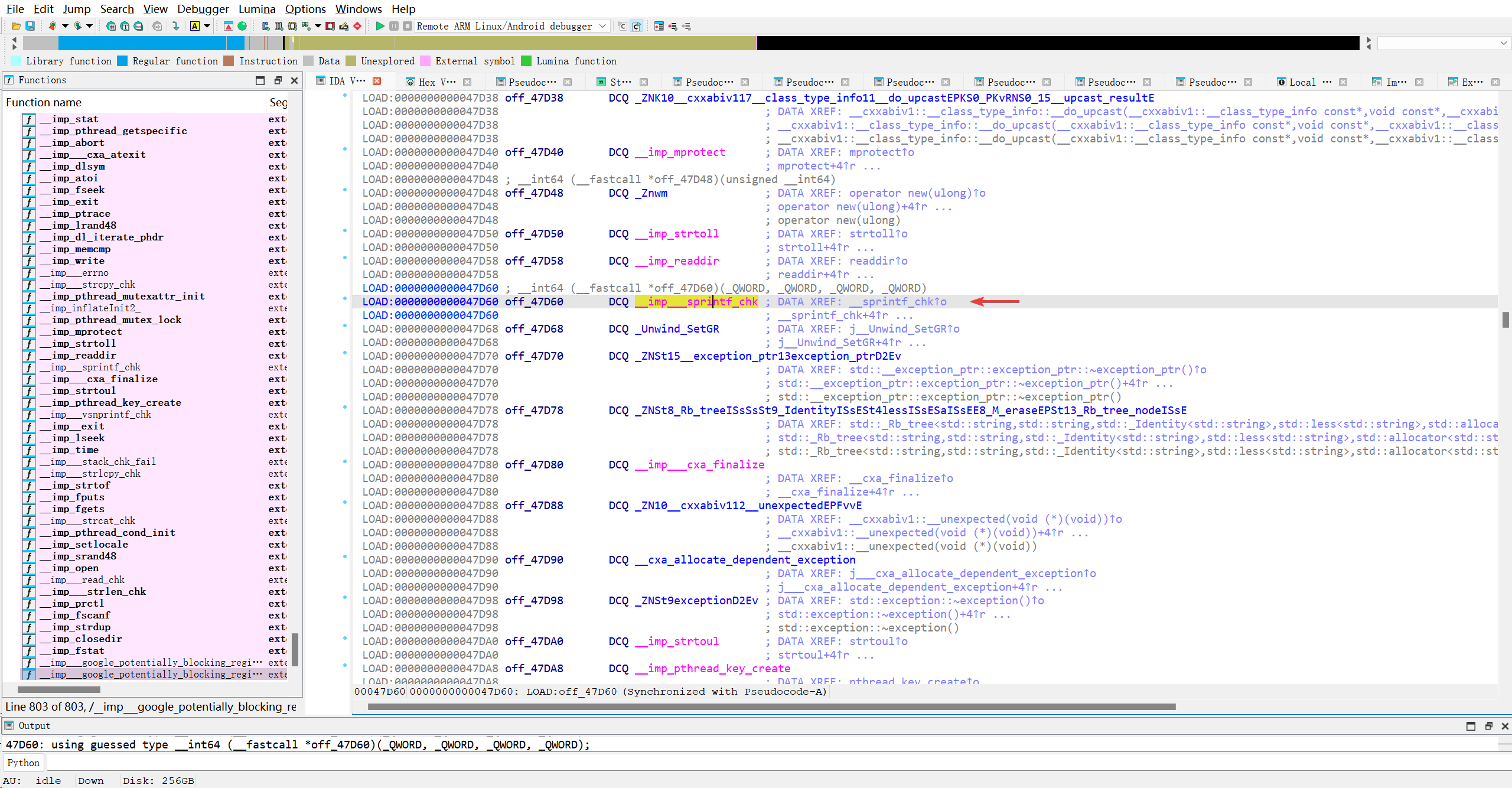
got表的调用肯定是来源于plt表.. 查看交叉引用..怎么有2个??
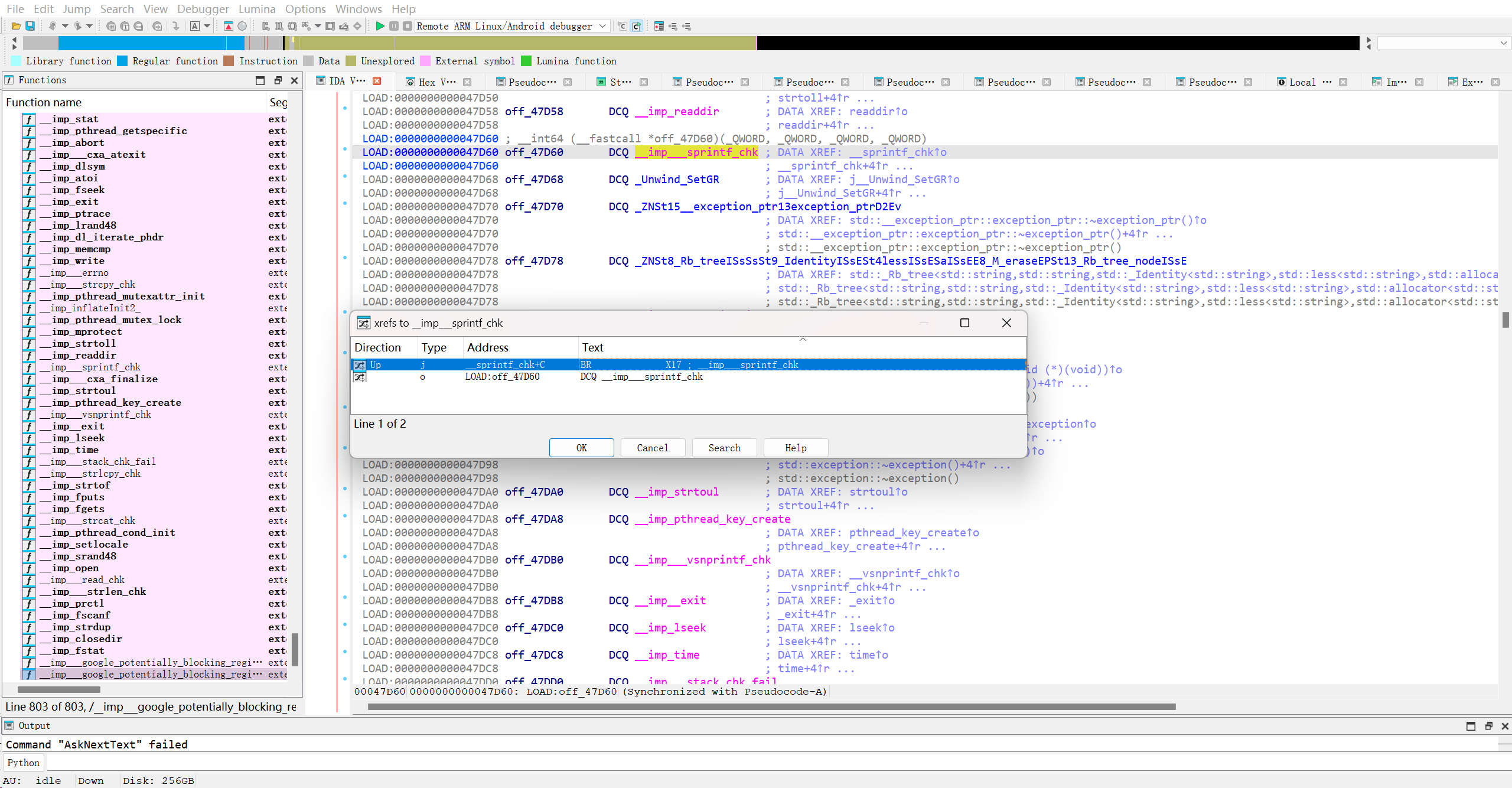
就看哪个是真的plt表, 先看第一个
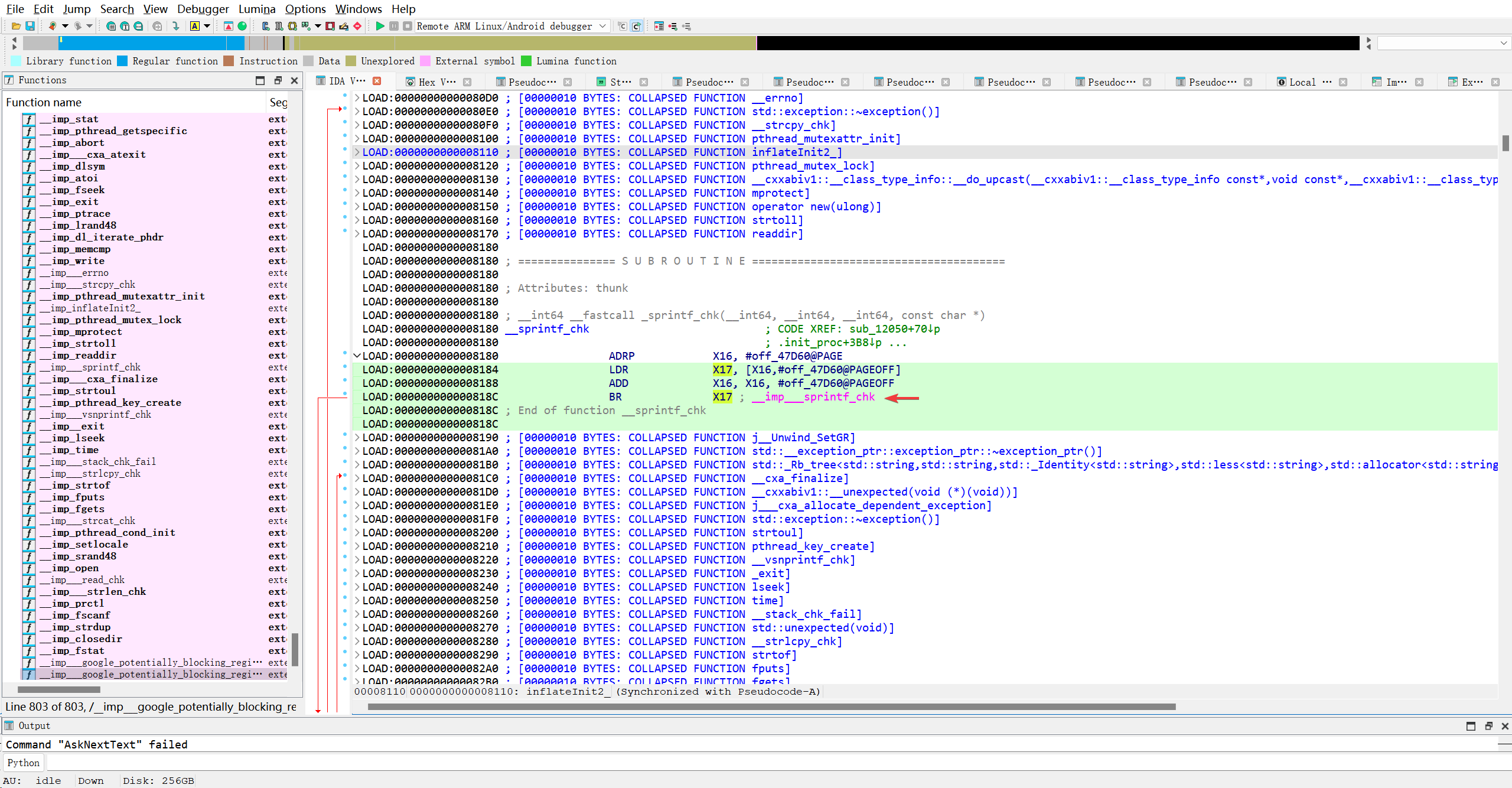
很明显, 第一个就是真正的plt表, 可是它的位置太靠前了, 我现在不清楚它和位于0x47650-0x47890的Dynamic段有何关联??
再看看另一个引用
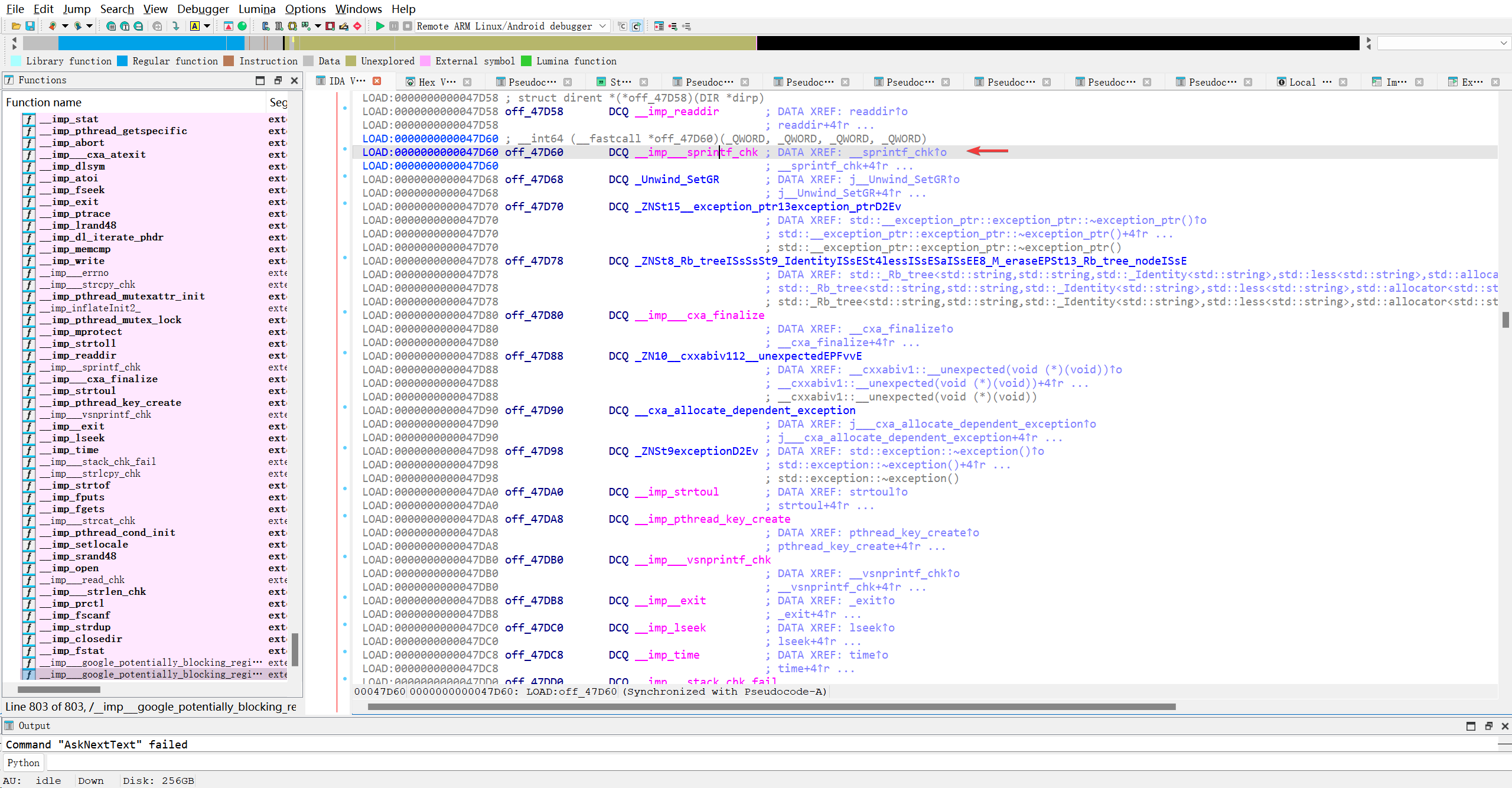
哦, 原来x查看的交叉引用包括了本身.. 这里就是got表里的函数嘞, 看看HEX的位置长啥样..
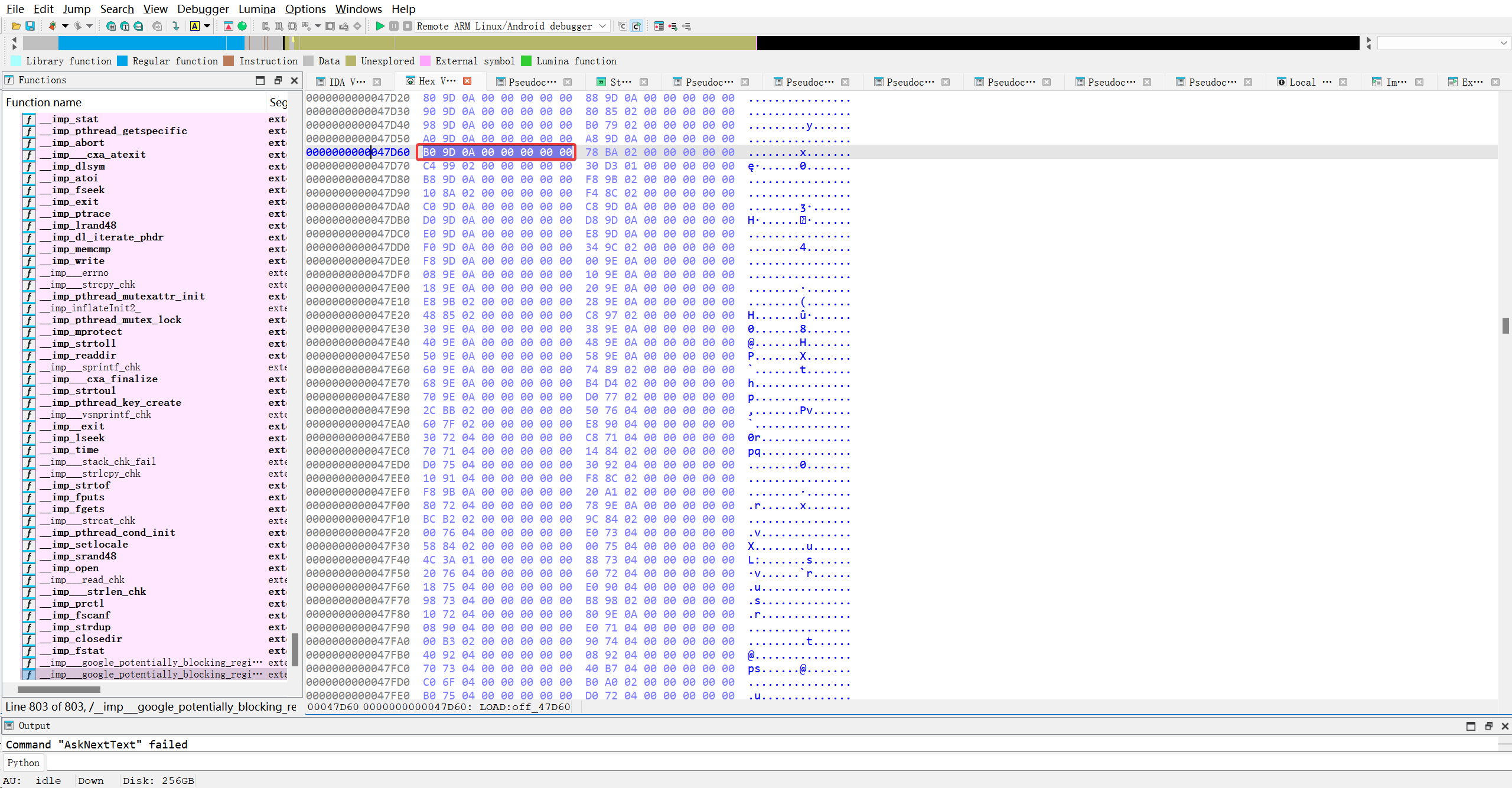
这位置真就只够放一个函数指针, 8个字节. 看看现在放的是什么
1
0x00000000000A9080
它具体有什么含义?
联系调用出的PLT表的槽位:
1
2
3
4
LOAD:0000000000008180                 ADRP            X16, #off_47D60@PAGE
LOAD:0000000000008184                 LDR             X17, [X16,#off_47D60@PAGEOFF]
LOAD:0000000000008188                 ADD             X16, X16, #off_47D60@PAGEOFF
LOAD:000000000000818C                 BR              X17 ; __imp___sprintf_chk
看AI的回答
1
2
3
4
5
6
7
8
9
10
11
AI
具体来说:
当程序第一次调用 __sprintf_chk 时,GOT[47D60] 中的值(比如 0xA9080)会被加载到 X17;
然后 BR X17 跳转到 0xA9080;
xA9080 处的代码会:
将函数索引(relocation index)压栈或传参;
调用动态链接器(如 _dl_runtime_resolve);
解析出 __sprintf_chk 的真实地址(来自 libc);
将真实地址写回 off_47D60(即 GOT 槽位);
跳转到真实函数执行。
之后再次调用时,GOT 槽位已更新为真实地址,不再经过解析桩。
照AI这么说, GOT指向的函数还挺多样化..
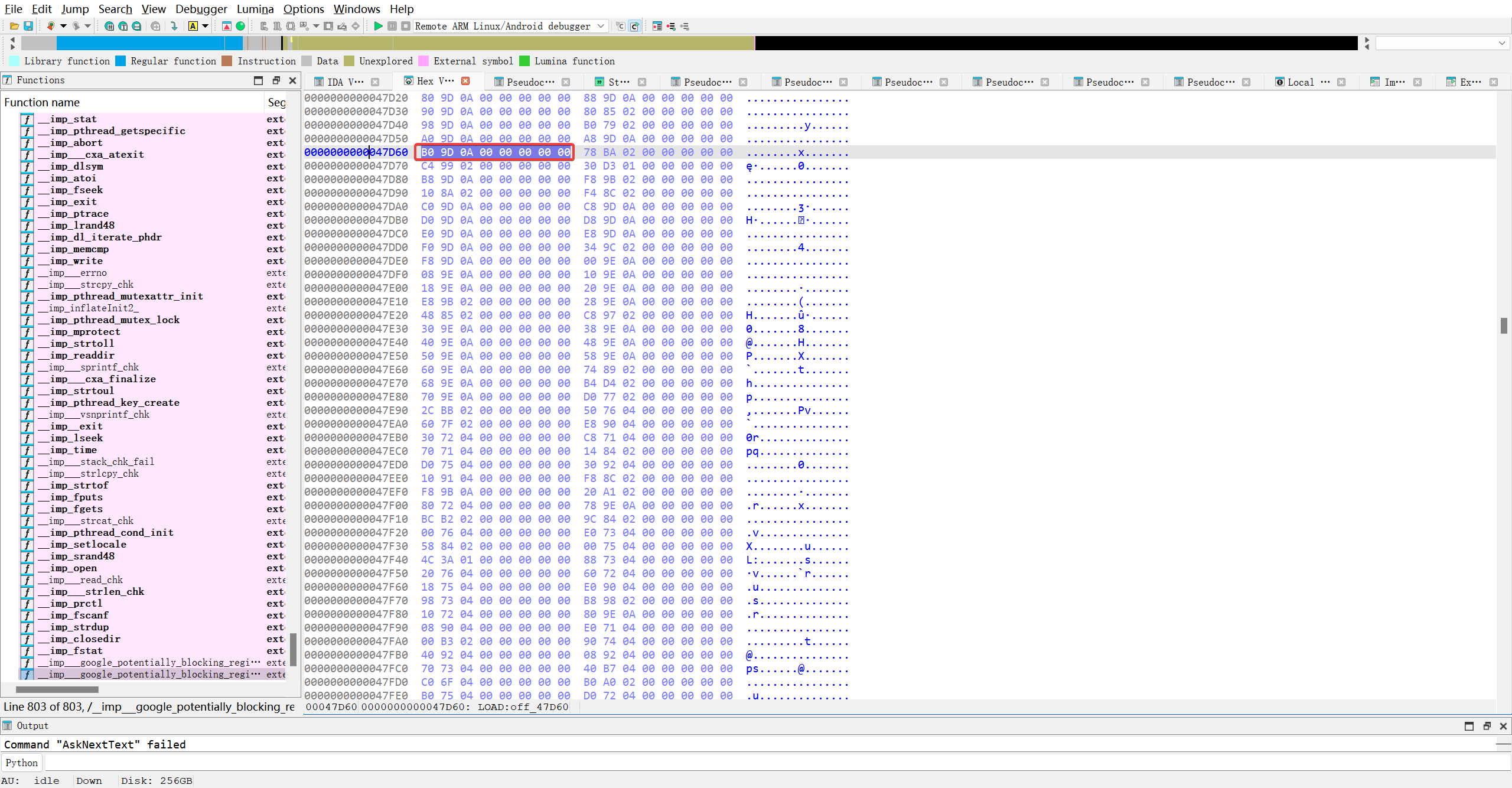
每一个导入函数的GOT槽初始值都不一样…
1
2
3
4
5
6
7
8
9
10
11
12
13
14
15
0000000000047D40  98 9D 0A 00 00 00 00 00  B0 79 02 00 00 00 00 00  .........y......
0000000000047D50  A0 9D 0A 00 00 00 00 00  A8 9D 0A 00 00 00 00 00  ................
0000000000047D60  B0 9D 0A 00 00 00 00 00  78 BA 02 00 00 00 00 00  ........x.......
0000000000047D70  C4 99 02 00 00 00 00 00  30 D3 01 00 00 00 00 00  ę ......0.......
0000000000047D80  B8 9D 0A 00 00 00 00 00  F8 9B 02 00 00 00 00 00  ................
0000000000047D90  10 8A 02 00 00 00 00 00  F4 8C 02 00 00 00 00 00  ................
0000000000047DA0  C0 9D 0A 00 00 00 00 00  C8 9D 0A 00 00 00 00 00  ........ȝ ......
0000000000047DB0  D0 9D 0A 00 00 00 00 00  D8 9D 0A 00 00 00 00 00  Н ......؝ ......
0000000000047DC0  E0 9D 0A 00 00 00 00 00  E8 9D 0A 00 00 00 00 00  ................
0000000000047DD0  F0 9D 0A 00 00 00 00 00  34 9C 02 00 00 00 00 00  ........4.......
0000000000047DE0  F8 9D 0A 00 00 00 00 00  00 9E 0A 00 00 00 00 00  ................
0000000000047DF0  08 9E 0A 00 00 00 00 00  10 9E 0A 00 00 00 00 00  ................
0000000000047E00  18 9E 0A 00 00 00 00 00  20 9E 0A 00 00 00 00 00  ........ .......
0000000000047E10  E8 9B 02 00 00 00 00 00  28 9E 0A 00 00 00 00 00  ........(.......
0000000000047E20  48 85 02 00 00 00 00 00  C8 97 02 00 00 00 00 00  H.......ȗ ......
跳过去看一下..
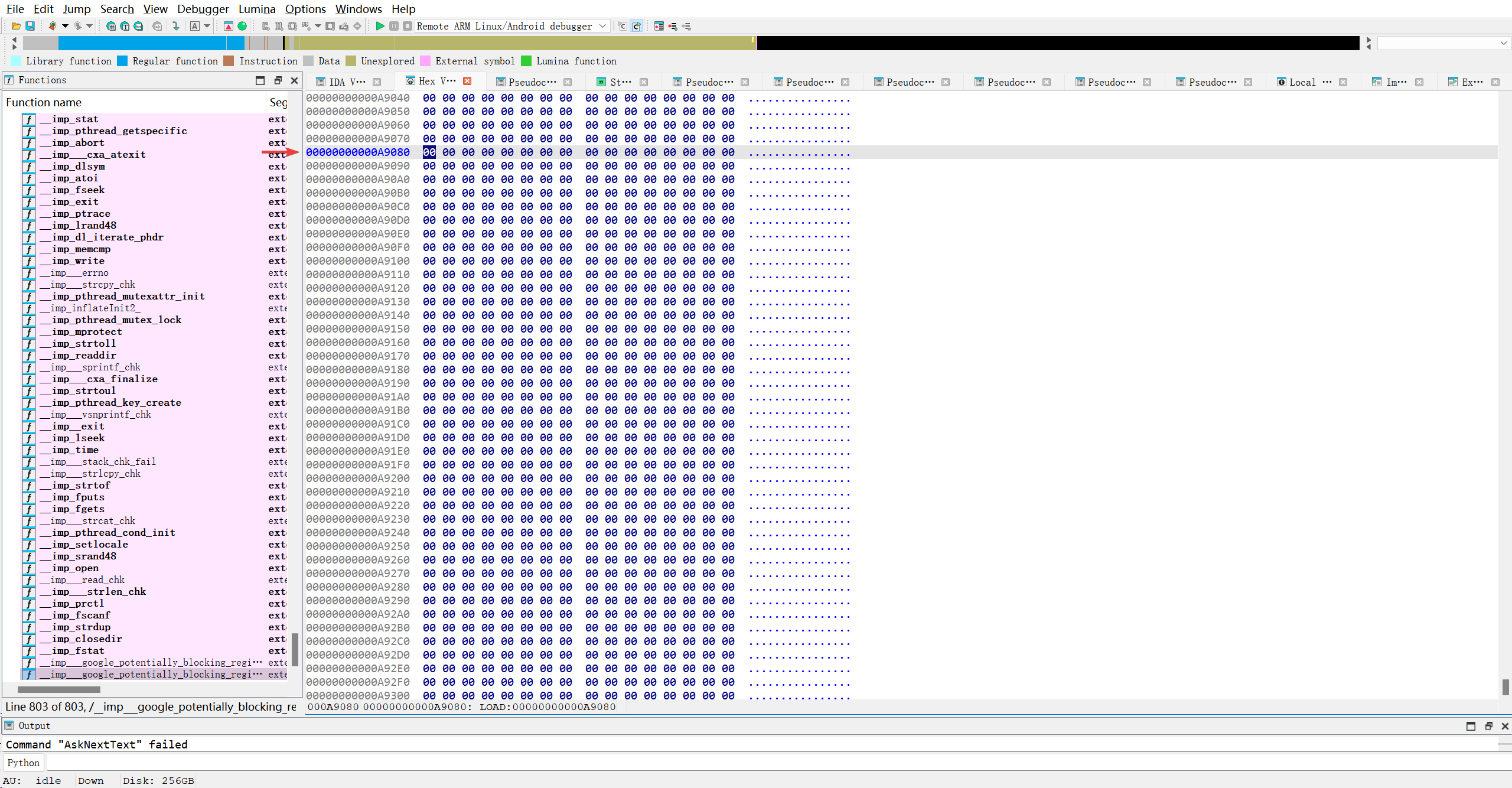
啥也没有…欸, 到这里又不懂了, AI说这里在连接时会由链接器动态填充.. 算了假装懂了吧..
继续解决之前的疑问: PLT与Dynamic段到底有何关系…
1
2
3
4
5
6
7
8
9
10
11
12
AI
PLT 是代码,放在代码段;GOT 是数据,放在数据段;Dynamic 段是指南针,告诉动态链接器去哪里找重定位信息来填充 GOT。
第一个 LOAD 段 (0x0 - 0x37000, R . X . L)
这是一个 可读、可执行 的段。
它必然包含了所有需要执行的代码节,即 .text 和 .plt。
结论:PLT 表(那些 imp_xxx 函数的代码体)就定义在这个段里。 你在反汇编窗口看到的 __sprintf_chk 的 ADRP/LDR/BR 代码就在这里。
第二个 LOAD 段 (0x46000 - 0xA9B00, R W . . L)
这是一个 可读、可写 的段。
它包含了所有可写的数据节,例如 .data, .bss, .got, .got.plt, 以及 .dynamic。
结论:
GOT 表(包括 0xA9080 这个槽位)就在这里。
Dynamic 段(0x47650-0x47890)也在这里。
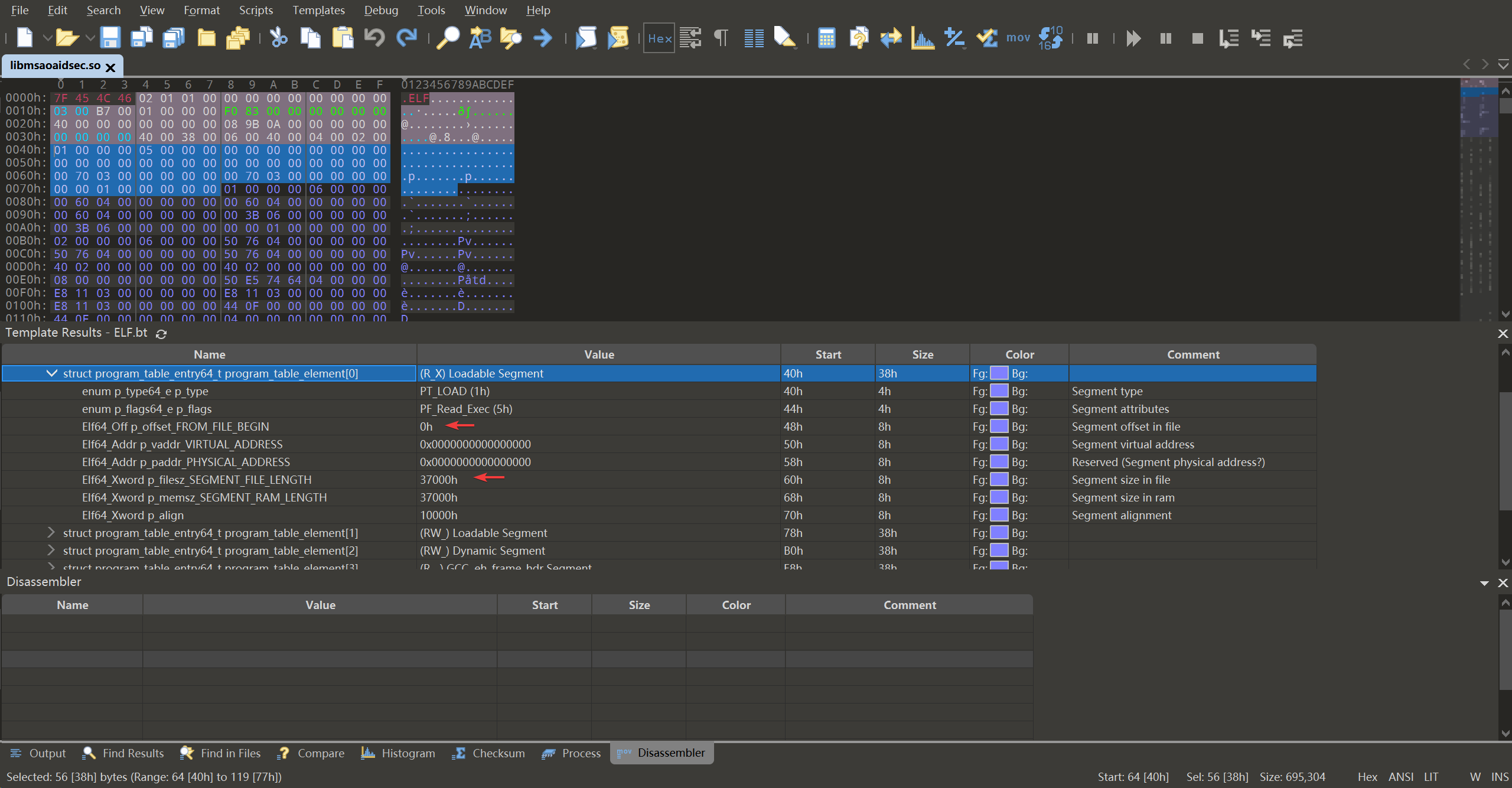
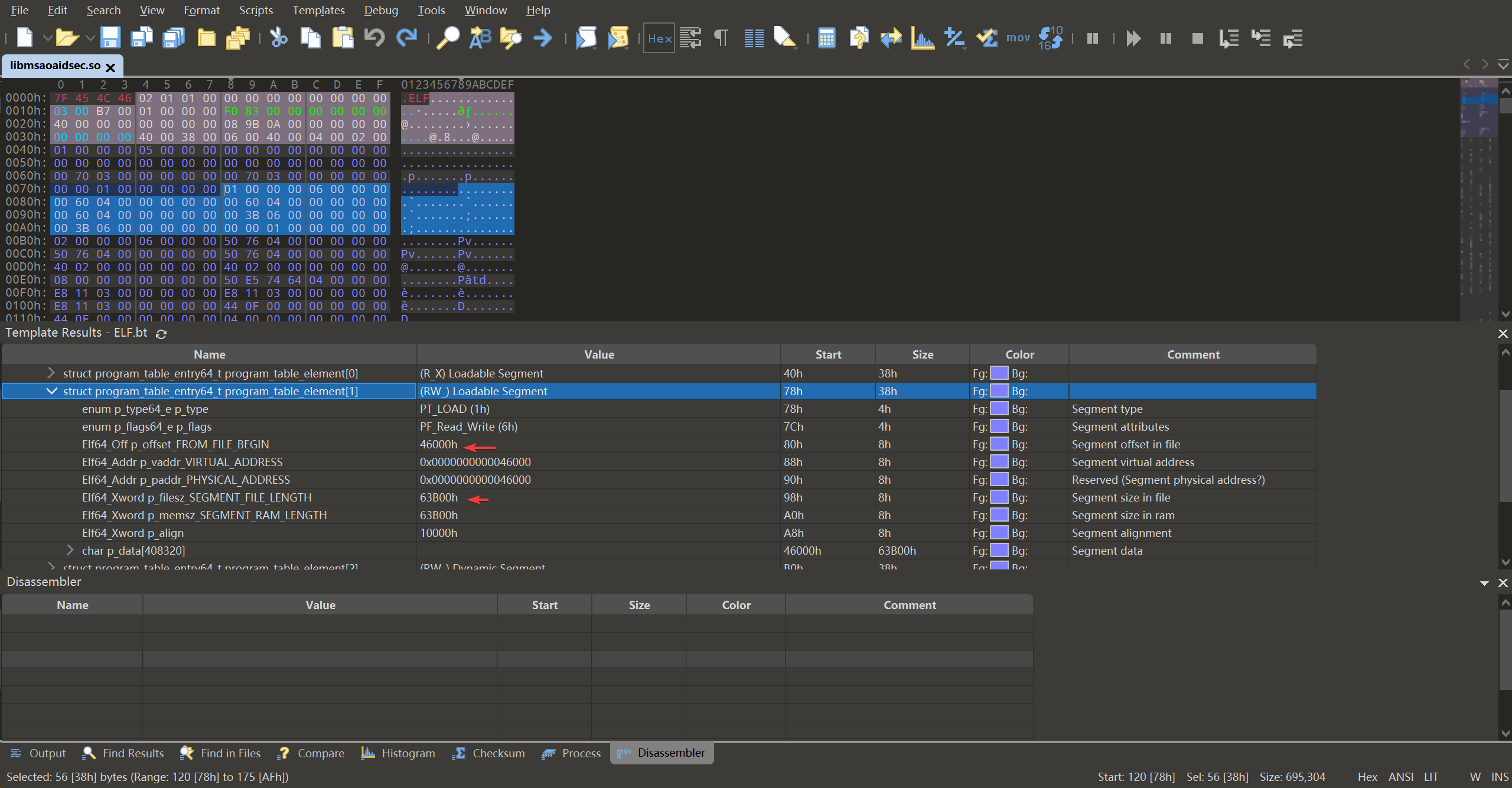
…..
就是说,
- 第一个加载段就是
0x0h-37000h,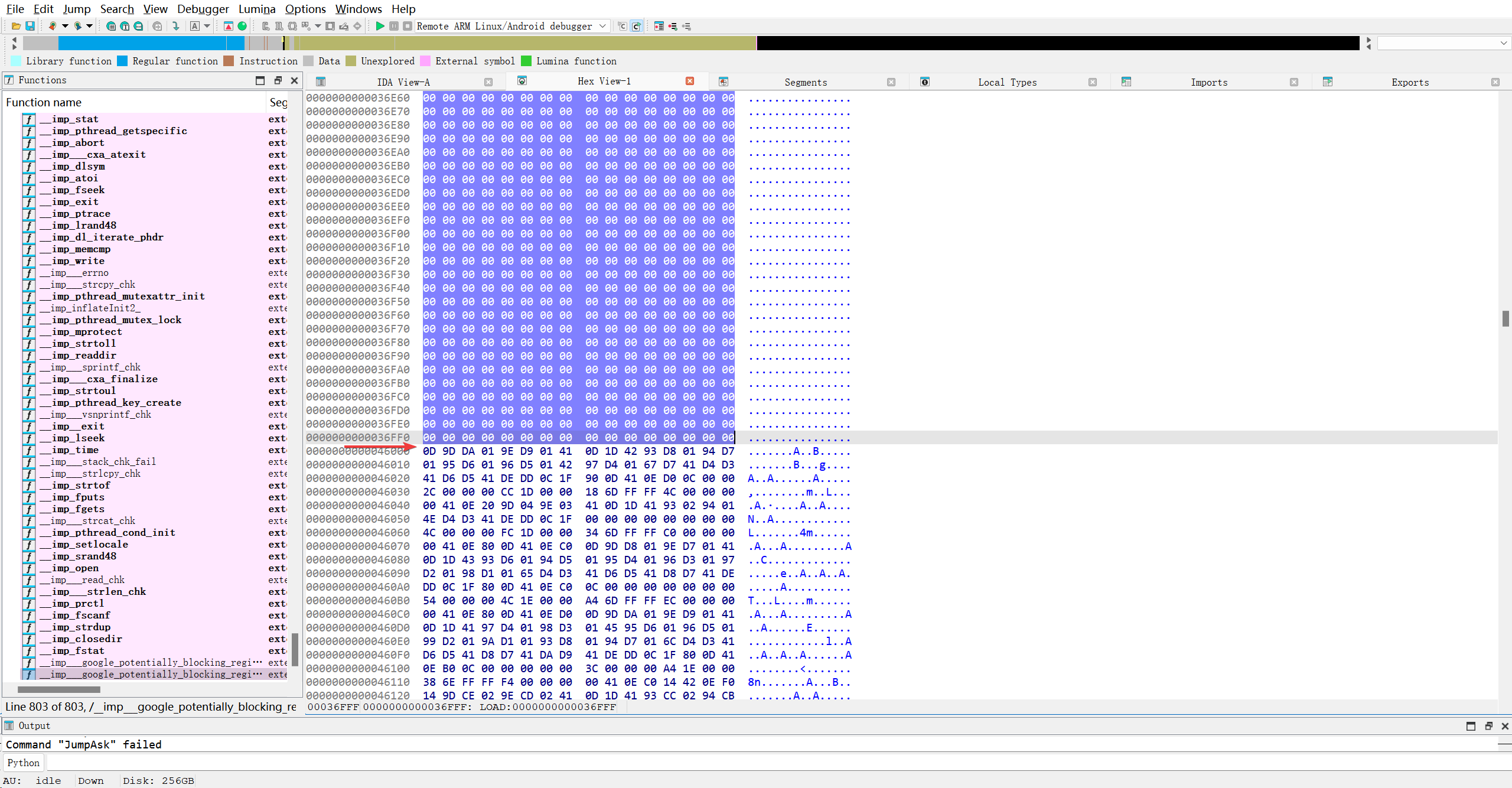
- 第二个加载段就是
0x46000-0xa9b00,
现在我才发现, IDA应该是模拟加载了第一段和第二段, 因为HEX中并没有0x37000-0x46000. 看看文件中这一部分长什么样子..
结果全是这样的00填充…那so文件生成时为什么不直接省略掉呢? 不管了..无法深究..
- 第三个加载段就是
0x47650-0x47890,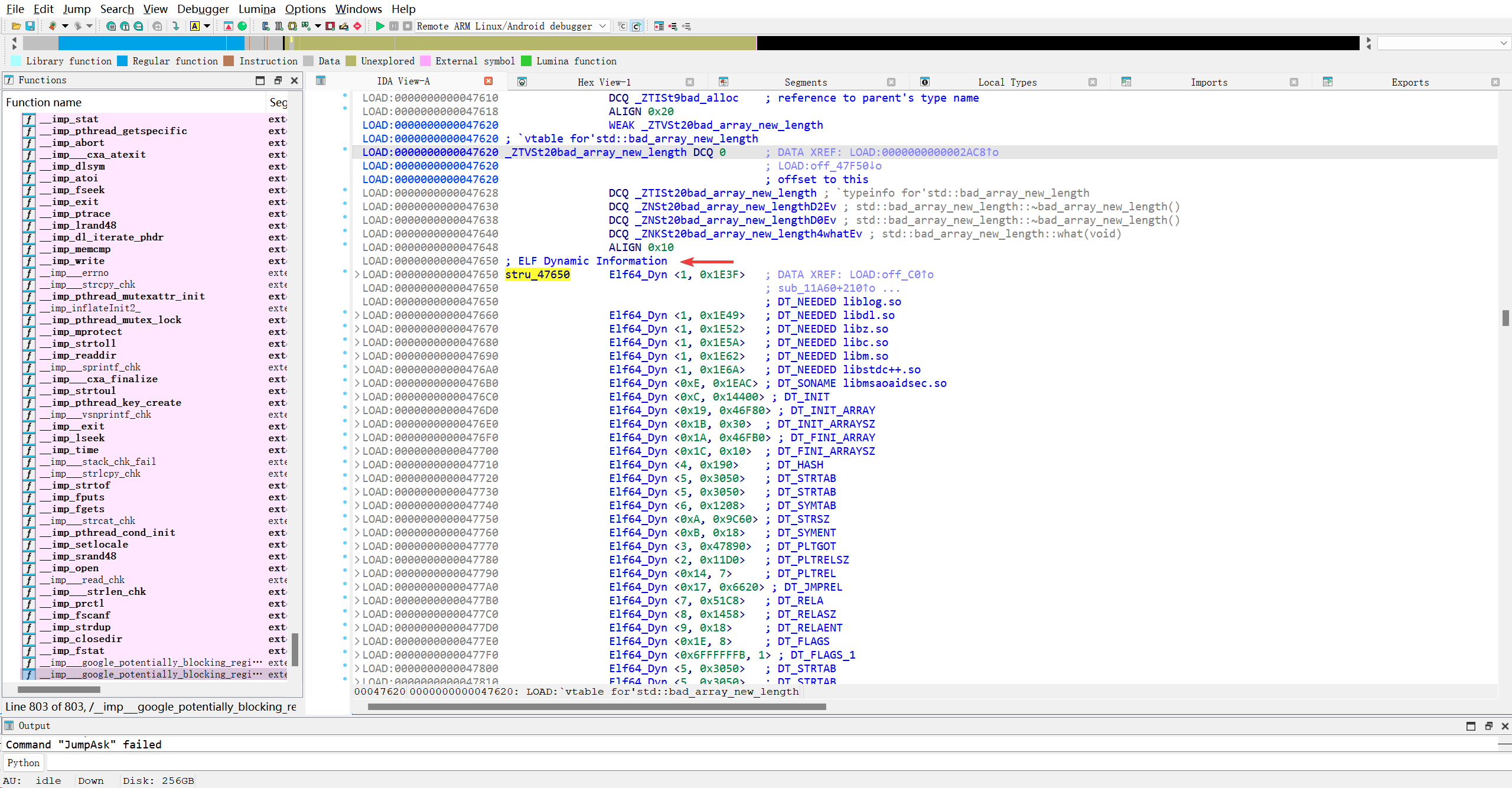
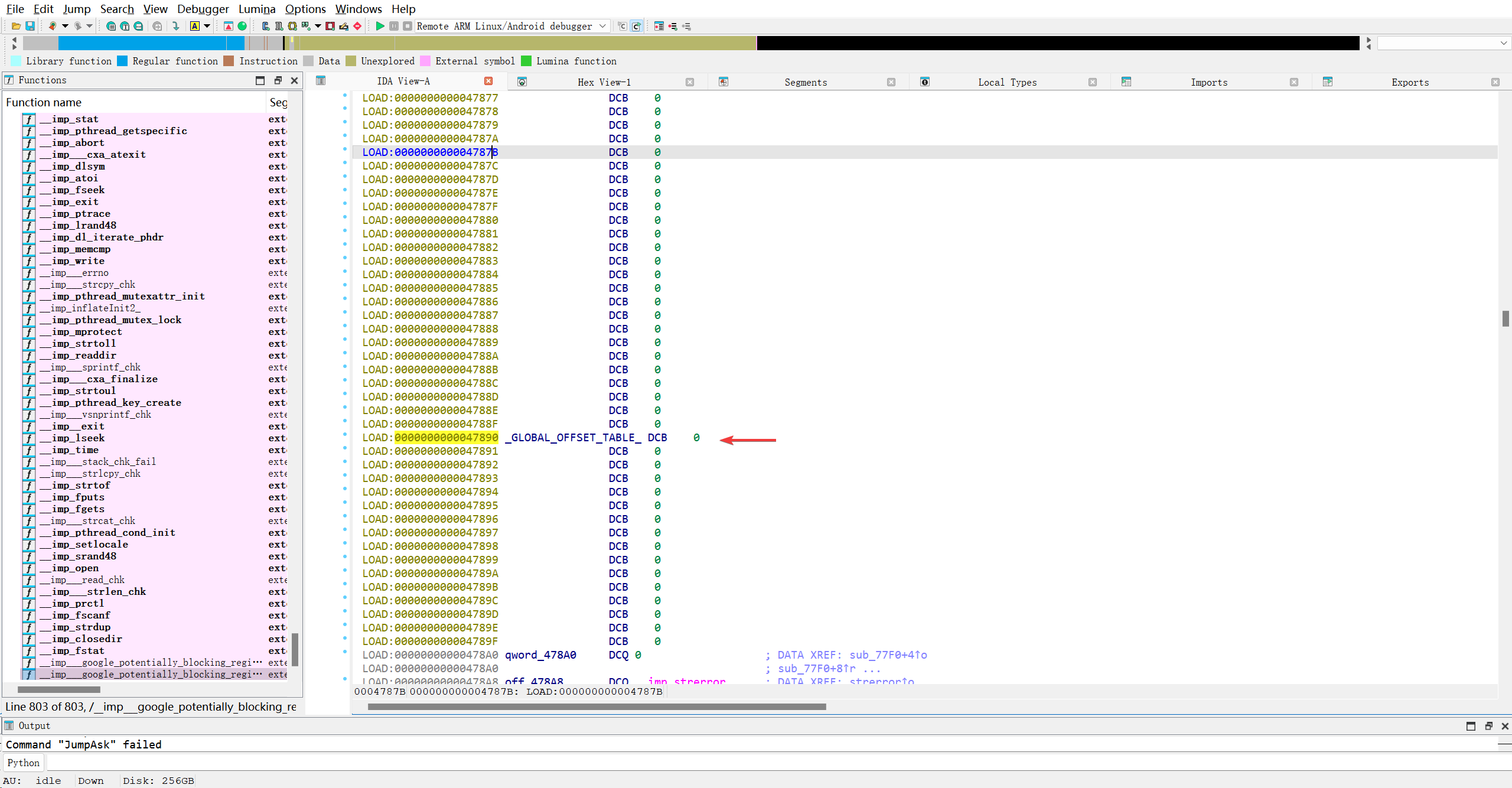
那这第三个段真是Dynamic段..
第四个加载段就是
0x311E8-0x3212c,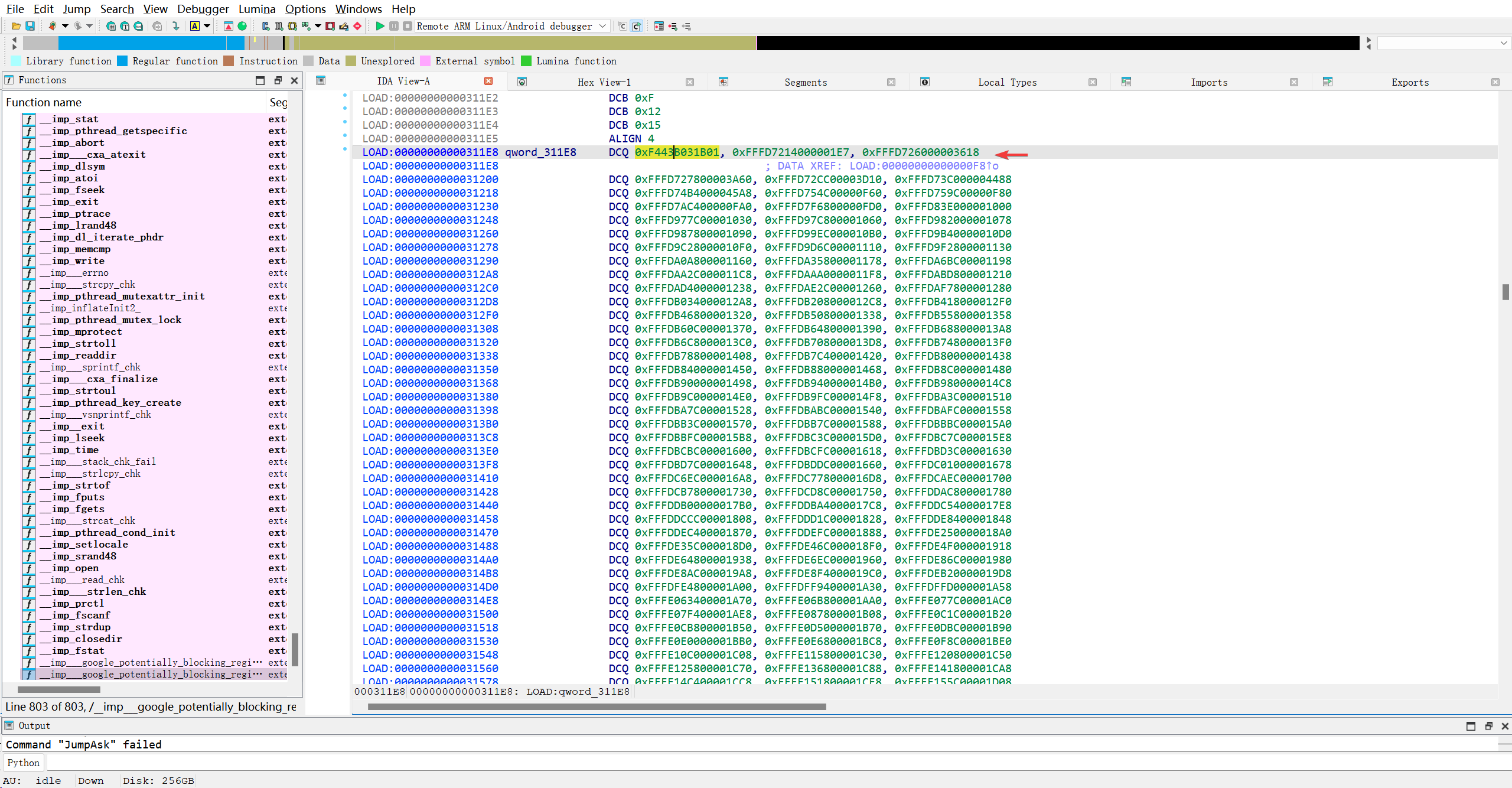
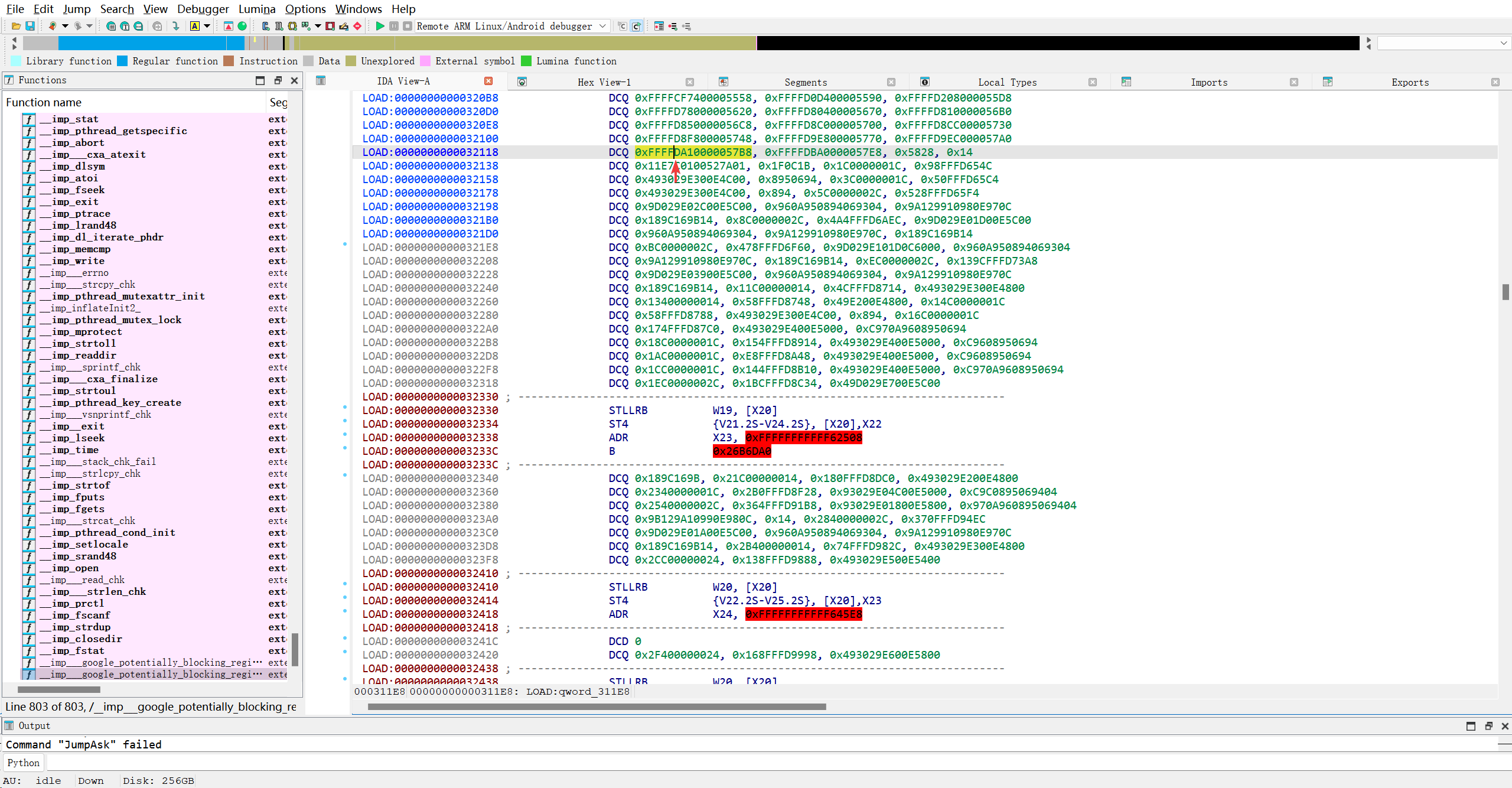
- 第五个加载段就是
0x0-0x0, - 第六个加载段就是
0x36F80-0x38000,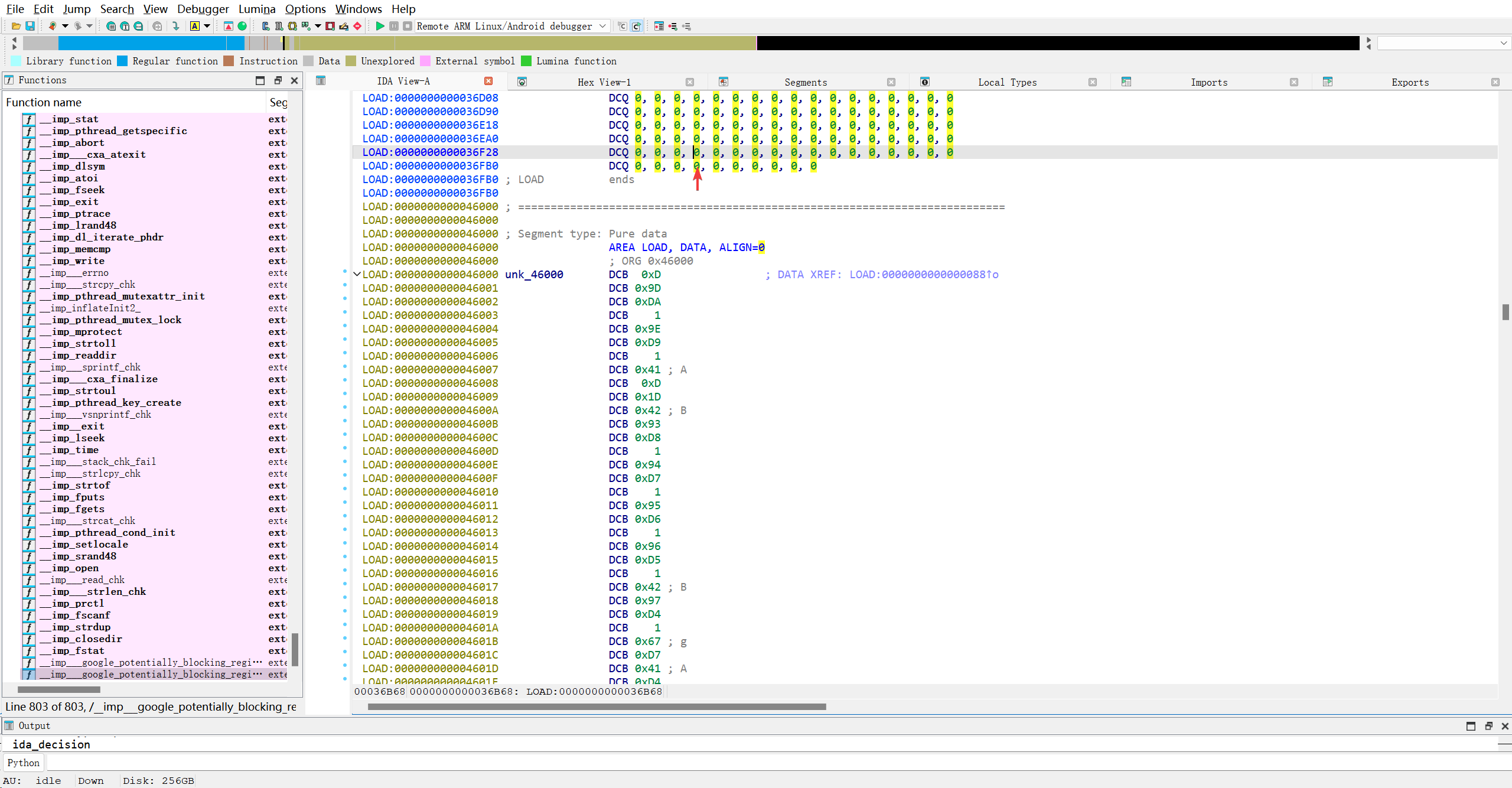 全是00字节..
并且第三段是完全重合在第二段中的…第四段完全重合在第一段里..乱的一批….
接着分析Dynamic段的结构体
1
2
3
4
5
struct Elf64_Dyn
 {
	unsigned __int64 d_tag;
	unsigned __int64 d_un;
 };
AI细说
1
2
3
4
5
6
7
typedef struct {
    Elf64_Sxword d_tag; // 条目类型 (Signed, 因为有 DT_NULL)
    union {
        Elf64_Xword d_val; // 当 d_tag 需要一个整数值(如大小、数量、标志)
        Elf64_Addr  d_ptr; // 当 d_tag 需要一个虚拟地址(指向某个表或字符串)
    } d_un;
} Elf64_Dyn;
1. 依赖库声明 (DT_NEEDED)
1
2
3
1LOAD:0000000000047650 stru_47650      Elf64_Dyn <1, 0x1E3F>   ; DT_NEEDED liblog.so
2...
3LOAD:00000000000476A0                 Elf64_Dyn <1, 0x1E6A>   ; DT_NEEDED libstdc++.so
d_tag = 1: 这是DT_NEEDED。d_un = 0x1E3F, 0x1E49...: 这些是d_val,代表偏移量。- 作用: 动态链接器会拿着这些偏移量(如
0x1E3F),去.dynstr(动态字符串表) 中查找对应的字符串。例如,在.dynstr表的0x1E3F偏移处,存放着"liblog.so"这个字符串。这告诉链接器:“我需要加载liblog.so这个库”。
2. 库自身名称 (DT_SONAME)
1
1LOAD:00000000000476B0                 Elf64_Dyn <0xE, 0x1EAC> ; DT_SONAME libmsaoaidsec.so
d_tag = 0xE (14): 这是DT_SONAME。d_un = 0x1EAC: 这是一个d_val(偏移量)。- 作用: 指向
.dynstr表中的一个字符串,该字符串是此共享库自身的“逻辑名”(libmsaoaidsec.so)。当其他程序链接到这个库时,它们记录的是这个名字,而不是文件在磁盘上的完整路径。
3. 初始化/终止函数 (DT_INIT, DT_INIT_ARRAY, DT_FINI_ARRAY)
1
2
3
4
5
6
1LOAD:00000000000476C0                 Elf64_Dyn <0xC, 0x14400> ; DT_INIT
2LOAD:00000000000476D0                 Elf64_Dyn <0x19, 0x46F80> ; DT_INIT_ARRAY
3LOAD:00000000000476E0                 Elf64_Dyn <0x1B, 0x30>  ; DT_INIT_ARRAYSZ
4...
5LOAD:00000000000476F0                 Elf64_Dyn <0x1A, 0x46FB0> ; DT_FINI_ARRAY
6LOAD:0000000000047700                 Elf64_Dyn <0x1C, 0x10>  ; DT_FINI_ARRAYSZ
DT_INIT (0xC):d_un = 0x14400是一个d_ptr,指向一个初始化函数的地址。在main函数执行前会被调用。DT_INIT_ARRAY (0x19):d_un = 0x46F80是一个d_ptr,指向一个函数指针数组的起始地址。数组中的每个函数都会在main之前被依次调用。DT_INIT_ARRAYSZ (0x1B):d_un = 0x30是一个d_val,表示INIT_ARRAY数组的总大小(字节)。0x30 / 8 = 6个函数指针。DT_FINI_ARRAY和DT_FINI_ARRAYSZ: 作用与INIT相反,在程序正常退出时被调用。
4. 符号与字符串表信息 (DT_HASH, DT_STRTAB, DT_SYMTAB, DT_STRSZ, DT_SYMENT)
1
2
3
4
5
6
1LOAD:0000000000047710                 Elf64_Dyn <4, 0x190>    ; DT_HASH
2LOAD:0000000000047720                 Elf64_Dyn <5, 0x3050>   ; DT_STRTAB
3...
4LOAD:0000000000047740                 Elf64_Dyn <6, 0x1208>   ; DT_SYMTAB
5LOAD:0000000000047750                 Elf64_Dyn <0xA, 0x9C60> ; DT_STRSZ
6LOAD:0000000000047760                 Elf64_Dyn <0xB, 0x18>   ; DT_SYMENT
DT_HASH (4):d_un = 0x190是d_ptr,指向符号哈希表的地址,用于加速符号查找。DT_STRTAB (5):d_un = 0x3050是d_ptr,指向.dynstr(动态字符串表) 的虚拟地址。DT_SYMTAB (6):d_un = 0x1208是d_ptr,指向.dynsym(动态符号表) 的虚拟地址。DT_STRSZ (0xA):d_un = 0x9C60是d_val,表示.dynstr表的总大小。DT_SYMENT (0xB):d_un = 0x18是d_val,表示.dynsym表中每个符号项 (Elf64_Sym) 的大小(24字节)。
位于0x1208的DT_SYMTAB长这个样子..
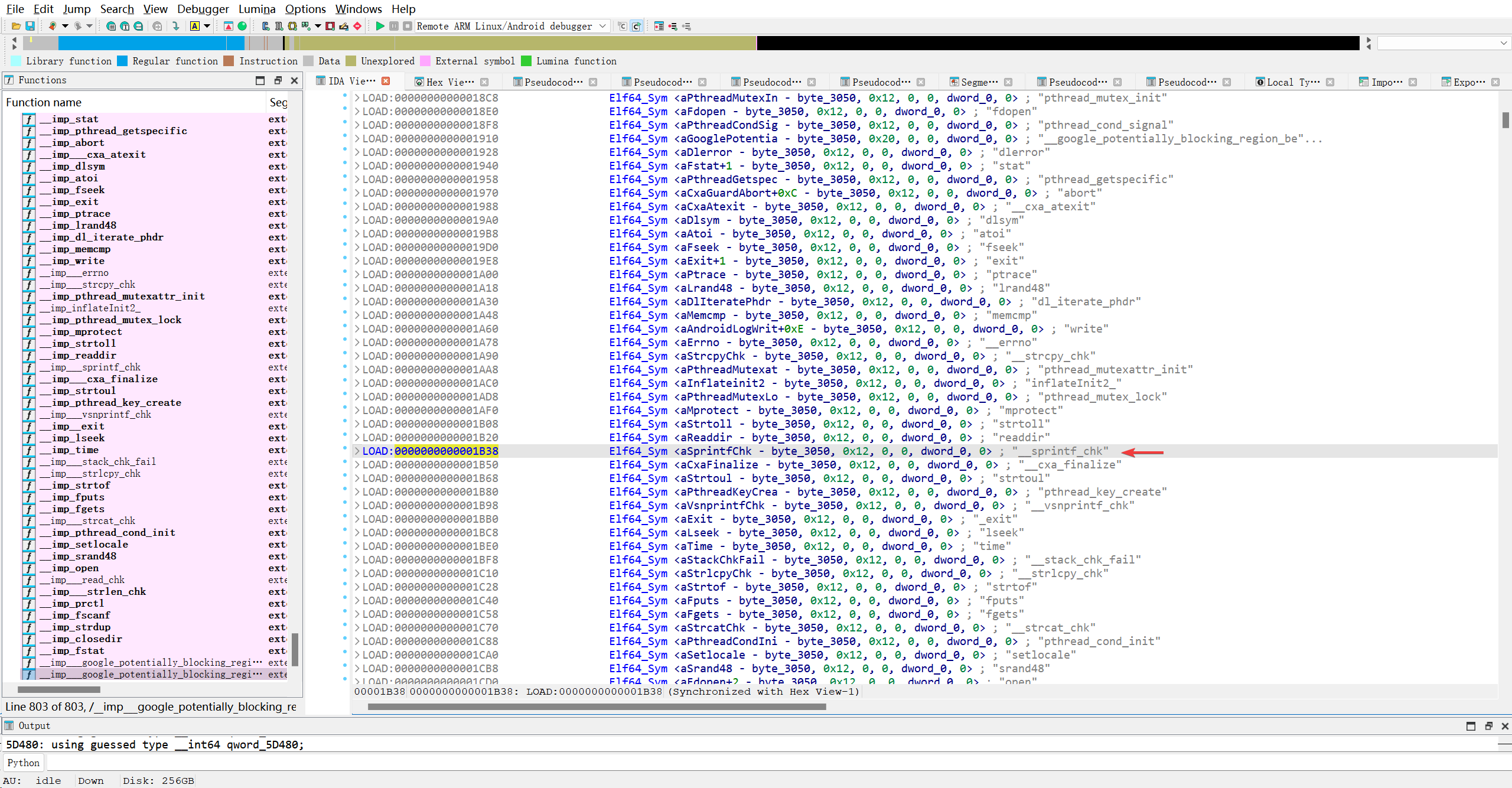
24字节..
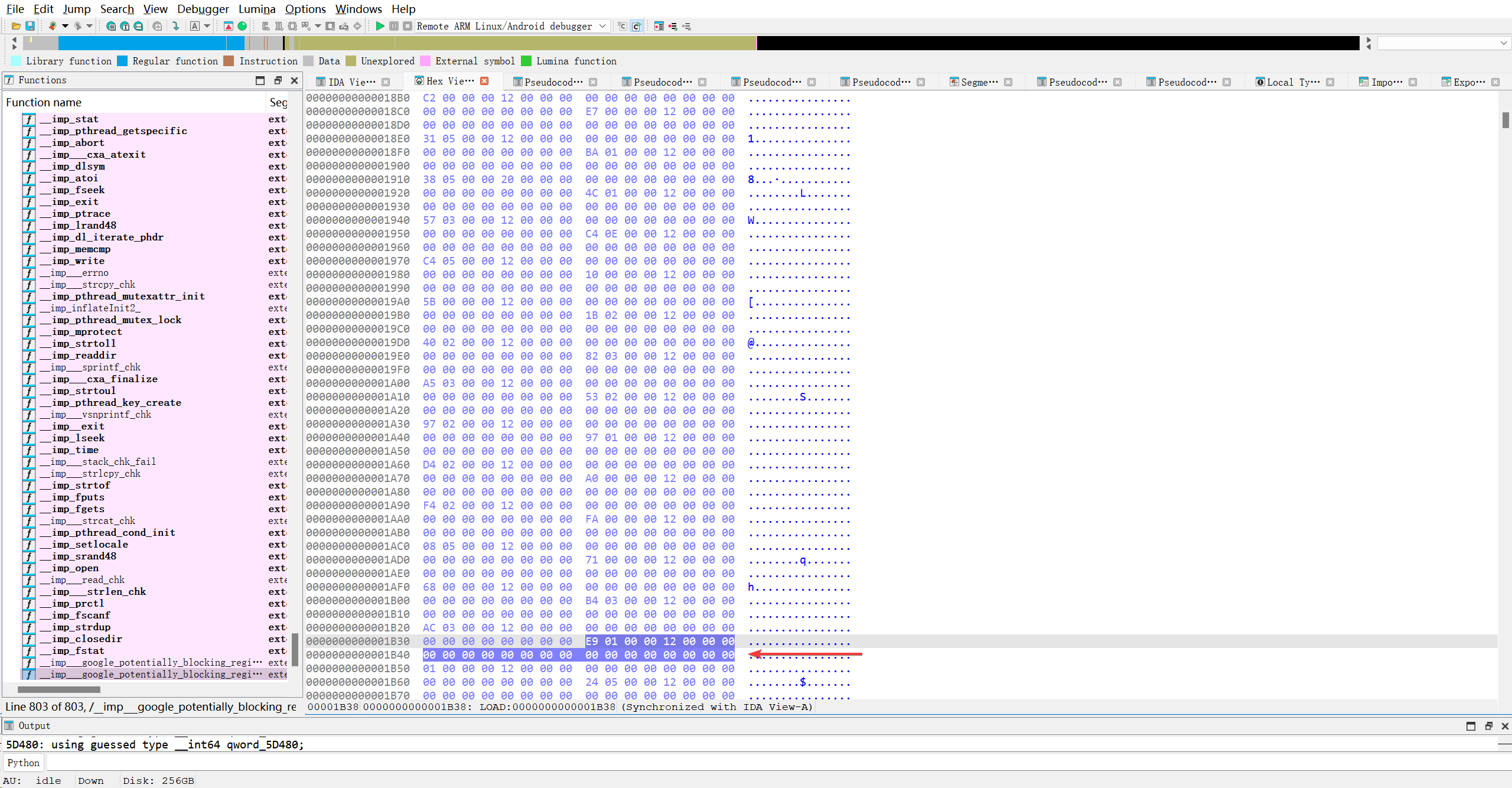
虽然叫符号表, 但是Elf64_Sym(动态符号表项)本身并不直接包含符号名称,而是通过一个索引(偏移)引用 DT_STRTAB(动态字符串表)中的实际字符串。
AI解析结果如下
| 字段 | 偏移 | 字节(小端序) | 十六进制值 | 十进制值 | 含义 |
|---|---|---|---|---|---|
st_name | 0–3 | E9 01 00 00 | 0x000001E9 | 489 | 符号名在 .dynstr 中的偏移 |
st_info | 4 | 12 | 0x12 | 18 | 绑定 + 类型 |
st_other | 5 | 00 | 0x00 | 0 | 保留/可见性 |
st_shndx | 6–7 | 00 00 | 0x0000 | 0 (SHN_UNDEF) | 未定义符号(导入) |
st_value | 8–15 | 00 00 00 00 00 00 00 00 | 0x0000000000000000 | 0 | 运行时地址(尚未重定位) |
st_size | 16–23 | 00 00 00 00 00 00 00 00 | 0x0000000000000000 | 0 | 符号大小(如函数长度) |
.synstr的基址是0x3050, 那么该符号表项对应的字符的地址是0x3239
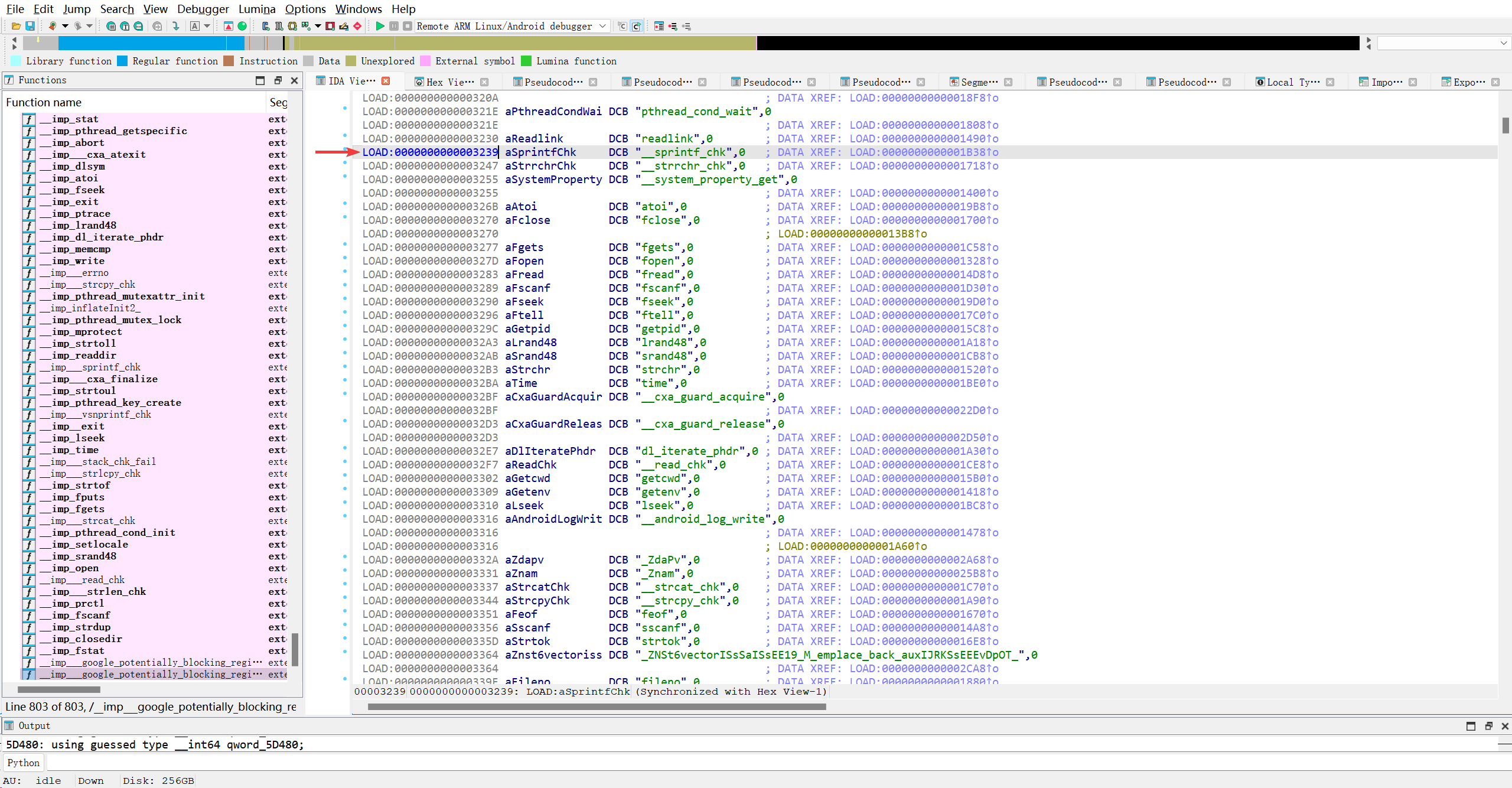
正是__sprintf_chk, 对于导入函数来说, st_value无意义. 因为现在处于Dynamic段解析时间, 是链接器来读取信息. 链接器没有任何理由要求你提供你本就没有的东西..所以, st_value对于导出函数来说, 有意义, 因为其他模块可能依赖了本模块的某个函数, 所以需要链接器连查找函数的实现地址..
为了证明, 我应该找找这个so中的导出函数(JNI_Onload)..那就看看导出表..
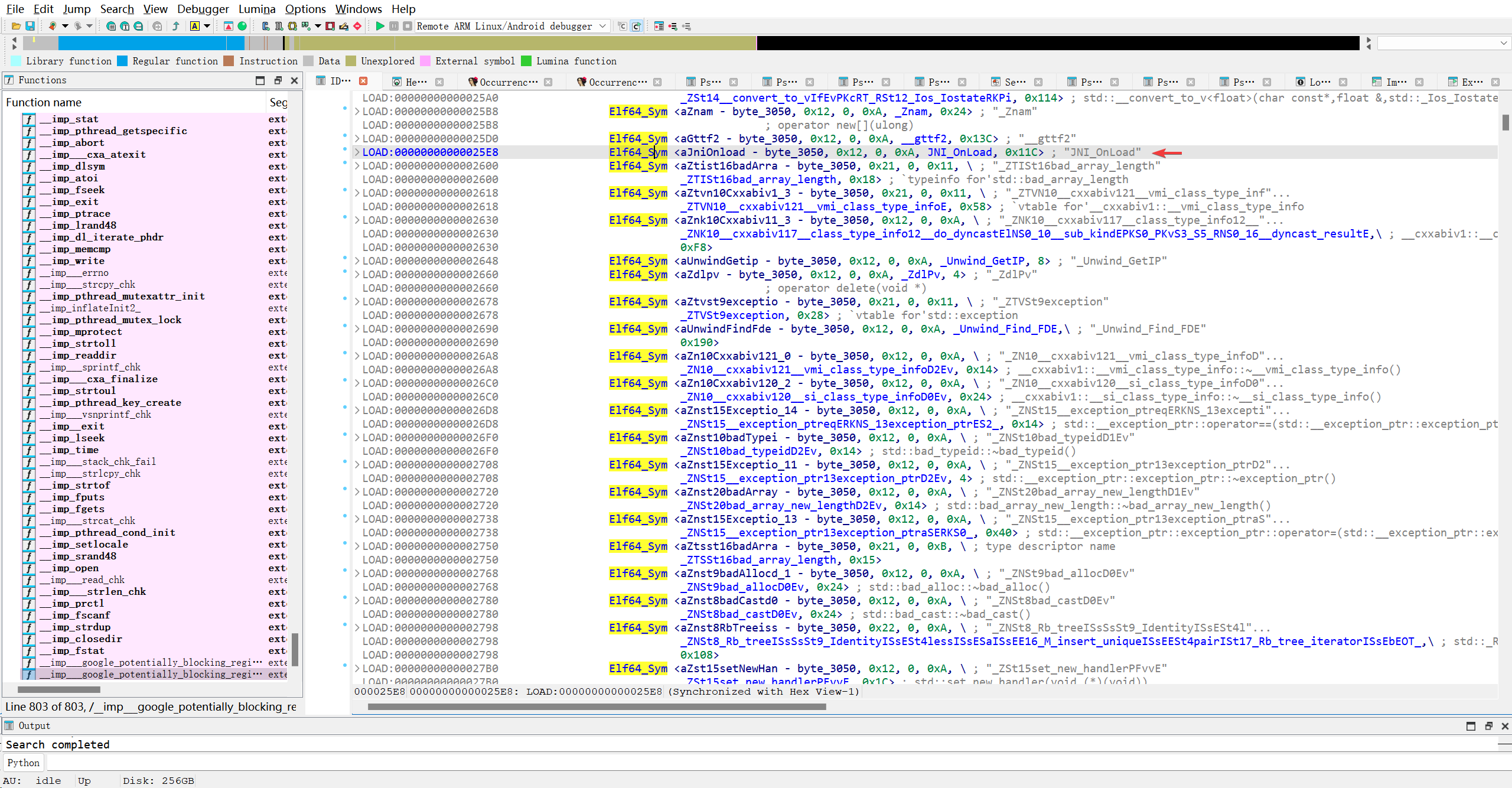
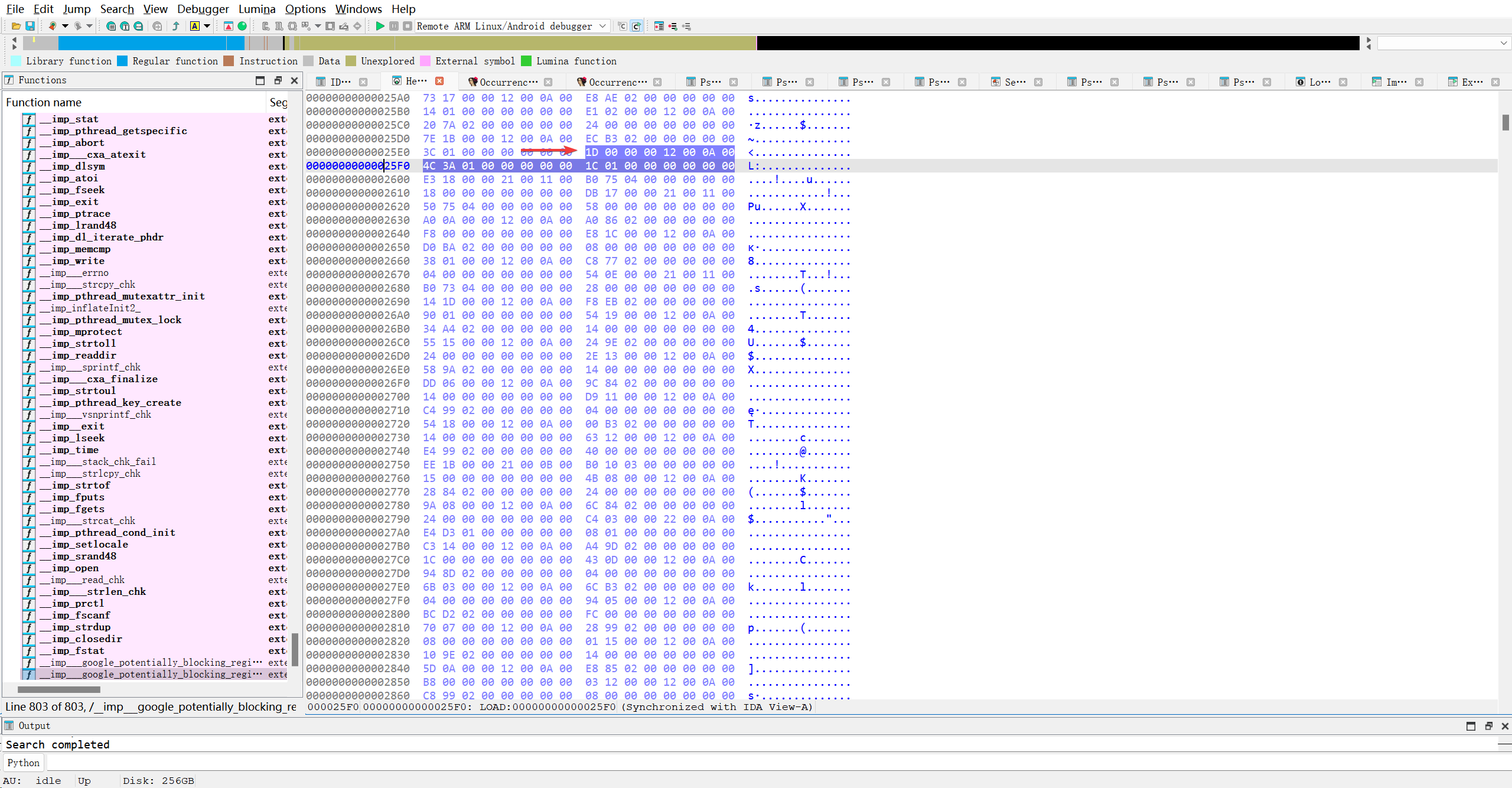
地址是0x013a4c, 符号大小是0x11c
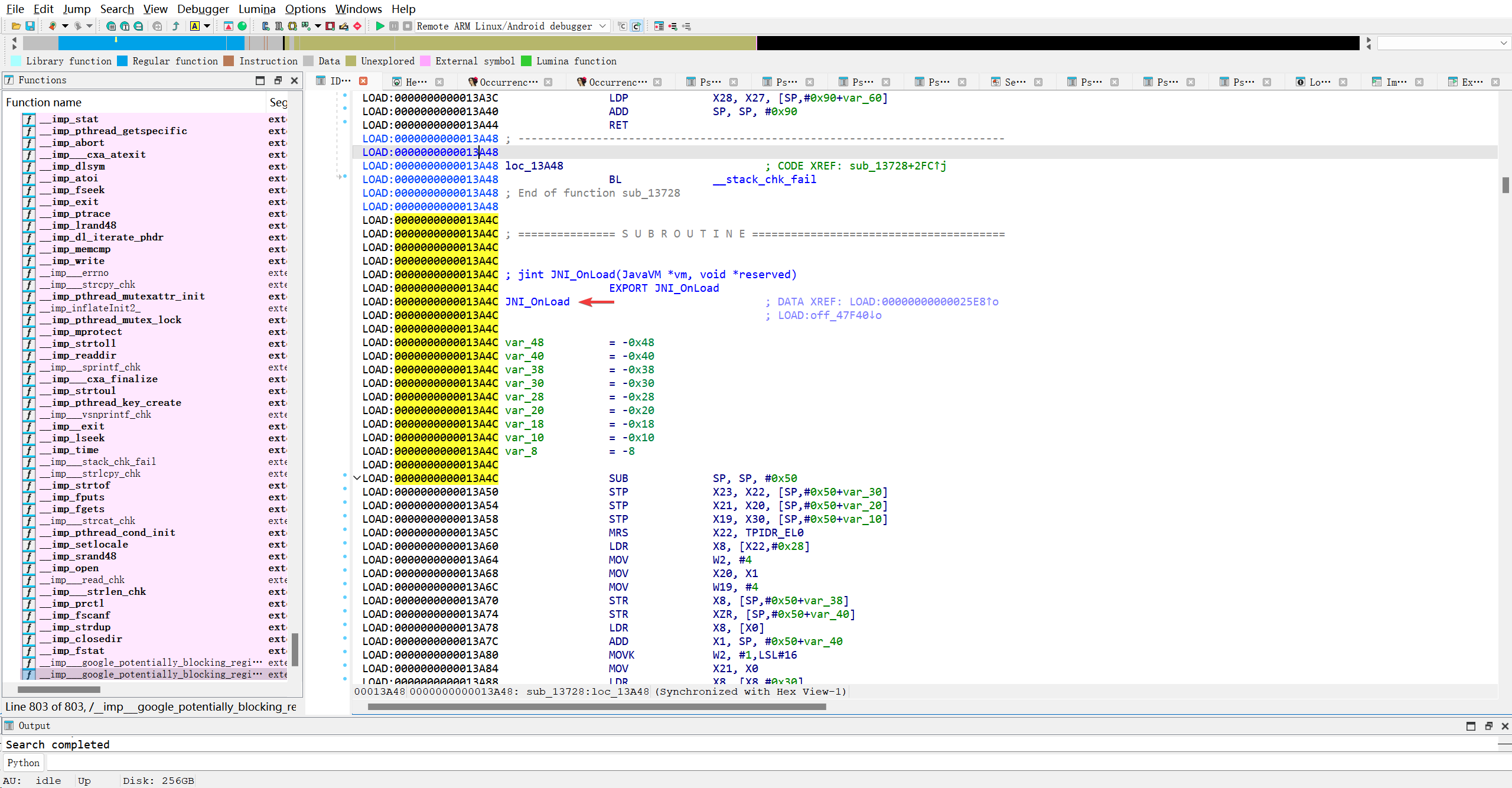
| 字段 | 字节(小端) | 值(十六进制) | 值(十进制) | 含义 |
|---|---|---|---|---|
st_name | 1D 00 00 00 | 0x0000001D | 29 | 符号名在 .dynstr 中的偏移 |
st_info | 12 | 0x12 | 18 | STB_GLOBAL \| STT_FUNC(全局函数) |
st_other | 00 | 0x00 | 0 | 默认可见性 |
st_shndx | 0A 00 → 0x000A | 10 | 节区索引 = 10(通常是 .text)→ 本模块定义的函数 | |
st_value | 4C 3A 01 00 00 00 00 00 → 0x0000000000013A4C | 80,460 | 函数在节区内的偏移地址 | |
st_size | 1C 01 00 00 00 00 00 00 → 0x000000000000011C | 284 | ✅ 符号大小 = 284 字节 | “符号大小”就是 JNI_OnLoad 函数在二进制中占用的字节数,用于调试、分析和工具支持,但不影响动态链接过程。 |
看看从0x0000000000013A4C到0x0000000000013CD0到底是不是刚好圈定了JNI_Onload函数.
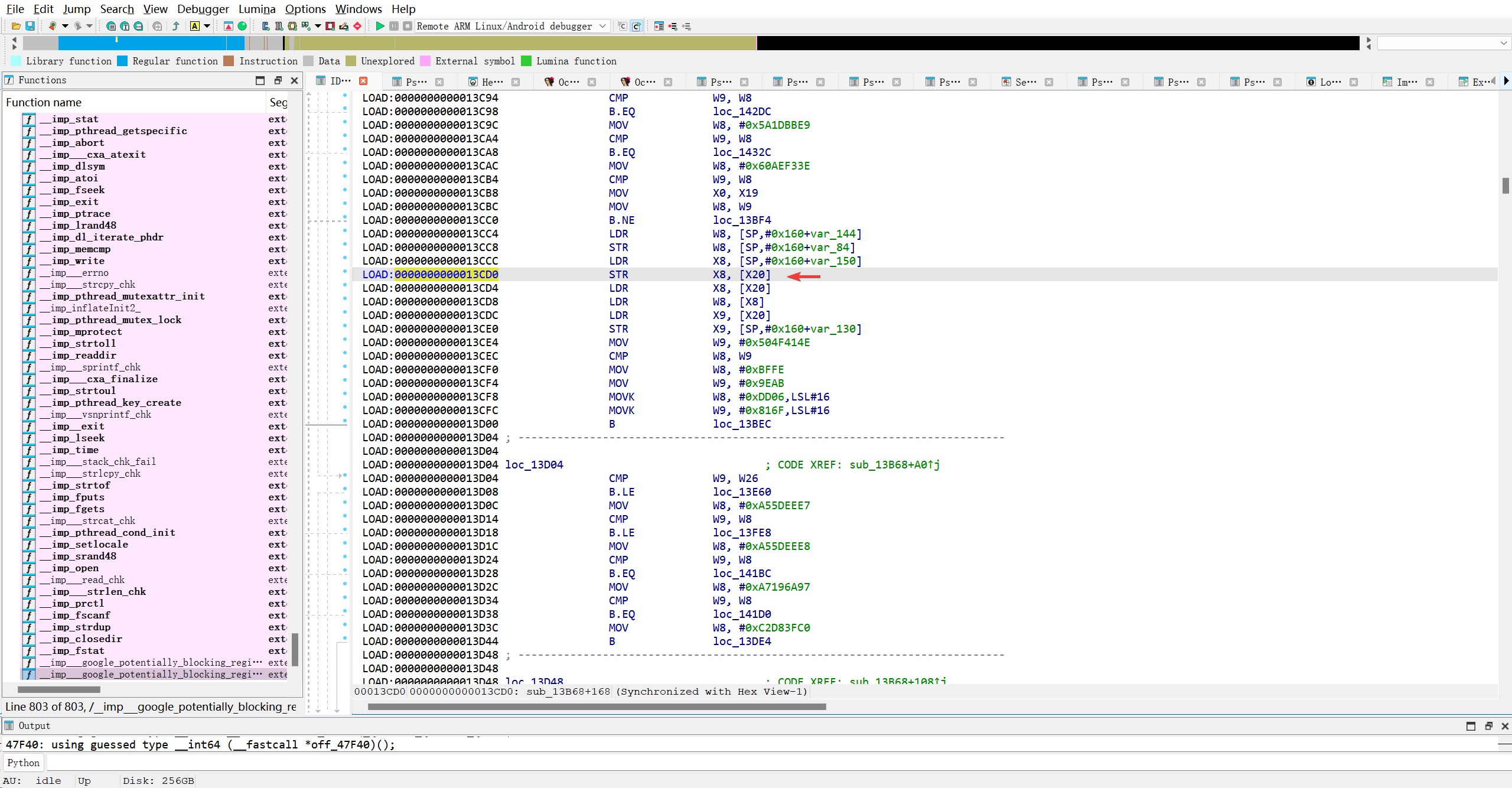
看来并没有…但AI也说, 这个并非100%精确. 不重要…
💡 注意: 你看到多个
DT_STRTAB条目(0x47720,0x47730,0x47800…)是正常的。链接器或某些工具可能会生成冗余条目,但动态链接器通常只使用第一个有效的。
5. 重定位信息 (DT_PLTGOT, DT_JMPREL, DT_PLTRELSZ, DT_RELA, DT_RELASZ)
1
2
3
4
5
6
1LOAD:0000000000047770                 Elf64_Dyn <3, 0x47890>  ; DT_PLTGOT
2LOAD:0000000000047780                 Elf64_Dyn <2, 0x11D0>   ; DT_PLTRELSZ
3LOAD:0000000000047790                 Elf64_Dyn <0x14, 7>     ; DT_PLTREL
4LOAD:00000000000477A0                 Elf64_Dyn <0x17, 0x6620> ; DT_JMPREL
5LOAD:00000000000477B0                 Elf64_Dyn <7, 0x51C8>   ; DT_RELA
6LOAD:00000000000477C0                 Elf64_Dyn <8, 0x1458>   ; DT_RELASZ
DT_PLTGOT (3):d_un = 0x47890是d_ptr,指向 GOT (Global Offset Table) 表的起始地址。PLT 代码通过 GOT 实现间接跳转。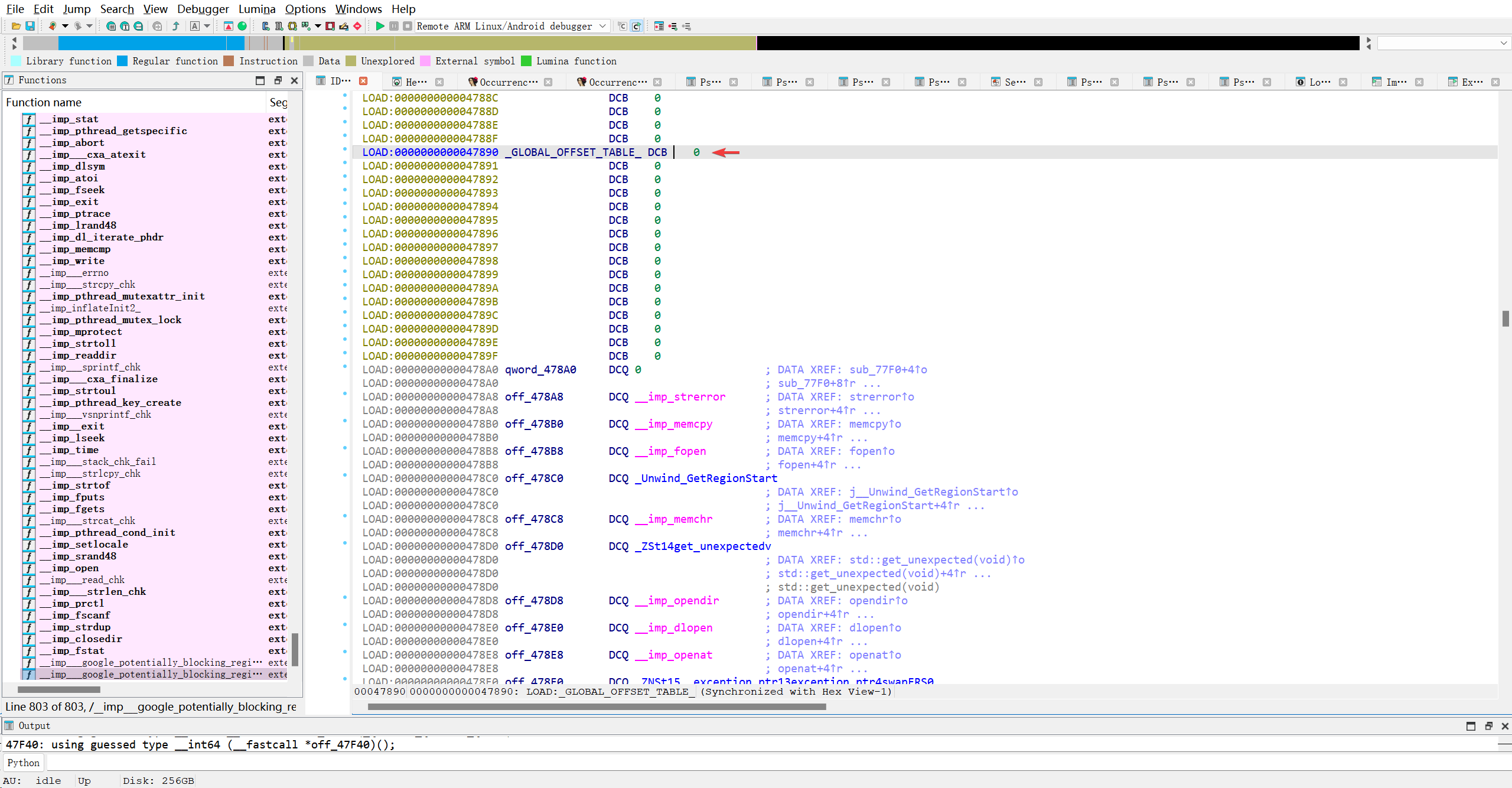
.got.plt 导入函数槽
1
.got.plt 中的每个条目(从第4个开始)最终会存放外部库函数(导入函数)的真实地址,但在程序刚加载、尚未调用该函数时,它并不直接存真实地址,而是存一个“桩地址”(指向 PLT 的跳转指令)。
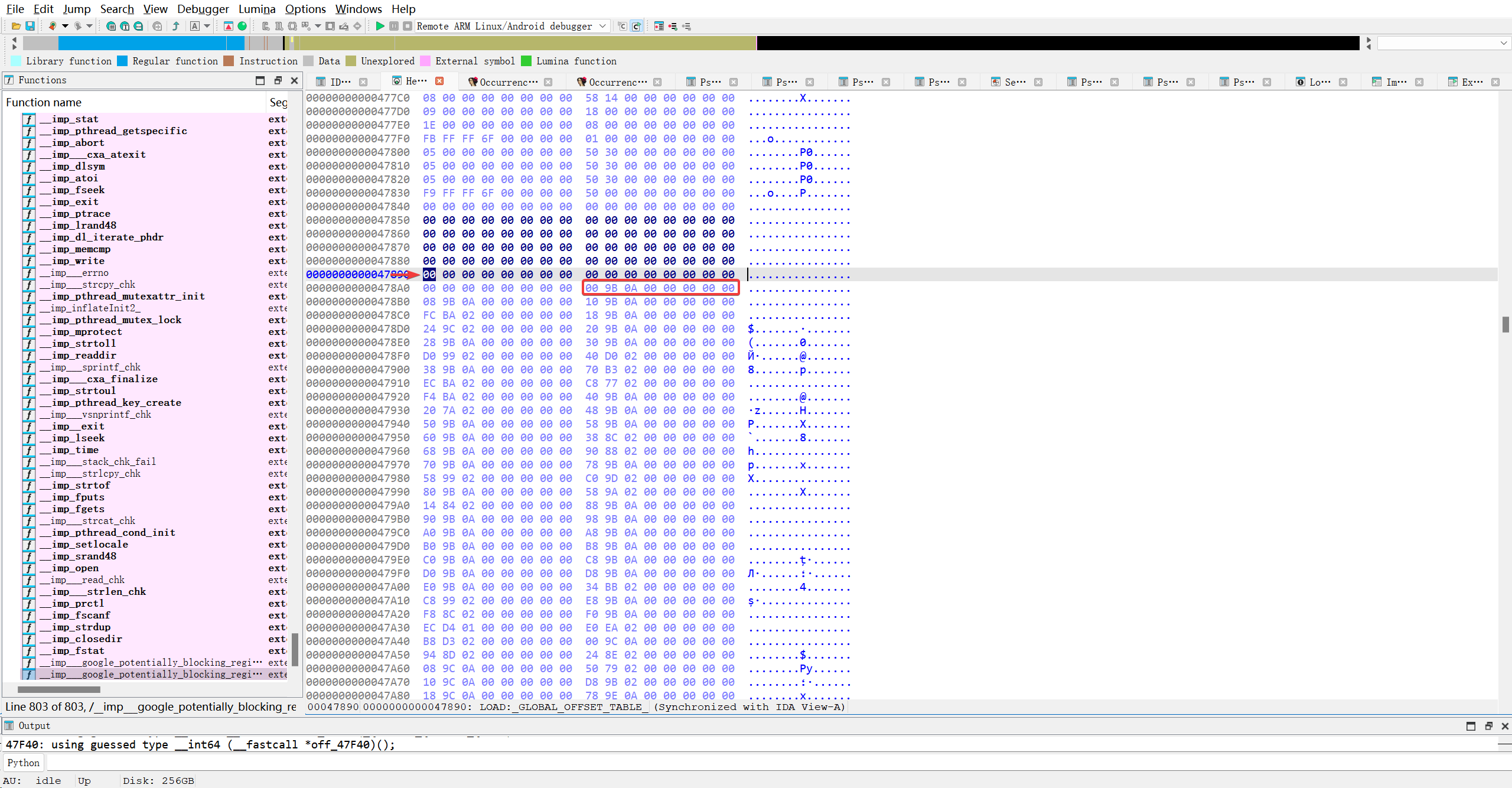
这里.got.plt表第4个条目存储的是0xa9b00
IDA解析后是对应这个函数..
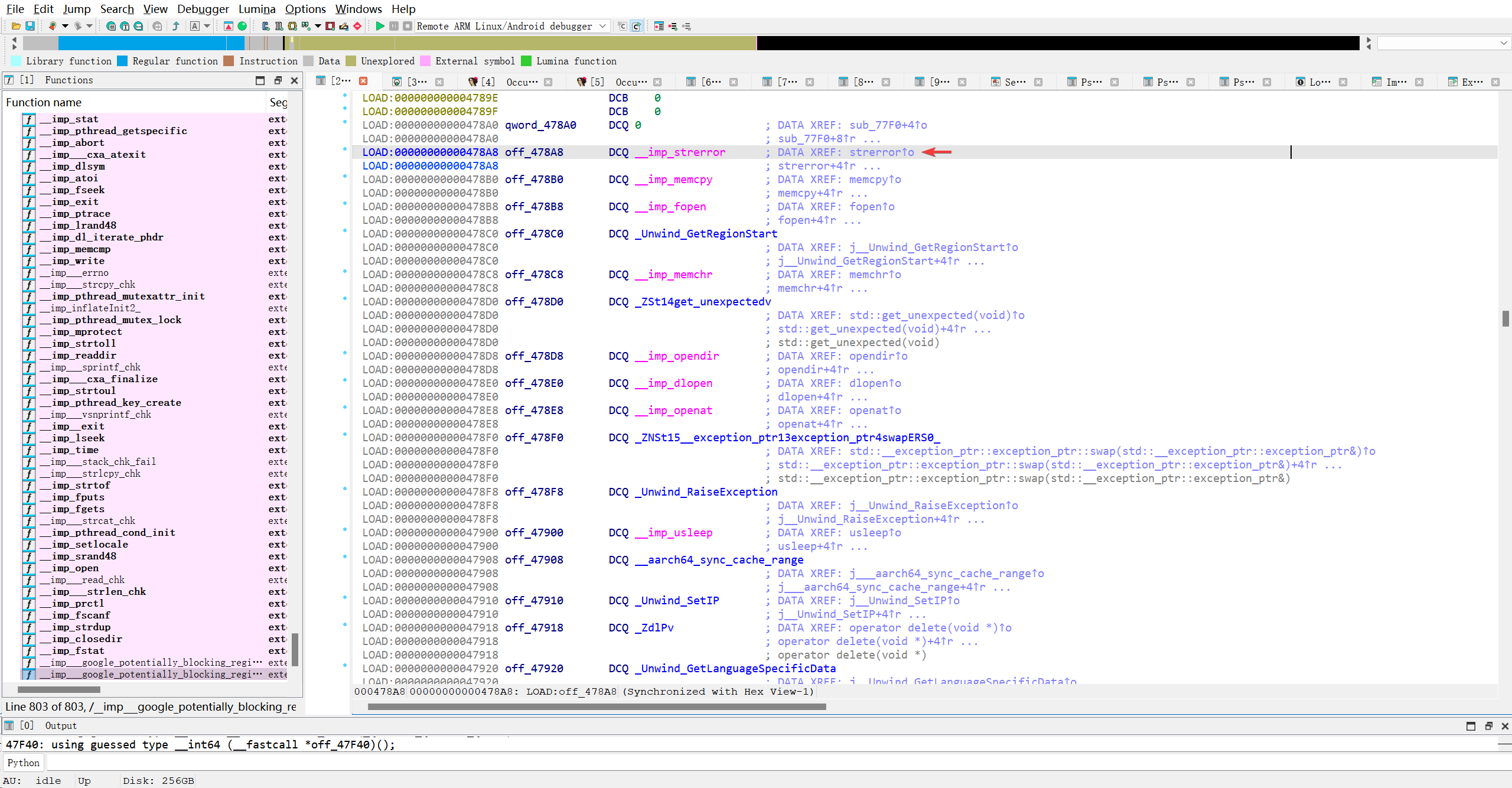
我想知道现在.got.plt槽位具体指向什么东西…
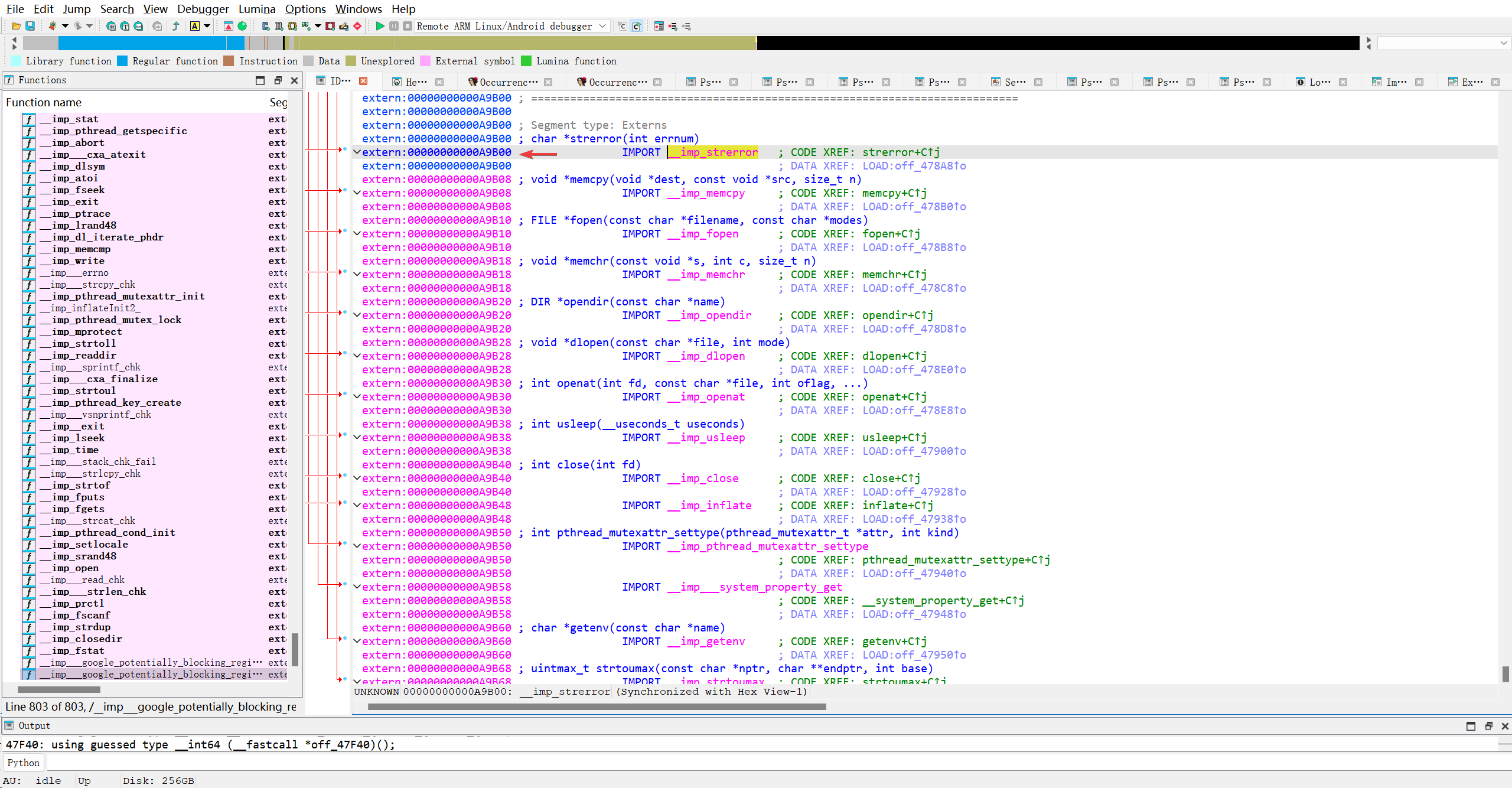
啊? 搞不明白为什么.got.plt表本就是存放函数地址的地方, 现在又指向另一个存放函数地址的地方?? 反正目前.got.plt表中存储的不是真实函数地址, 而是指向了文件尾部的完全空的槽位..
想看看最后一个.got.plt函数指向哪里..大概是这个
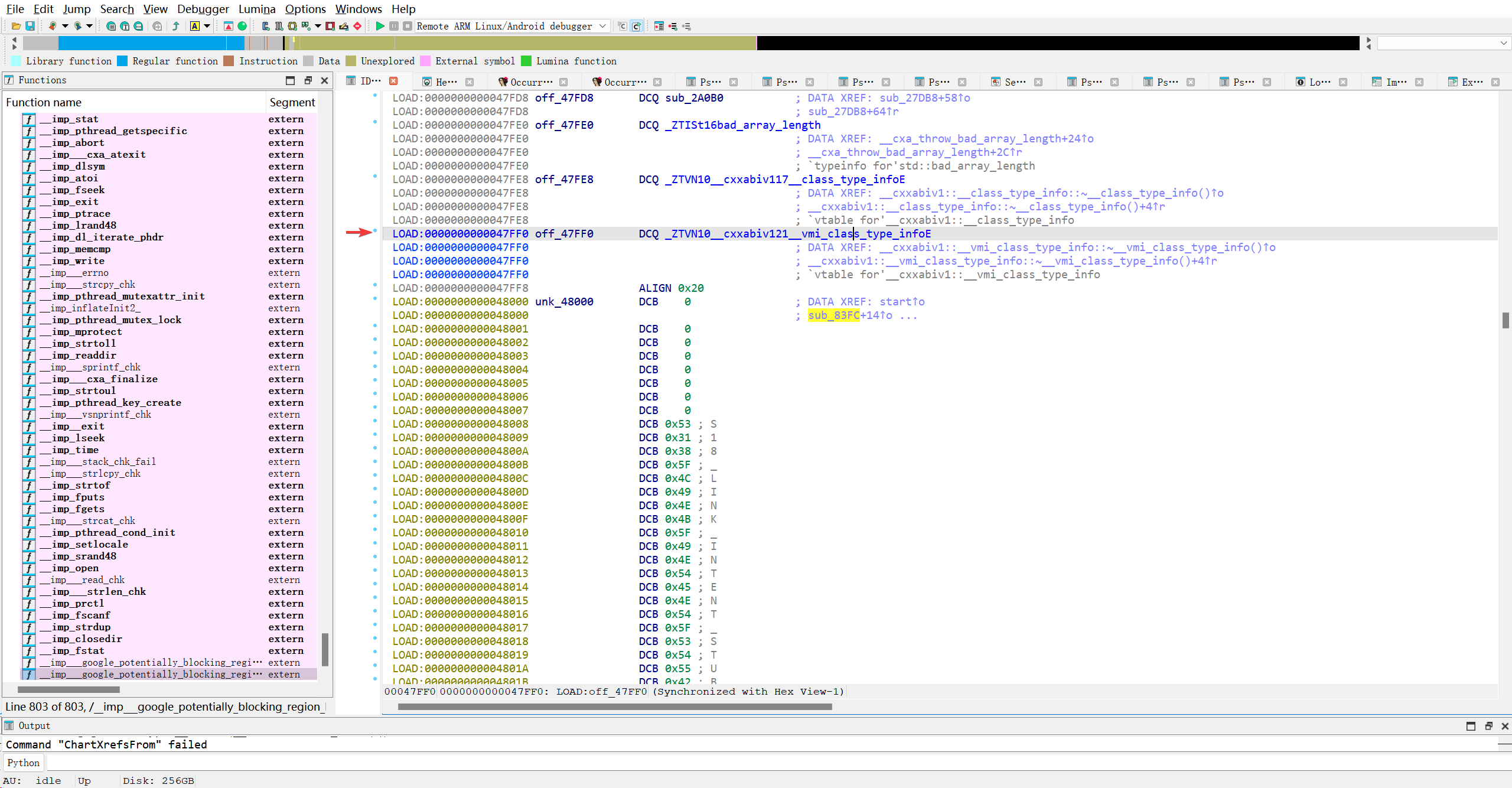
指向了0x47550
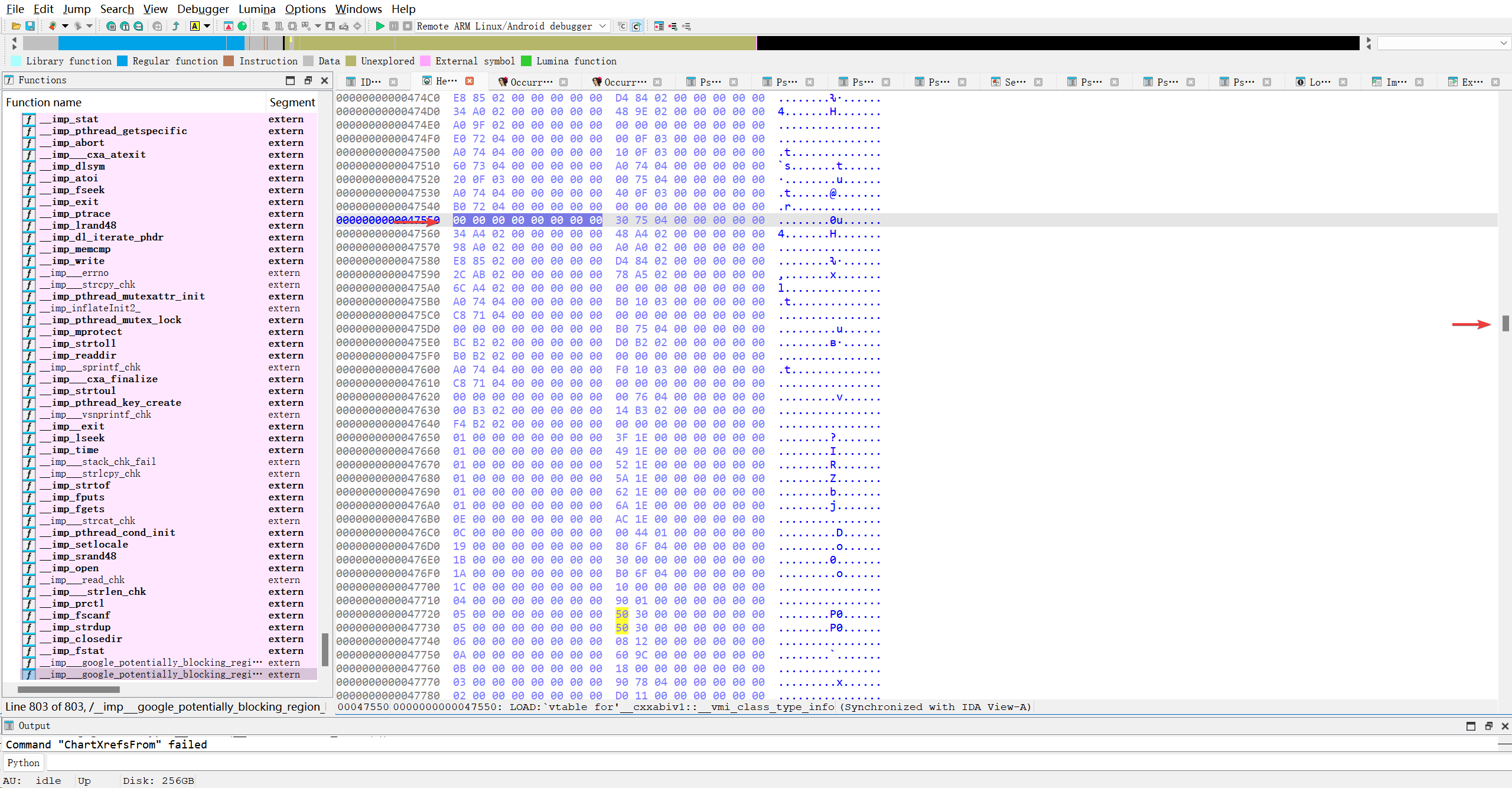
见鬼了, 居然不是文件末尾,,,我再看最后一个粉色的函数
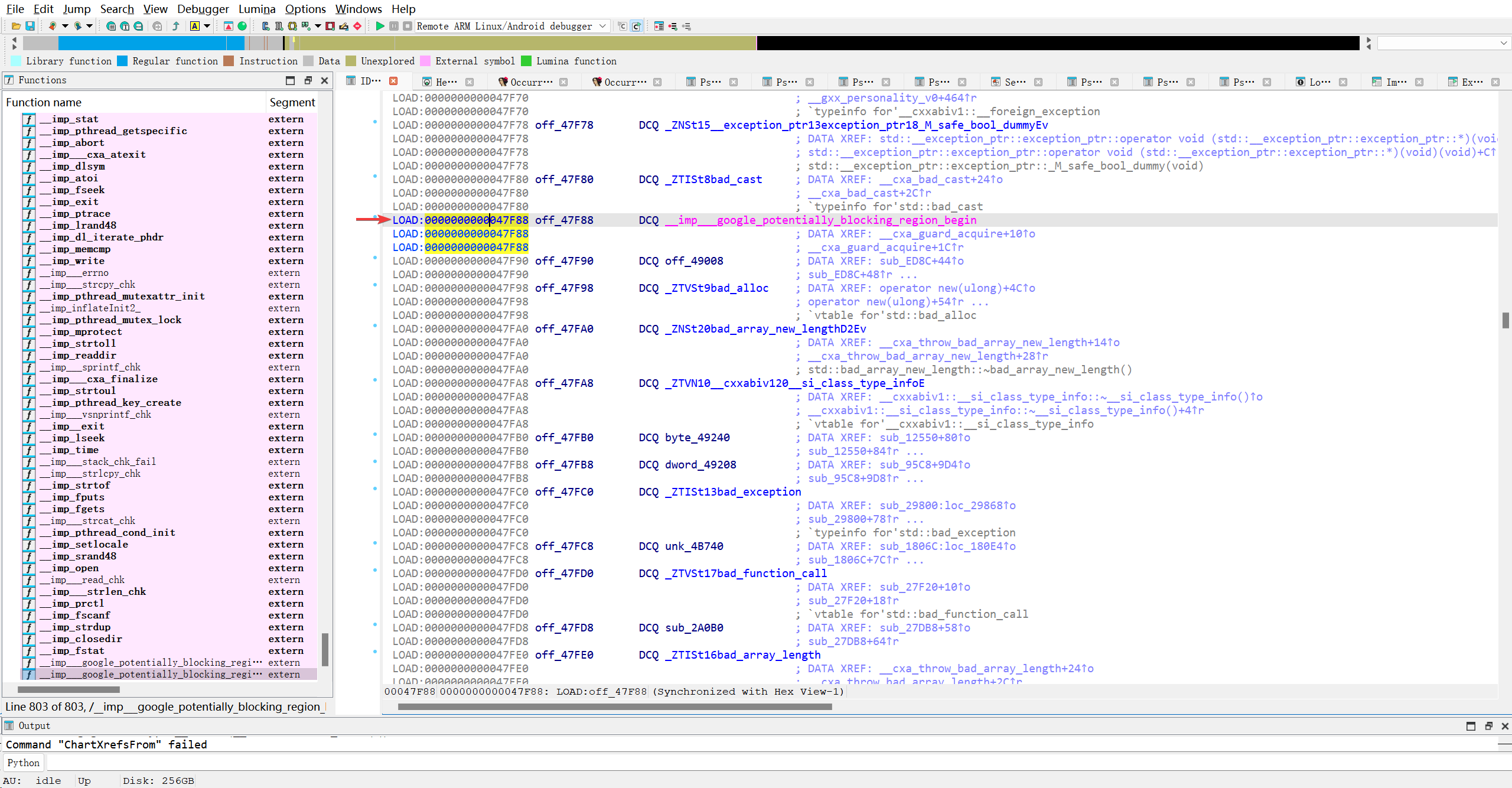
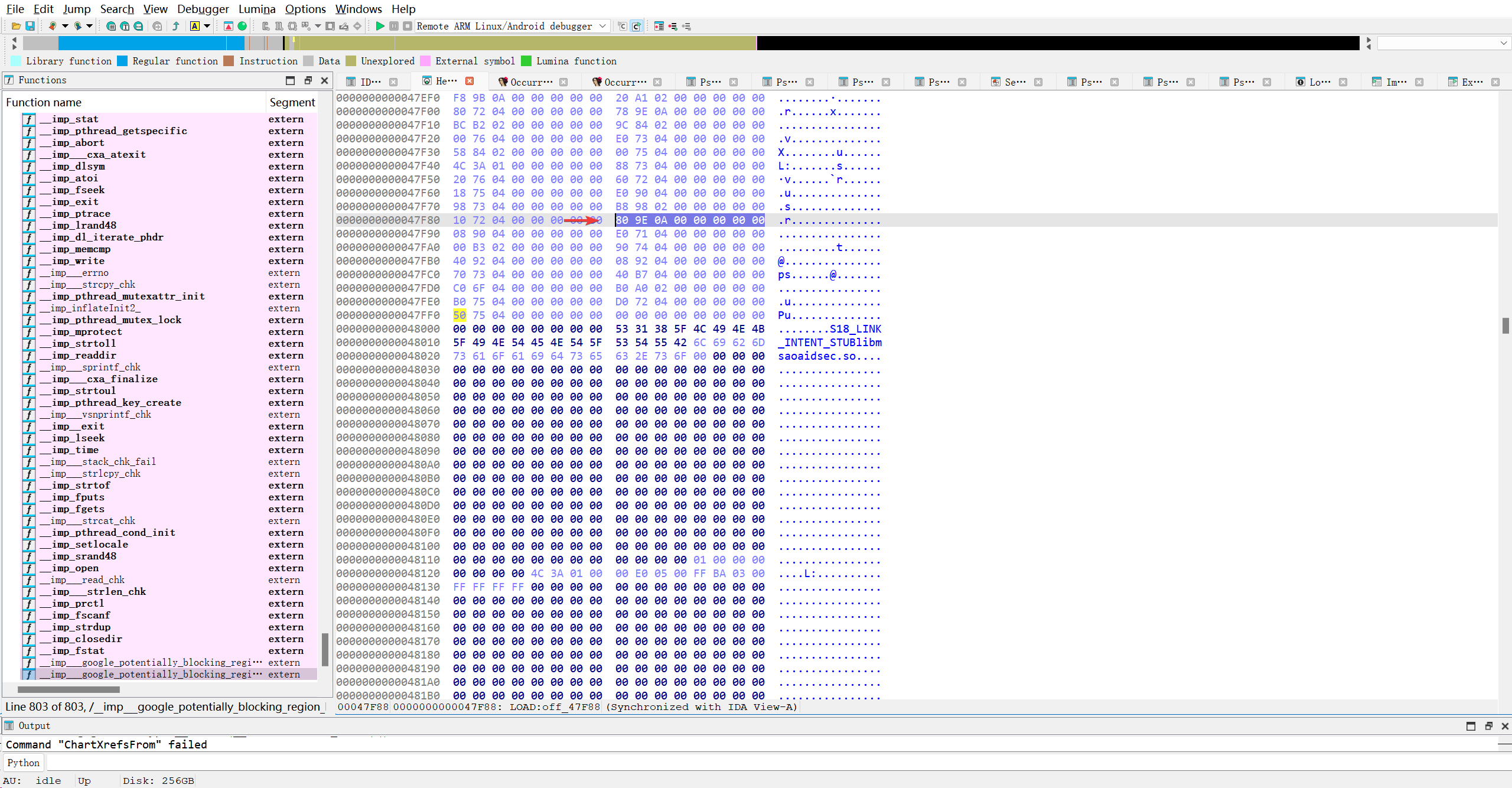
指向了0xa9e80
还真是最后一个!!! 那这些蓝色的函数到底为什么会出现在.got.plt表中呢?
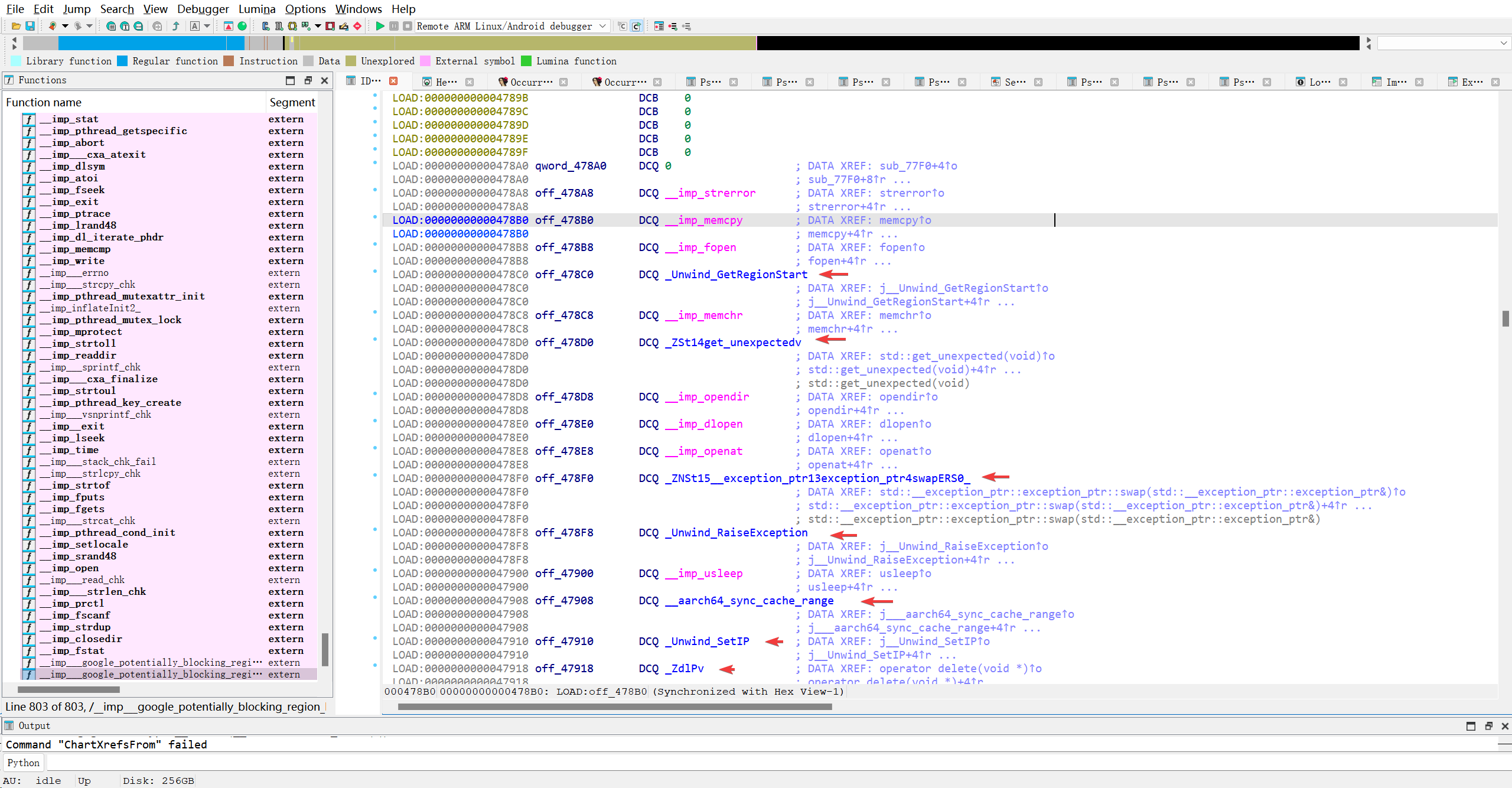
随便找了一个看看
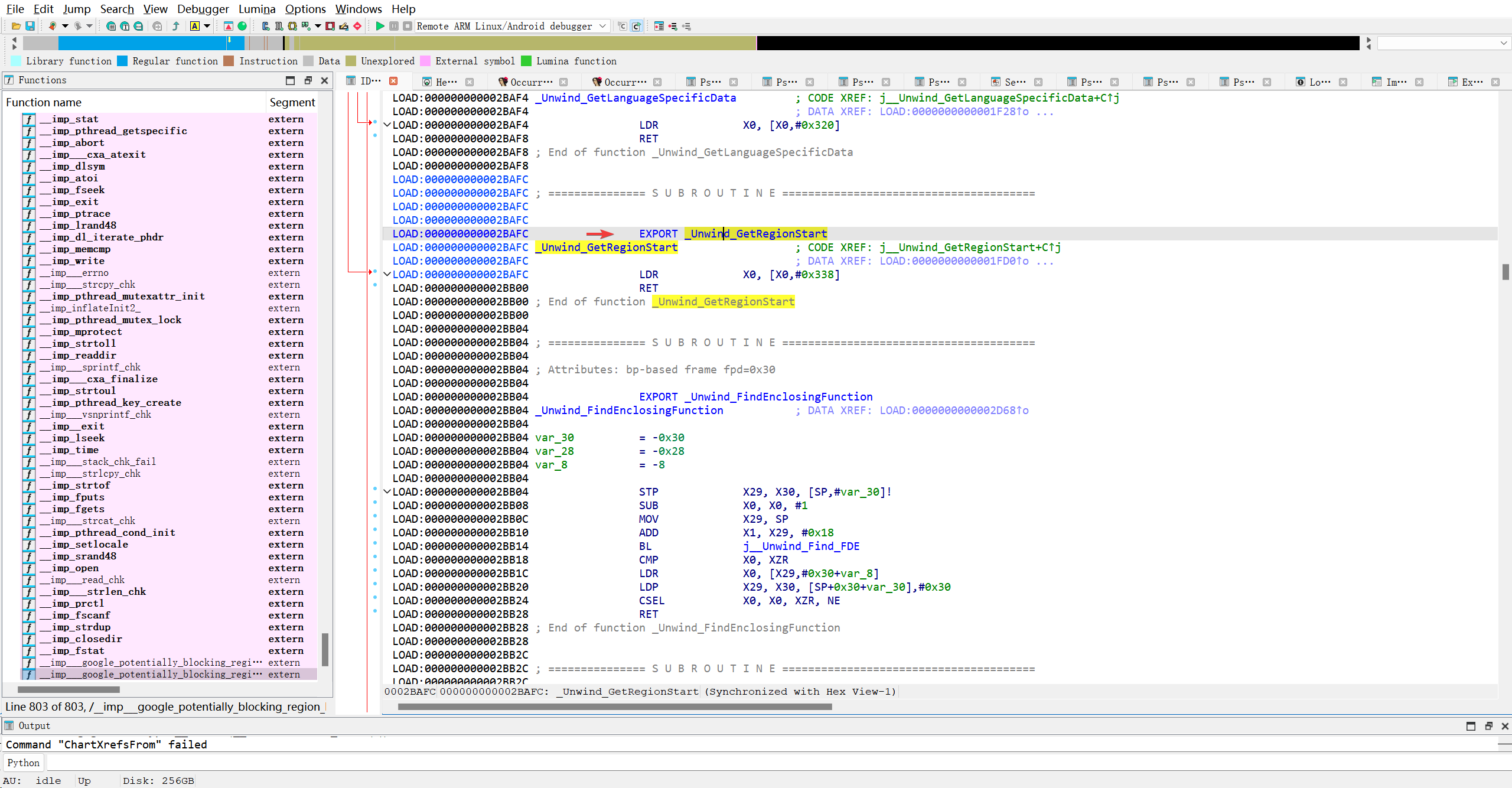
难道是导出函数? 去导出表看看…搜索后发现地址确实符合该函数
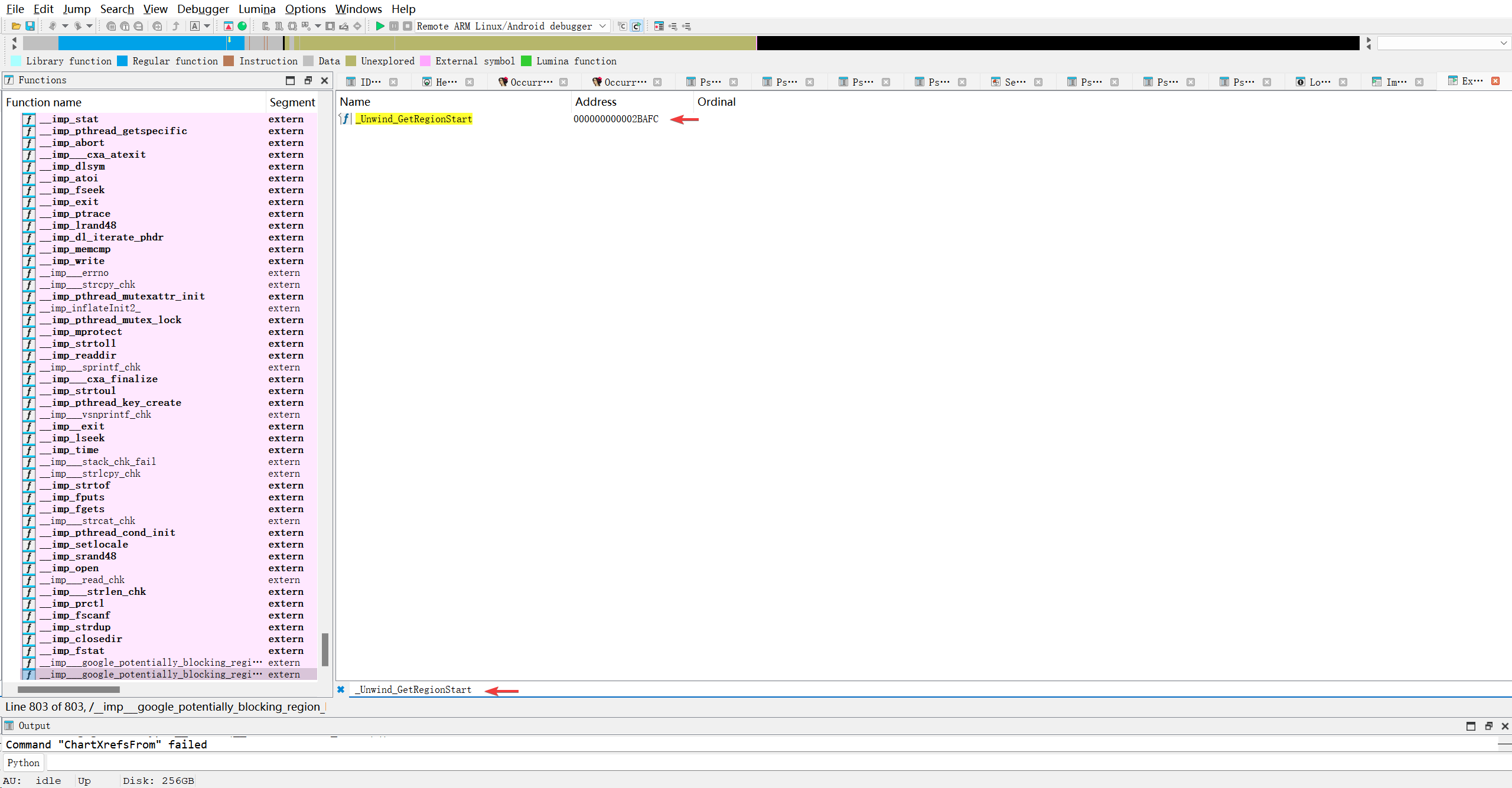
总结一下, .got.plt表中存储了导入函数和导出函数, 并且导入函数统一指向了so文件的末尾各自的槽位.. 然后导入函数通知指向了so文件内的导出函数的地址..但要注意, 目前该so文件并没有被加载到内存中.. 情况可能不一样.. 我需要在二进制文件中手动定位.got.plt表.查找非0a____开头的值. 看它具体指向哪儿..所以先使用010editor定位到.got.plt表的位置..根据已有知识, .got.plt表的起始位置在Dynamic段中有所记录.. 先找到Dynamic段基址..
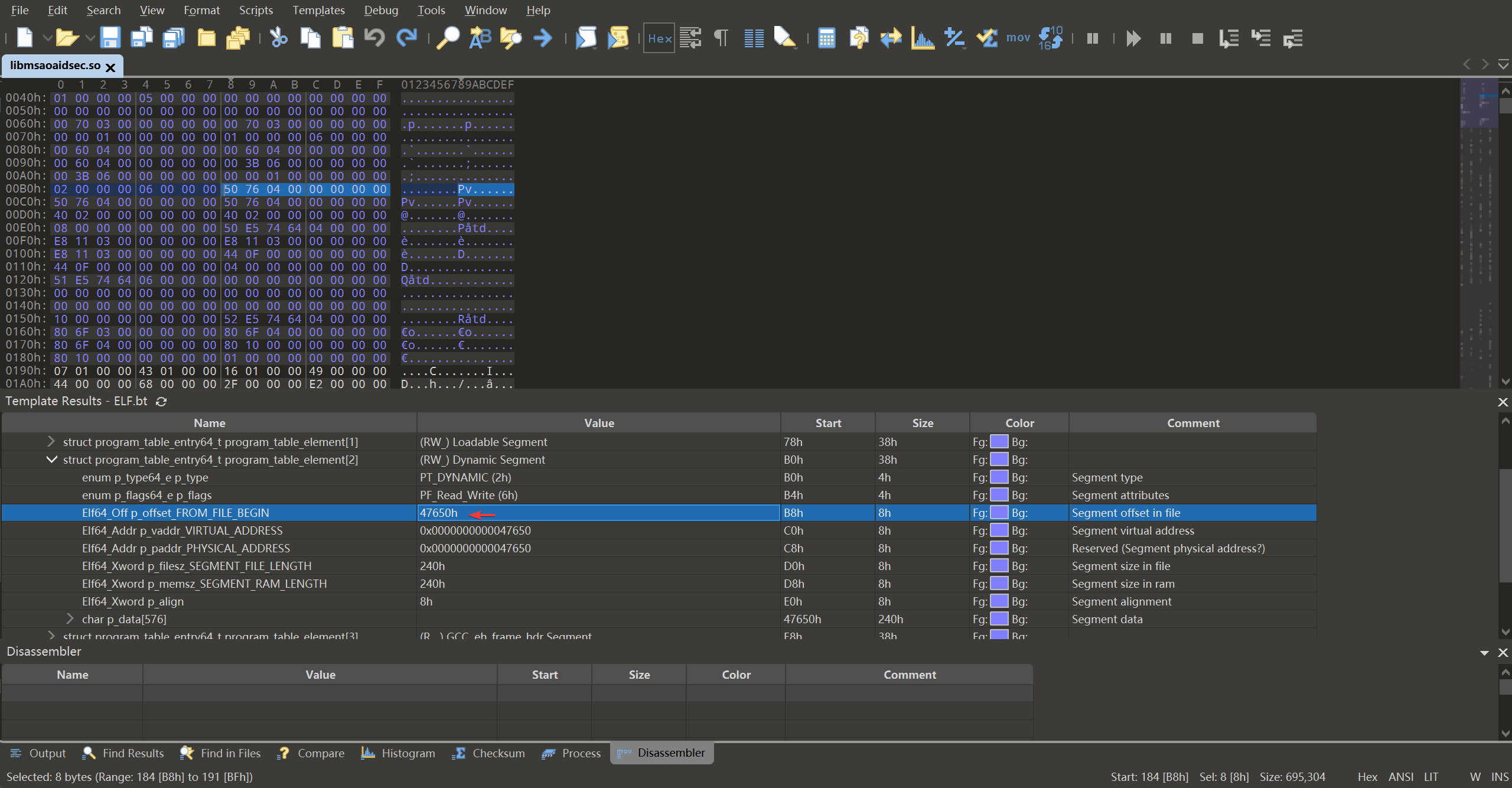
跳到0x0000000000047770
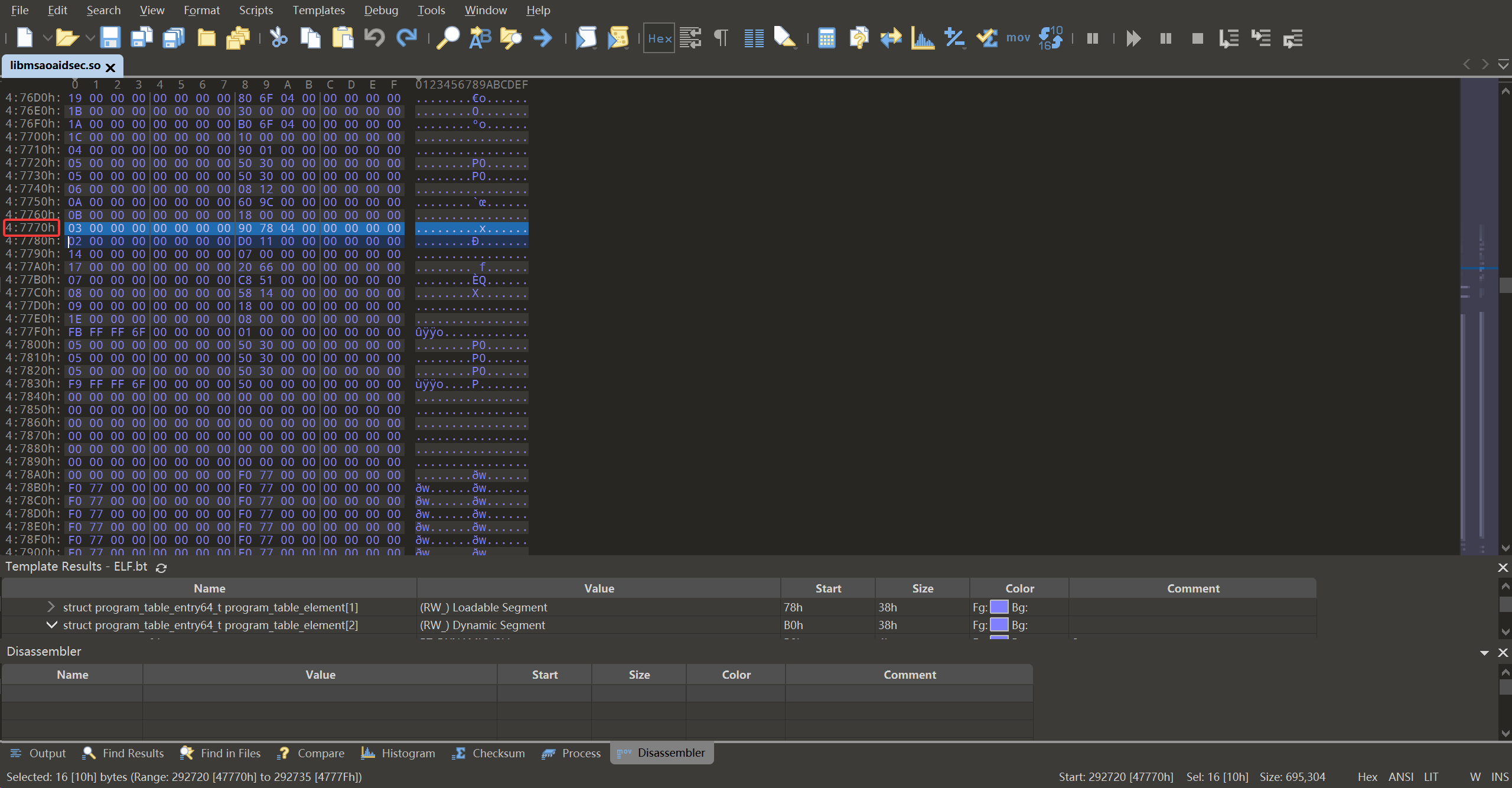
查看第一个项目
1
03 00 00 00 00 00 00 00 90 78 04 00 00 00 00 00
前8个字节03 00 00 00 00 00 00 00是标志, 决定如何解析后面的8个字节.03表示后面的8字节解析为.got.plt表的地址, 按小端序读取也就是0x0000000000047890, 跳到这个位置看看..
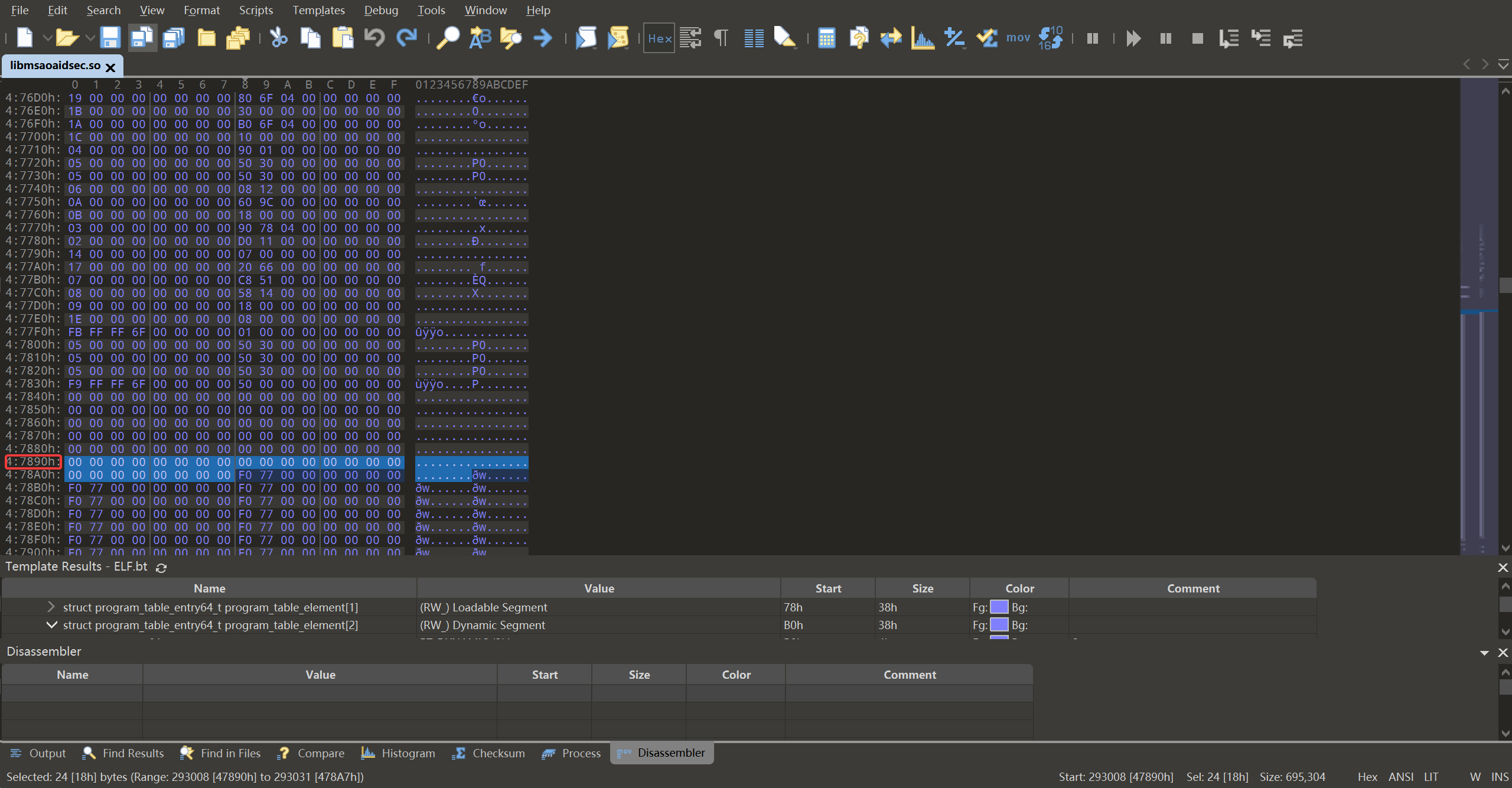
确实是.got.plt表的特点, 前3项为空, 第4项开始才存放函数..有趣的事情来了.. 文件里面的情况和IDA不一样…IDA指向了不同的地方, 要么文件末尾, 要么文件中间部分.. 而当前文件中, 确实统一指向了0x77f0, 跳过去看看..
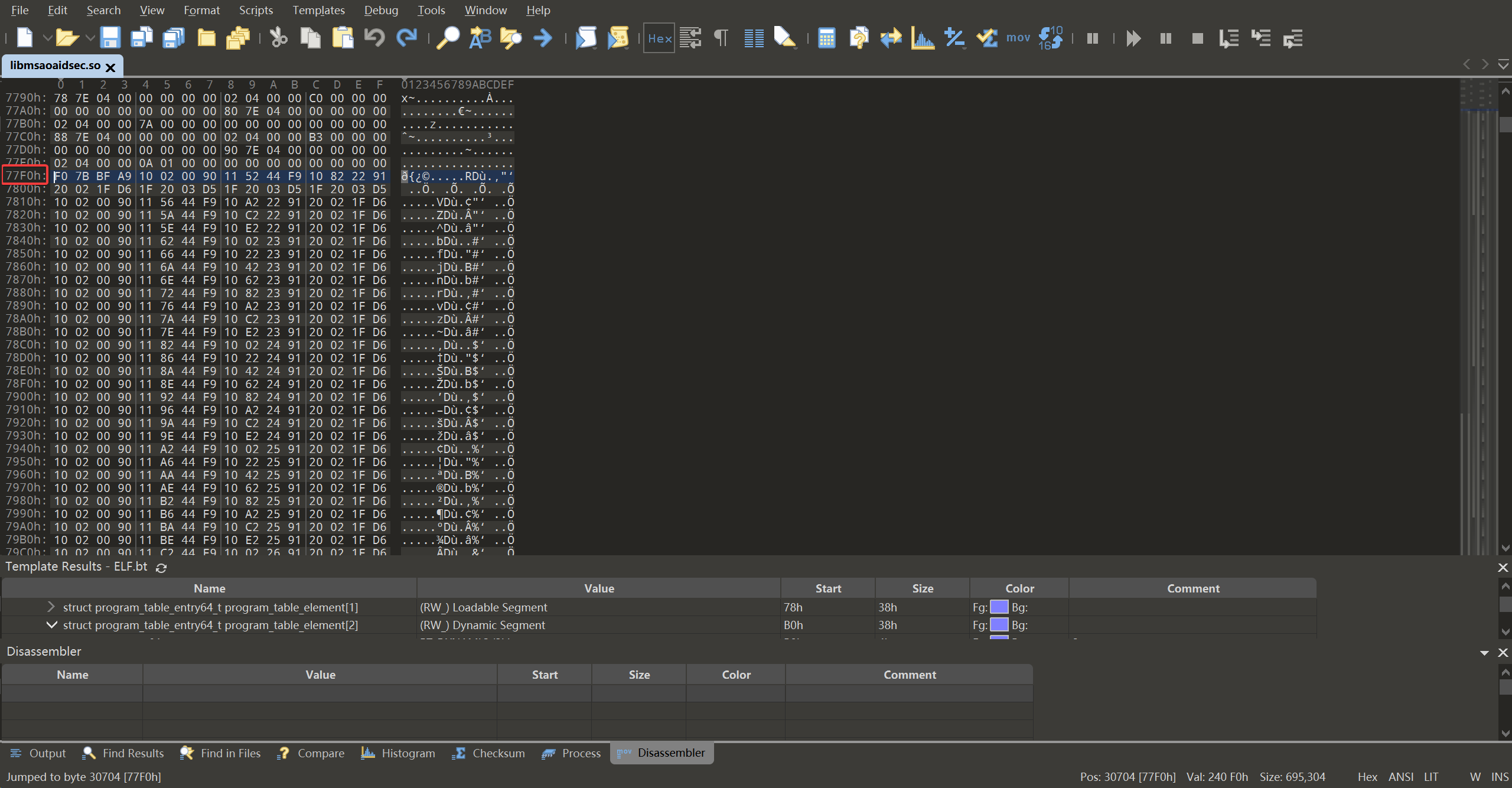
感觉是个函数, 换IDA看看..
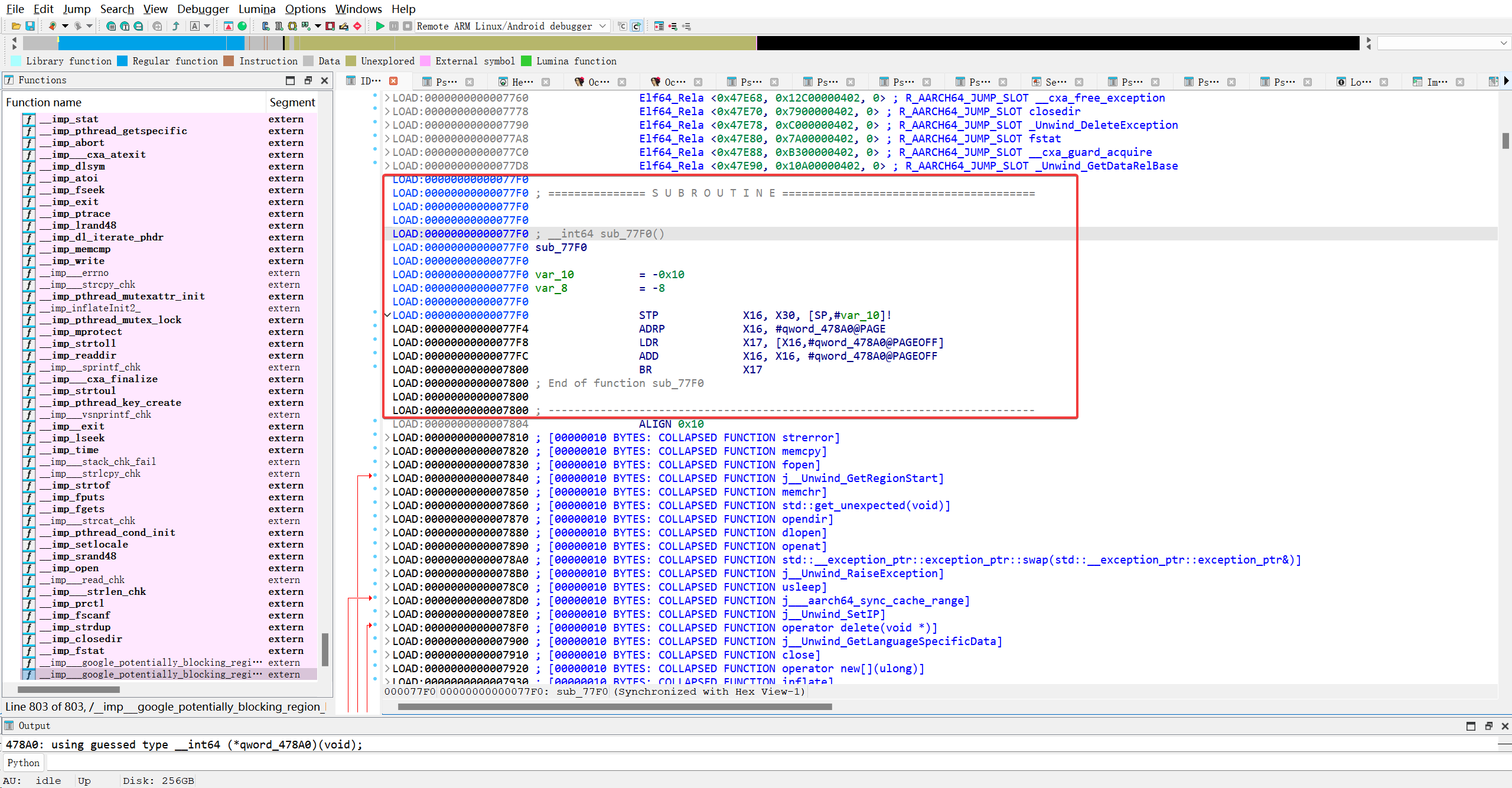
感觉这才是真正的桩函数吧…分析看看..
1
2
3
4
__int64 sub_77F0()
{
  return qword_478A0();
}
没有传入任何参数, 并且内部又调用了拎一个函数, 那桩函数是如何定位当前需要调用的外部函数呢? 先不管, 继续分析qword_478A0()
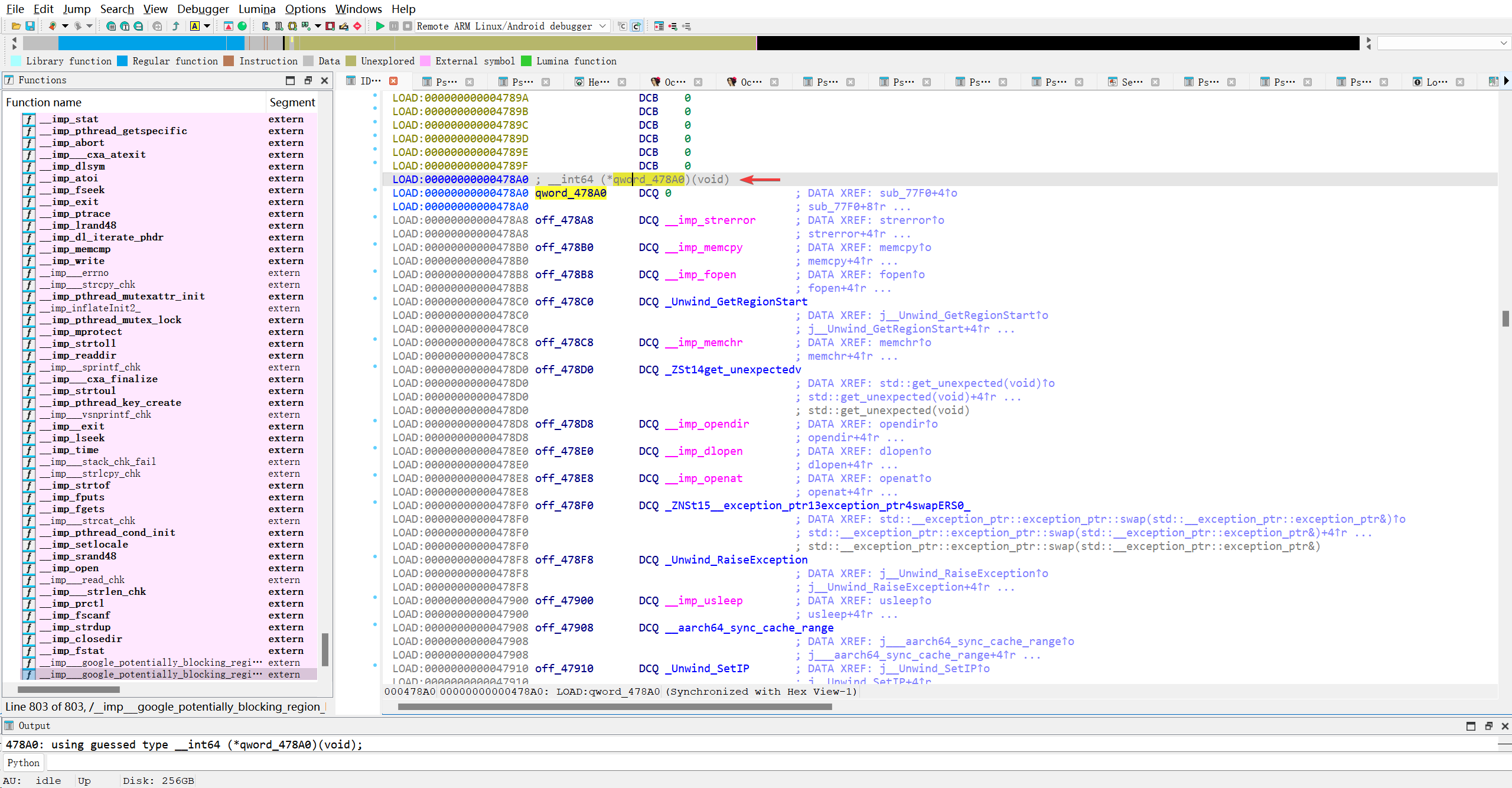
我擦? 兜兜转转又跳回了got表?? 不能看IDA, 应该是IDA给我解析好了.. 回到010Editor看0x478A0的具体情况..
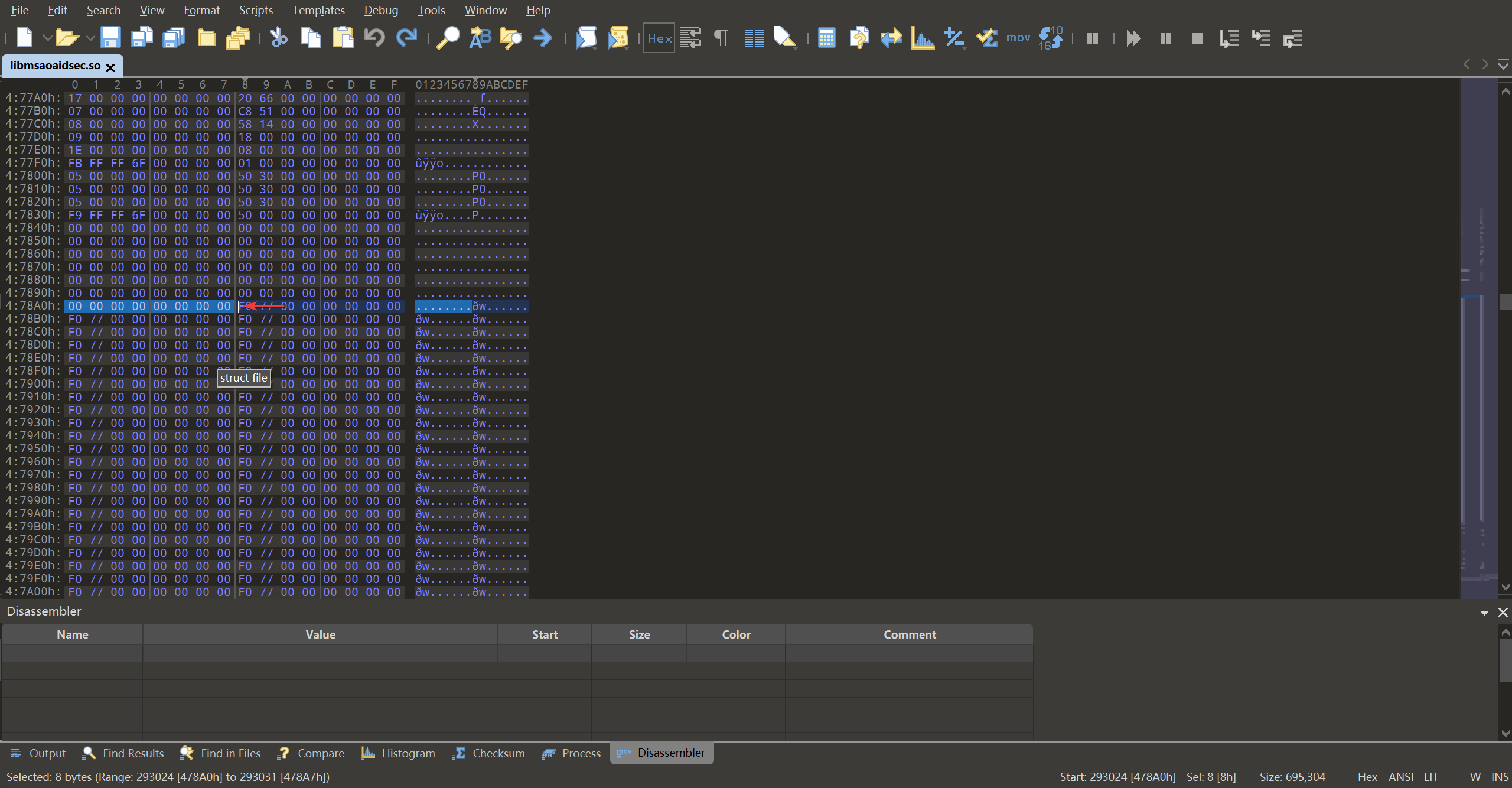
啥也没有啊啊…完了问题越来越多了..继续看0x77f0的函数, 确保没那么简单..
1
2
F0 7B BF A9 10 02 00 90 11 52 44 F9 10 82 22 91
20 02 1F D6 1F 20 03 D5 1F 20 03 D5 1F 20 03 D5
| 偏移 | 原始字节(小端) | 重组后(大端表示,用于查 opcode) | 功能用途描述 |
|---|---|---|---|
| 0x00 | F0 7B BF A9 | A9 BF 7B F0 → stp x16, x30, [sp, #-16]! | 功能:将 x16(IP0)和 x30(链接寄存器 LR)压入栈,并将栈指针减 16。 目的:保存返回地址(LR)和临时寄存器(x16),为后续调用做准备。 |
| 0x04 | 10 02 00 90 | 90 00 02 10 → adrp x16, #page | 功能:将当前 PC 的页基址 + 相对偏移加载到 x16。 典型用途:计算 .got.plt 所在页的基地址。 |
| 0x08 | 11 52 44 F9 | F9 44 52 11 → ldr x17, [x16, #offset] | 功能:从 x16 + 0x888 处加载一个 8 字节值到 x17。 关键点:这个地址就是 .got.plt 中对应本函数的条目地址! 即:x16 + 0x888 = &(.got.plt[n]) 初始时,该内存中存的是下一条指令的地址(即 PLT[n] + 12),用于首次跳转到解析器。 |
| 0x0C | 10 82 22 91 | 91 22 82 10 → add x16, x16, #offset | 功能:计算完整的 .got.plt[n] 地址(虽然此处未使用,可能是冗余或用于调试?) 实际上,在标准 PLT 中,这一步常用于传递重定位索引,但此处更可能是为了对齐或兼容。 |
| 0x10 | 20 02 1F D6 | D6 1F 02 20 → br x17 | 功能:无条件跳转到 x17 指向的地址。 行为: 首次调用:x17 = PLT[n] + 12 → 跳转到 PLT 表头,触发 _dl_runtime_resolve 后续调用:x17 = 真实函数地址 → 直接跳转到目标函数 |
| 0x14 | 1F 20 03 D5 | nop | 16字节对齐 |
| 0x18 | 1F 20 03 D5 | nop | 16字节对齐 |
| 0x1C | 1F 20 03 D5 | nop | 16字节对齐 |
原来就是IDA里面的桩函数
1
2
3
4
5
6
7
8
9
10
11
12
13
14
15
16
17
18
LOAD:00000000000077F0
LOAD:00000000000077F0 ; =============== S U B R O U T I N E =======================================
LOAD:00000000000077F0
LOAD:00000000000077F0
LOAD:00000000000077F0 ; __int64 sub_77F0()
LOAD:00000000000077F0 sub_77F0
LOAD:00000000000077F0
LOAD:00000000000077F0 var_10          = -0x10
LOAD:00000000000077F0 var_8           = -8
LOAD:00000000000077F0
LOAD:00000000000077F0                 STP             X16, X30, [SP,#var_10]!
LOAD:00000000000077F4                 ADRP            X16, #qword_478A0@PAGE
LOAD:00000000000077F8                 LDR             X17, [X16,#qword_478A0@PAGEOFF]
LOAD:00000000000077FC                 ADD             X16, X16, #qword_478A0@PAGEOFF
LOAD:0000000000007800                 BR              X17
LOAD:0000000000007800 ; End of function sub_77F0
LOAD:0000000000007800
LOAD:0000000000007800 ; ---------------------------------------------------------------------------
但F5查看的反汇编伪C代码却看不出端倪.. 因为这段汇编确实能定位到具体的.got.plt槽位..
总结了一下, 业务代码里调用的外部函数实际都指向plt表, 而plt表里的函数将会读取对应.got.plt槽位里的地址, 并且跳转到该地址的代码.. 如果是第一次调用plt表里的函数, 则会由plt里的函数主导, 跳转到0x77f0桩函数, 桩函数会根据plt表函数压入的信息跳转到指定函数去查找对应的真实函数, 保存到got表中.
我懂了, got表只是plt表的一个挂件/扩展..可是plt表有在哪儿有记录呢? 接着往下看
rela.plt重定位表
DT_JMPREL (0x17):d_un = 0x6620是d_ptr,指向.rela.plt表的地址。这个表包含了所有需要通过 PLT 进行延迟绑定的函数调用的重定位信息。DT_PLTRELSZ (2):d_un = 0x11D0是d_val,表示.rela.plt表的大小。
由上面的信息可以推断出: .rela.plt的地址区间是 0x6620-0x77f0, 这个0x77f0好眼熟, 不就是桩函数的起始位置嘛, 也就是说, .rela.plt表与.plt表完全拼接在一起的.. 但.got.plt位于0x47770起始于0x47890, 离得老远了… Dynamic段中并没有明确标注.plt表的起始位置, 但是很明显, .got.plt存储的初始值就是指向了.plt表的第一个函数, 桩函数.. 回答我自己的问题:可是plt表有在哪儿有记录呢?,不重要, .got.plt表中自会找到桩函数, 或者通过.rela.plt也可以定位桩函数的起始位置..
接着深入理解.rela.plt表的作用. 按这个名命方式, .rela.plt表应该也属于.plt表的挂件..
Elf64_Rela结构体
1
2
3
4
5
typedef struct {
    Elf64_Addr   r_offset;   // 8 bytes: 需要重定位的地址(在 GOT 中)
    Elf64_Xword  r_info;     // 8 bytes: 符号索引 + 重定位类型
    Elf64_Sxword r_addend;   // 8 bytes: 加数(addend)
} Elf64_Rela;
1
2
3
A8 78 04 00  00 00 00 00
02 04 00 00  0A 00 00 00
00 00 00 00  00 00 00 00
| 字段 | 值(十六进制) | 含义 |
|---|---|---|
r_offset | 0x00000000000478A8 | .got.plt 中某函数槽的地址 |
r_info | 0x0000000A00000401(应为) | 符号索引 = 10,类型 = R_AARCH64_JUMP_SLOT (1025) |
r_addend | 0x0 | 无额外偏移 |
我问AI:不是说.got.plt函数槽是懒加载的嘛.而且.plt表中已有函数能直接读取.got.plt的值. 为什么还要重定位表来执行.plt表中的函数的任务?
AI的话不能随便信,
不同的外部函数/导入函数, 都有对应的独一无二的plt函数..
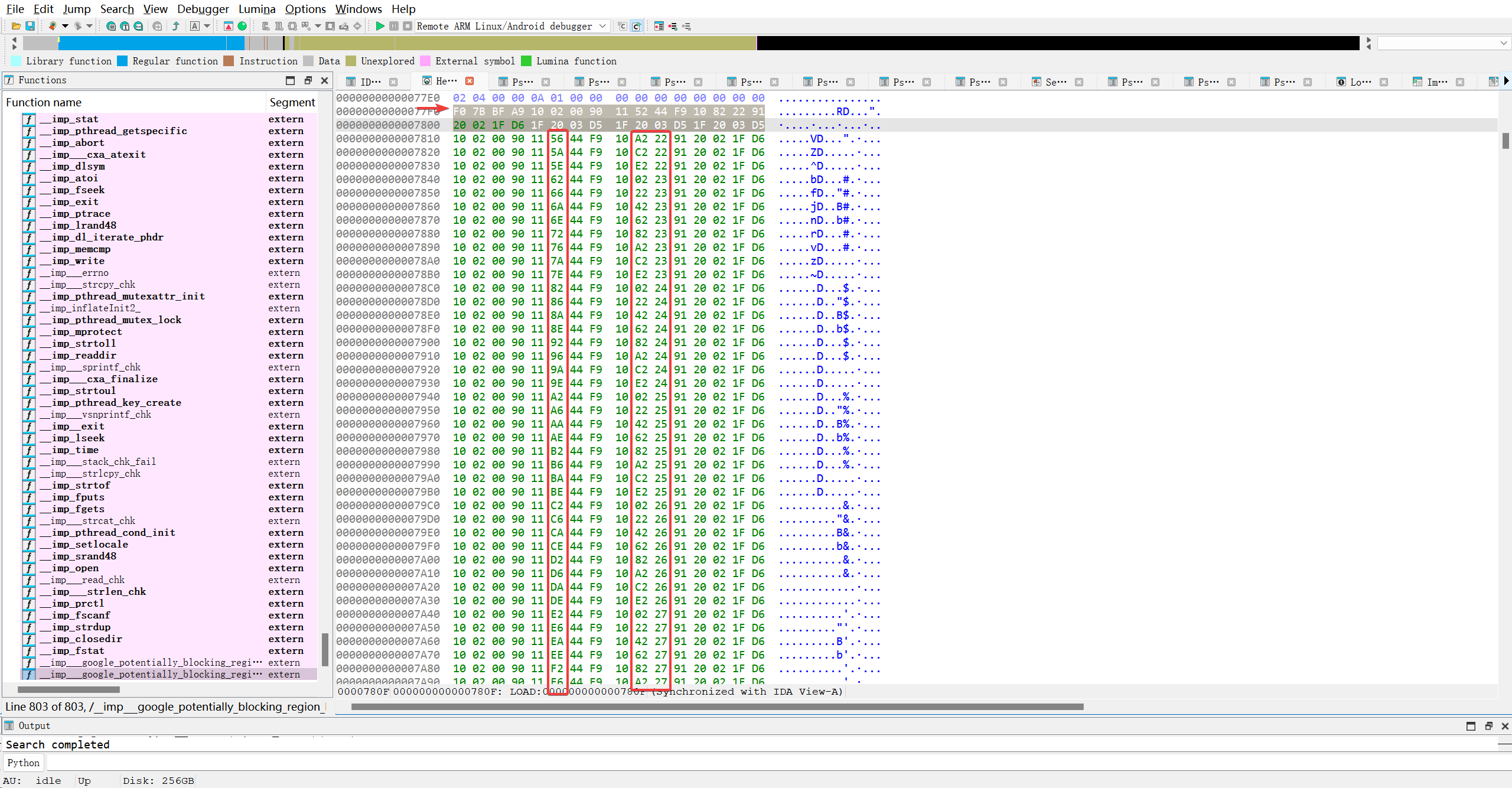
如图, 除箭头处的桩函数外, 剩下的每一行全都是plt函数.. 都不一样.. 但这方面没有任何文章/博客体到, 或者大部分文章所描述的都是错的, 才导致AI的答复也是错的.. 在世界这个巨大的草台班子上面, 也有一群不懂装懂的草包…
| 指令 | 是否变化 | 原因 |
|---|---|---|
1. adrp x16, page | 通常不变 | 所有 GOT 条目在同一内存页 |
2. ldr x17, [x16, #off] | 变化 | 每个函数的 GOT 条目偏移不同 |
3. add x16, x16, #off | 变化 | 传递正确的 GOT 地址给解析器 |
4. br x17 | 不变 | 统一跳转 |
AI又在吹牛逼了…服了.. so文件里.plt处的机器码, 它都能说成是根据.rela.plt表决定的..然而并不是在链接时生成的, 而是直接存在于so文件里面的…..
总结性理解: .got.plt 负责在存储外部函数的真实地址(或初始解析桩),
而 .rela.plt 负责在懒加载函数阶段提供 .got.plt 中每个槽位的元信息——包括该槽位的内存位置(r_offset)和对应的函数符号(通过 r_info 指向 .dynsym)。
| 组件 | 存什么? | 谁用? | 何时用? |
|---|---|---|---|
.plt | 可执行的跳转代码(通用模板) | CPU | 每次调用外部函数时 |
.got.plt | 函数指针数组 • 初始值 = 解析桩地址 • 首次调用后 = 真实函数地址 | PLT 代码(ldr x17, [x16, #off]) | 运行时读写 |
.rela.plt | 重定位项数组 • r_offset = .got.plt[n] 的地址 • r_info = (符号索引, JUMP_SLOT) | 动态链接器(_dl_runtime_resolve) | 首次调用函数时 |
.dynsym | 动态符号表(含符号名在 .dynstr 中的偏移、类型等) | 动态链接器 | 解析时查符号 |
.dynstr | 动态符号字符串表(如 "printf\0malloc\0") | 动态链接器 | 获取函数名 |
.rela.plt只在.plt中的函数被调用时才起作用, 接下来以位于0x8180的__sprintf_chkplt函数为例, 尝试深入研究.plt表是如何利用.rela.plt表定位.got.plt表的具体槽位..
1
F0 01 00 F0 11 B2 46 F9  10 82 35 91 20 02 1F D6
1
2
3
4
5
6
7
8
9
10
11
12
13
14
15
F0 01 00 F0 : ADRP X16, #offset
计算目标函数地址所在GOT页的基址,存入X16寄存器。
11 B2 46 F9 : LDR X17, [X16, #0x8D0]
从GOT中加载目标函数的绝对地址到X17寄存器。这里的立即数偏移为 0x8D0。
10 82 35 91 : ADD X16, X16, #0x8D0
将X16寄存器的值增加 0x8D0。这个调整后的值通常会被下一条PLT条目复用,以优化指令编码。
20 02 1F D6 : BR X17
跳转到X17寄存器中保存的目标函数地址执行。
确实没有看到任何调用.rela.plt表的痕迹..并且似乎汇编语言并不能直接直接反编译出函数具体的名称, 看来这是IDA处理的.. 这段代码包括.got.plt表都是会被直接加载到进程空间的. 读取文件内地址无用. 记录目标函数到.got.plt表起点的偏移才是有用的. 那么0x8D0就是函数__sprintf_chk在.got.plt中的偏移. 验证一下, 实际上并没有…看看.rela.plt中的偏移呢.欸, 这个偏移到底代表什么??
1
2
3
4
5
6
7
8
9
10
11
12
13
14
15
16
17
18
19
20
21
22
23
24
25
26
27
28
29
30
31
32
33
34
35
LOAD:0000000000047650 stru_47650      Elf64_Dyn <1, 0x1E3F>   ; DATA XREF: LOAD:off_C0↑o
LOAD:0000000000047650                                         ; sub_11A60+210↑o ...
LOAD:0000000000047650                                         ; DT_NEEDED liblog.so
LOAD:0000000000047660                 Elf64_Dyn <1, 0x1E49>   ; DT_NEEDED libdl.so
LOAD:0000000000047670                 Elf64_Dyn <1, 0x1E52>   ; DT_NEEDED libz.so
LOAD:0000000000047680                 Elf64_Dyn <1, 0x1E5A>   ; DT_NEEDED libc.so
LOAD:0000000000047690                 Elf64_Dyn <1, 0x1E62>   ; DT_NEEDED libm.so
LOAD:00000000000476A0                 Elf64_Dyn <1, 0x1E6A>   ; DT_NEEDED libstdc++.so
LOAD:00000000000476B0                 Elf64_Dyn <0xE, 0x1EAC> ; DT_SONAME libmsaoaidsec.so
LOAD:00000000000476C0                 Elf64_Dyn <0xC, 0x14400> ; DT_INIT
LOAD:00000000000476D0                 Elf64_Dyn <0x19, 0x46F80> ; DT_INIT_ARRAY
LOAD:00000000000476E0                 Elf64_Dyn <0x1B, 0x30>  ; DT_INIT_ARRAYSZ
LOAD:00000000000476F0                 Elf64_Dyn <0x1A, 0x46FB0> ; DT_FINI_ARRAY
LOAD:0000000000047700                 Elf64_Dyn <0x1C, 0x10>  ; DT_FINI_ARRAYSZ
LOAD:0000000000047710                 Elf64_Dyn <4, 0x190>    ; DT_HASH
LOAD:0000000000047720                 Elf64_Dyn <5, 0x3050>   ; DT_STRTAB
LOAD:0000000000047730                 Elf64_Dyn <5, 0x3050>   ; DT_STRTAB
LOAD:0000000000047740                 Elf64_Dyn <6, 0x1208>   ; DT_SYMTAB
LOAD:0000000000047750                 Elf64_Dyn <0xA, 0x9C60> ; DT_STRSZ
LOAD:0000000000047760                 Elf64_Dyn <0xB, 0x18>   ; DT_SYMENT
LOAD:0000000000047770                 Elf64_Dyn <3, 0x47890>  ; DT_PLTGOT
LOAD:0000000000047780                 Elf64_Dyn <2, 0x11D0>   ; DT_PLTRELSZ
LOAD:0000000000047790                 Elf64_Dyn <0x14, 7>     ; DT_PLTREL
LOAD:00000000000477A0                 Elf64_Dyn <0x17, 0x6620> ; DT_JMPREL
LOAD:00000000000477B0                 Elf64_Dyn <7, 0x51C8>   ; DT_RELA
LOAD:00000000000477C0                 Elf64_Dyn <8, 0x1458>   ; DT_RELASZ
LOAD:00000000000477D0                 Elf64_Dyn <9, 0x18>     ; DT_RELAENT
LOAD:00000000000477E0                 Elf64_Dyn <0x1E, 8>     ; DT_FLAGS
LOAD:00000000000477F0                 Elf64_Dyn <0x6FFFFFFB, 1> ; DT_FLAGS_1
LOAD:0000000000047800                 Elf64_Dyn <5, 0x3050>   ; DT_STRTAB
LOAD:0000000000047810                 DCQ 5                   ; d_tag ; DT_STRTAB
LOAD:0000000000047818                 DCQ 0x3050              ; d_un
LOAD:0000000000047820                 Elf64_Dyn <5, 0x3050>   ; DT_STRTAB
LOAD:0000000000047830                 Elf64_Dyn <0x6FFFFFF9, 0x50> ; DT_RELACOUNT
LOAD:0000000000047840                 Elf64_Dyn <0>           ; DT_NULL
再看看AI描述IDA解析so做的关于__sprintf_chk事情
1
2
3
4
5
6
IDA(或其他高级反汇编器如 Ghidra)会:
解析 ELF 的重定位表(.rela.plt 或 .rela.dyn)。
找到地址 0x8180 处的 ADRP 指令对应的重定位记录。
例如:R_AARCH64_ADR_GOT_PAGE 或 R_AARCH64_LD64_GOT_LO12_NC
该重定位记录会指向一个 动态符号(如 _sprintf_chk)。
IDA 将 .got 中对应条目的地址(比如 0x47D60)命名为 off_47D60,并关联到 _sprintf_chk。
确实, rela.plt表中存在__sprintf_chk相关信息..
1
2
3
LOAD:0000000000007448 60 7D 04 00 00 00 00 00                             DCQ 0x47D60             ; r_offset ; R_AARCH64_JUMP_SLOT __sprintf_chk
LOAD:0000000000007450 02 04 00 00 62 00 00 00                             DCQ 0x6200000402        ; r_info
LOAD:0000000000007458 00 00 00 00 00 00 00 00                             DCQ 0                   ; r_addend
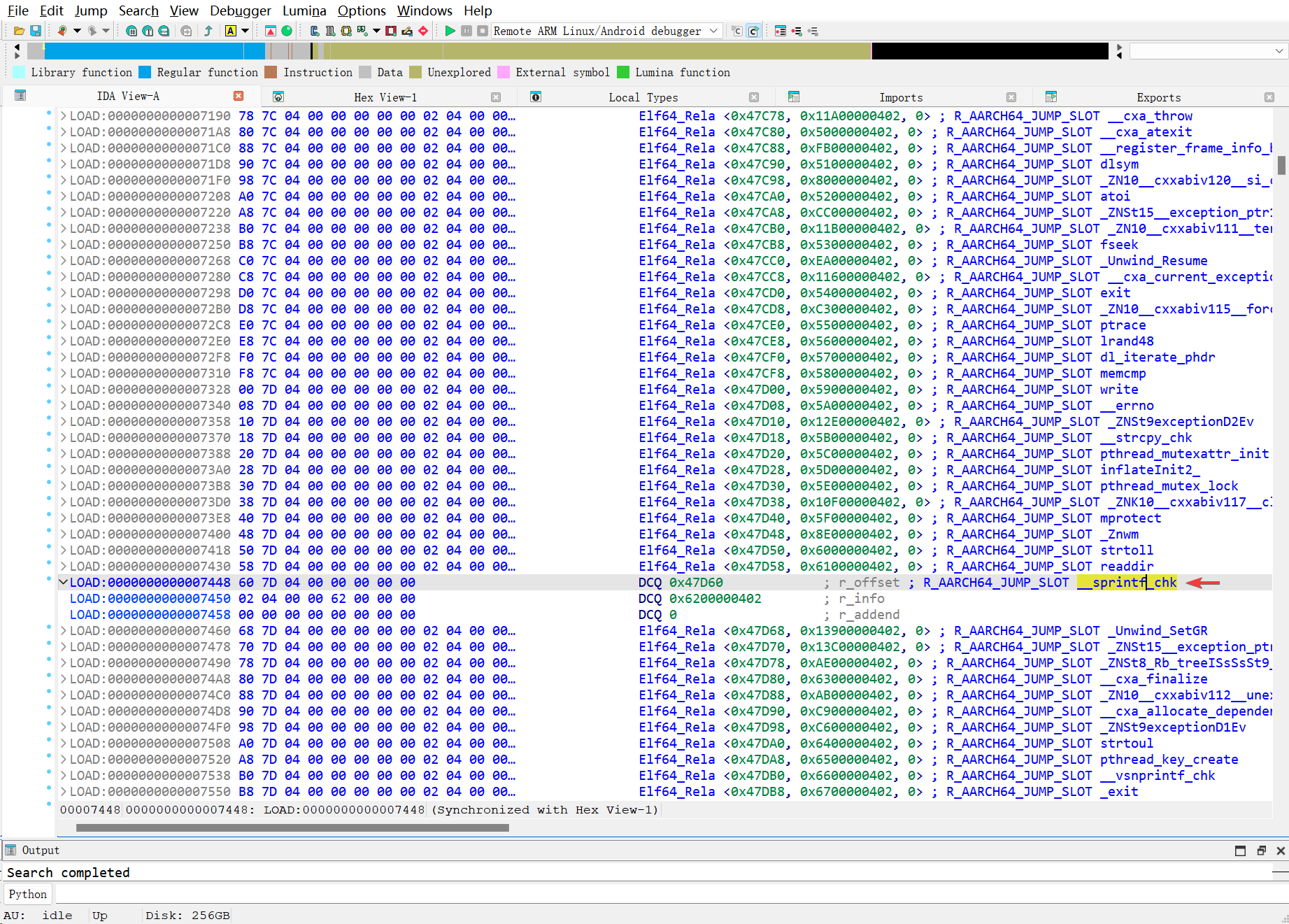
1
2
3
4
5
typedef struct {
    Elf64_Addr   r_offset;   // 8 bytes: 需要重定位的地址(在目标文件中的偏移)
    Elf64_Xword  r_info;     // 8 bytes: 符号索引 + 重定位类型
    Elf64_Sxword r_addend;   // 8 bytes: 加数(显式加数,用于 RELA 类型)
} Elf64_Rela;
| 字段 | 值 | 含义 |
|---|---|---|
r_offset | 0x47D60 | 重定位目标地址(通常是 .got 或 .got.plt 中的一项) |
r_info | 0x0000006200000402 | |
| – 符号索引 | 98 | 在 .dynsym 中第 98 个符号(从 0 开始) |
| – 重定位类型 | 1026 (R_AARCH64_JUMP_SLOT) | 动态链接时填入函数真实地址 |
r_addend | 0 | 无额外偏移 |
但这里并没有看出.rela.plt表于.plt表的直接联系. 迷茫了…先让AI持续分析这个机器码, 看看是不是AI的问题. 也就是__sprintf_chk对应的plt函数
1
2
F0 01 00 F0  11 B2 46 F9
10 82 35 91  20 02 1F D6
IDA解析的
1
2
3
4
ADRP            X16, #off_47D60@PAGE
LDR             X17, [X16,#off_47D60@PAGEOFF]
ADD             X16, X16, #off_47D60@PAGEOFF
BR              X17 ; __imp___sprintf_chk
AI的第一次解析, 初见端倪..
1
2
3
4
ADRP    X16, #0x1000          ; 计算页地址到X16
LDR     X17, [X16, #0xD58]    ; 从[X16+0xD58]加载数据到X17
ADD     X16, X16, #0xD60      ; X16 = X16 + 0xD60
RET     X17                   ; 从X17返回
和第一次居然不一样, 看来AI不可信…
1
2
3
4
ADRP  X0, #0x1000          ; 计算页基址
LDR   X17, [X18, #0x11AC]  ; 从内存加载数据
ADD   X16, X2, #0xD60      ; 地址计算
RET                        ; 返回调用者
我选择相信IDA的反汇编能力, 应该是能直接定位到.got表的基址, 然后计算正确的偏移, 定位到.got.plt槽. 至于.rela.plt的调用, 应该是.got.plt表未初始化, 默认指向桩函数时才会让链接器读取.rela.plt信息, 才能再次定位到.got.plt槽..
AI又来拍马屁了….艹…
DT_PLTREL (0x14):d_un = 7是d_val,表示.rela.plt表使用的重定位类型(7代表R_X86_64_JUMP_SLOT或 ARM64 上的类似类型)。DT_RELA (7):d_un = 0x51C8是d_ptr,指向.rela.dyn表的地址。这个表包含了所有非函数类型的重定位信息(如全局变量)。DT_RELASZ (8):d_un = 0x1458是d_val,表示.rela.dyn表的大小。
非懒加载的/非函数的全局变量表的重定位表
6. 终止符 (DT_NULL)
1
1LOAD:0000000000047840                 Elf64_Dyn <0>           ; DT_NULL
d_tag = 0: 这是DT_NULL。- 作用: 动态链接器看到这个条目就知道
.dynamic数组到此结束,停止解析。
深度补习so相关部分知识后, 我要尝试使用frida hook libmsaoaidsec.so的.got.plt里面的__sprintf_chk函数地址..

妈蛋给AI问无语了…已读不回…看来这个方法行不通. 只能按依赖库一个一个试了..
1
2
3
4
5
6
LOAD:0000000000047650                                         ; DT_NEEDED liblog.so
LOAD:0000000000047660                 Elf64_Dyn <1, 0x1E49>   ; DT_NEEDED libdl.so
LOAD:0000000000047670                 Elf64_Dyn <1, 0x1E52>   ; DT_NEEDED libz.so
LOAD:0000000000047680                 Elf64_Dyn <1, 0x1E5A>   ; DT_NEEDED libc.so
LOAD:0000000000047690                 Elf64_Dyn <1, 0x1E62>   ; DT_NEEDED libm.so
LOAD:00000000000476A0                 Elf64_Dyn <1, 0x1E6A>   ; DT_NEEDED libstdc++.so
1
2
3
4
5
6
7
8
import {hook_do_dlopen, log} from "./logger.js";

hook_do_dlopen();
Interceptor.attach(Module.getGlobalExportByName("__sprintf_chk"), {
    onEnter: function(args) {
        log("__sprintf_chk called: [" + args[1].readUtf8String()+"]")
    }
})
1
2
3
4
5
6
7
8
9
10
11
12
13
14
15
16
17
18
13672-13672 do_dlopen called: [/data/app/~~4a3zxVex62QXGM8tBHyF7A==/com.leleketang.SchoolFantasy-rGwZk0keiP3AoL0pAxrBmA==/lib/arm64/libmsaoaidsec.so]
13672-13672 __sprintf_chk called: [null]
13672-13672 do_dlopen called: [libc.so]
13672-13672 __sprintf_chk called: [null]
13672-13672 do_dlopen called: [libc.so]
13672-13752 __sprintf_chk called: [null]
13672-13752 __sprintf_chk called: [null]
13672-13752 __sprintf_chk called: [null]
13672-13752 __sprintf_chk called: [null]
13672-13752 __sprintf_chk called: [null]
13672-13752 __sprintf_chk called: [null]
13672-13752 __sprintf_chk called: [null]
13672-13752 __sprintf_chk called: [null]
13672-13752 __sprintf_chk called: [null]
13672-13752 __sprintf_chk called: [null]
13672-13752 __sprintf_chk called: [null]
Process terminated
[PKG110::com.leleketang.SchoolFantasy ]->
啊, 今天怎么就能找到了呢??不对啊, 不管了, 尝试直接查找proc字符, 逆向找到可疑函数
1
2
3
4
5
6
7
8
9
10
11
12
13
14
15
16
17
18
19
void __noreturn sub_1B8D4()
{
  unsigned int v0; // w0
  __useconds_t v1; // w19
  int v2; // w0

  v0 = sub_CB28();
  if ( v0 >= 0x64 )
    v1 = v0;
  else
    v1 = 2000000;
  while ( 1 )
  {
    v2 = sub_1AE48();
    if ( v2 == -1 || v2 && (sub_1AB54() & 1) == 0 || (unsigned int)sub_1B730() == 777 )
      sub_11FA4();
    usleep(v1);
  }
}
直接hook字符比较函数..
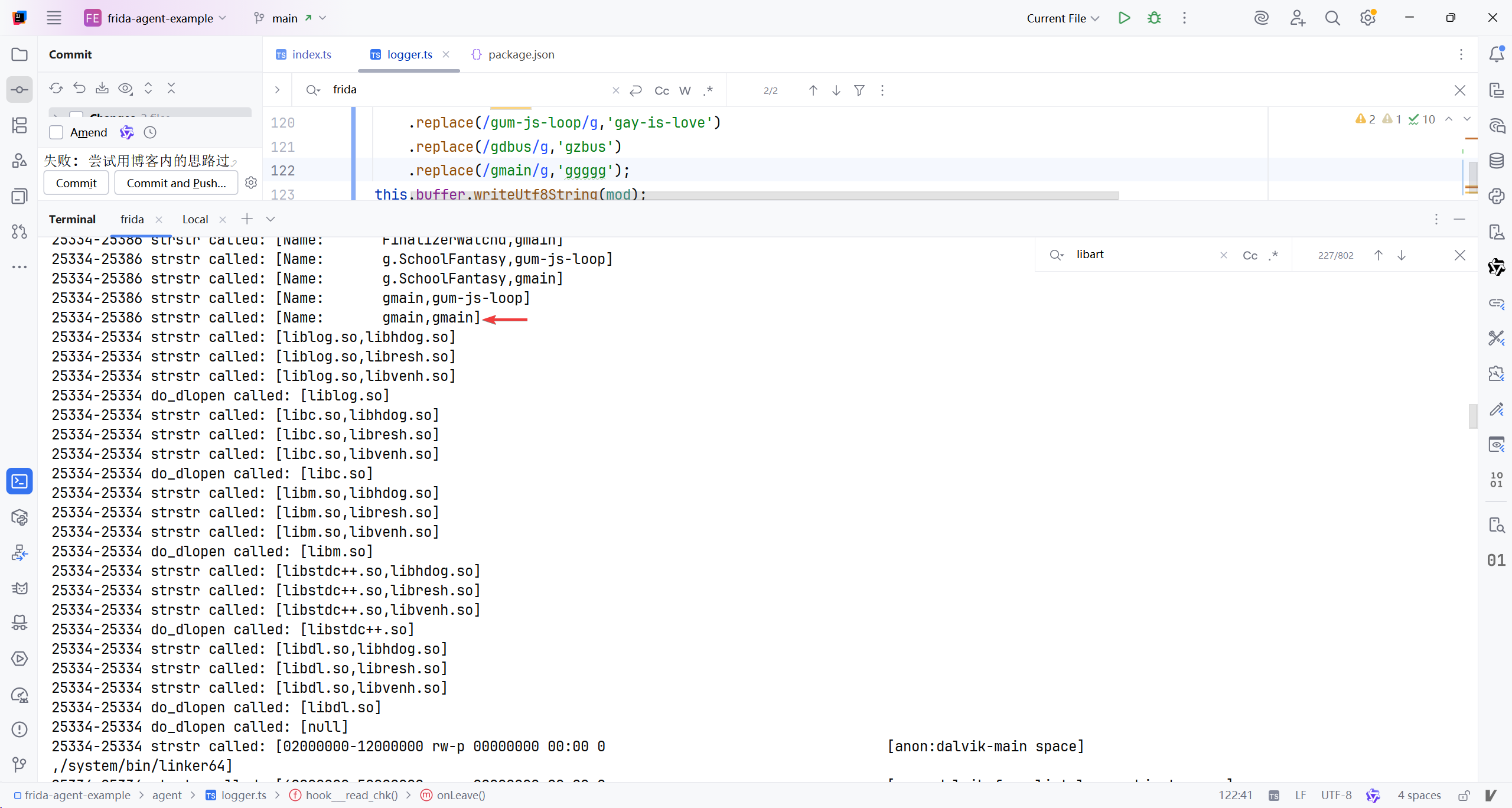
1
2
3
4
5
6
7
8
25334-25386 strstr called: [Name:       gmain,gum-js-loop]
25334-25386 strstr called: [Name:       gmain,gmain]
12326-12409 strstr called: [/system/framework/boot-framework-adservices.vdex , XposedBridge.jar]
12326-12409 strstr called: [/system/framework/boot-framework-adservices.vdex , eddexmaker.jar]
12326-12409 strstr called: [/system/framework/boot-framework-adservices.vdex , eddalvikdx.jar]
12326-12409 strstr called: [/system/framework/boot-framework-adservices.vdex , edxp.jar]
12326-12409 strstr called: [/system/framework/boot-framework-adservices.vdex , io.va.exposed]
12326-12409 strstr called: [/system/framework/boot-framework-adservices.vdex , me.weishu.exp]
本想看看为什么还能读取原来的字符, 结果
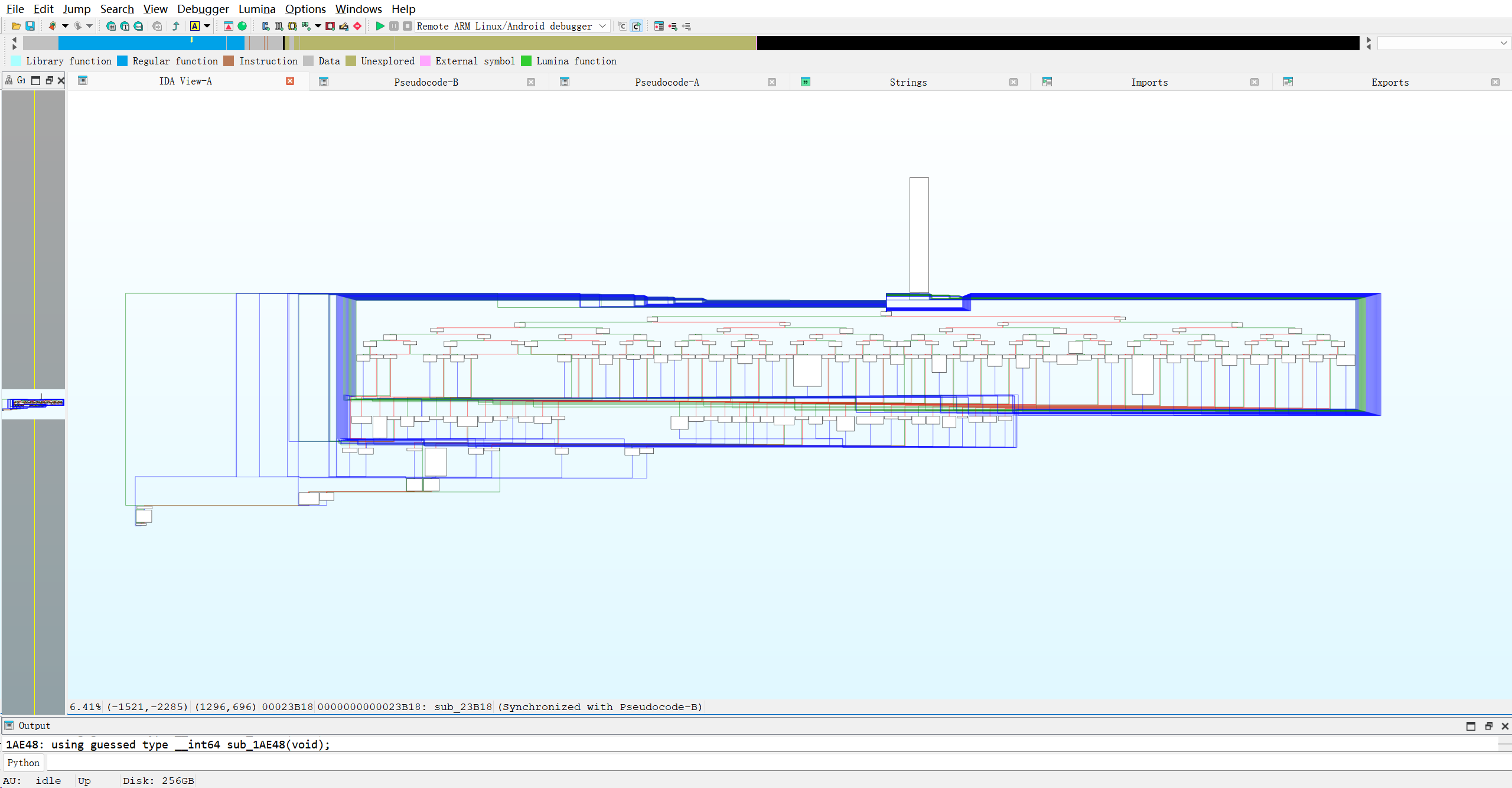
吓哭了.. 接着hook看结果吧. 似乎结果好一点了.
1
2
3
4
5
6
7
8
9
10
11
12
13
14
15
16
17
18
19
20
21
22
21904-21904 do_dlopen called: [/data/app/~~4a3zxVex62QXGM8tBHyF7A==/com.leleketang.SchoolFantasy-rGwZk0keiP3AoL0pAxrBmA==/lib/arm64/libmsaoaidsec.so]
21904-21904 do_dlopen called: [libc.so]
21904-21904 do_dlopen called: [libc.so]
Error: access violation accessing 0x7083eb4000
    at onLeave (agent/logger.ts:139)
[BYPASS] strstr(..., "gum-js-loop") → NULL
---
[BYPASS] strstr(..., "gmain") → NULL
21904-21904 do_dlopen called: [liblog.so]
21904-21904 do_dlopen called: [libc.so]
21904-21904 do_dlopen called: [libm.so]
21904-21904 do_dlopen called: [libstdc++.so]
21904-21904 do_dlopen called: [libdl.so]
[BYPASS] strstr(..., "gum-js-loop") → NULL
[BYPASS] strstr(..., "gmain") → NULL
21904-21904 do_dlopen called: [null]
[BYPASS] strstr(..., "gum-js-loop") → NULL
[BYPASS] strstr(..., "gmain") → NULL
[BYPASS] strstr(..., "gum-js-loop") → NULL
[BYPASS] strstr(..., "gmain") → NULL
[BYPASS] strstr(..., "gum-js-loop") → NULL
[BYPASS] strstr(..., "gmain") → NULL
相比于没有修改比较返回值的情况:
1
2
3
4
5
6
7
8
9
10
25905-25905 do_dlopen called: [/data/app/~~4a3zxVex62QXGM8tBHyF7A==/com.leleketang.SchoolFantasy-rGwZk0keiP3AoL0pAxrBmA==/lib/arm64/libmsaoaidsec.so]
25905-25905 do_dlopen called: [libc.so]
25905-25905 do_dlopen called: [libc.so]
[BYPASS] strstr(..., "gum-js-loop") → NULL
[BYPASS] strstr(..., "gmain") → NULL
---
[BYPASS] strstr(..., "gum-js-loop") → NULL
Process terminated
[PKG110::com.leleketang.SchoolFantasy ]->
也就是说, 修改返回值后, 成功过掉了初始化函数里面的检测, 成功加载了一下模块
1
2
3
4
5
26874-26874 do_dlopen called: [liblog.so]
26874-26874 do_dlopen called: [libc.so]
26874-26874 do_dlopen called: [libm.so]
26874-26874 do_dlopen called: [libstdc++.so]
26874-26874 do_dlopen called: [libdl.so]
重新整理了思路, 就是替换启动线程的目标函数. 和替换崩溃函数
1
2
3
4
5
6
7
8
9
10
11
12
13
14
15
16
17
18
19
20
21
22
23
24
25
26
27
28
29
30
31
32
33
34
35
36
37
38
39
40
41
42
43
44
45
46
47
48
49
50
51
52
53
54
55
56
57
58
59
60
61
62
63
64
65
66
67
68
69
70
71
72
73
74
75
76
77

export function log(message: any): void {
    console.log(Process.id + "-" + Process.getCurrentThreadId() + " " + message);
}

function getLinker() {
    //用Find可能找不到, 麻烦, 直接用get
    if (Process.pointerSize === 4) {
        return Process.getModuleByName("linker");
    }
    return Process.getModuleByName("linker64")
}

function getFuncAddr(linker: Module, fun: string): NativePointerValue {
    for (const enumerateSymbol of linker.enumerateSymbols()) {
        if (enumerateSymbol.name.includes(fun)
            && !enumerateSymbol.name.includes("__uniq")) {//排除__uniq函数, hook了不生效
            log("found function: " + enumerateSymbol.name + " in [" + linker.name + "]")
            return enumerateSymbol.address;
        }
    }
    ;
    console.log("cannot find function: " + fun + " in [" + linker.name + "]")
    return NULL;
}


let map = new Map<string, Map<number,null>>();
function replaced(module_name: string, address: number) {
    if (map.has(module_name)) {//先看有没有存过
        //有
        log(`发现已保存的数据, 返回`);
        let has = map.get(module_name)?.has( address);
        return has ;
    }else {
        //没有
        log(`没保存过关于${module_name}的数据..现在存, 肯定是返回false啊`)
        let mou = new Map<number,null>();
        mou.set(address, null);
        map.set(module_name, mou);
        return false;
    }
}


export function on_linker64_dlopen(so_name: string) {
    let linker = getLinker();
    let linker_do_dlopen_addr = getFuncAddr(linker, "do_dlopen");
    Interceptor.attach(linker_do_dlopen_addr, {
        onEnter: function (args) {
            let module_name = args[0].readUtf8String();
            if (module_name?.includes(so_name)) {//加载了目标so, 可以直接获取模块
                log(`[linker_do_dlopen] ${module_name}`)
                Interceptor.attach(Module.getGlobalExportByName("pthread_create"), {
                    onEnter: function (args) {
                        var module = Process.findModuleByAddress(args[2]);
                        //在创建线程时, 如果创建的是目标so的线程, 那就替换线程执行的函数, 而目标so可以通过args[2]找到..
                        if (module != null&&module.name.includes(so_name)){
                            log(`[pthread_create] ${module.name}->${args[2].sub(module.base)}`);
                            Interceptor.replace(args[2], new NativeCallback(function () {
                                log('check is do nothing... ')
                            }, "void", []));
                            //检测模块此时已经被正常加载进来了..顺便hook崩溃函数
                            if (!replaced(module_name,0x14824)){
                                Interceptor.replace(Process.getModuleByName(module_name).base.add(0x14824),new NativeCallback(function () {
                                    log('0x14824 do nothing... ')
                                }, "void", []));
                            }
                        }
                    },
                });
            }
        },
    })
}
运行效果还行, 最起码能跑了
1
2
3
4
5
6
7
8
9
10
11
12
[PKG110::com.leleketang.SchoolFantasy ]-> 16014-16014 [linker_do_dlopen] /data/app/~~4a3zxVex62QXGM8tBHyF7A==/com.leleketang.SchoolFantasy-rGwZk0keiP3AoL0pAxrBmA==/lib/arm64/libmsaoaidsec.so
16014-16014 [pthread_create] libmsaoaidsec.so->0x1c544
16014-16014 没保存过关于/data/app/~~4a3zxVex62QXGM8tBHyF7A==/com.leleketang.SchoolFantasy-rGwZk0keiP3AoL0pAxrBmA==/lib/arm64/libmsaoaidsec.so的数据..现在存, 肯定是返回false啊
16014-16014 [pthread_create] libmsaoaidsec.so->0x1b8d4
16014-16014 发现已保存的数据, 返回
16014-16078 check is do nothing...
16014-16014 [pthread_create] libmsaoaidsec.so->0x26e5c
16014-16014 发现已保存的数据, 返回
16014-16079 check is do nothing...
16014-16014 0x14824 do nothing...
Failed to load script: timeout was reached
[PKG110::com.leleketang.SchoolFantasy ]->
脚本其实还不够完善, 应该在调用构造函数的时候, 查找内存中的模块…hook dlopen确实还是她早了, 模块都还没被加载, 应该hook call_constructors的
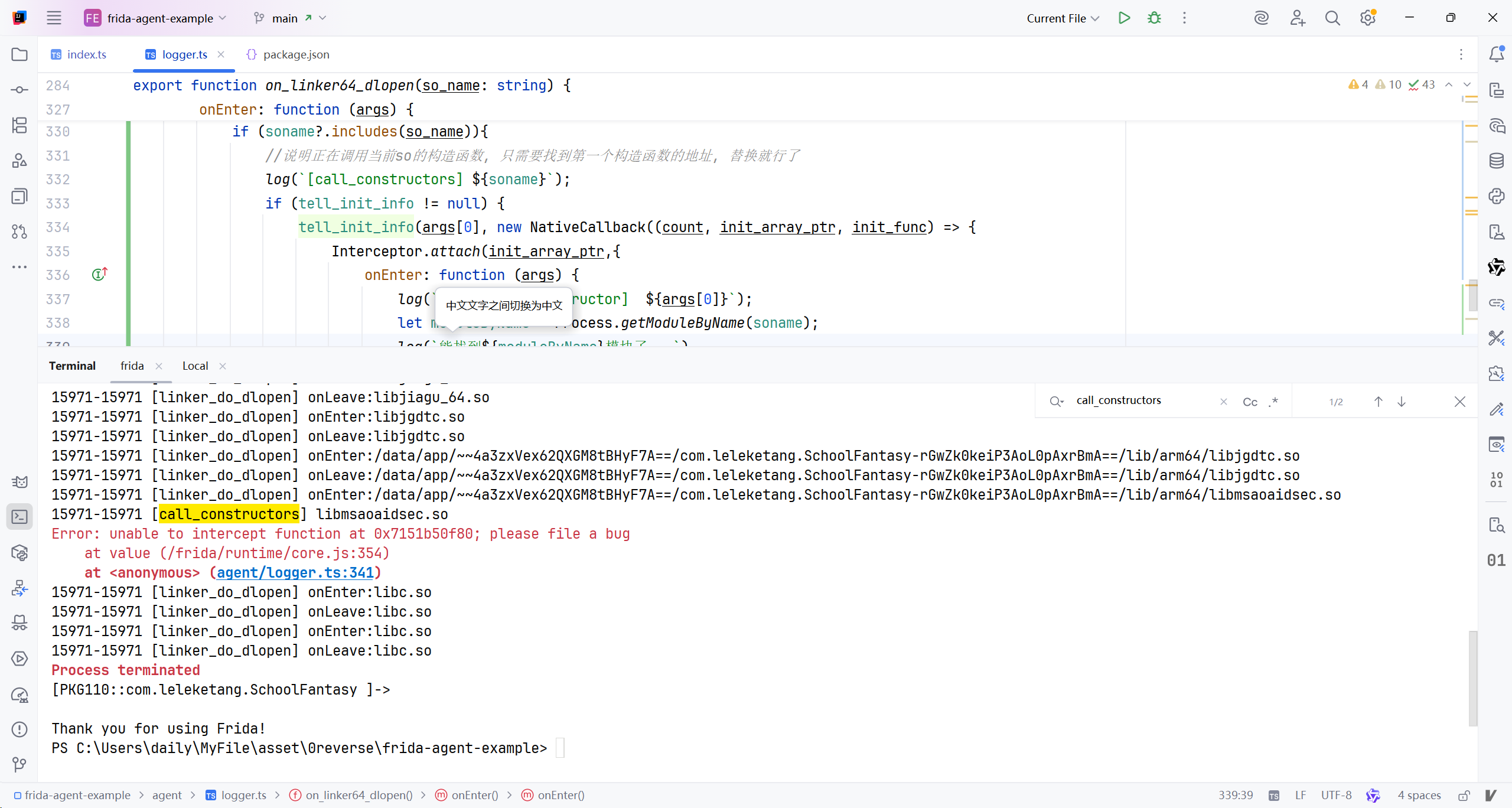
看来构造函数是不能被hook的…但检测就在构造里面啊.. 前面的拦截逻辑就在放行构造函数, 但拦截构造函数内创建检测线程的行为, 期间可以通过findModuleByName或者getModuleByAddress()随意获取目标模块的对象.. 但无论如何, 检测模块都必须调用系统函数才能进行检测, 所以盯紧调用的系统函数!!
好了, 函数已经封装好了, 在模块加载后尽早给机会hook
1
2
3
4
5
6
7
8
9
10
11
12
13
14
15
16
17
18
import {
    log,
    onEarlyModuleLoaded
} from "./logger.js";
onEarlyModuleLoaded('libmsaoaidsec',(module:Module)=>{
    Interceptor.replace(module.base.add(0x14824),new NativeCallback(function () {
        log('[bypass] func at 0x14824... ')
    }, "void", []));
    Interceptor.replace(module.base.add(0x1c544),new NativeCallback(function () {
        log('[bypass] func at 0x1c544... ')
    }, "void", []));
    Interceptor.replace(module.base.add(0x1b8d4),new NativeCallback(function () {
        log('[bypass] func at 0x1b8d4... ')
    }, "void", []));
    Interceptor.replace(module.base.add(0x26e5c),new NativeCallback(function () {
        log('[bypass] func at 0x26e5c... ')
    }, "void", []));
});
接下来搞定软件内证书信任问题…从今天起, 正式进入native层逆向!! #2026年4月26日
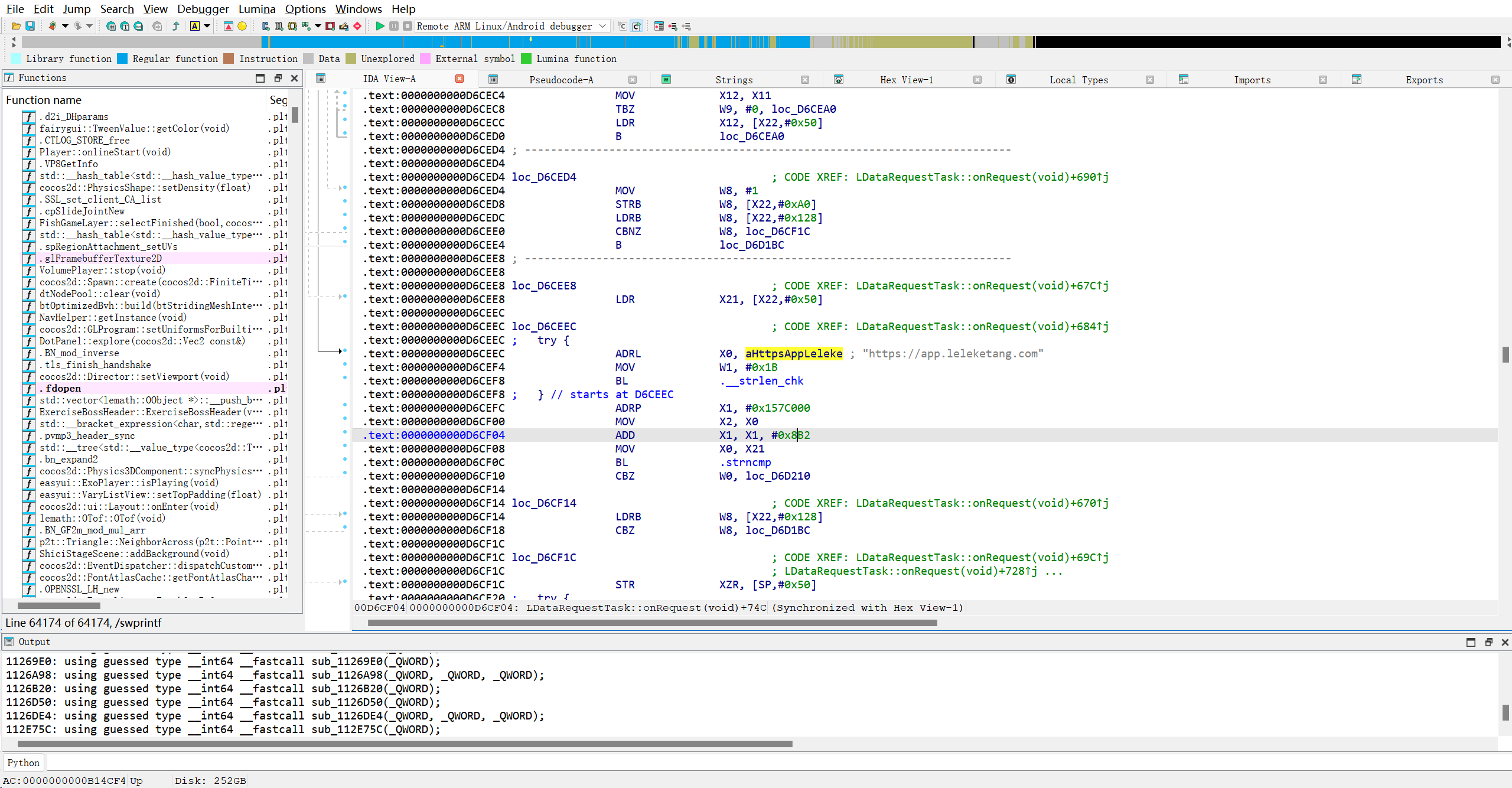
与网络请求有关的函数
1
2
3
LDataRequestTask *__fastcall LDataRequest::get(__int64 a1, unsigned __int8 *a2, __int64 a3, __int64 a4, __int64 a5)
void __fastcall LDataRequestTask::LDataRequestTask(LDataRequestTask *this)
void __fastcall LDataRequestTask::onRequest
已测试, 仅 能在mumu上安装root..屁用没有.. 还是调试不了.. 还卡
我现在一直像尝试使用ida动态调试so文件.. 总结一下踩过的坑
1
2
3
4
5
1.高版本android系统注定失败,无论是否修改xml中的debug属性
2.就算修改了, 也没用, 高版本安卓对ro.debuggable属性不怎么看重..
3.想要成功调试, 似乎必须有ddms的参与, 哪怕只是拿它看一下对应的进程调试端口...挺玄学的,迟早有一天弄清楚它的机制, 然后摆脱ddms

ida动态调试调试是有机会能成的. 我的搭配是ida9.0+android10,无线调试, 由于是低版本的缘故, 并不需要修改apk debug属性. 安装模块就能全局调试了..
我现在想写一个系统框架的lsp模块, 实现全局调试..
1
2
//关键解析器
frameworks/base/core/java/android/content/pm/PackageParser.java
追踪解析器的结果存放在哪儿
1
2
//应该是新版Android解析包的实际代码
frameworks/base/core/java/com/android/internal/pm/parsing/pkg/PackageImpl.java
学不动了, 就算追踪到代码也没心思改了… 先看老师给的论文吧 #2026年4月28日
接着看天天练的代码
1
LDataRequestTask::onRequest
这个方法中调用的sub_1126a98是设置证书验证的关键函数
这个千问AI总是导致IDEA自动全选整行, 关掉就行了
继续处理IDA中解析json相关的函数
1
LDataRequestTask::post(char const*,std::list<RequestParamData> const&,std::function<void ()(LDataRequestTask*)>)
第三个参数正是处理回调的函数. 但是没找到, 接着找post的调用函数
1
2
3
4
5
6
7
8
9
10
11
12
13
14
15
16
17
18
19
20
21
22
23
24
25
26
27
28
29
30
31
32
33
34
35
36
37
38
39
40
41
42
43
44
45
46
47
48
49
50
51
52
53
54
55
56
57
58
59
60
61
62
63
64
65
66
67
68
69
70
71
72
73
74
75
76
77
78
79
80
81
82
83
84
85
86
87
88
89
90
91
92
93
94
95
96
97
98
99
100
101
102
103
104
105
106
107
108
109
110
111
112
113
114
115
116
117
118
119
120
121
122
123
124
125
126
127
128
129
130
131
132
133
134
135
136
137
138
139
140
141
142
void __fastcall easyui::Package::startCheckUpdate(easyui::Package *this)
{
  __int64 v2; // x20
  __int64 v3; // x9
  __int64 v4; // x20
  LDataRequest *v5; // x0
  __int64 v6; // x9
  __int64 Instance; // x0
  void (*v8)(void); // x8
  __int64 v9; // x8
  __int64 *v10; // x19
  __int64 v11; // x10
  bool v12; // zf
  __int64 *v13; // x22
  __int64 v14; // [xsp+0h] [xbp-110h] BYREF
  __int64 *v15; // [xsp+8h] [xbp-108h]
  __int64 v16; // [xsp+10h] [xbp-100h]
  __int64 v17[3]; // [xsp+18h] [xbp-F8h] BYREF
  _QWORD v18[4]; // [xsp+30h] [xbp-E0h] BYREF
  _QWORD *v19; // [xsp+50h] [xbp-C0h]
  _BYTE v20[16]; // [xsp+68h] [xbp-A8h] BYREF
  void *ptr; // [xsp+78h] [xbp-98h]
  _BYTE v22[16]; // [xsp+80h] [xbp-90h] BYREF
  void *v23; // [xsp+90h] [xbp-80h]
  int v24; // [xsp+98h] [xbp-78h]
  _BYTE v25[16]; // [xsp+A0h] [xbp-70h] BYREF
  void *v26; // [xsp+B0h] [xbp-60h]
  _BYTE v27[16]; // [xsp+B8h] [xbp-58h] BYREF
  void *v28; // [xsp+C8h] [xbp-48h]
  int v29; // [xsp+D0h] [xbp-40h]
  __int64 v30; // [xsp+D8h] [xbp-38h]

  v30 = *(_QWORD *)(_ReadStatusReg(ARM64_SYSREG(3, 3, 13, 0, 2)) + 40);
  if ( *((_BYTE *)this + 368) )
    return;
  *((_BYTE *)this + 368) = 1;
  std::string::assign((_DWORD)this + 376, &byte_15D0C01, 0LL);
  cocos2d::StringUtils::format(v17, (cocos2d::StringUtils *)"%s/a/package.php", "https://app.leleketang.com/cr/service");
  std::string::basic_string<decltype(nullptr)>((int)v20, "pkgid");
  std::string::basic_string(v22, (char *)this + 24);
  v24 = 1;
  std::string::basic_string<decltype(nullptr)>((int)v25, "version");
  std::string::basic_string(v27, (char *)this + 96);
  v29 = 1;
  v14 = (__int64)&v14;
  v15 = &v14;
  v16 = 0LL;
  v2 = operator new(0x48uLL);
  *(_QWORD *)v2 = 0LL;
  std::string::basic_string(v2 + 16, v20);
  std::string::basic_string(v2 + 40, v22);
  v3 = v14;
  *(_DWORD *)(v2 + 64) = v24;
  *(_QWORD *)v2 = v3;
  *(_QWORD *)(v2 + 8) = &v14;
  *(_QWORD *)(v3 + 8) = v2;
  v14 = v2;
  ++v16;
  v4 = operator new(0x48uLL);
  *(_QWORD *)v4 = 0LL;
  std::string::basic_string(v4 + 16, v25);
  v5 = (LDataRequest *)std::string::basic_string(v4 + 40, v27);
  v6 = v14;
  *(_DWORD *)(v4 + 64) = v29;
  *(_QWORD *)v4 = v6;
  *(_QWORD *)(v4 + 8) = &v14;
  *(_QWORD *)(v6 + 8) = v4;
  v14 = v4;
  ++v16;
  if ( (v27[0] & 1) != 0 )
  {
    operator delete(v28);
    if ( (v25[0] & 1) == 0 )
    {
LABEL_4:
      if ( (v22[0] & 1) == 0 )
        goto LABEL_5;
      goto LABEL_12;
    }
  }
  else if ( (v25[0] & 1) == 0 )
  {
    goto LABEL_4;
  }
  operator delete(v26);
  if ( (v22[0] & 1) == 0 )
  {
LABEL_5:
    if ( (v20[0] & 1) == 0 )
      goto LABEL_7;
    goto LABEL_6;
  }
LABEL_12:
  operator delete(v23);
  if ( (v20[0] & 1) != 0 )
LABEL_6:
    operator delete(ptr);
LABEL_7:
  Instance = LDataRequest::getInstance(v5);
  v18[0] = &off_1935F58;
  v18[1] = this;
  v19 = v18;
  LDataRequest::post(Instance, (unsigned __int8 *)v17, (__int64)&v14, (__int64)v18, (__int64)this);
  if ( v18 == v19 )
  {
    v8 = *(void (**)(void))(*v19 + 32LL);
  }
  else
  {
    if ( !v19 )
      goto LABEL_16;
    v8 = *(void (**)(void))(*v19 + 40LL);
  }
  v8();
LABEL_16:
  if ( v16 )
  {
    v9 = v14;
    v10 = v15;
    v11 = *v15;
    v12 = v15 == &v14;
    *(_QWORD *)(v11 + 8) = *(_QWORD *)(v14 + 8);
    **(_QWORD **)(v9 + 8) = v11;
    v16 = 0LL;
    if ( !v12 )
    {
      do
      {
        v13 = (__int64 *)v10[1];
        if ( (v10[5] & 1) != 0 )
          operator delete((void *)v10[7]);
        if ( (v10[2] & 1) != 0 )
          operator delete((void *)v10[4]);
        operator delete(v10);
        v10 = v13;
      }
      while ( v13 != &v14 );
    }
  }
  if ( (v17[0] & 1) != 0 )
    operator delete((void *)v17[2]);
}
off_1935F58就是json处理函数, 过去看看
真找到了…呜呜呜, 找了3天…
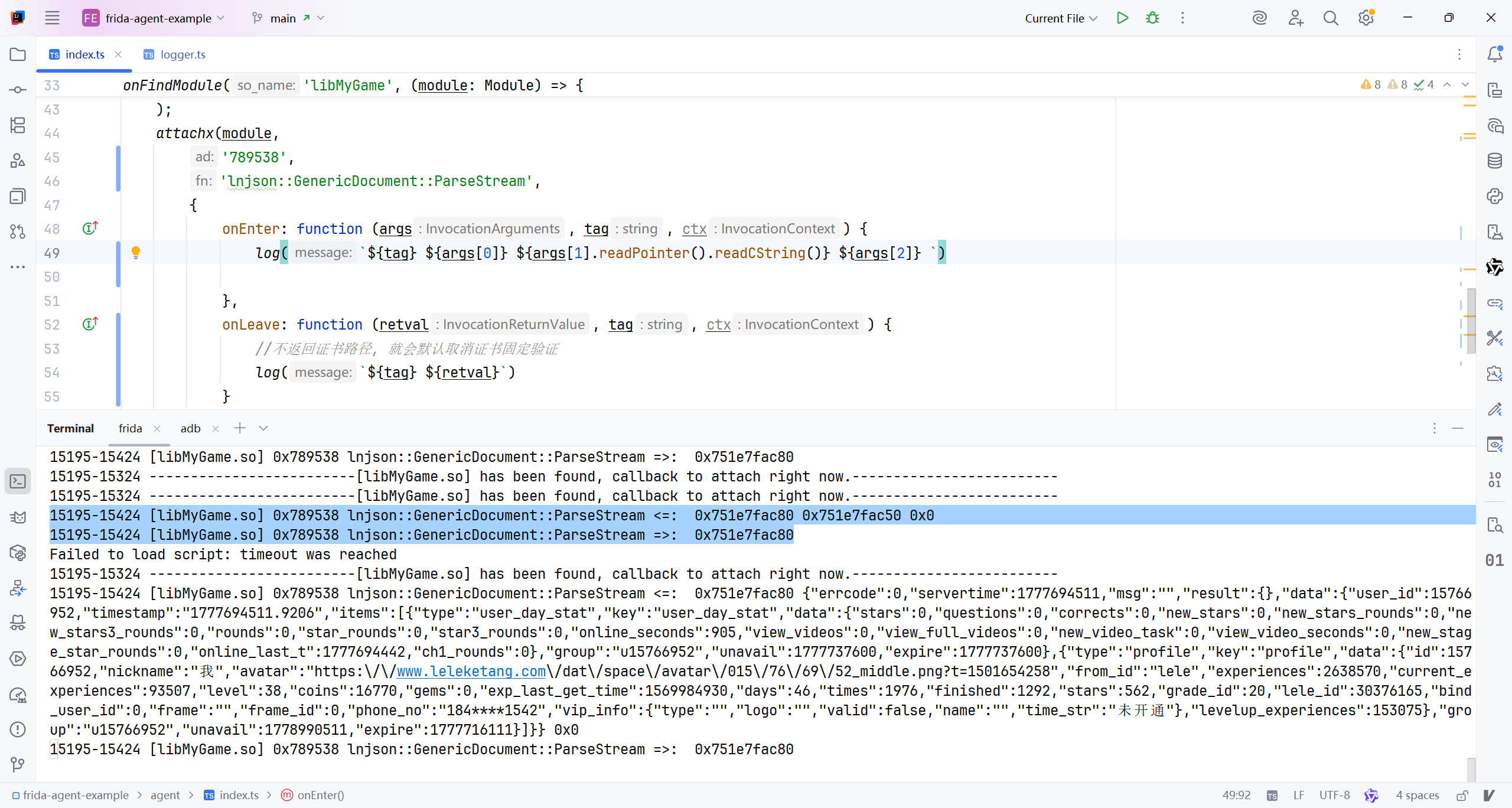
既然定位到了关键函数, 现在要处理签名问题了, 360加固, 我又来了… 直接签名看日志咯
从日志来看,这是一个典型的 Android SO 加固(壳)加载与初始化流程,而且明显是 国内常见的一代/二代加固(如娜迦、爱加密、梆梆等企业版壳)。下面按时间线给你拆解它的基本行为逻辑:
一、整体加固流程概览(结论先行)
流程本质:
应用启动 → 系统加载壳 SO → 壳在 native 层完成 反调试 + 环境检测 + 内存解密 + 原 DEX/SO 还原 → 转交控制权给真实应用
你这份日志,正好卡在“壳刚启动、正在铺基础设施”的阶段。
二、逐阶段日志分析
✅ 1️⃣ 壳 SO 首次加载
1
2
linker_do_dlopen onEnter: libjiagu_64.so
linker_do_dlopen onLeave: libjiagu_64.so
📌 说明:
这是 加固 SO 被 dlopen 进进程
libjiagu_64.so是 64 位 ARM 加固壳发生在 JVM / ART 之前或早期
✅ 2️⃣ JNI 入口探测
1
2
3
[dlsym] JNI_OnLoad
[dlsym] JNI_OnLoad
[dlsym] JNI_OnLoad
📌 说明:
加固壳一定会实现
JNI_OnLoad多次
dlsym可能是:多 SO 校验
防止 JNI_OnLoad 被 hook
自己查找自己的入口(壳套壳)
✅ 3️⃣ 批量解析基础系统库(打地基)
1
2
3
4
5
6
linker_do_dlopen: liblog.so
linker_do_dlopen: libz.so
linker_do_dlopen: libc.so
linker_do_dlopen: libm.so
linker_do_dlopen: libstdc++.so
linker_do_dlopen: libdl.so
📌 目的:
明确 不使用直接链接
为后续 手动调用系统函数 做准备
规避 linker namespace 限制
✅ 4️⃣ 大规模 dlsym(壳的典型特征)
这是最关键的识别点👇
🔹 反调试 / 反注入
1
2
3
4
5
6
ptrace
fork
kill
raise
sigaction
prctl
📌 行为含义:
| 函数 | 用途 |
|---|---|
| ptrace | 防调试(PTRACE_TRACEME / ATTACH) |
| fork | 子进程监控 |
| kill | 自杀 / 杀调试器 |
| prctl | 设置 PTRACE 禁止 |
✅ 典型壳行为:一旦检测到 debugger,立即退出
🔹 文件系统 & 内存操作
1
2
3
4
5
open / close / read / write
mmap / munmap
fopen / fclose
lstat / readlink
inotify_init / add_watch / rm_watch
📌 用途:
扫描
/proc/self/maps检查自身是否被 dump
监控 DEX / SO 文件变化
准备 内存加载原 DEX
🔹 压缩 & 解密相关
1
2
3
inflate / inflateInit2_
deflate / deflateInit_
adler32
📌 说明:
原 APK / DEX 被压缩或加密存储
壳会在内存中解压
不会落盘
🔹 多线程 & 同步
1
2
3
pthread_create
pthread_mutex_*
pthread_cond_*
📌 用途:
后台监控线程
定时反调试
心跳检测
🔹 系统属性读取
1
__system_property_get
📌 用途:
获取:
ro.build.versionro.debuggablero.secure
判断是否在模拟器 / Root / Debug 环境
✅ 5️⃣ 再次加载壳 SO(壳套壳)
1
2
linker_do_dlopen onEnter: libjiagu_64.so
linker_do_dlopen onLeave: libjiagu_64.so
📌 说明:
二次加载
常见原因:
第一段壳负责 loader
第二段壳才是真正的解密执行体
也叫 loader + payload 结构
✅ 6️⃣ 接触 ART 运行时
1
linker_do_dlopen onEnter: libart.so
📌 非常关键:
壳开始 hook ART
常见手段:
Hook
OpenDexFileNativeHook
LoadMethod内存中替换 DEX
这是 DEX 脱壳点
✅ 7️⃣ 最终状态
日志结束于 仍在初始化阶段
尚未看到:
dex2oatClassLinker真实 App 的 Java 方法执行
👉 说明你抓的是“壳刚醒”的时刻
三、加固类型判定(经验判断)
| 特征 | 结果 |
|---|---|
| libjiagu_xx.so | ✅ 国产商业壳 |
| 大量 dlsym | ✅ 强混淆 + 反分析 |
| ptrace + fork | ✅ 强反调试 |
| inflate + adler32 | ✅ 内存解包 |
| 多次 dlopen | ✅ 壳套壳 |
| 触达 libart.so | ✅ DEX 内存加载 |
📌 综合判断:
👉 二代加固(内存加载 DEX,无落地)
👉 大概率 企业版加固
以下是日志中出现的所有 dlsym解析过的函数(已去重 & 分类整理),共 约 150+ 个函数,覆盖 系统调用 / libc / pthread / IO / 压缩 / 网络 / 反调试 等。
一、🔹 基础 C 库(libc)
1
2
3
4
5
6
7
8
9
10
11
12
13
14
15
16
17
18
19
20
21
22
23
24
25
26
27
28
29
30
31
32
33
34
35
36
37
38
39
40
41
42
43
44
45
46
47
48
49
50
51
52
53
54
55
56
57
58
59
60
61
62
63
64
65
66
67
68
69
70
71
72
73
74
75
76
77
78
79
80
81
82
83
84
85
86
87
88
89
90
91
92
93
94
95
96
97
98
99
100
101
102
103
104
105
106
107
108
109
110
111
112
113
114
115
116
117
118
119
120
121
122
123
124
125
126
127
128
129
130
131
132
133
134
135
136
abort
access
atol
atoll
atoi
calloc
clock
clock_gettime
close
creat
dup2
execl
execve
exit
fabs
fclose
fcntl
feof
ferror
fflush
fgetc
fgets
fileno
flock
fopen
fprintf
fputc
fread
free
freopen
fsync
ftruncate
fwrite
getcwd
getenv
getpagesize
getpid
getppid
gettid
gettimeofday
isdigit
isspace
isupper
isxdigit
kill
localtime_r
lseek
lseek64
lstat
malloc
memchr
memcmp
memcpy
memmove
memset
mkdir
mktime
mmap
munmap
nanosleep
open
opendir
pause
perror
pipe
poll
pread
pwrite
raise
rand
read
readdir
readlink
realloc
remove
rename
rewind
rmdir
sbrk
scanf
select
setenv
setpgid
setsockopt
sigaction
sigfillset
signal
sleep
snprintf
sprintf
sscanf
stat
strcasecmp
strcat
strchr
strcmp
strcpy
strdup
strerror
strftime
strlen
strncmp
strncpy
strptime
strrchr
strstr
strtod
strtok
strtol
strtoll
strtoul
strtoull
syscall
system
time
times
toascii
tolower
toupper
umask
unlink
vfprintf
vprintf
vsnprintf
vsyslog
waitpid
wcstod
wcstol
wcstoll
wcstold
wcstoul
wcstoull
wctomb
wmemcpy
wmemset
write
二、🔹 数学库(libm)
1
2
3
4
5
6
7
8
9
10
ceil
cos
exp
fabs
floor
fmod
fmodf
pow
sin
sqrt
三、🔹 线程 & 同步(pthread)
1
2
3
4
5
6
7
8
9
10
11
12
13
14
15
16
17
18
19
20
21
22
23
24
pthread_attr_destroy
pthread_attr_init
pthread_attr_setdetachstate
pthread_cond_broadcast
pthread_cond_destroy
pthread_cond_init
pthread_cond_signal
pthread_cond_timedwait
pthread_cond_wait
pthread_create
pthread_detach
pthread_equal
pthread_exit
pthread_getspecific
pthread_join
pthread_key_create
pthread_key_delete
pthread_mutex_destroy
pthread_mutex_init
pthread_mutex_lock
pthread_mutex_unlock
pthread_once
pthread_self
pthread_setspecific
四、🔹 动态链接(dl)
1
2
3
4
dlclose
dlerror
dlopen
dlsym
五、🔹 压缩 / 解压(zlib)
1
2
3
4
5
6
7
8
9
10
11
12
13
14
15
adler32
compress
compress2
crc32
deflate
deflateBound
deflateEnd
deflateInit
deflateInit2
inflate
inflateEnd
inflateInit
inflateInit2
uncompress
zlibVersion
六、🔹 文件 & 目录监控(inotify)
1
2
3
inotify_add_watch
inotify_init
inotify_rm_watch
七、🔹 网络 & Socket
1
2
3
4
5
6
7
8
9
10
11
12
13
accept
bind
connect
gethostbyname
getsockname
getsockopt
inet_addr
listen
recv
send
setsockopt
shutdown
socket
八、🔹 反调试 / 进程控制(加固核心)
1
2
3
4
5
6
7
8
fork
ptrace
prctl
raise
kill
sigaction
sigfillset
syscall
九、🔹 Android 特有
1
2
3
4
5
6
7
8
9
10
__android_log_print
__android_log_vprint
__assert2
__cxa_atexit
__cxa_finalize
__errno
__sF
__stack_chk_fail
__stack_chk_guard
__system_property_get
十、🔹 JNI / ART 相关
1
JNI_OnLoad
✅ 统计汇总
| 类别 | 数量 |
|---|---|
| libc 基础函数 | ~90 |
| pthread | ~20 |
| zlib | ~12 |
| 网络 | ~10 |
| 反调试 | ~8 |
| Android 特有 | ~10 |
| 动态链接 | ~4 |
| 数学库 | ~8 |
| 总计 | ~160+ |
hook字符比对函数的日志如下
1
2
3
4
5
6
7
8
9
10
11
12
13
14
15
16
17
18
19
20
21
22
23
24
25
26
27
28
29
30
31
32
33
34
35
36
37
38
39
40
41
42
43
44
45
46
47
48
49
50
51
52
53
54

onEarlyModuleLoaded('libjiagu_64', (module: Module) => {
    // 拦截 strncmp(带长度限制的字符串比较)
    Interceptor.attach(Module.getGlobalExportByName('strncmp'), {
        onEnter: function (args) {
            var s1 = args[0].readCString() || "(null)";
            var s2 = args[1].readCString() || "(null)";
            var n = args[2].toInt32();
            log('[strncmp] s1: "' + s1 + '", s2: "' + s2 + '", n: ' + n);
        }
    });

// 拦截 strcasecmp(不区分大小写的字符串比较)
    Interceptor.attach(Module.getGlobalExportByName('strcasecmp'), {
        onEnter: function (args) {
            var s1 = args[0].readCString() || "(null)";
            var s2 = args[1].readCString() || "(null)";
            log('[strcasecmp] s1: "' + s1 + '", s2: "' + s2 + '"');
        }
    });

// 拦截 memcmp(内存区域比较,常用于字符串)
    Interceptor.attach(Module.getGlobalExportByName('memcmp'), {
        onEnter: function (args) {
            var s1 = args[0].readCString() || "(null)";
            var s2 = args[1].readCString() || "(null)";
            var n = args[2].toInt32();
            log('[memcmp] ptr1: "' + s1 + '", ptr2: "' + s2 + '", n: ' + n);
        }
    });

// 拦截 strstr(子串查找,涉及字符串对比)
    Interceptor.attach(Module.getGlobalExportByName('strstr'), {
        onEnter: function (args) {
            var haystack = args[0].readCString() || "(null)";
            var needle = args[1].readCString() || "(null)";
            log('[strstr] haystack: "' + haystack + '", needle: "' + needle + '"');
        }
    });

// 可选:拦截 strcmp(日志中未出现,但常见于字符串对比)
// Interceptor.attach(Module.getGlobalExportByName('strcmp'), {
//     onEnter: function (args) {
//         try {
//             var s1 = args[0].readCString() || "(null)";
//             var s2 = args[1].readCString() || "(null)";
//             log('[strcmp] s1: "' + s1 + '", s2: "' + s2 + '"');
//         } catch (e) {
//             log('[strcmp] 读取失败: ' + e.message);
//         }
//     }
// });
})
根据日志分析,该加固(疑似360加固保或类似方案)的验签流程如下:
一、整体流程概览
加固在应用启动时通过 Native层(SO) 完成签名校验,核心逻辑包括:
环境初始化:加载加固SO,获取系统函数。
包信息获取:通过Java反射调用获取应用包名、签名等信息。
签名哈希比对:计算当前APK签名哈希,与预置的白名单哈希逐条比较。
辅助校验:检查文件完整性、系统属性、运行环境等。
反调试/防篡改:检测调试器、修改痕迹。
二、详细步骤分解
1. 加固SO加载与初始化
- 动态加载加固核心库:
1
2
  [linker_do_dlopen] onEnter: libjiagu_64.so
  [linker_do_dlopen] onLeave: libjiagu_64.so
- 获取系统函数地址(用于后续调用):
1
  [dlsym] __system_property_get
2. 获取应用上下文与包管理
通过 memcmp检测反射调用的字符串,逐步获取应用信息:
1
2
3
4
5
[memcmp] ptr1: "Lcom/stub/StubApp;"          // 加固入口类
[memcmp] ptr1: "getAppContext"               // 获取Context
[memcmp] ptr1: "getPackageManager"           // 获取PackageManager
[memcmp] ptr1: "getPackageInfo"              // 获取PackageInfo
[memcmp] ptr1: "Landroid/content/pm/Signature;" // 签名对象
3. 提取并计算签名哈希
从
PackageInfo中提取Signature数组。对签名数据计算 MD5 哈希(32位十六进制字符串)。
日志中频繁出现32字符哈希比较,例如:
1
2
  [memcmp] ptr1: "515fe56e838c9e98c7dd1ffad524a783", ptr2: "515fe56e838c9e98c7dd1ffad524a783", n: 32
  [memcmp] ptr1: "924c16677d3128cb33d1ecbe0cf77de0", ptr2: "924c16677d3128cb33d1ecbe0cf77de0", n: 32
这些是预置的合法签名哈希白名单。
4. 哈希白名单匹配
加固会循环比较当前签名哈希与内置白名单:
日志中出现 数十个 不同的32位哈希字符串(如
34089686bab4f6a80d558fb01af3b05a等)。只要有一个匹配,即认为签名合法。
若全部不匹配,则判定为篡改或重打包。
5. 辅助校验项目
加固同时进行多项辅助检查:
| 校验项 | 日志证据 |
|---|---|
| 包名校验 | [memcmp] ptr1: "com.leleketang.SchoolFantasy" |
| APK完整性 | [memcmp] ptr1: "apk-md5" |
| 文件头校验 | [memcmp] ptr1: "ELF"(检测SO是否被修改) |
| 系统属性 | [strncmp] s1: "persist.sys.assert.panic"(检测调试状态) |
| 路径校验 | [strncmp] s1: "assets/", s2: "lib/"(防止资源替换) |
| 时间校验 | [memcmp] ptr1: "protect-time"(防回滚攻击) |
6. 环境检测与反调试
检测ART运行时、Binder、内存映射等:
c
c
1
2
  [strncmp] s1: "/apex/com.android.art/lib64/libart.so", needle: "fake-libs"
  [memcmp] ptr1: "dalvik-local ref table"  // 检测虚拟机环境
检查调试端口、进程状态等。
7. 最终结果处理
若所有校验通过 → 正常启动应用。
若校验失败 → 可能直接
exit()、抛异常或进入“假死”状态。
三、关键特征总结
多哈希白名单:内置多个合法签名哈希,支持多渠道/多版本。
反射调用隐藏:通过字符串比较间接调用Java方法,增加逆向难度。
Native层校验:核心逻辑在SO中实现,难以绕过。
综合防护:结合签名、文件、环境、时间等多维度校验。
四、典型绕过思路(仅用于安全研究)
Hook
memcmp/strncmp:强制返回匹配结果。Patch SO:修改哈希比较逻辑(如跳过校验分支)。
动态调试:在哈希比较处下断点,修改返回值。
重打包并重算哈希:将新签名哈希加入白名单(需破解加密)。
The callbacks argument is an object containing one or more of:
onEnter(args): callback function given one argumentargsthat can be used to read or write arguments as an array ofNativePointerobjects. {: #interceptor-onenter}onLeave(retval): callback function given one argumentretvalthat is aNativePointer-derived object containing the raw return value. You may callretval.replace(1337)to replace the return value with the integer1337, orretval.replace(ptr("0x1234"))to replace with a pointer. Note that this object is recycled across onLeave calls, so do not store and use it outside your callback. Make a deep copy if you need to store the contained value, e.g.:ptr(retval.toString()).In case the hooked function is very hot,
onEnterandonLeavemay beNativePointervalues pointing at native C functions compiled using CModule. Their signatures are:void onEnter (GumInvocationContext * ic)
void onLeave (GumInvocationContext * ic)In such cases, the third optional argument
datamay be aNativePointeraccessible throughgum_invocation_context_get_listener_function_data().You may also intercept arbitrary instructions by passing a function instead of the
callbacksobject. This function has the same signature asonEnter, but theargsargument passed to it will only give you sensible values if the intercepted instruction is at the beginning of a function or at a point where registers/stack have not yet deviated from that point.Just like above, this function may also be implemented in C by specifying a
NativePointerinstead of a function.Returns a listener object that you can call
detach()on.Note that these functions will be invoked with
thisbound to a per-invocation (thread-local) object where you can store arbitrary data, which is useful if you want to read an argument inonEnterand act on it inonLeave.For example:
1
2
3
4
5
6
7
8
9
10
11
const libc = Process.getModuleByName('libc.so');
Interceptor.attach(libc.getExportByName('read'), {
  onEnter(args) {
    this.fileDescriptor = args[0].toInt32();
  },
  onLeave(retval) {
    if (retval.toInt32() > 0) {
      /* do something with this.fileDescriptor */
    }
  }
});
Additionally, the object contains some useful properties:
returnAddress: return address as a NativePointercontext: object with the keyspcandsp, which are NativePointer objects specifying EIP/RIP/PC and ESP/RSP/SP, respectively, for ia32/x64/arm. Other processor-specific keys are also available, e.g.eax,rax,r0,x0, etc. You may also update register values by assigning to these keys.errno: (UNIX) current errno value (you may replace it)lastError: (Windows) current OS error value (you may replace it)threadId: OS thread IDdepth: call depth of relative to other invocations
For example:
1
2
3
4
5
6
7
8
9
10
11
12
13
14
15
16
17
18
19
20
21
22
23
24
Interceptor.attach(Module.getGlobalExportByName('read'), {
  onEnter(args) {
    console.log('Context information:');
    console.log('Context  : ' + JSON.stringify(this.context));
    console.log('Return   : ' + this.returnAddress);
    console.log('ThreadId : ' + this.threadId);
    console.log('Depth    : ' + this.depth);
    console.log('Errornr  : ' + this.err);

    // Save arguments for processing in onLeave.
    this.fd = args[0].toInt32();
    this.buf = args[1];
    this.count = args[2].toInt32();
  },
  onLeave(result) {
    console.log('----------')
    // Show argument 1 (buf), saved during onEnter.
    const numBytes = result.toInt32();
    if (numBytes > 0) {
      console.log(hexdump(this.buf, { length: numBytes, ansi: true }));
    }
    console.log('Result   : ' + numBytes);
  }
})
Performance considerations
The callbacks provided have a significant impact on performance. If you only need to inspect arguments but do not care about the return value, or the other way around, make sure you omit the callback that you don’t need; i.e. avoid putting your logic in onEnter and leaving onLeave in there as an empty callback.
On an iPhone 5S the base overhead when providing just onEnter might be something like 6 microseconds, and 11 microseconds with both onEnter and onLeave provided.
Also be careful about intercepting calls to functions that are called a bazillion times per second; while send() is asynchronous, the total overhead of sending a single message is not optimized for high frequencies, so that means Frida leaves it up to you to batch multiple values into a single send()-call, based on whether low delay or high throughput is desired.
However when hooking hot functions you may use Interceptor in conjunction with CModule to implement the callbacks in C.
Interceptor.detachAll()
detach all previously attached callbacks.
Interceptor.replace(target, replacement[, data])
replace function at
targetwith implementation atreplacement. This is typically used if you want to fully or partially replace an existing function’s implementation.
1
2
3
4
5
6
7
8
9
Use [`NativeCallback`](https://frida.re/docs/javascript-api/#nativecallback) to implement a `replacement` in JavaScript.

In case the replaced function is very hot, you may implement `replacement` in C using **[CModule](https://frida.re/docs/javascript-api/#cmodule)**. You may then also specify the third optional argument `data`, which is a [`NativePointer`](https://frida.re/docs/javascript-api/#nativepointer) accessible through `gum_invocation_context_get_listener_function_data()`. Use `gum_interceptor_get_current_invocation()` to get hold of the `GumInvocationContext *`.

Note that `replacement` will be kept alive until [`Interceptor#revert`](https://frida.re/docs/javascript-api/#interceptor-revert) is called.

If you want to chain to the original implementation you can synchronously call `target` through a [`NativeFunction`](https://frida.re/docs/javascript-api/#nativefunction) inside your implementation, which will bypass and go directly to the original implementation.

Here’s an example:
1
2
3
4
5
6
7
8
9
10
const libc = Process.getModuleByName('libc.so');
const openPtr = libc.getExportByName('open');
const open = new NativeFunction(openPtr, 'int', ['pointer', 'int']);
Interceptor.replace(openPtr, new NativeCallback((pathPtr, flags) => {
  const path = pathPtr.readUtf8String();
  log('Opening "' + path + '"');
  const fd = open(pathPtr, flags);
  log('Got fd: ' + fd);
  return fd;
}, 'int', ['pointer', 'int']));
Interceptor.replaceFast(target, replacement)
like
replace()excepttargetis modified to vector directly to your replacement, which means there is less overhead compared to replace(). This also means that you need to use the returned pointer if you want to call the original implementation.
Interceptor.revert(target)
revert function at
targetto the previous implementation.
Interceptor.flush()
ensure any pending changes have been committed to memory. This is should only be done in the few cases where this is necessary, e.g. if you just attach()ed to or replace()d a function that you are about to call using NativeFunction. Pending changes are flushed automatically whenever the current thread is about to leave the JavaScript runtime or calls send(). This includes any API built on top of send(), like when returning from an RPC method, and calling any method on the console API.
Interceptor.breakpointKind
a string specifying the kind of breakpoints to use for non-inline hooks. Only available in the Barebone backend.
1
Defaults to ‘soft’, i.e. software breakpoints. Set it to ‘hard’ to use hardware breakpoints.
Stalker
Stalker.exclude(range)
marks the specified memory
rangeas excluded, which is an object withbaseandsizeproperties – like the properties in an object returned by e.g.Process.getModuleByName().
1
2
3
This means Stalker will not follow execution when encountering a call to an instruction in such a range. You will thus be able to observe/modify the arguments going in, and the return value coming back, but won’t see the instructions that happened between.

Useful to improve performance and reduce noise.
Stalker.follow([threadId, options])
start stalking
threadId(or the current thread if omitted), optionally withoptionsfor enabling events.
1
For example:
1
2
3
4
5
6
7
8
9
10
11
12
13
14
15
16
17
18
19
20
21
22
23
24
25
26
27
28
29
30
31
32
33
34
35
36
37
38
39
40
41
42
43
44
45
46
47
48
49
50
51
52
53
54
55
56
57
58
59
60
61
62
63
64
65
66
67
68
69
70
71
72
73
74
75
76
77
78
79
80
81
82
83
84
85
86
87
88
89
90
91
92
93
94
95
96
97
98
99
100
101
102
103
104
105
106
107
108
109
110
111
112
113
114
115
116
117
118
119
120
121
122
123
124
125
126
127
128
129
130
131
132
133
134
135
136
137
138
139
140
141
142
143
144
145
146
147
148
149
150
151
152
153
154
155
156
157
158
159
160
161
162
163
164
165
166
167
168
169
170
171
172
173
174
175
176
177
178
179
180
const mainThread = Process.enumerateThreads()[0];

Stalker.follow(mainThread.id, {
  events: {
    call: true, // CALL instructions: yes please

    // Other events:
    ret: false, // RET instructions
    exec: false, // all instructions: not recommended as it's
                 //                   a lot of data
    block: false, // block executed: coarse execution trace
    compile: false // block compiled: useful for coverage
  },

  //
  // Only specify one of the two following callbacks.
  // (See note below.)
  //

  //
  // onReceive: Called with `events` containing a binary blob
  //            comprised of one or more GumEvent structs.
  //            See `gumevent.h` for details about the
  //            format. Use `Stalker.parse()` to examine the
  //            data.
  //
  //onReceive(events) {
  //},
  //

  //
  // onCallSummary: Called with `summary` being a key-value
  //                mapping of call target to number of
  //                calls, in the current time window. You
  //                would typically implement this instead of
  //                `onReceive()` for efficiency, i.e. when
  //                you only want to know which targets were
  //                called and how many times, but don't care
  //                about the order that the calls happened
  //                in.
  //
  onCallSummary(summary) {
  },

  //
  // Advanced users: This is how you can plug in your own
  //                 StalkerTransformer, where the provided
  //                 function is called synchronously
  //                 whenever Stalker wants to recompile
  //                 a basic block of the code that's about
  //                 to be executed by the stalked thread.
  //
  //transform(iterator) {
  //  let instruction = iterator.next();
  //
  //  const startAddress = instruction.address;
  //  const isAppCode = startAddress.compare(appStart) >= 0 &&
  //      startAddress.compare(appEnd) === -1;
  //
  //  /*
  //   * Need to be careful on ARM/ARM64 as we may disturb instruction sequences
  //   * that deal with exclusive stores.
  //   */
  //  const canEmitNoisyCode = iterator.memoryAccess === 'open';
  //
  //  do {
  //    if (isAppCode && canEmitNoisyCode && instruction.mnemonic === 'ret') {
  //      iterator.putCmpRegI32('eax', 60);
  //      iterator.putJccShortLabel('jb', 'nope', 'no-hint');
  //
  //      iterator.putCmpRegI32('eax', 90);
  //      iterator.putJccShortLabel('ja', 'nope', 'no-hint');
  //
  //      iterator.putCallout(onMatch);
  //
  //      iterator.putLabel('nope');
  //
  //      /* You may also use putChainingReturn() to insert an early return. */
  //    }
  //
  //    iterator.keep();
  //  } while ((instruction = iterator.next()) !== null);
  //},
  //
  // The default implementation is just:
  //
  //   while (iterator.next() !== null)
  //     iterator.keep();
  //
  // The example above shows how you can insert your own code
  // just before every `ret` instruction across any code
  // executed by the stalked thread inside the app's own
  // memory range. It inserts code that checks if the `eax`
  // register contains a value between 60 and 90, and inserts
  // a synchronous callout back into JavaScript whenever that
  // is the case. The callback receives a single argument
  // that gives it access to the CPU registers, and it is
  // also able to modify them.
  //
  // function onMatch (context) {
  //   console.log('Match! pc=' + context.pc +
  //       ' rax=' + context.rax.toInt32());
  // }
  //
  // Note that not calling keep() will result in the
  // instruction getting dropped, which makes it possible
  // for your transform to fully replace certain instructions
  // when this is desirable.
  //

  //
  // Want better performance? Write the callbacks in C:
  //
  // /*
  //  * const cm = new CModule(\`
  //  *
  //  * #include <gum/gumstalker.h>
  //  *
  //  * static void on_ret (GumCpuContext * cpu_context,
  //  *     gpointer user_data);
  //  *
  //  * void
  //  * transform (GumStalkerIterator * iterator,
  //  *            GumStalkerOutput * output,
  //  *            gpointer user_data)
  //  * {
  //  *   cs_insn * insn;
  //  *
  //  *   while (gum_stalker_iterator_next (iterator, &insn))
  //  *   {
  //  *     if (insn->id == X86_INS_RET)
  //  *     {
  //  *       gum_x86_writer_put_nop (output->writer.x86);
  //  *       gum_stalker_iterator_put_callout (iterator,
  //  *           on_ret, NULL, NULL);
  //  *     }
  //  *
  //  *     gum_stalker_iterator_keep (iterator);
  //  *   }
  //  * }
  //  *
  //  * static void
  //  * on_ret (GumCpuContext * cpu_context,
  //  *         gpointer user_data)
  //  * {
  //  *   printf ("on_ret!\n");
  //  * }
  //  *
  //  * void
  //  * process (const GumEvent * event,
  //  *          GumCpuContext * cpu_context,
  //  *          gpointer user_data)
  //  * {
  //  *   switch (event->type)
  //  *   {
  //  *     case GUM_CALL:
  //  *       break;
  //  *     case GUM_RET:
  //  *       break;
  //  *     case GUM_EXEC:
  //  *       break;
  //  *     case GUM_BLOCK:
  //  *       break;
  //  *     case GUM_COMPILE:
  //  *       break;
  //  *     default:
  //  *       break;
  //  *   }
  //  * }
  //  * `);
  //  */
  //
  //transform: cm.transform,
  //onEvent: cm.process,
  //data: ptr(1337) /* user_data */
  //
  // You may also use a hybrid approach and only write
  // some of the callouts in C.
  //
});
Performance considerations
The callbacks provided have a significant impact on performance. If you only need periodic call summaries but do not care about the raw events, or the other way around, make sure you omit the callback that you don’t need; i.e. avoid putting your logic in onCallSummary and leaving onReceive in there as an empty callback.
Also note that Stalker may be used in conjunction with CModule, which means the callbacks may be implemented in C.
Stalker.unfollow([threadId])
stop stalking
threadId(or the current thread if omitted).
Stalker.parse(events[, options])
parse GumEvent binary blob, optionally with
optionsfor customizing the output.
1
For example:
1
2
3
4
5
6
7
8
9
  onReceive(events) {
    console.log(Stalker.parse(events, {
      annotate: true, // to display the type of event
      stringify: true
        // to format pointer values as strings instead of `NativePointer`
        // values, i.e. less overhead if you're just going to `send()` the
        // thing not actually parse the data agent-side
    }));
  },
Stalker.flush()
flush out any buffered events. Useful when you don’t want to wait until the next
Stalker.queueDrainIntervaltick.
Stalker.garbageCollect()
free accumulated memory at a safe point after
Stalker#unfollow. This is needed to avoid race-conditions where the thread just unfollowed is executing its last instructions.
Stalker.invalidate(address)
invalidates the current thread’s translated code for a given basic block. Useful when providing a transform callback and wanting to dynamically adapt the instrumentation for a given basic block. This is much more efficient than unfollowing and re-following the thread, which would discard all cached translations and require all encountered basic blocks to be compiled from scratch.
Stalker.invalidate(threadId, address)
invalidates a specific thread’s translated code for a given basic block. Useful when providing a transform callback and wanting to dynamically adapt the instrumentation for a given basic block. This is much more efficient than unfollowing and re-following the thread, which would discard all cached translations and require all encountered basic blocks to be compiled from scratch.
Stalker.addCallProbe(address, callback[, data])
call
callback(seeInterceptor#attach#onEnterfor signature) synchronously when a call is made toaddress. Returns an id that can be passed toStalker#removeCallProbelater.
1
2
3
4
5
It is also possible to implement `callback` in C using **[CModule](https://frida.re/docs/javascript-api/#cmodule)**, by specifying a [`NativePointer`](https://frida.re/docs/javascript-api/#nativepointer) instead of a function. Signature:

- `void onCall (GumCallSite * site, gpointer user_data)`

In such cases, the third optional argument `data` may be a [`NativePointer`](https://frida.re/docs/javascript-api/#nativepointer) whose value is passed to the callback as `user_data`.
Stalker.removeCallProbe: remove a call probe added byStalker#addCallProbe.Stalker.trustThreshold: an integer specifying how many times a piece of code needs to be executed before it is assumed it can be trusted to not mutate. Specify -1 for no trust (slow), 0 to trust code from the get-go, and N to trust code after it has been executed N times. Defaults to 1.Stalker.queueCapacity: an integer specifying the capacity of the event queue in number of events. Defaults to 16384 events.Stalker.queueDrainInterval: an integer specifying the time in milliseconds between each time the event queue is drained. Defaults to 250 ms, which means that the event queue is drained four times per second. You may also set this property to zero to disable periodic draining, and instead callStalker.flush()when you would like the queue to be drained.